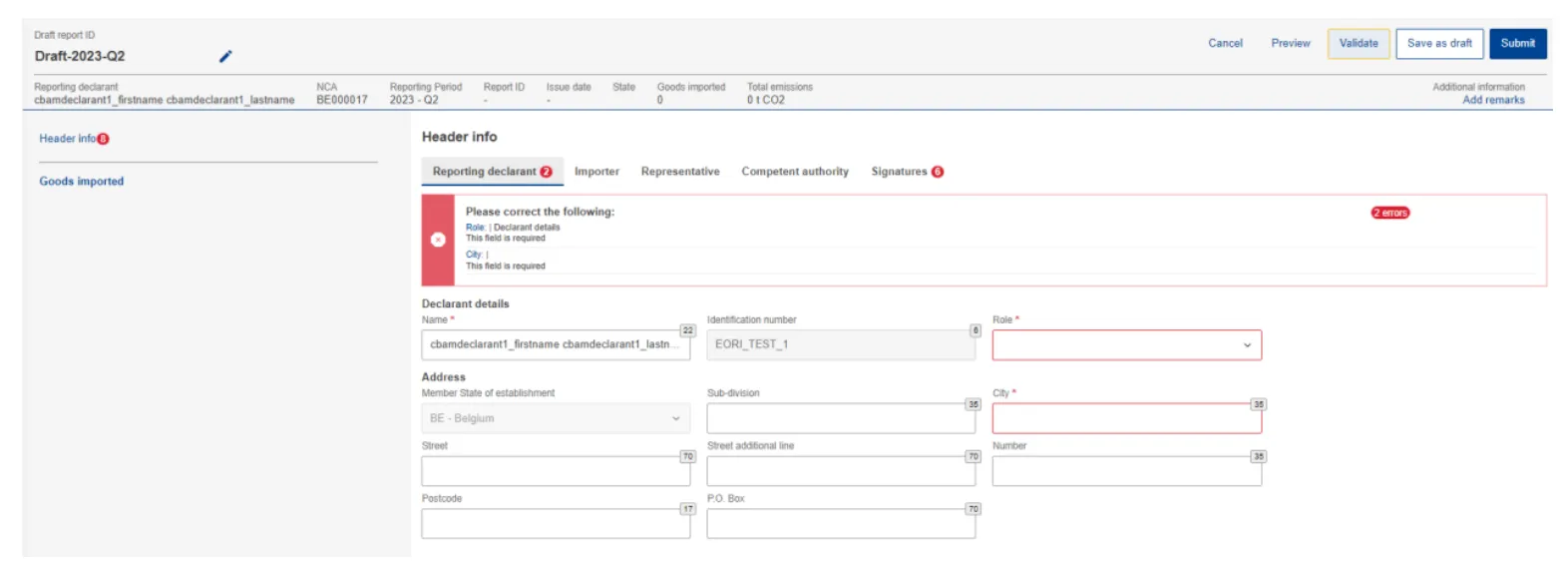
Manage CBAM Reports
Generate a CBAM Report
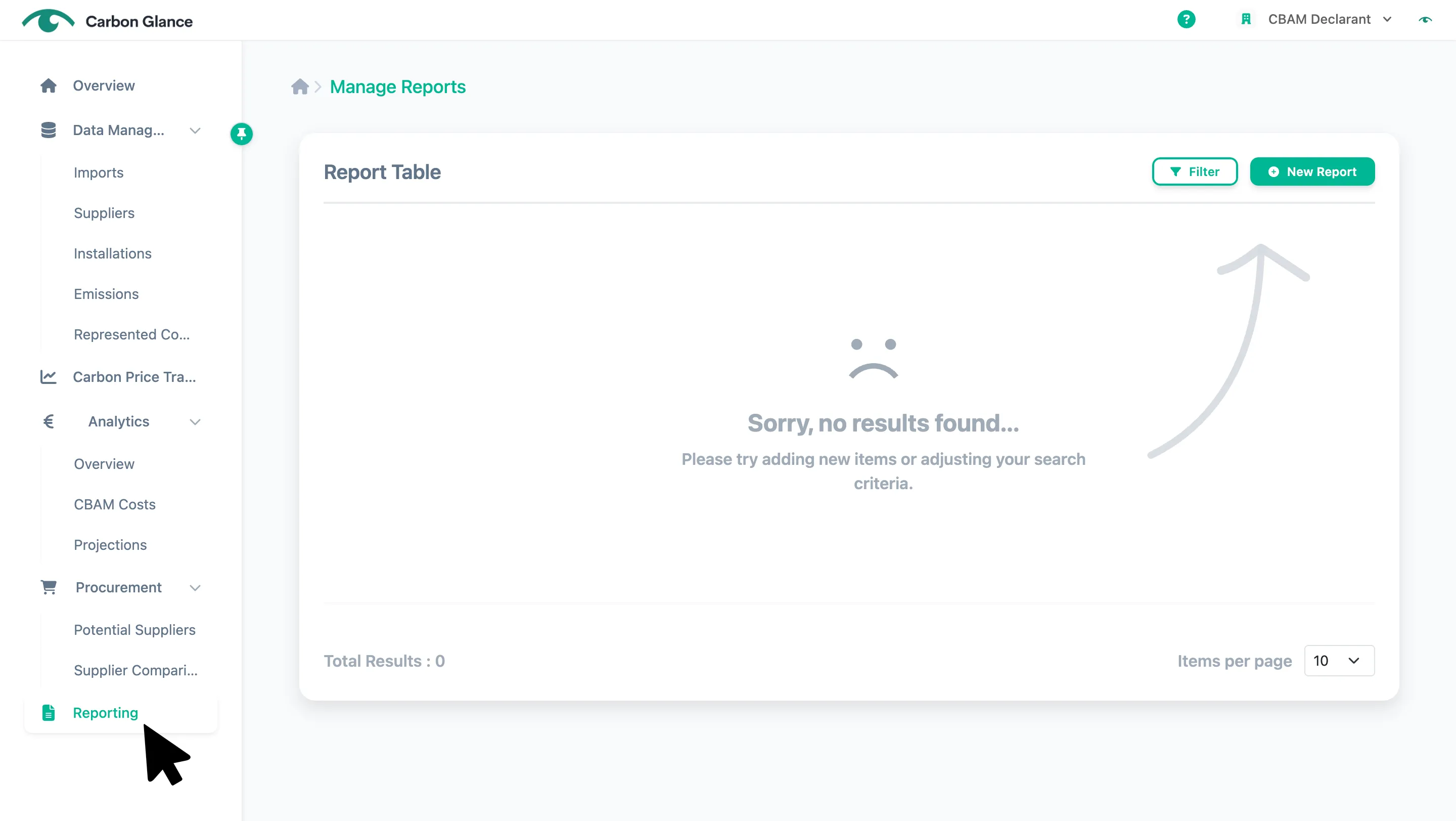
Go to Reporting
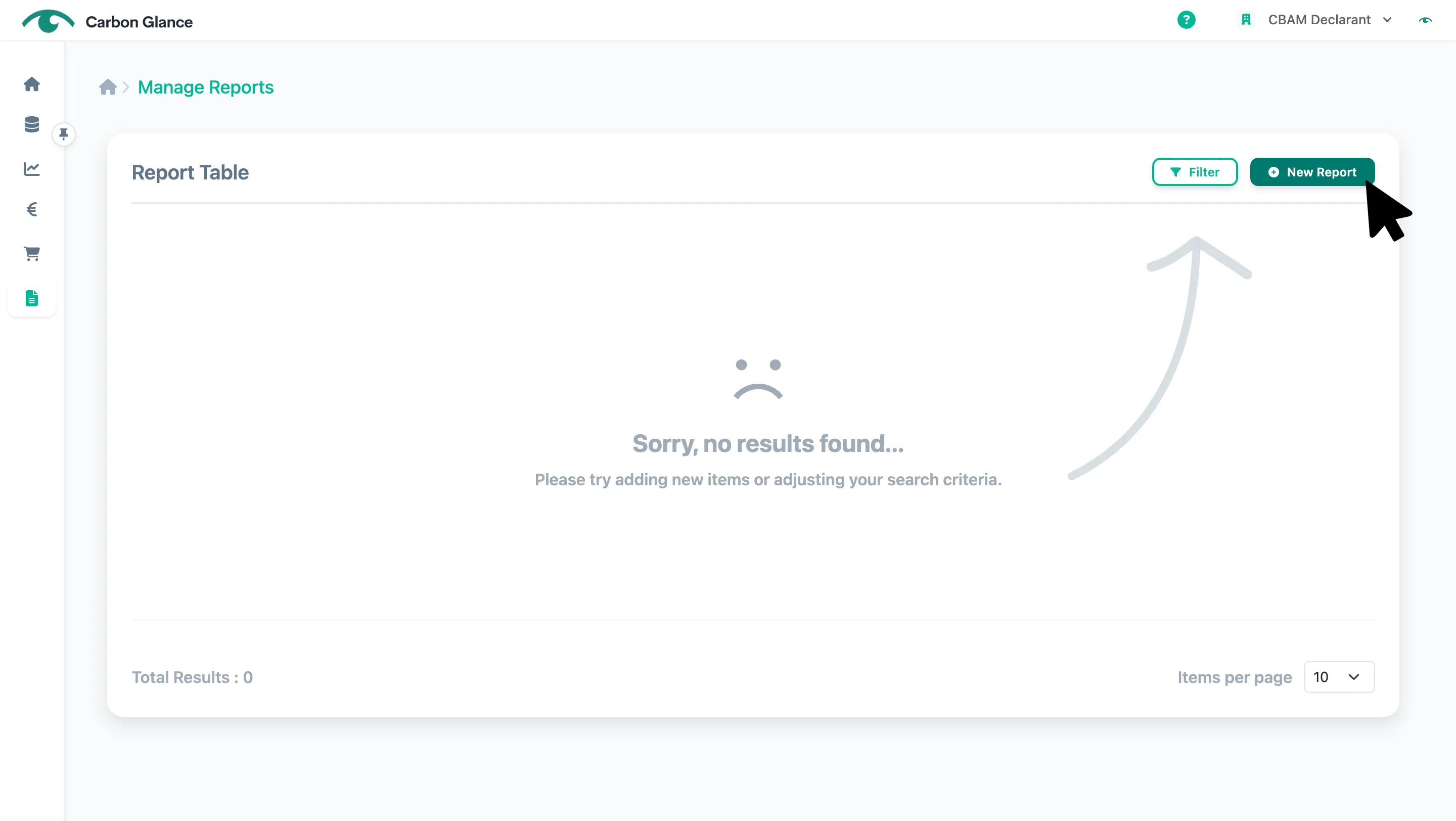
Click New Report
Select the quarter with the imports for which you want to generate the CBAM report
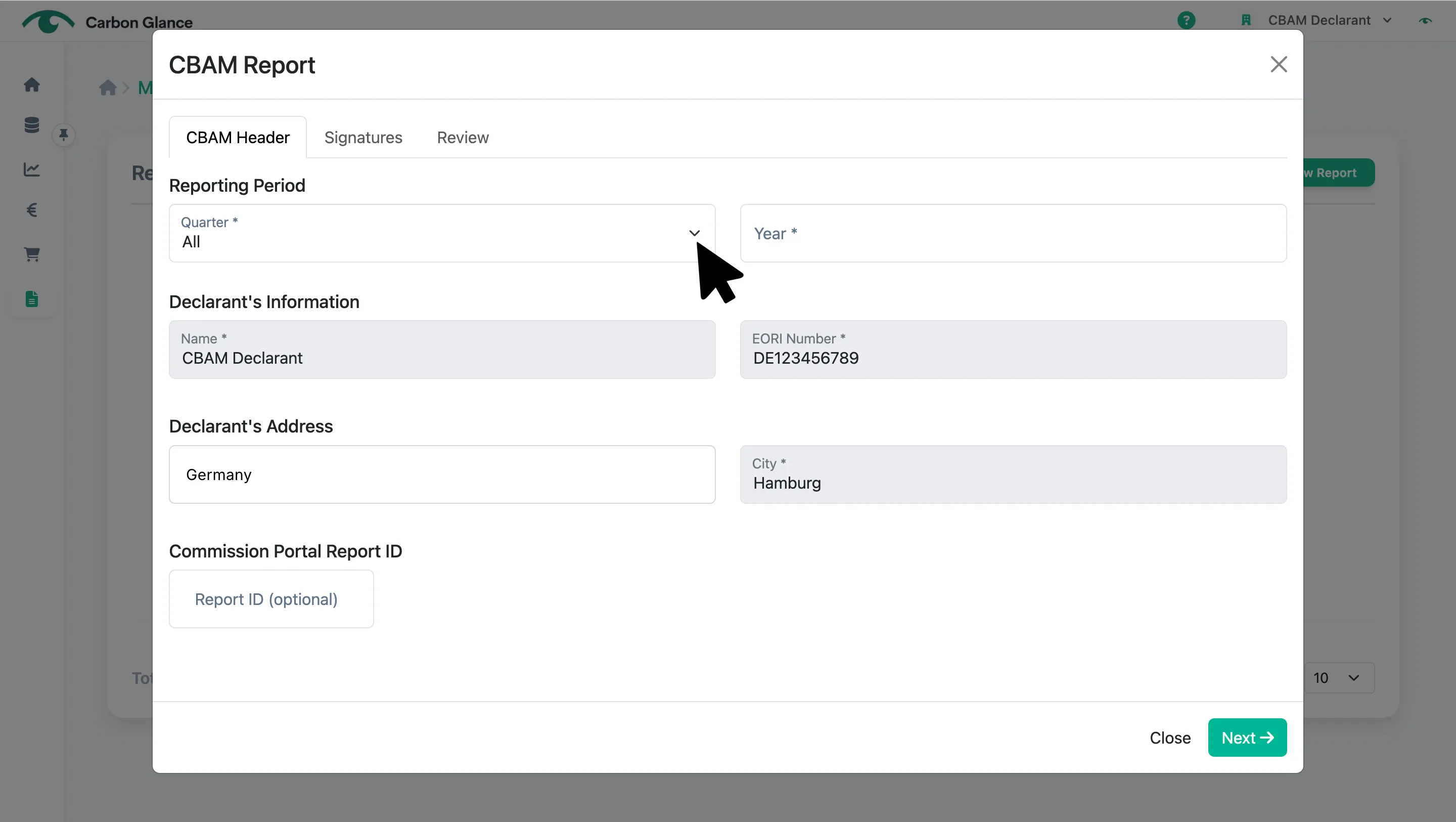
Specify the year
This screen shows your CBAM Declarant details, which cannot be edited here. To update them, go to Manage your Organization and make the changes there.
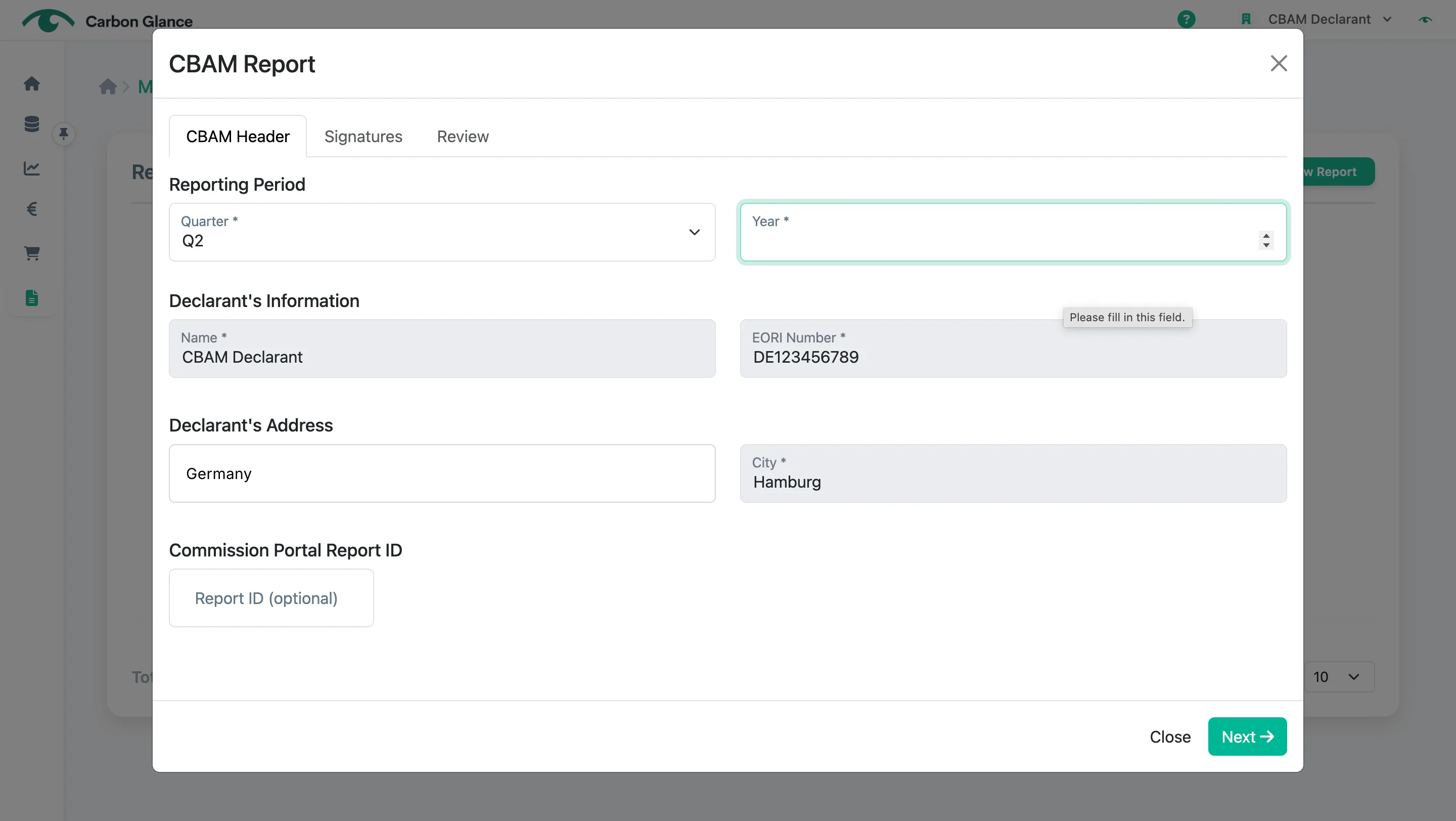
If applicable, add the Commission Portal Report ID
This field is only relevant if you submitted your report to the CBAM Registry during the reporting period and wish to resubmit it in the amendment period. You must enter the Report ID that appears in the CBAM Registry.
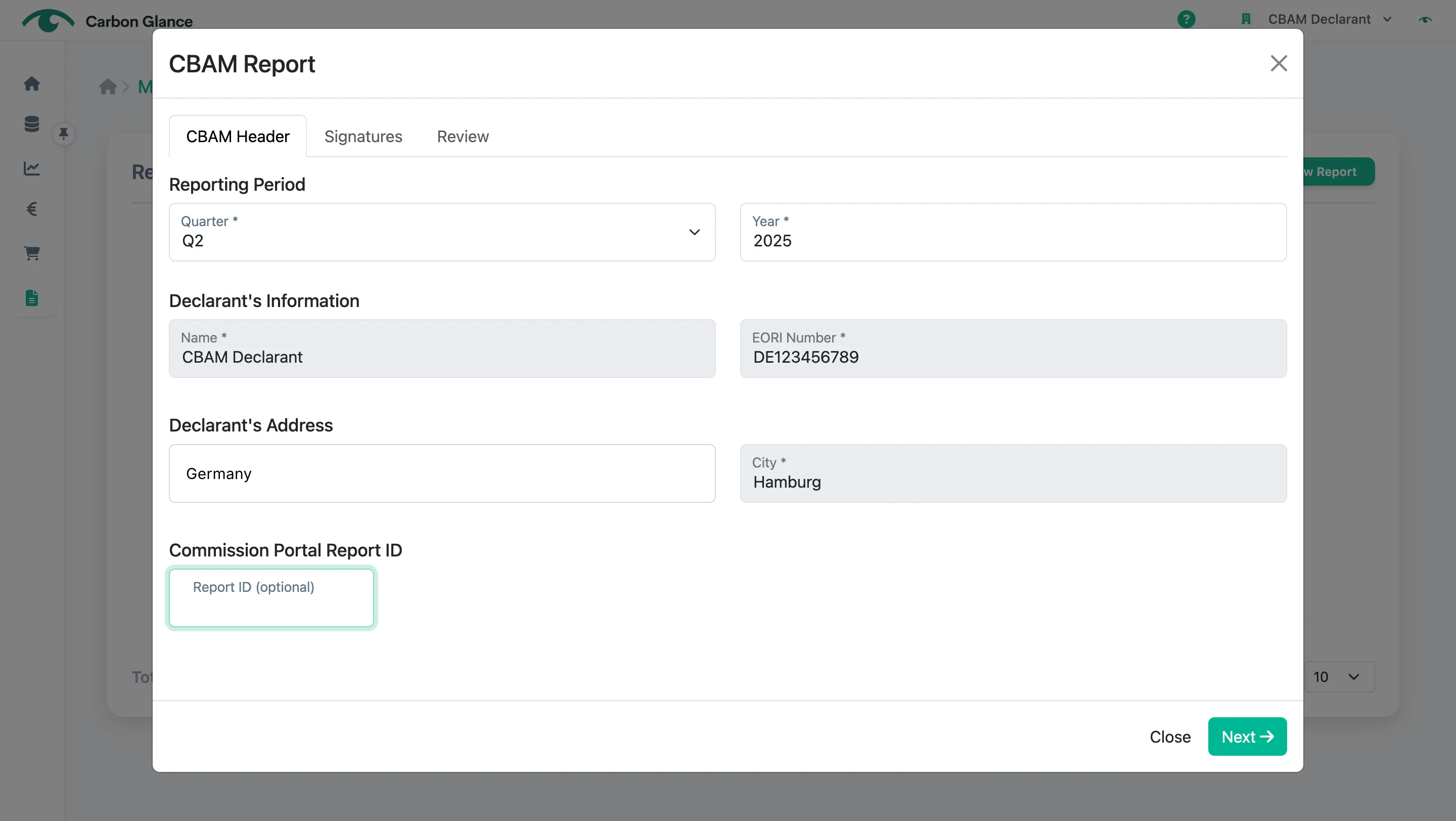
Click Next
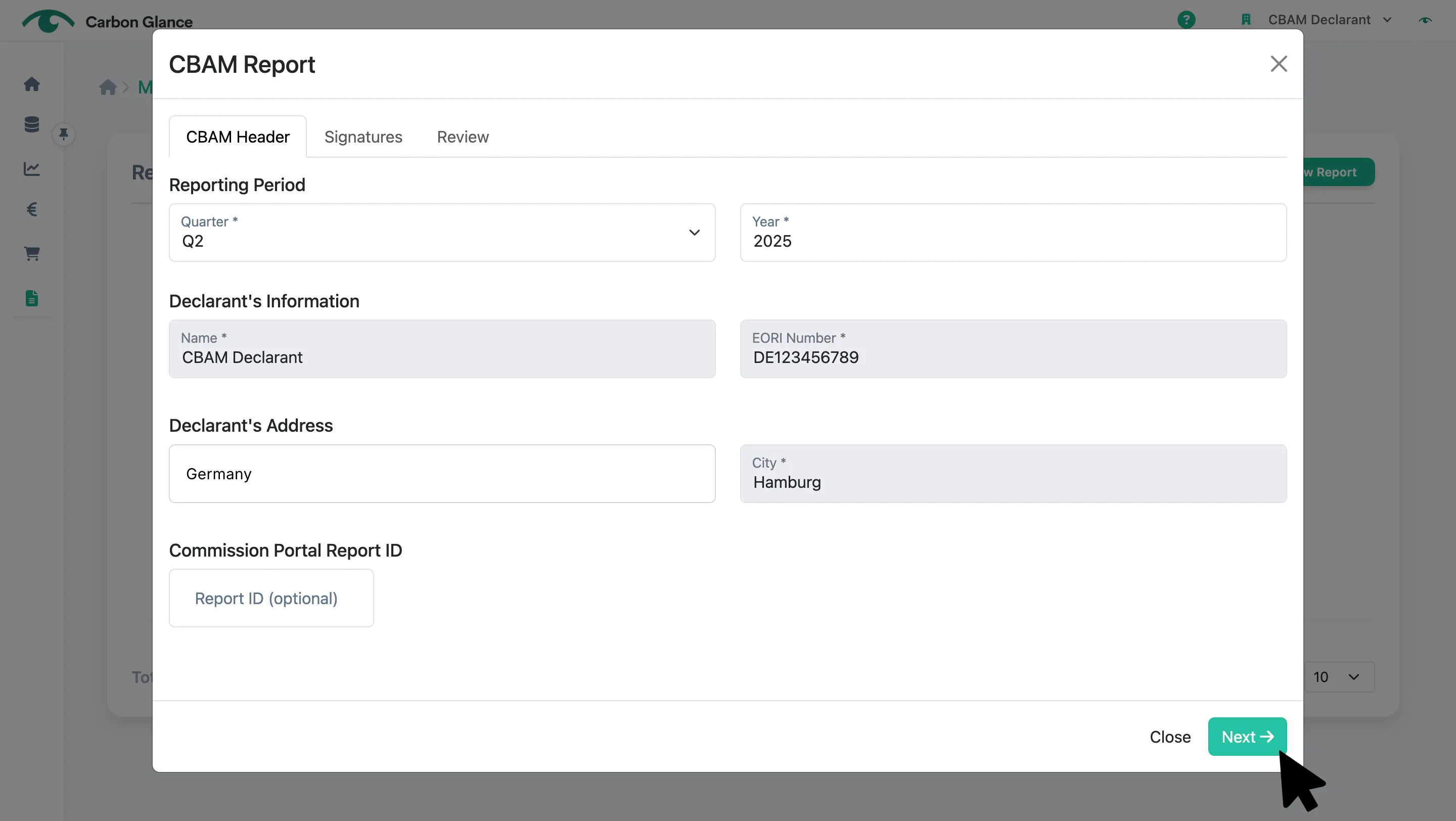
Sign the CBAM Report by entering the name of the person signing
The name is sufficient as the signature.
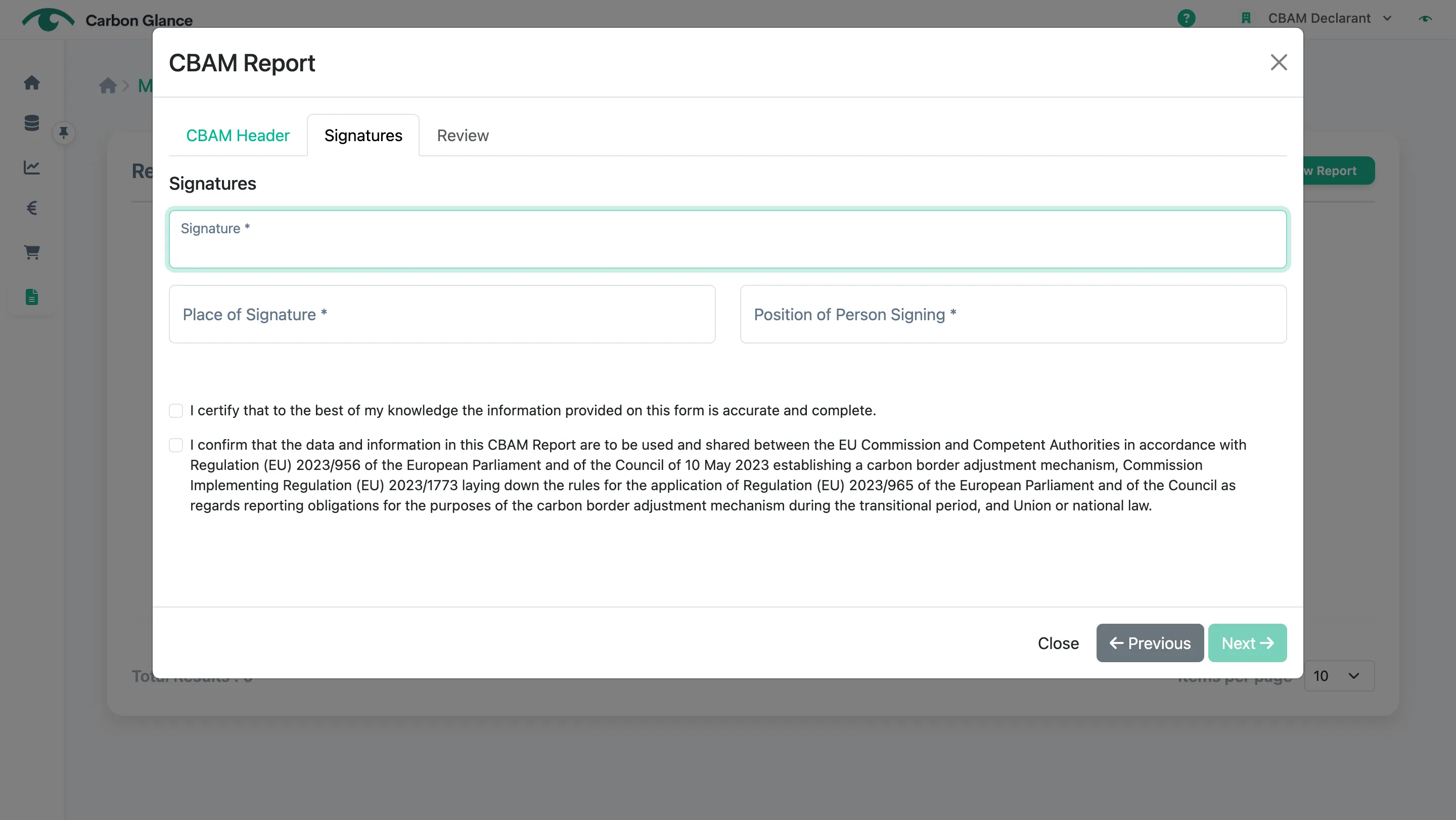
Enter the Place of Signature
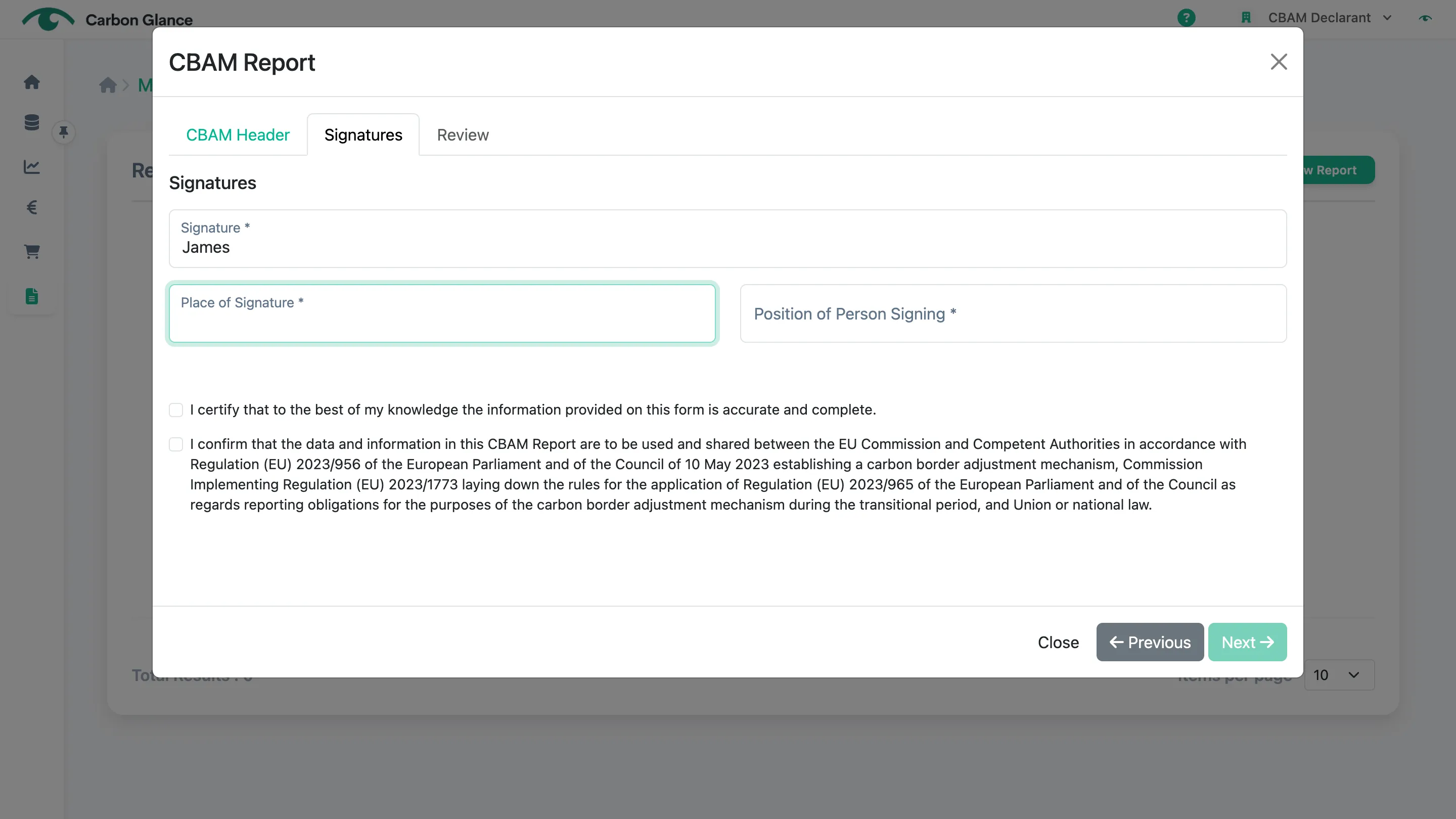
Enter the Position of the Person Signing
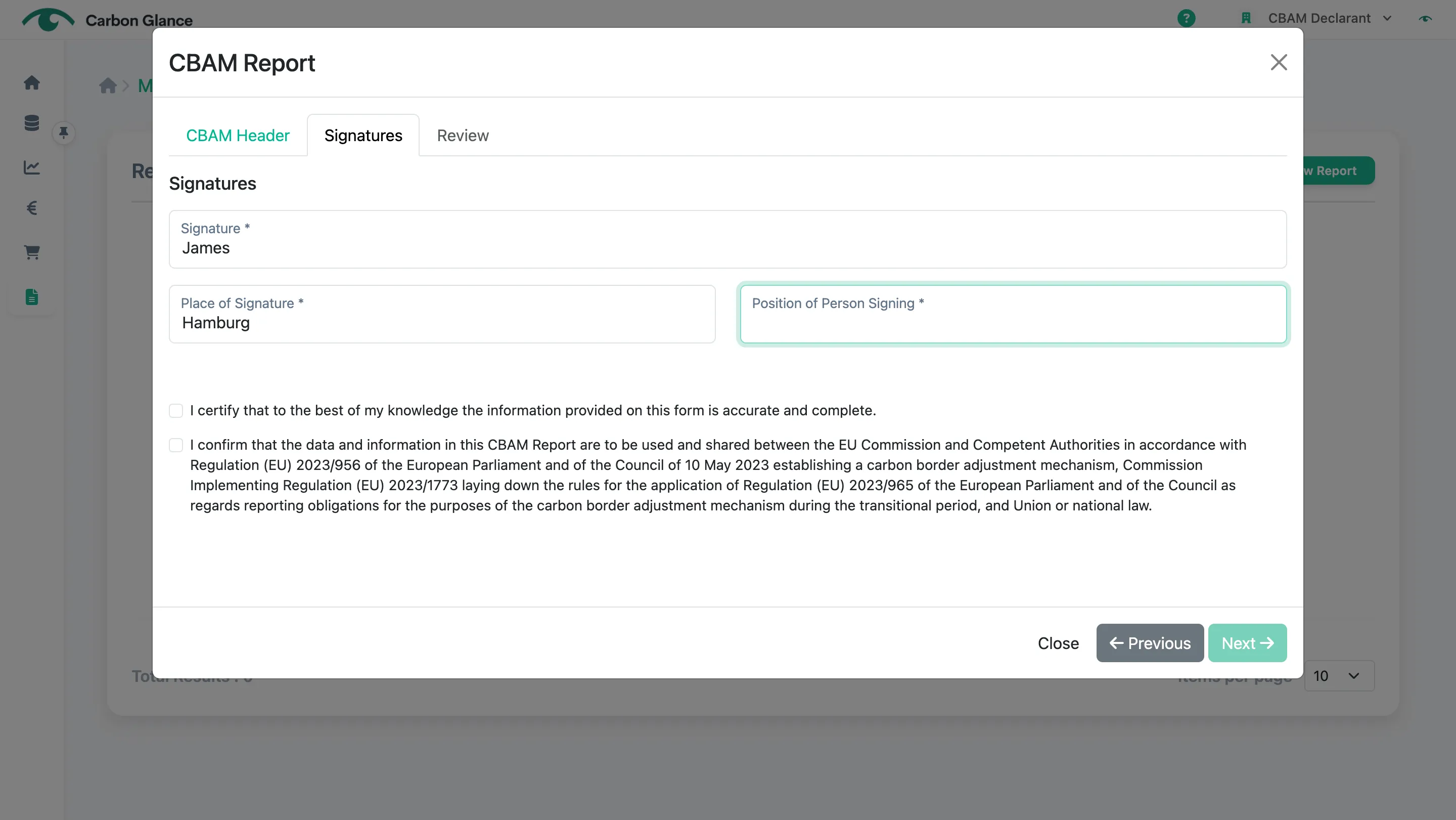
Check both boxes
You won’t be able to generate the CBAM report unless both boxes are checked.
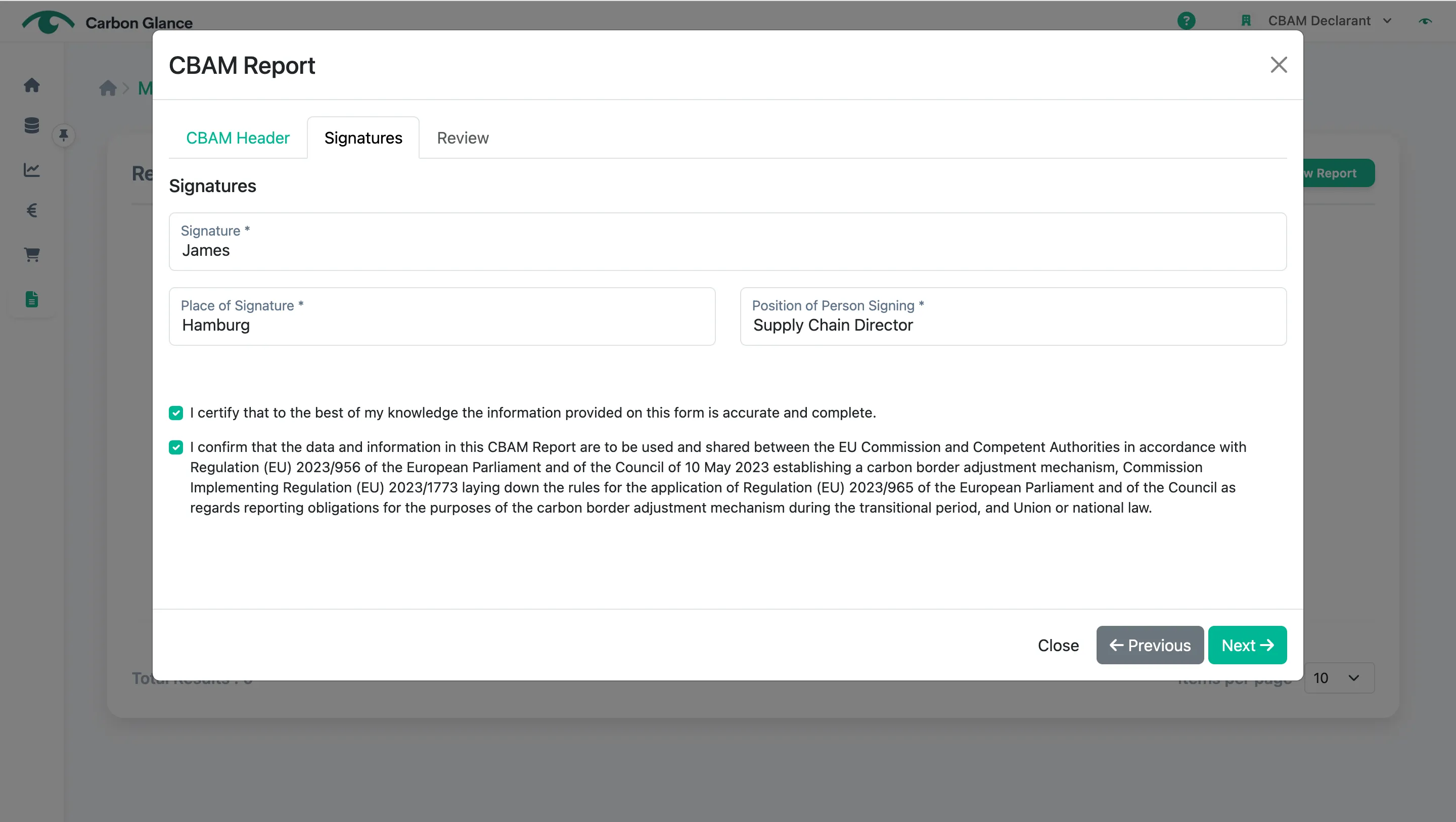
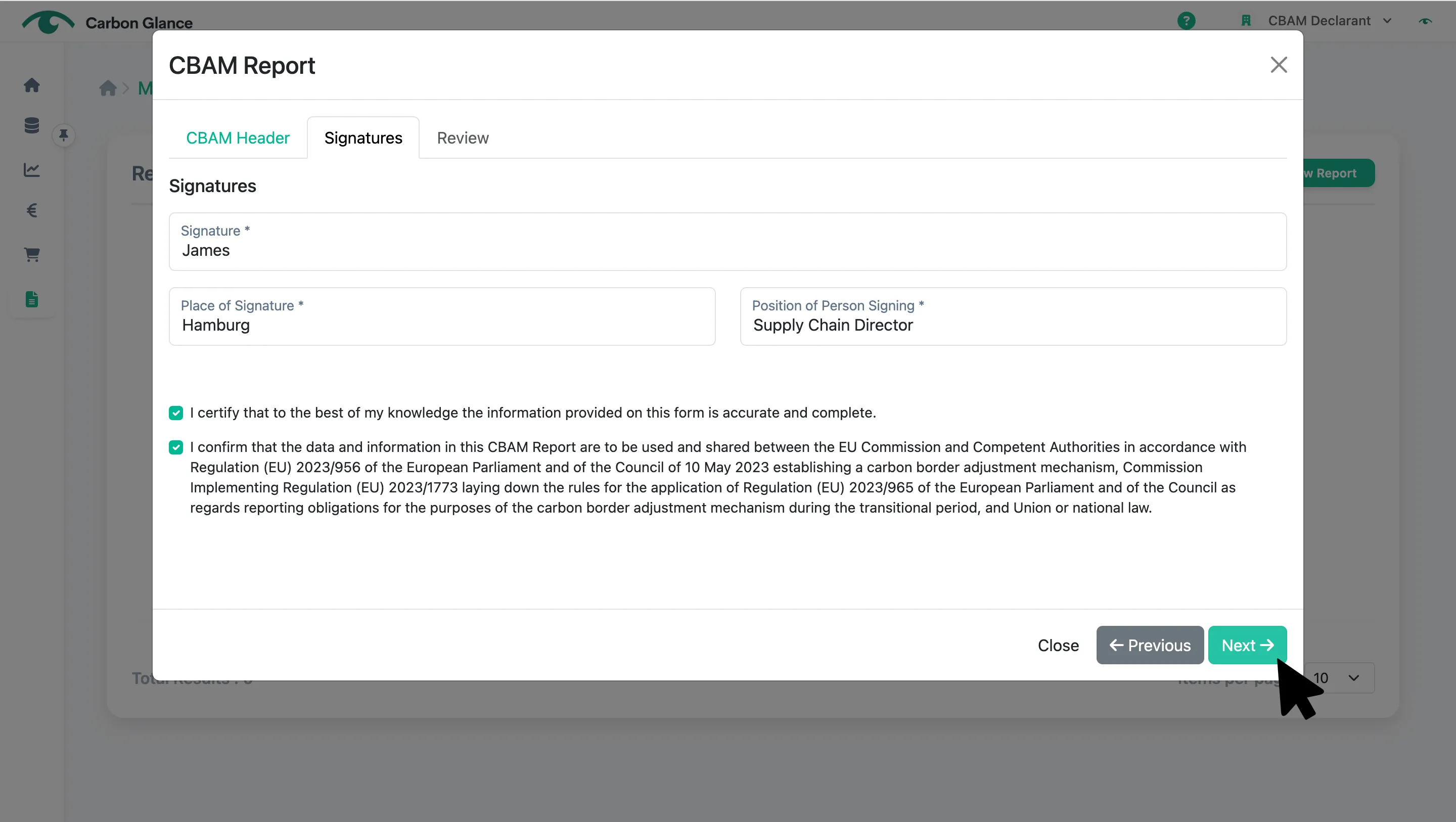
Click Next
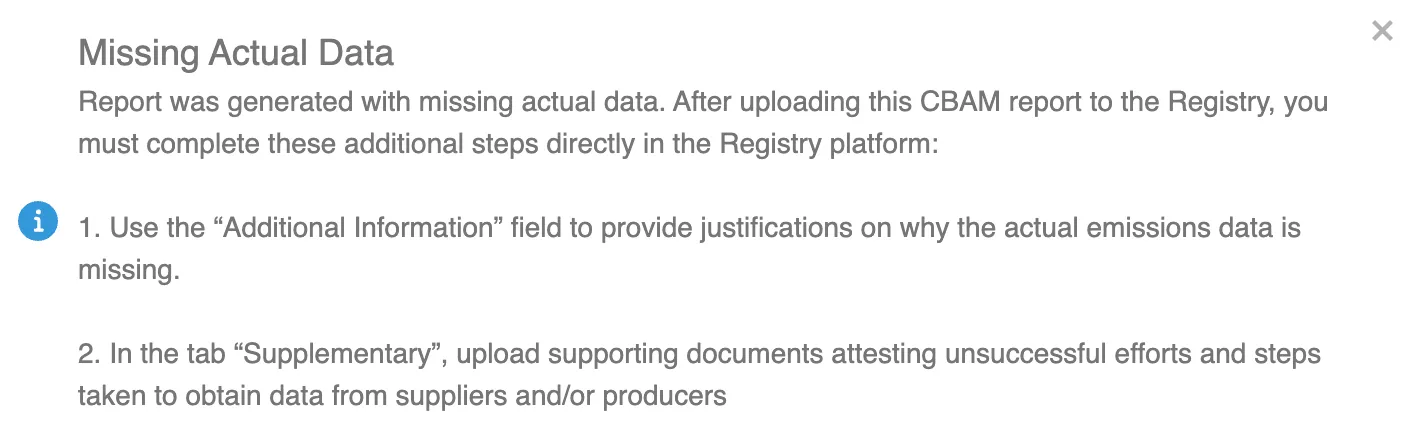
If you generate a CBAM Report starting from Q3 2024 that includes default values, the below message will appear with instructions on the steps you need to follow in the CBAM Transitional Registry once the report has been uploaded.
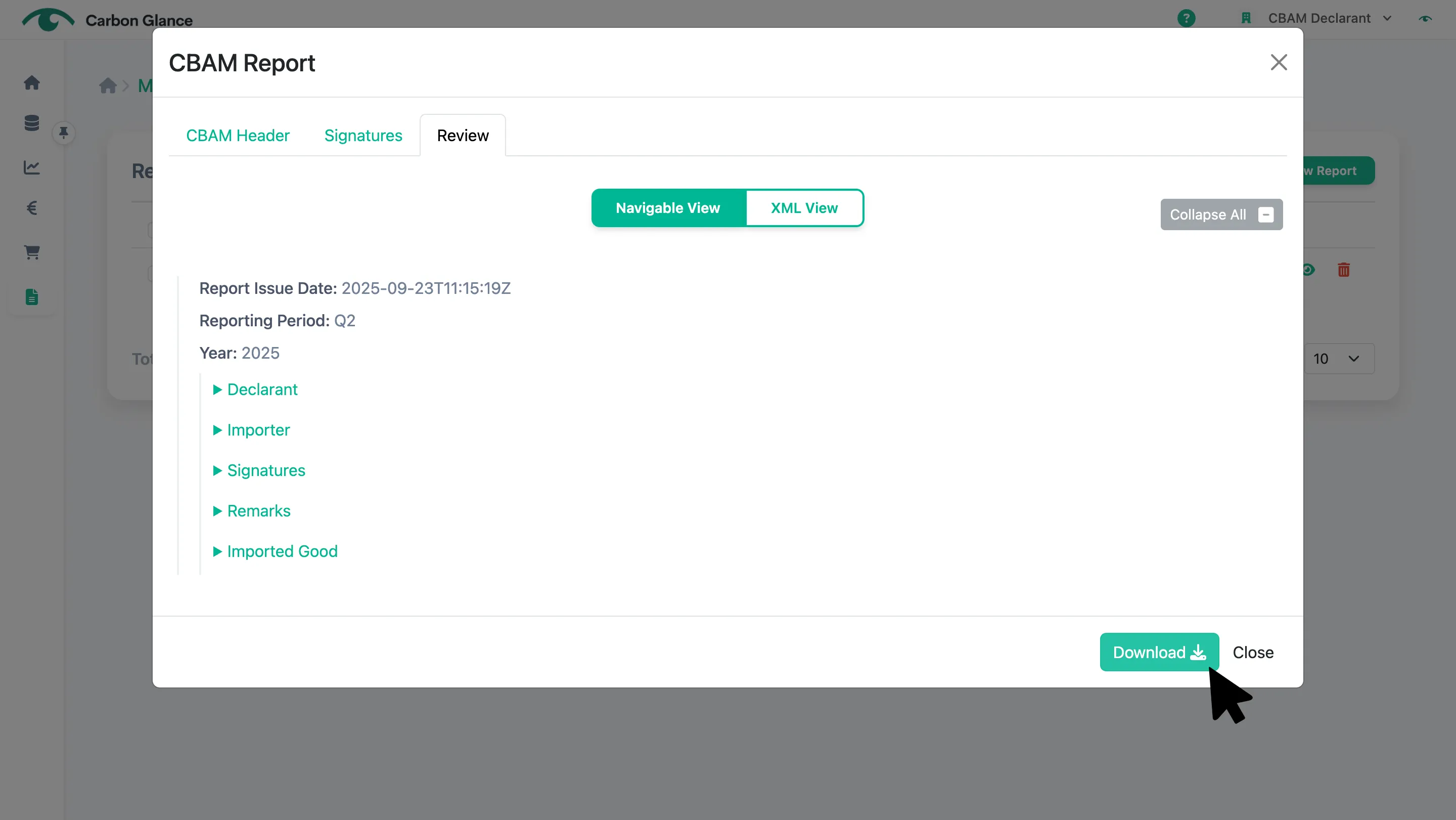
Click Download
A ZIP file will be downloaded, which is the format you need to upload to the CBAM Transitional Registry.
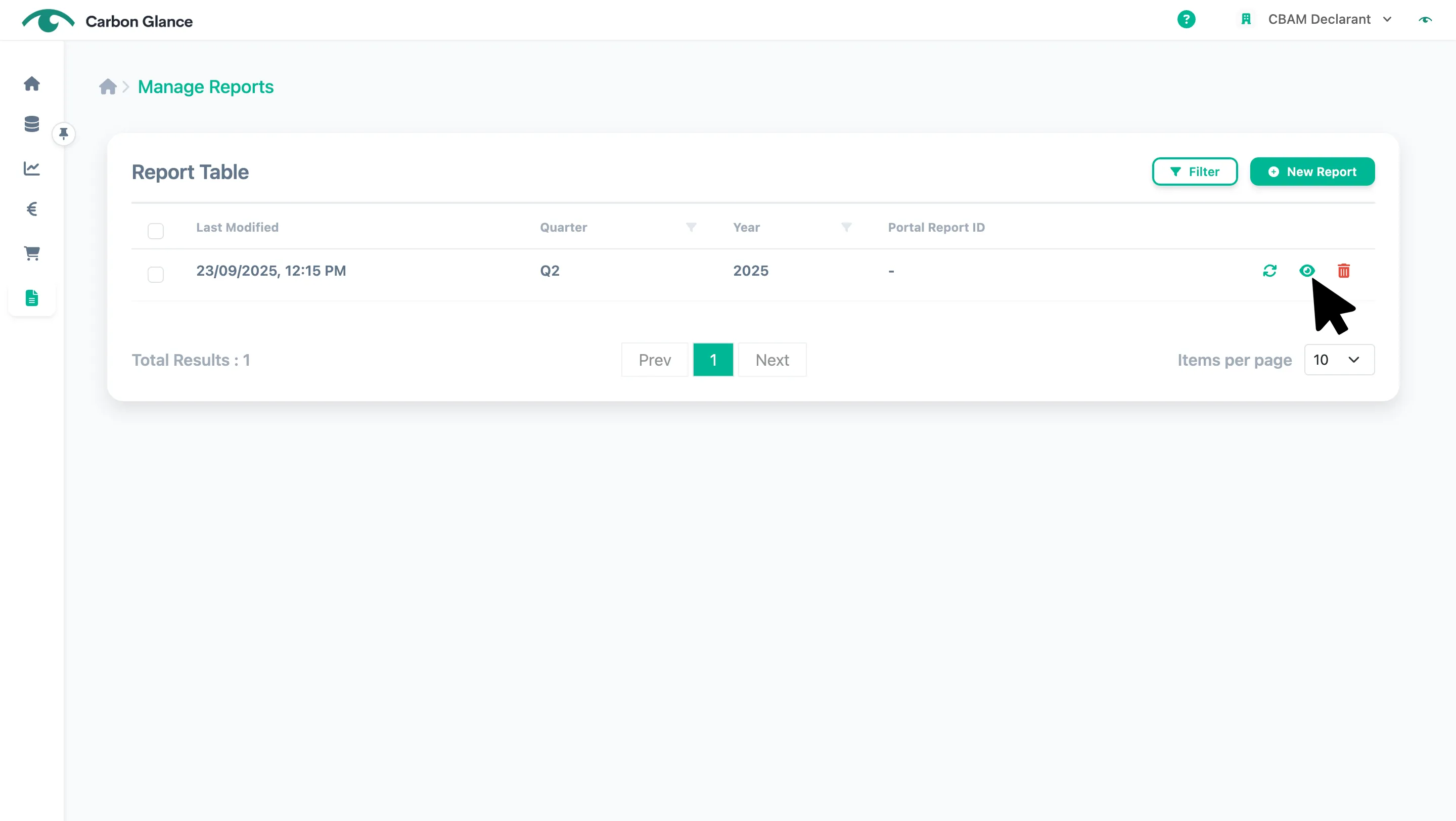
View a CBAM Report
Click the Eye icon or the row
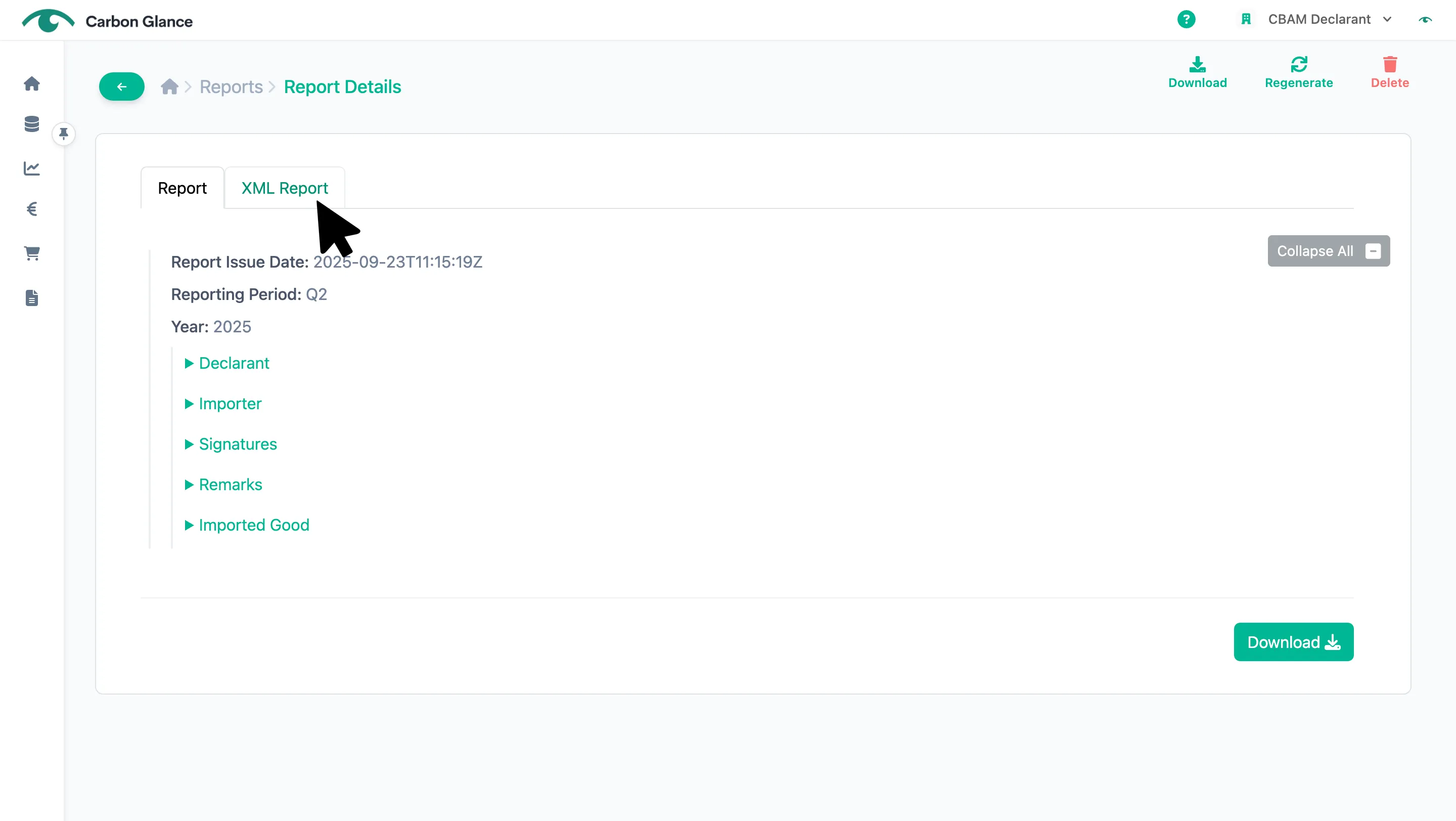
Click XML Report to view the XML format of your CBAM Report
The XML file is contained within the downloaded ZIP file.
Regenerate a CBAM Report
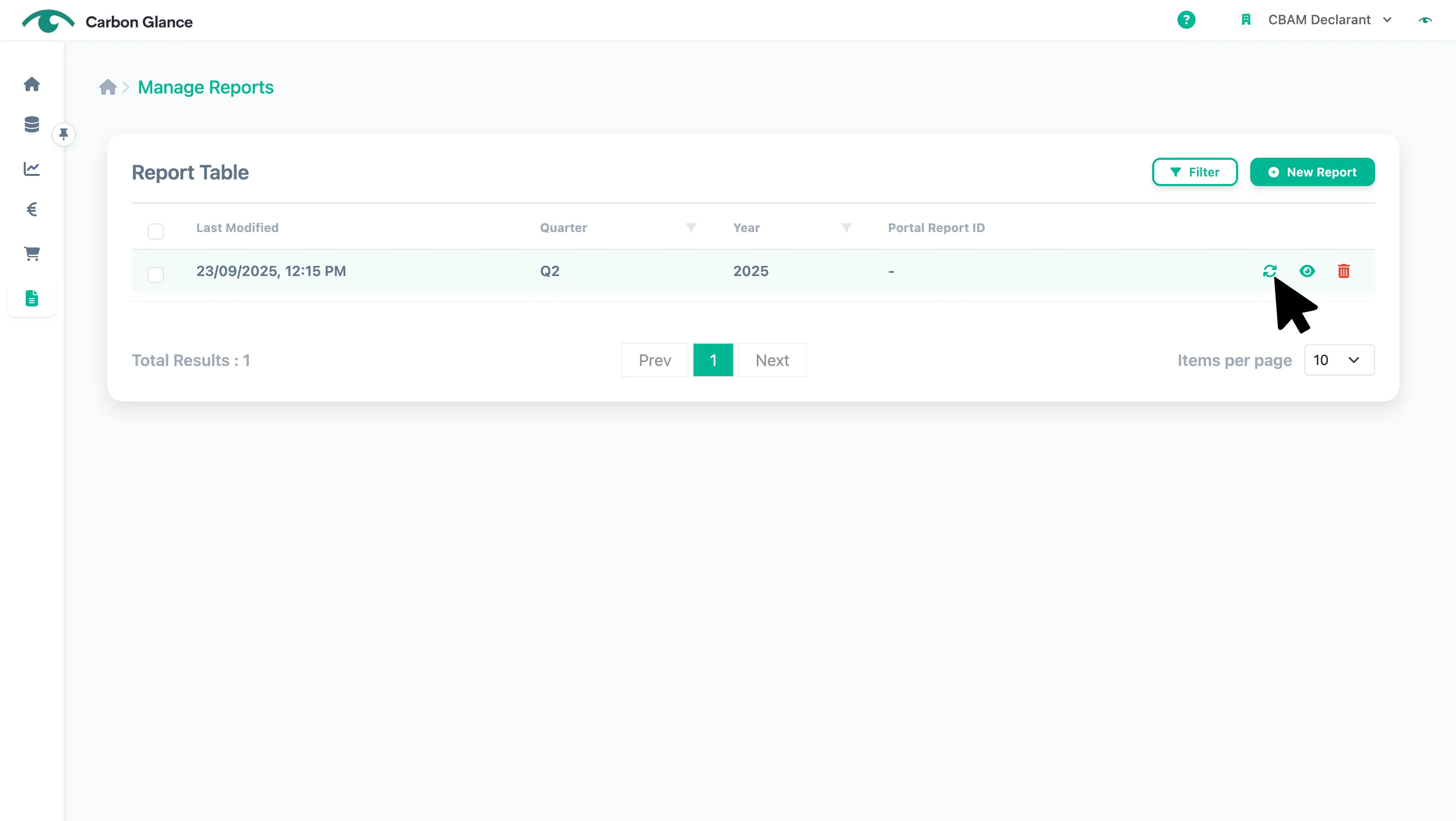
Click on the two-arrow icon
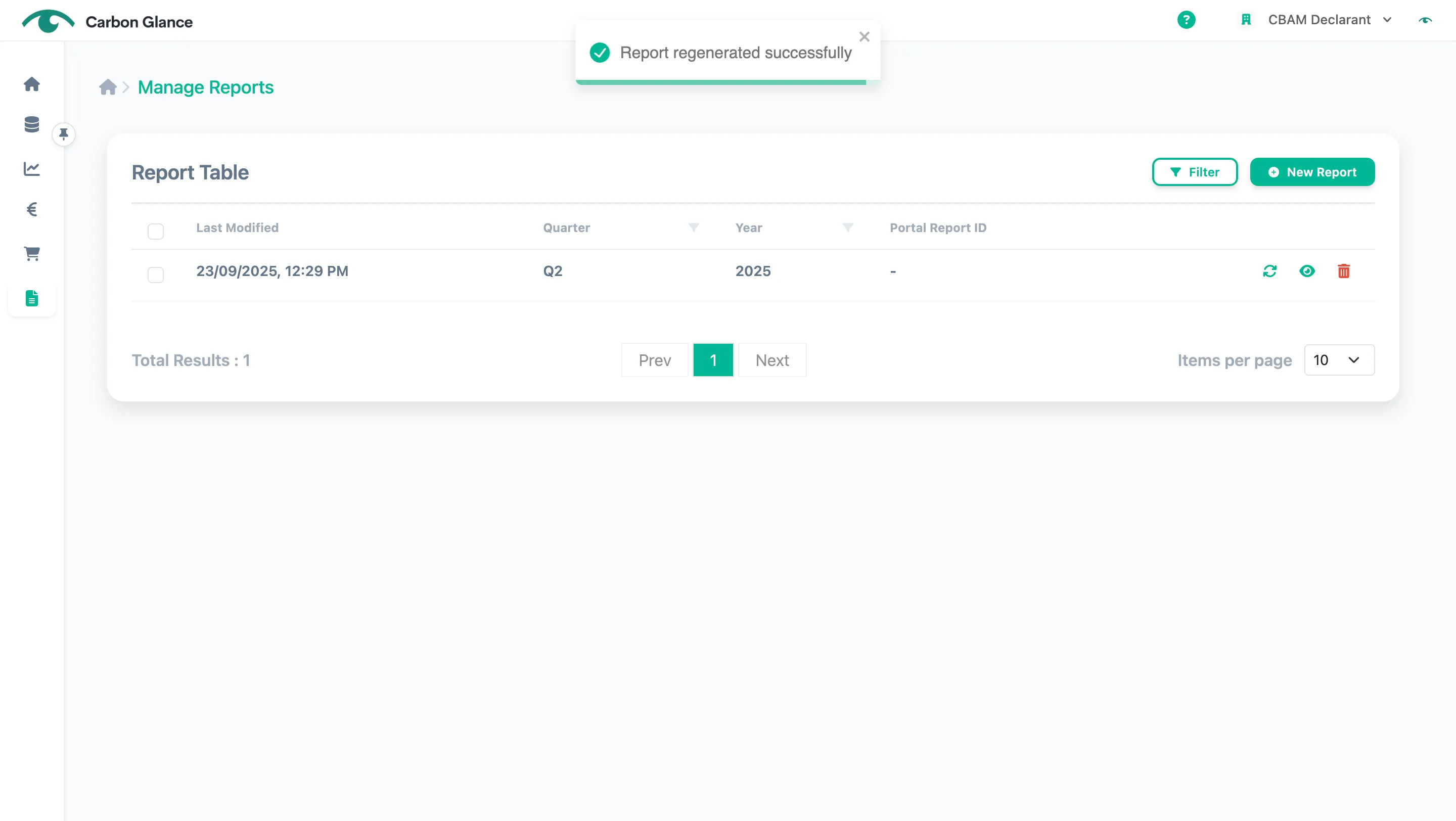
A validation message will appear to confirm that the data has been successfully uploaded
Note that if you create a new CBAM Report for the same quarter and year, it will overwrite the previous one.
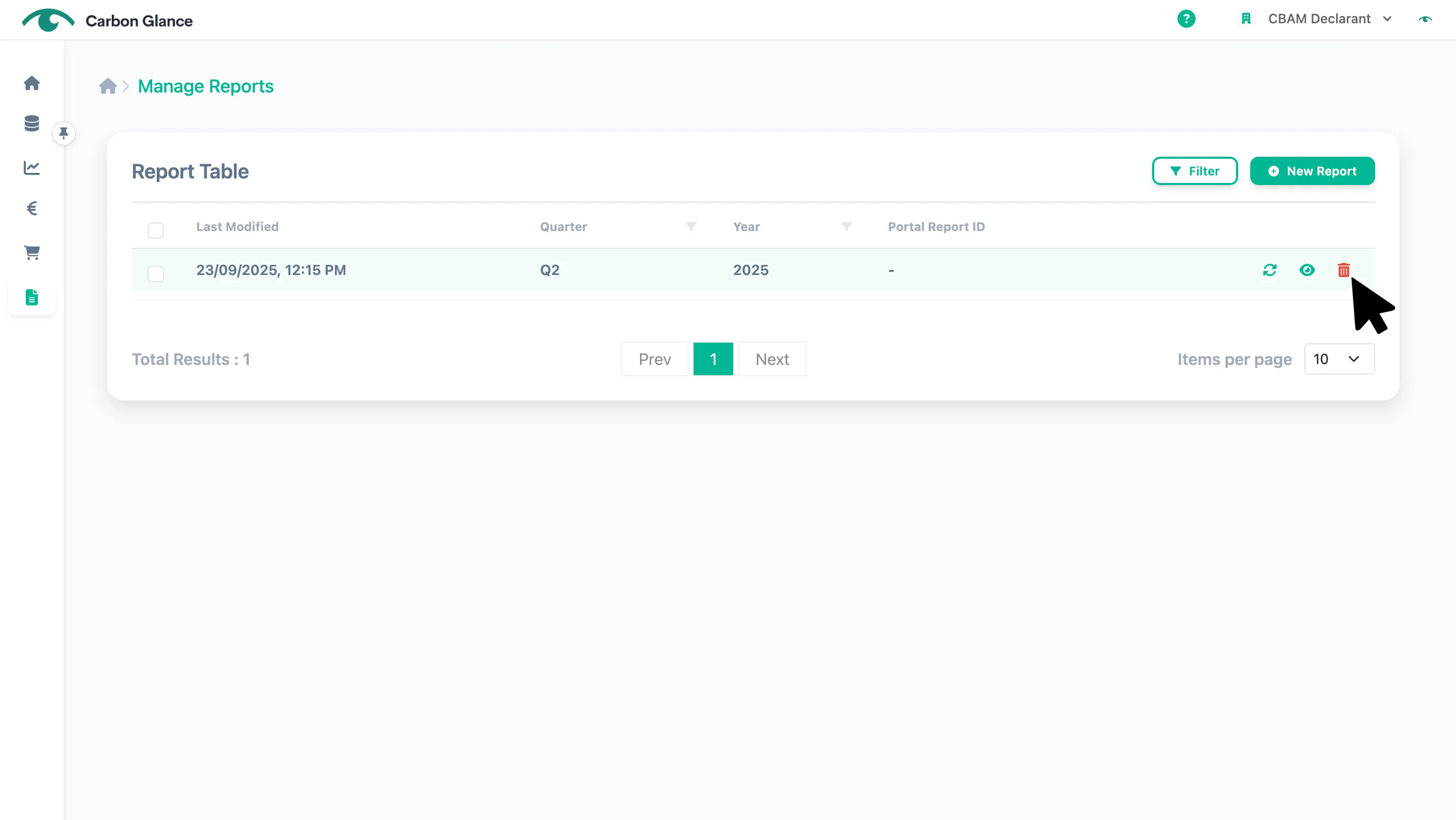
Delete a CBAM Report
Click the Bin icon
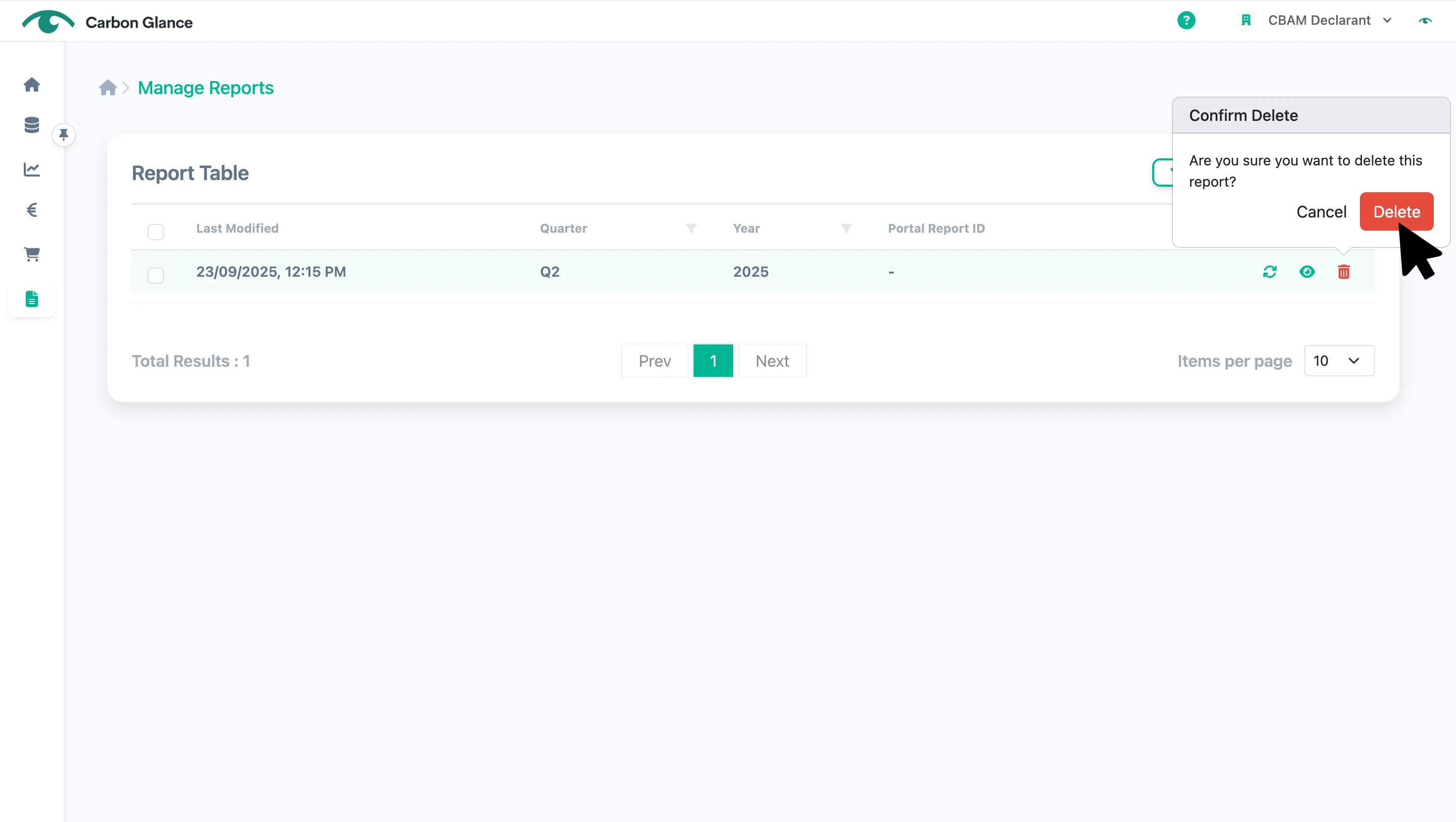
Click Delete to confirm
Upload your CBAM Report to the CBAM Transitional Registry
Note: The following steps must be completed outside of the Carbon Pricing Platform. You can find the
Log in to the CBAM Transitional Registry
Click the Upload button of the report that needs to be filled in "My Quarterly Reports"
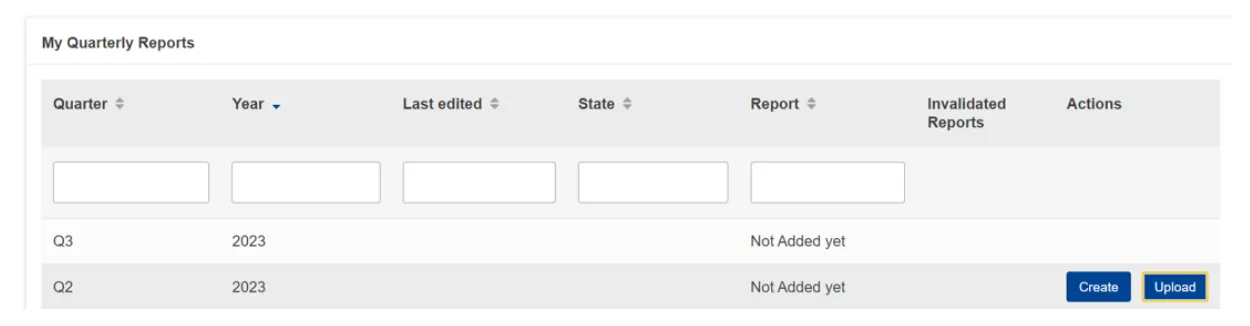
In the upload ZIP dialog, choose the ZIP file you downloaded from the Carbon Pricing Platform, or simply drag and drop it
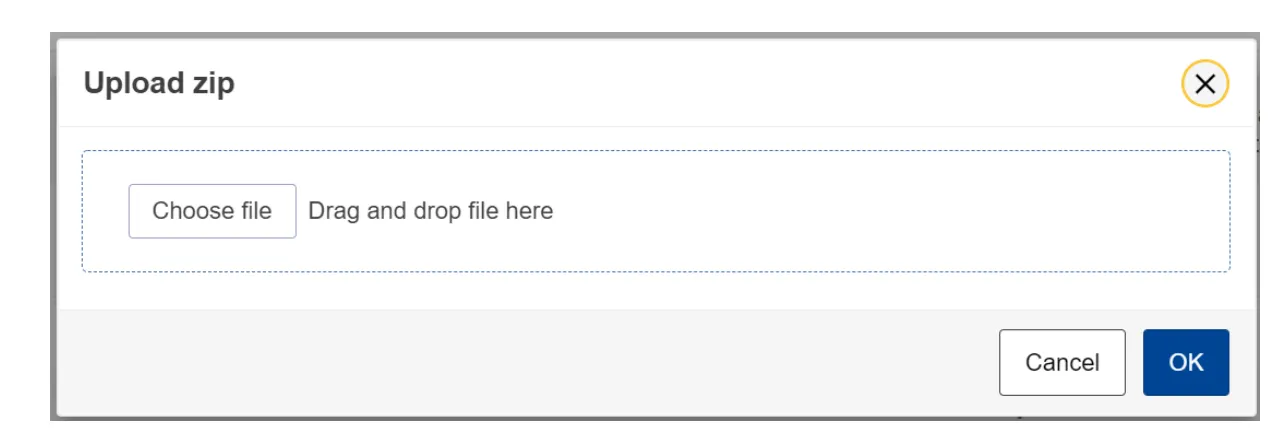
The Upload button is only visible for quarterly reports where the associated reporting period deadline has not yet expired.
If the deadline has passed and you still need to submit a report, contact your National Competent Authority (NCA) to request a delayed submission. If your NCA approves the request, they will provide you with a code, which you can enter by clicking the Request delayed submission button. Once entered, the Upload button will become visible again.

Save as Draft
Once your report has been uploaded, you can save it as a draft before submission.
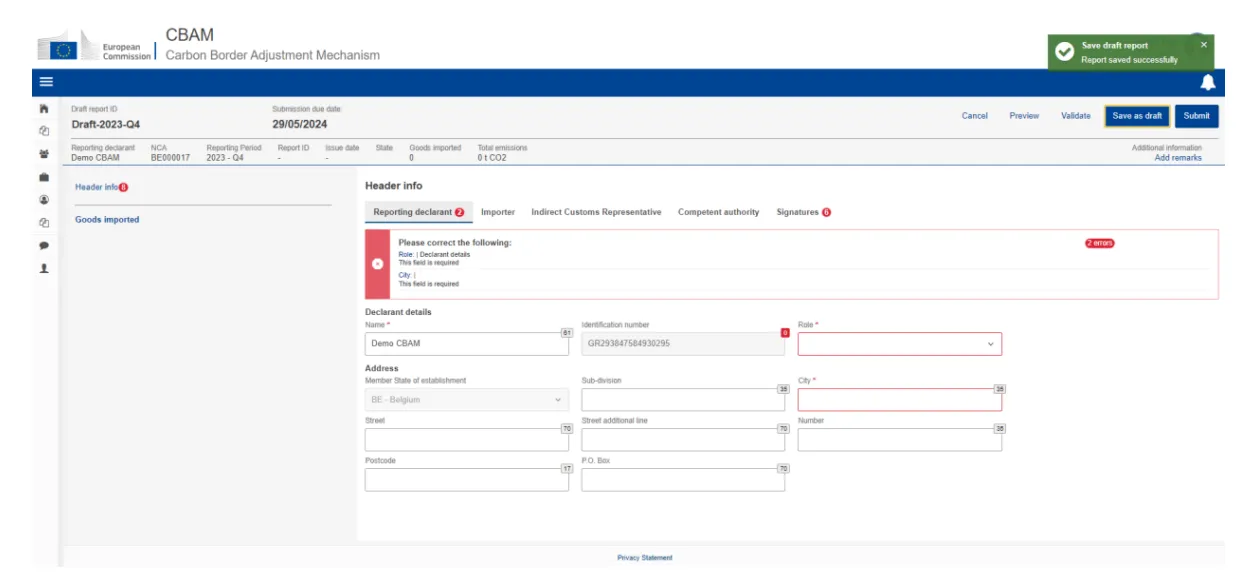
Click Validate
You can also click Validate to check that no errors remain before submis.