Manage Installations
Create an Installation
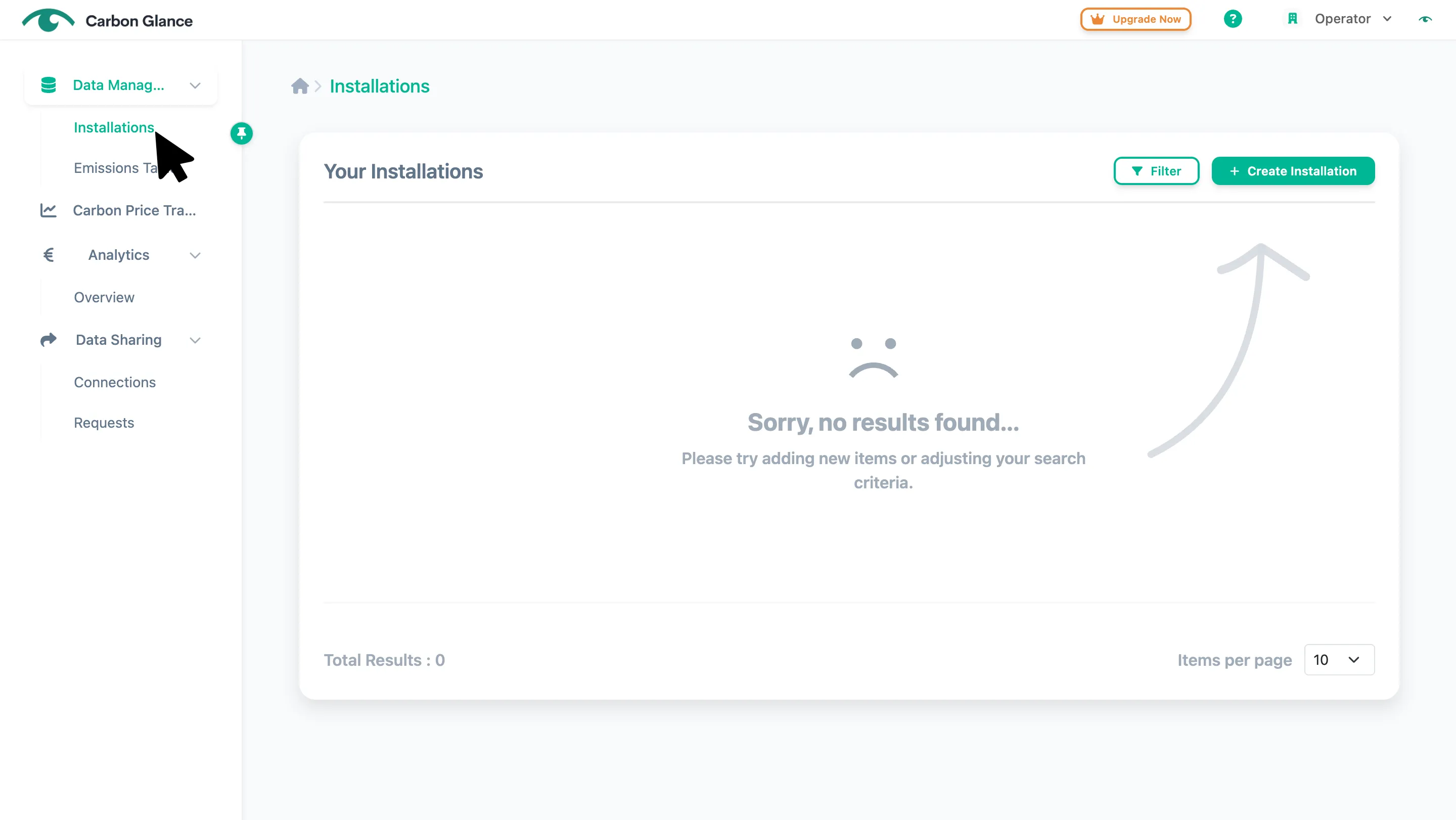
Go to Installations
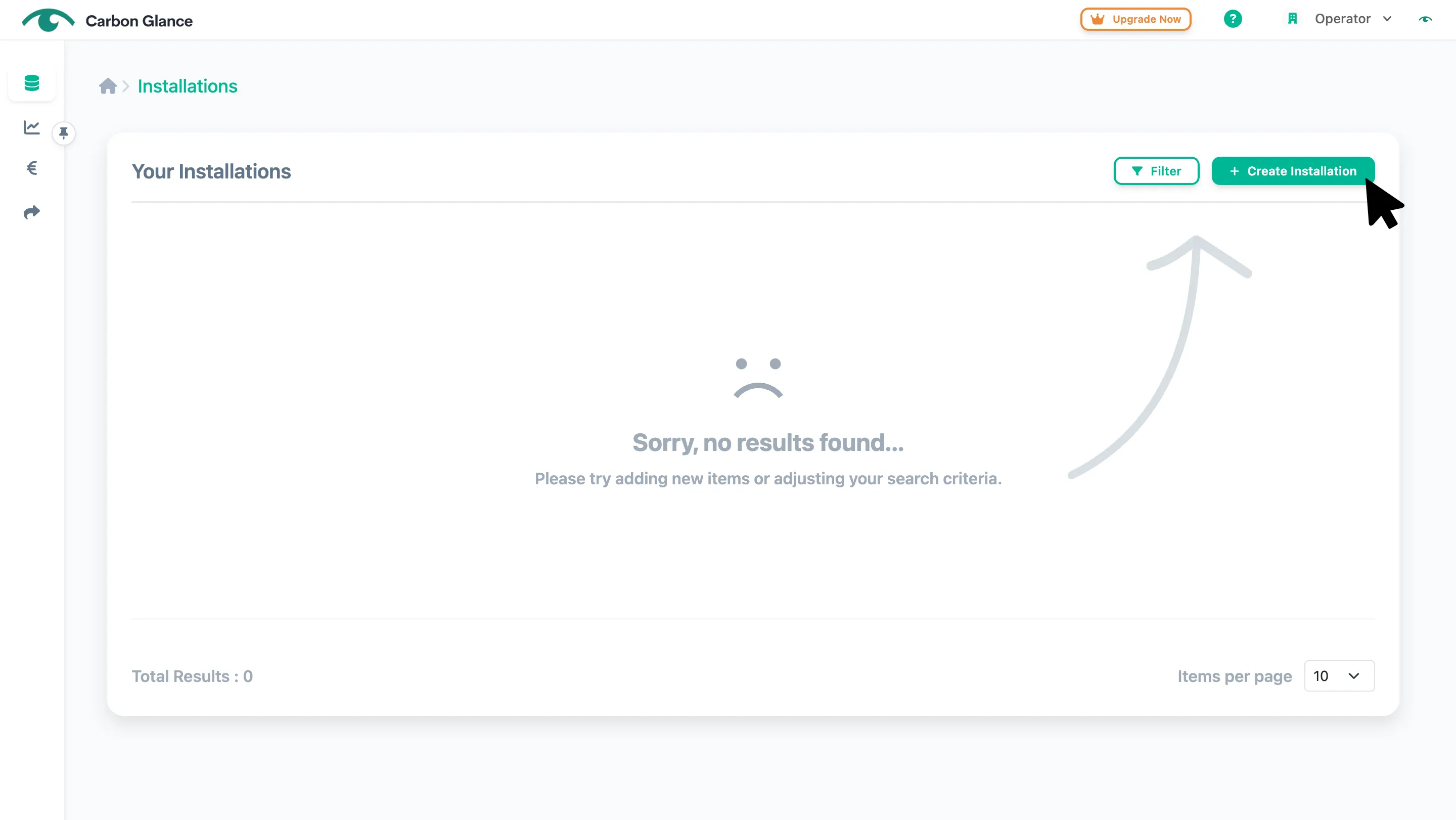
Click Create Installation
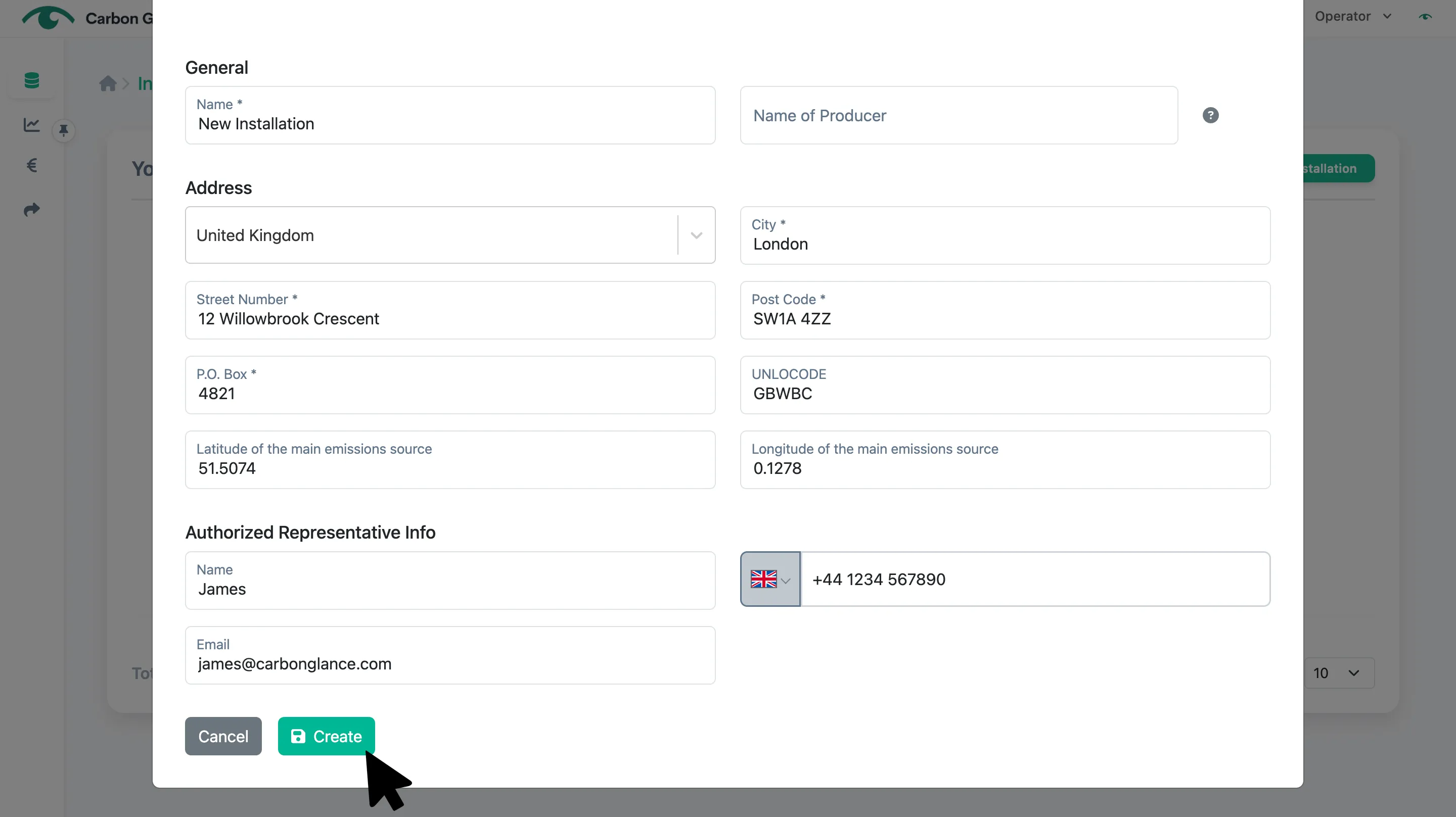
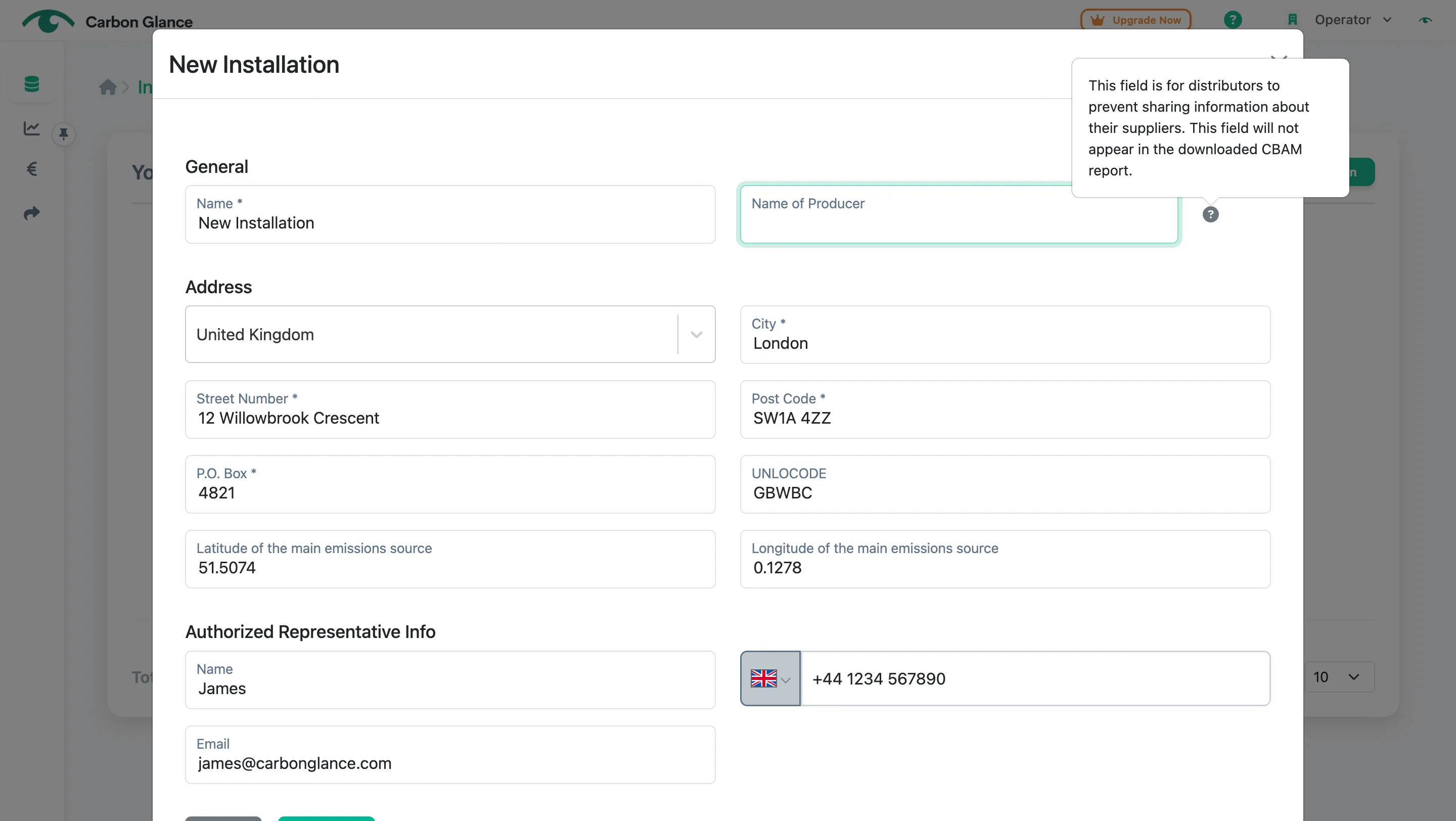
Enter your installation's information and click Create
You can find the UN/LOCODE on this website by selecting your country and searching for the specific location. The UN/LOCODE will appear in the second column.
To find the latitude and longitude of your factory, open Google Maps and search for your factory's location. Right-click on the location marker, select What's here?, and the latitude (first number) and longitude (second number) will appear.
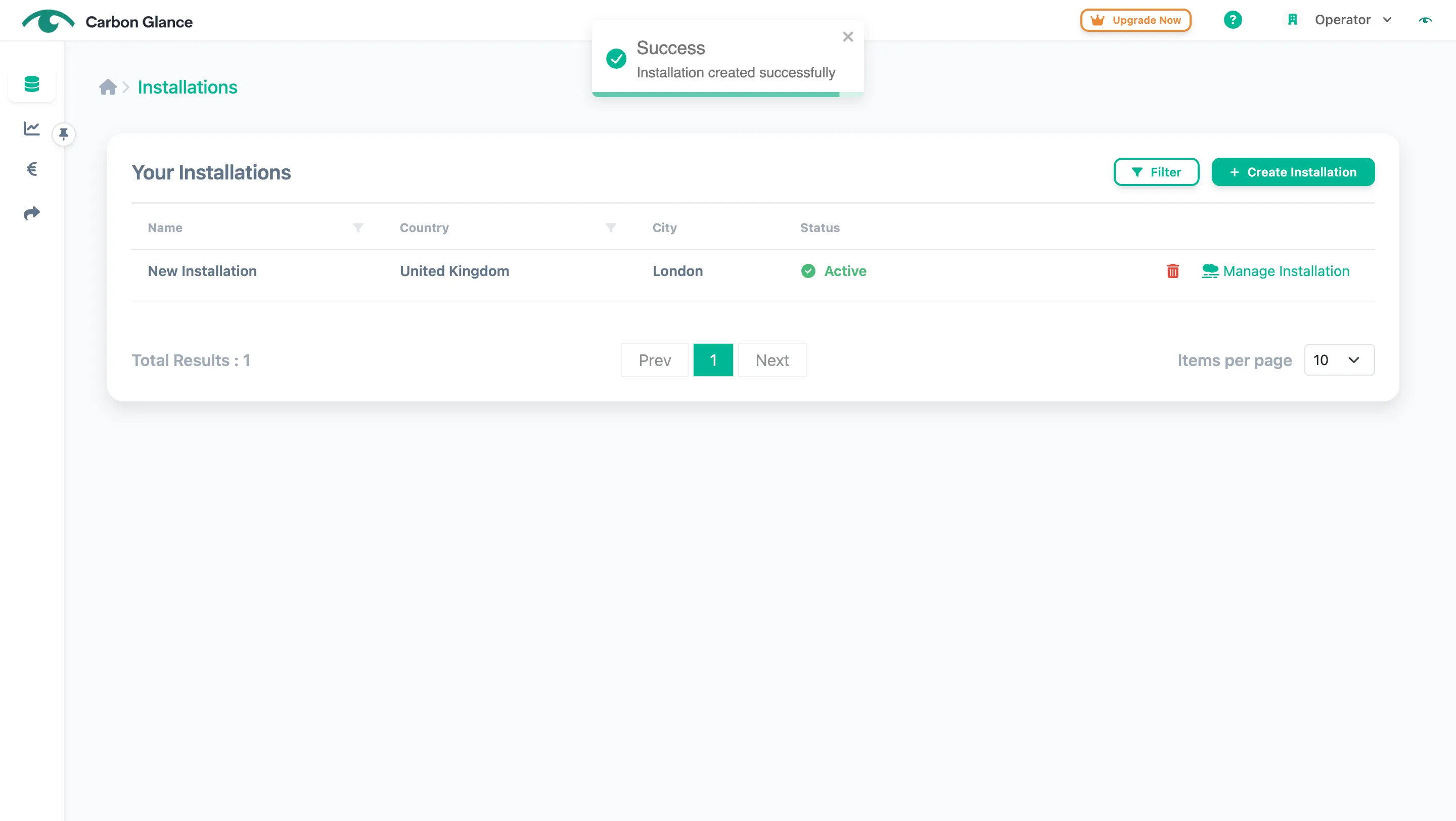
A validation message will appear to confirm that the installation has been successfully created
Traders/Distributors
If you are a trading or distribution company collecting data from multiple factories, enter the producer's name in the designated field. This information will not appear in the downloadable CBAM file, keeping your suppliers' identities confidential.
Edit an Installation
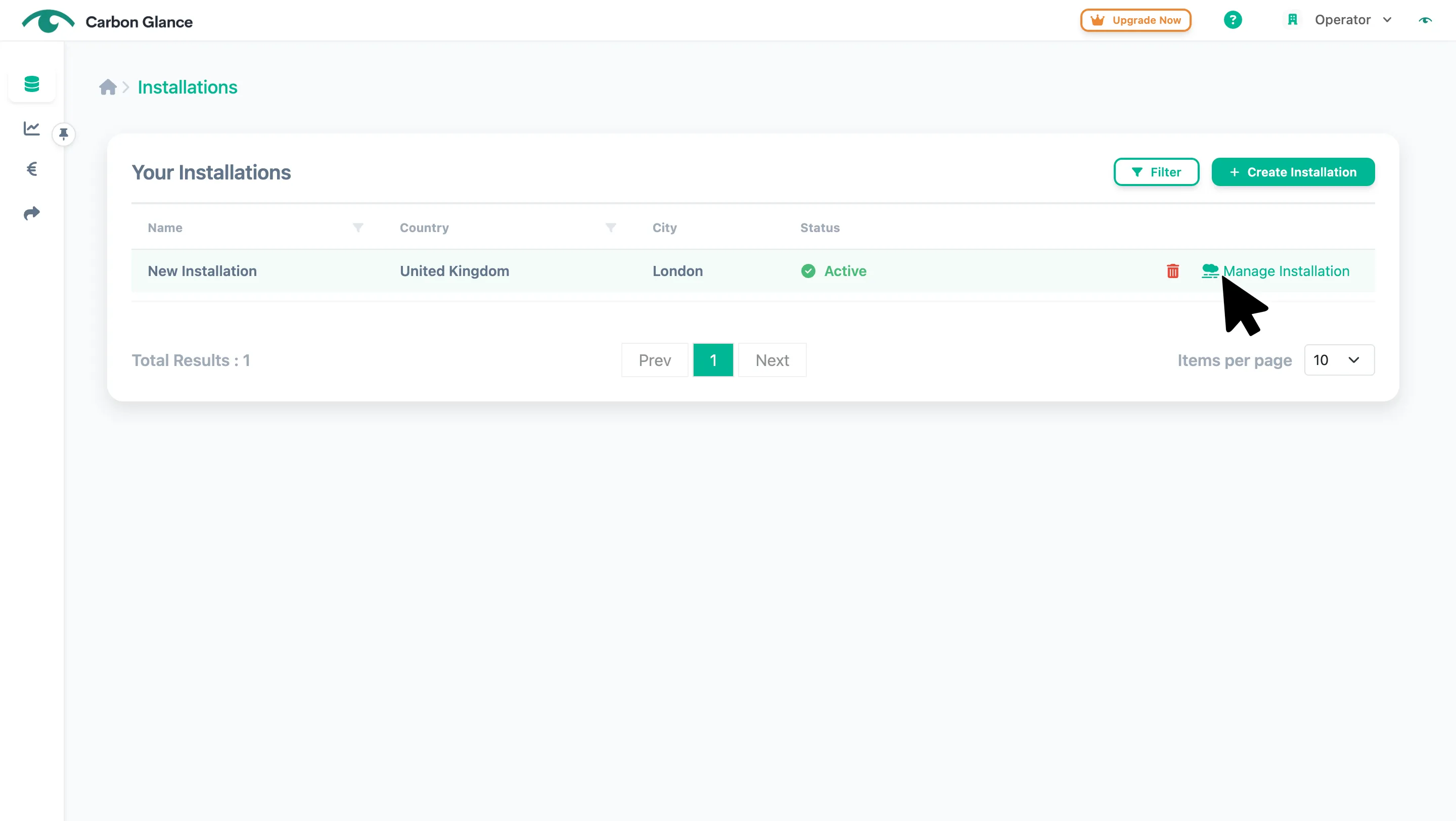
Click Manage Installation or anywhere on the installation's row
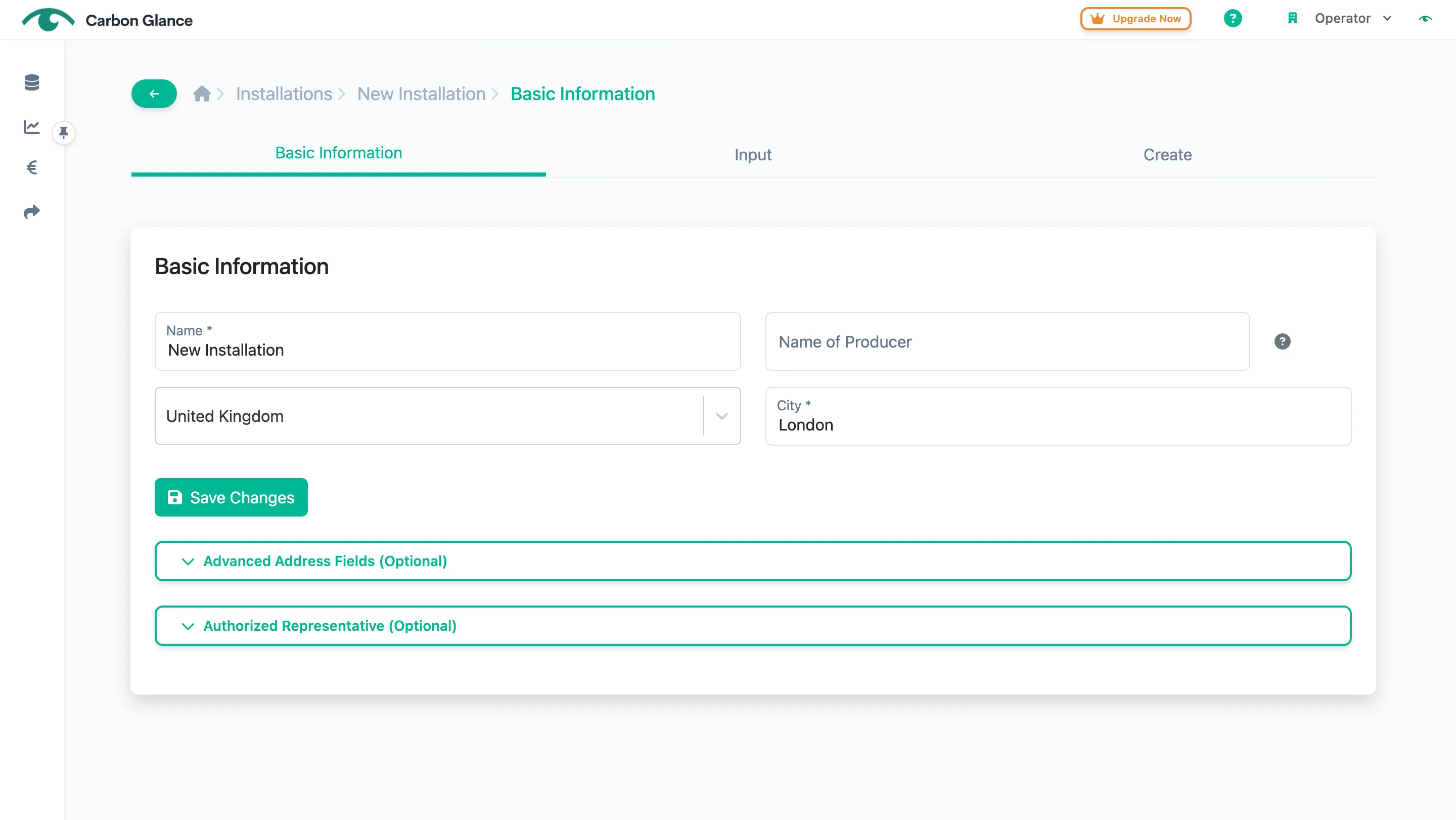
Click Save Changes to edit the information
If you edit any of the advanced address fields or the authorised representative information, be sure to click the corresponding "Save Changes" button for each section.
Delete an Installation
Click the Bin icon
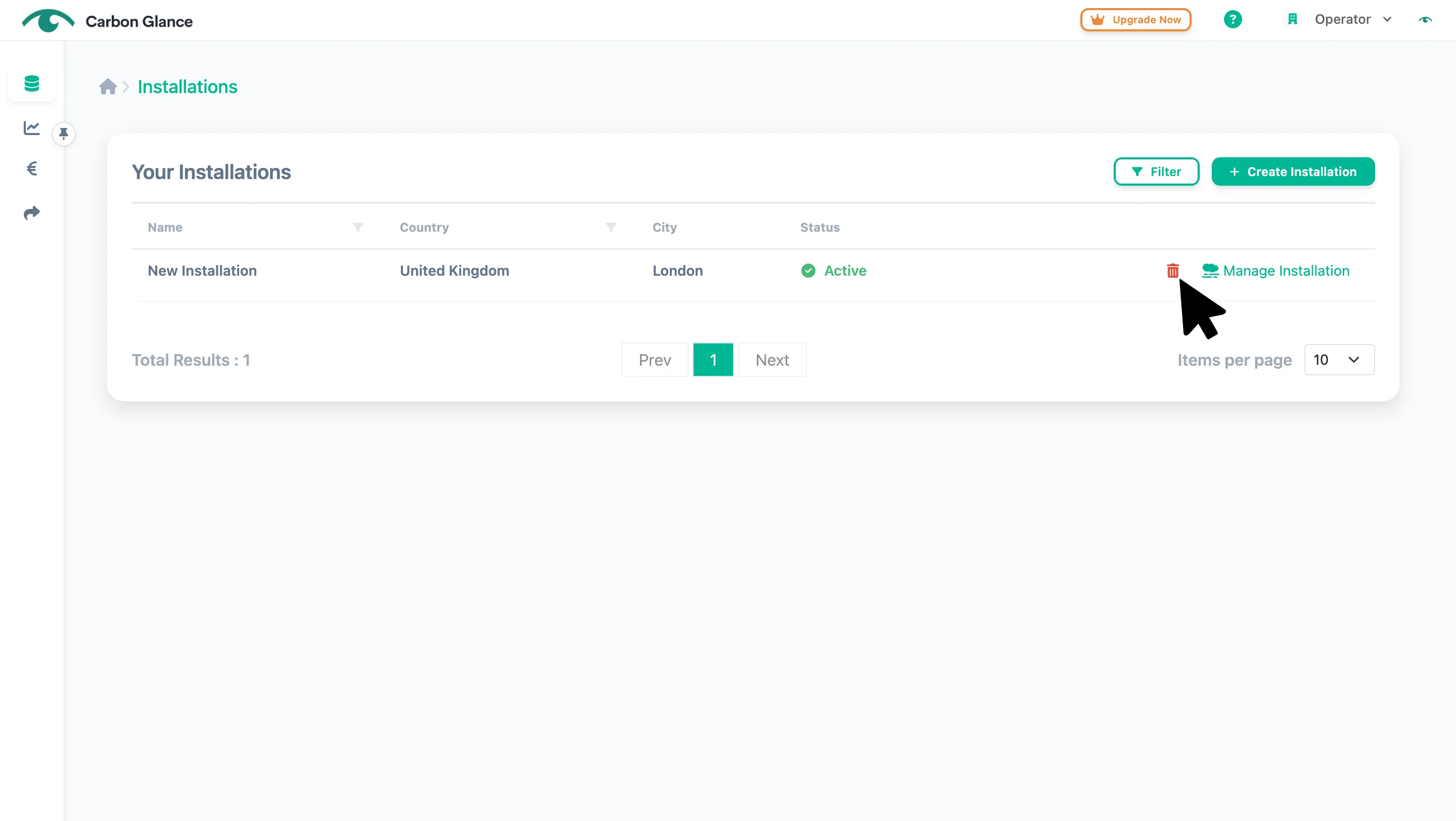
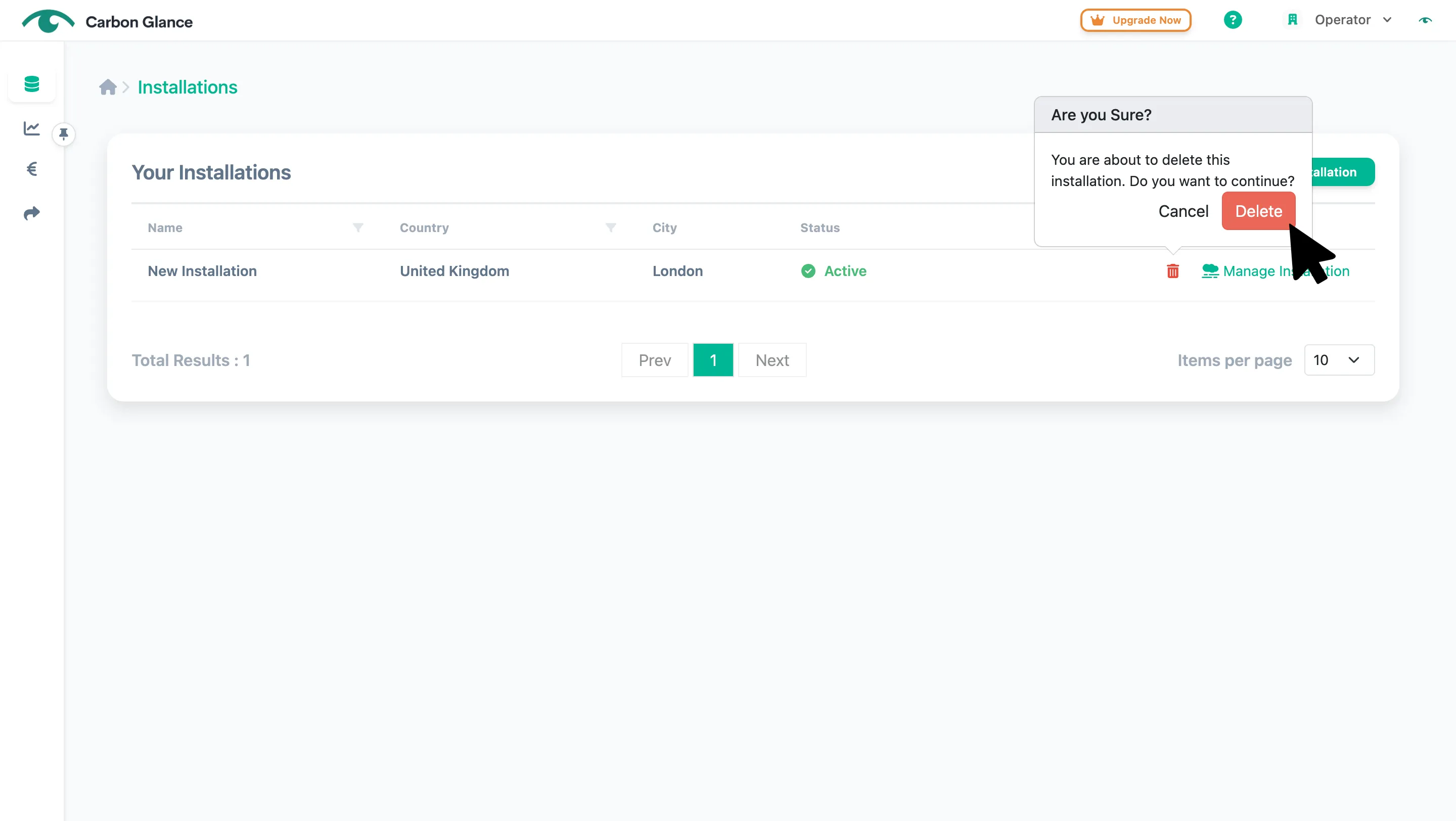
Click Delete to confirm
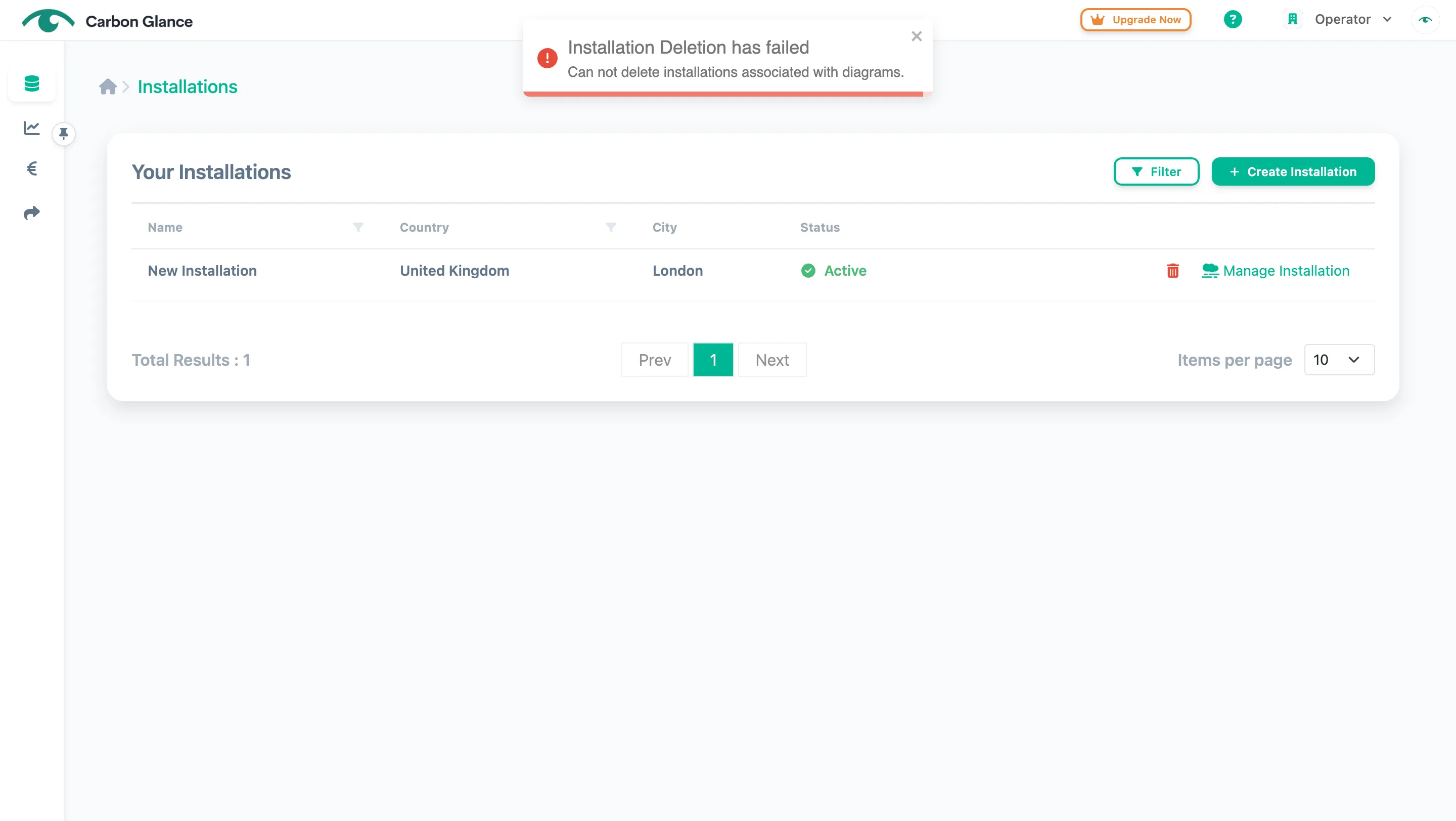
You cannot delete installations that already have diagrams created. If you attempt to do so, the error message shown below will appear. To delete an installation, you must first delete its associated diagrams.
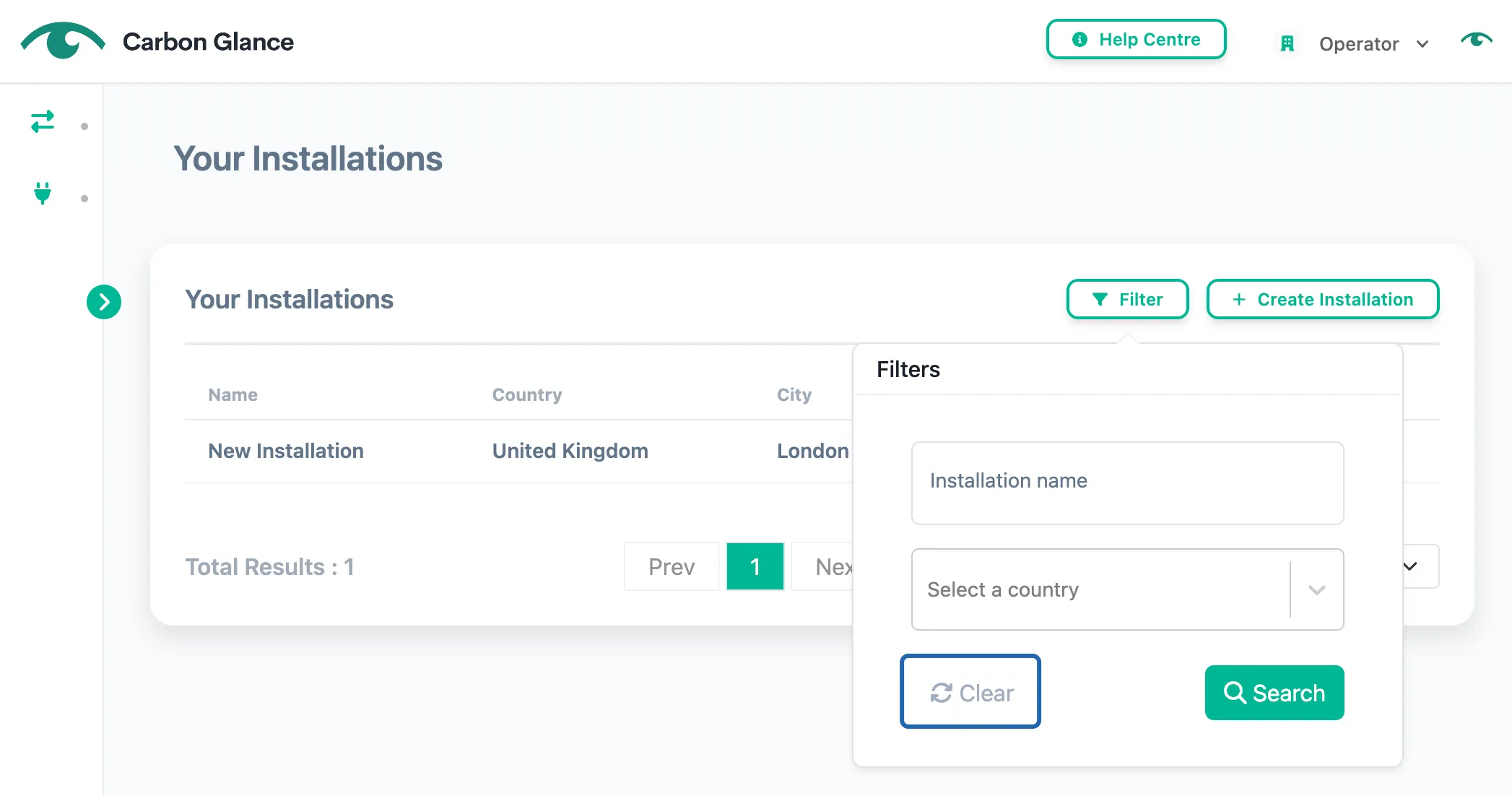
Filter Installations
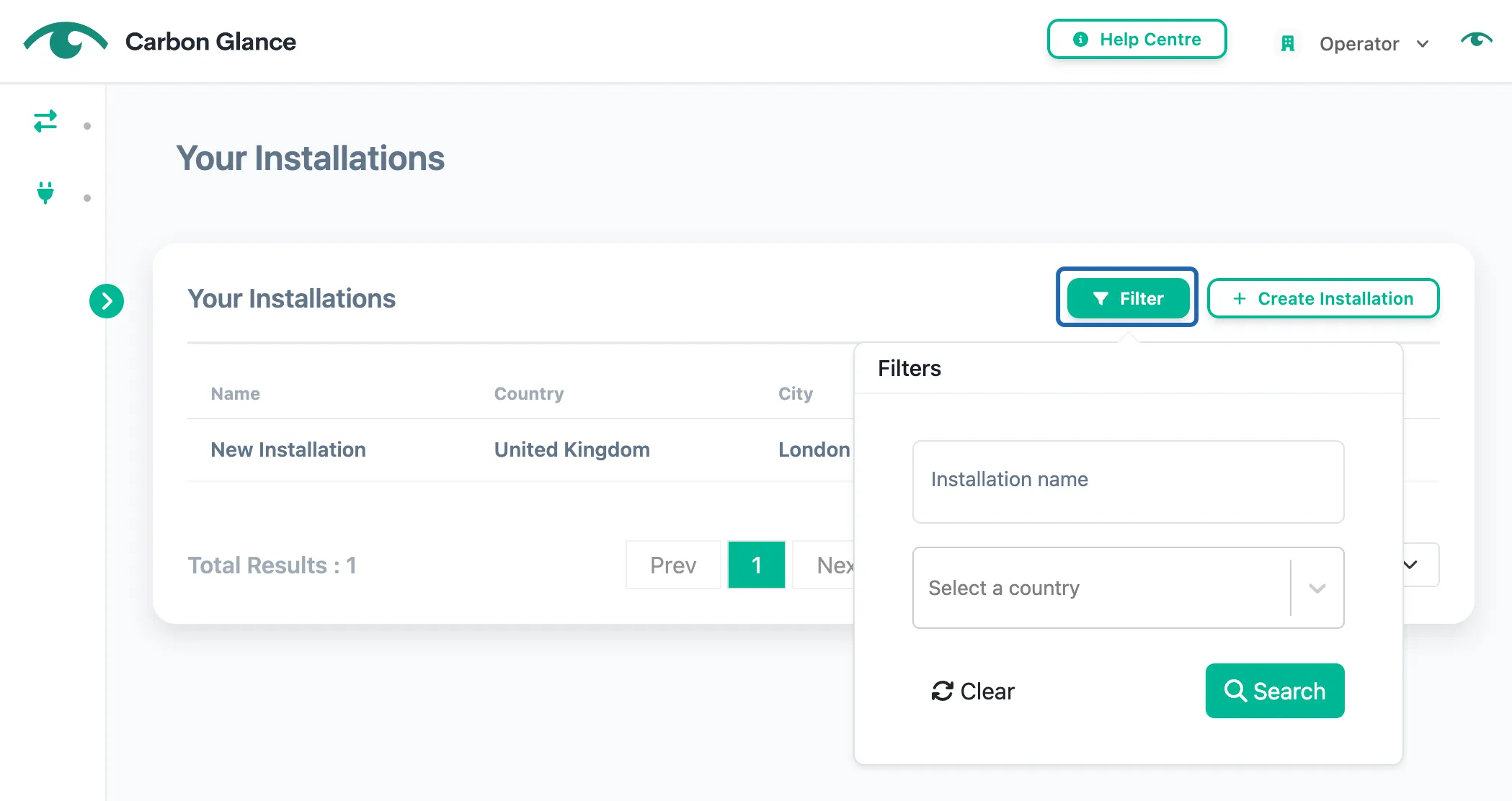
Click Filter
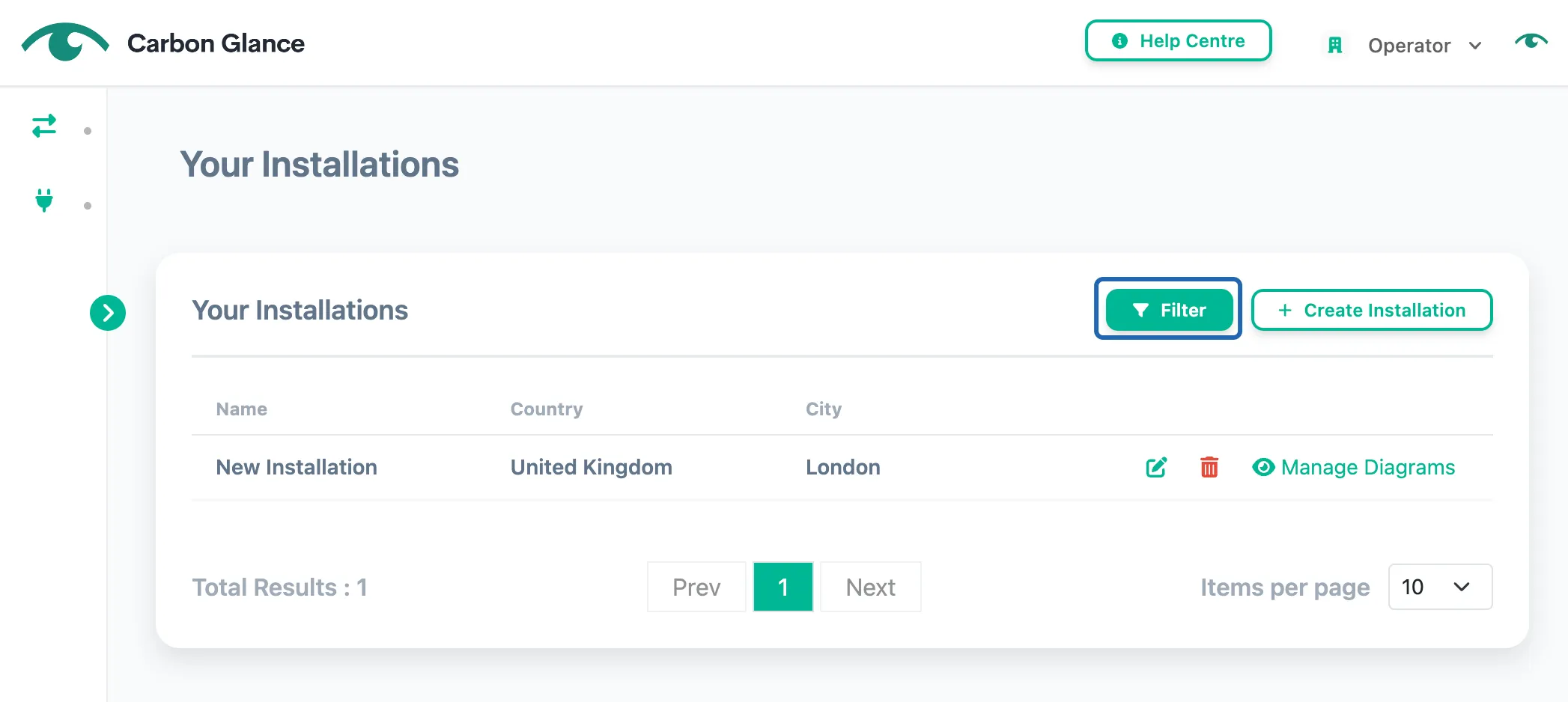
Add a filter
You can filter by Installation name, and/or Country.
Click Search to apply the filter
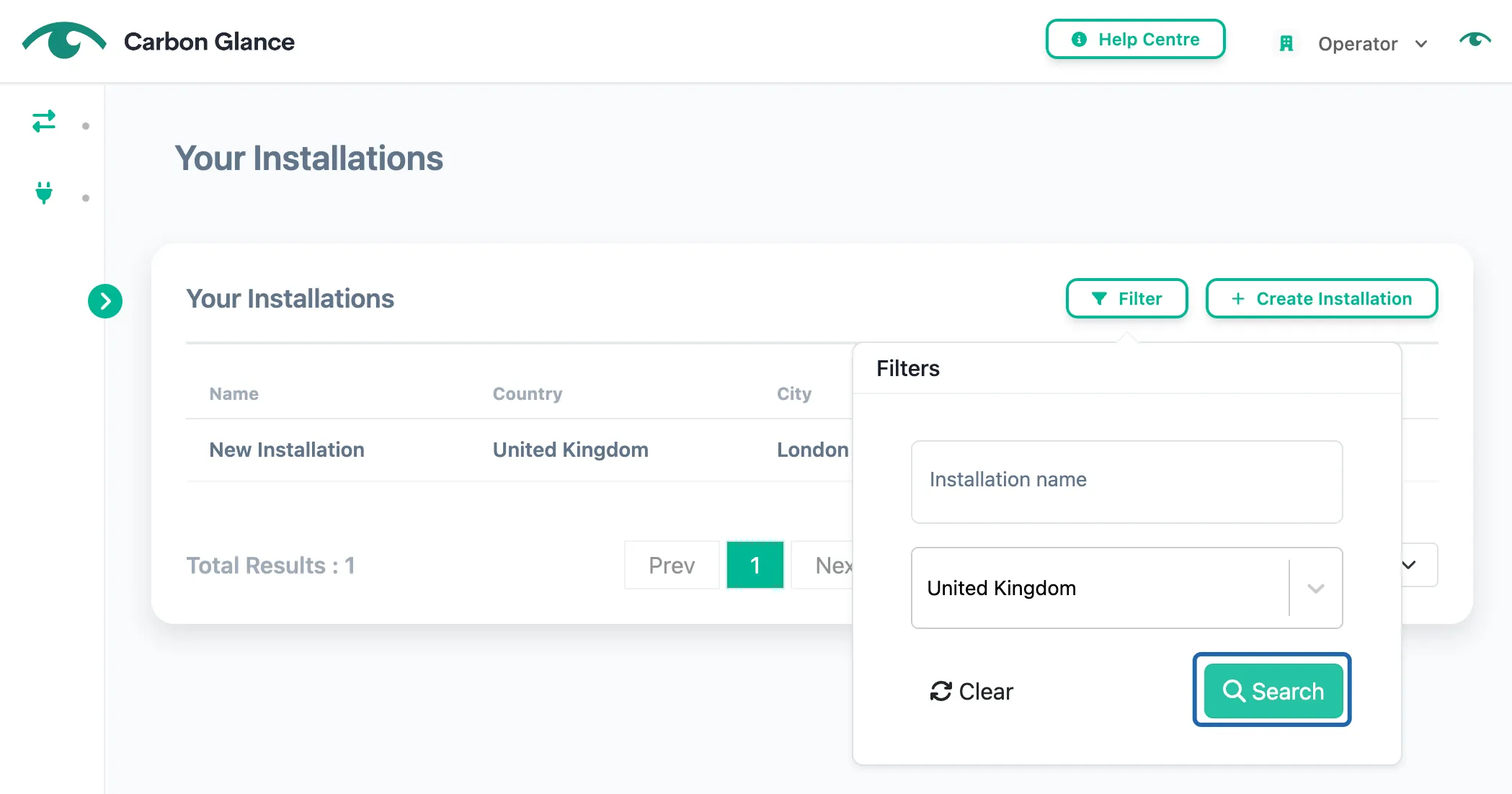
To reset and display the full list, click Clear and then Search