Manage Installations
Installations Details
You can add installations' details manually or upload all the data at once.
Manual Input
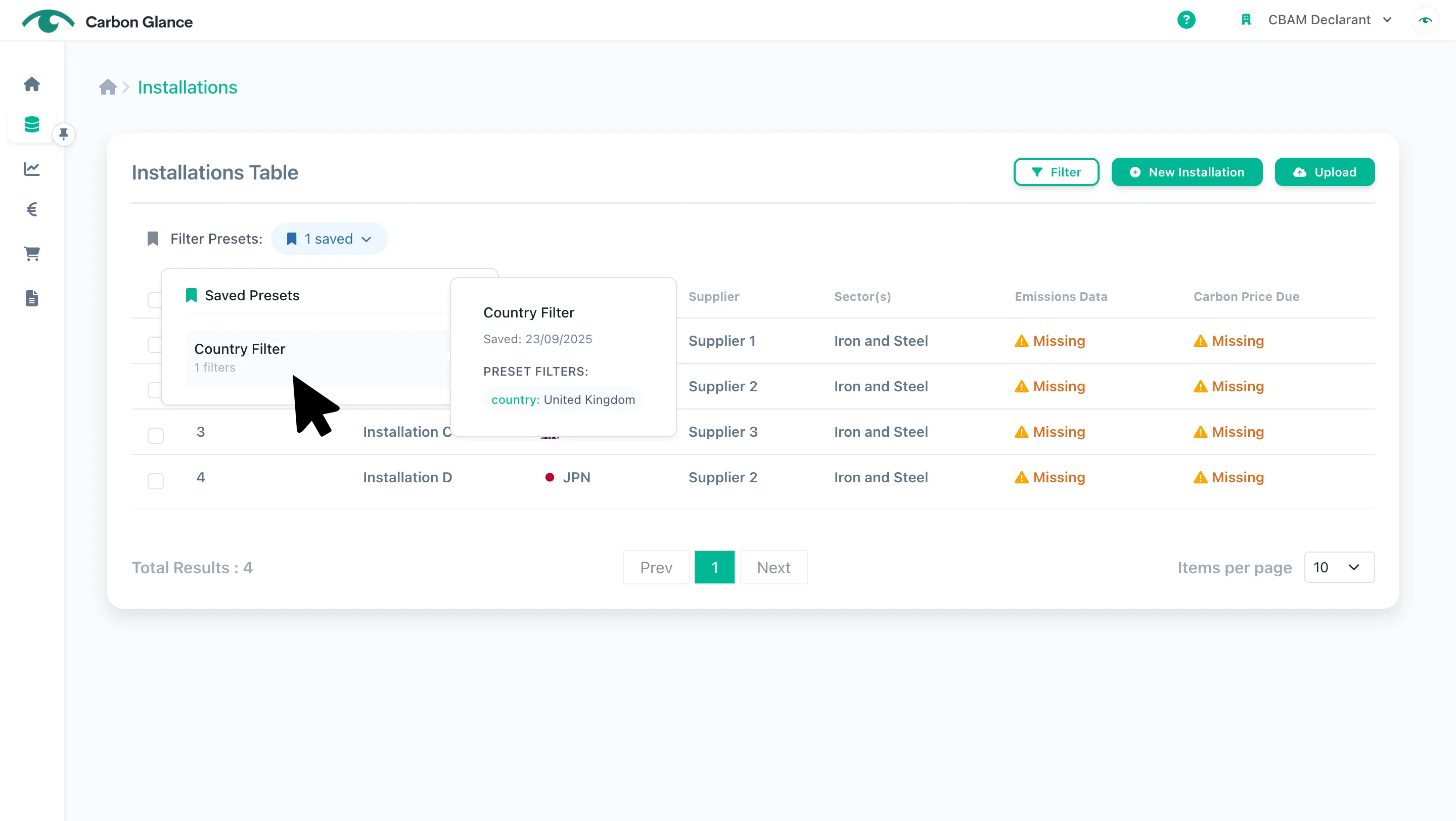
Go to Installations
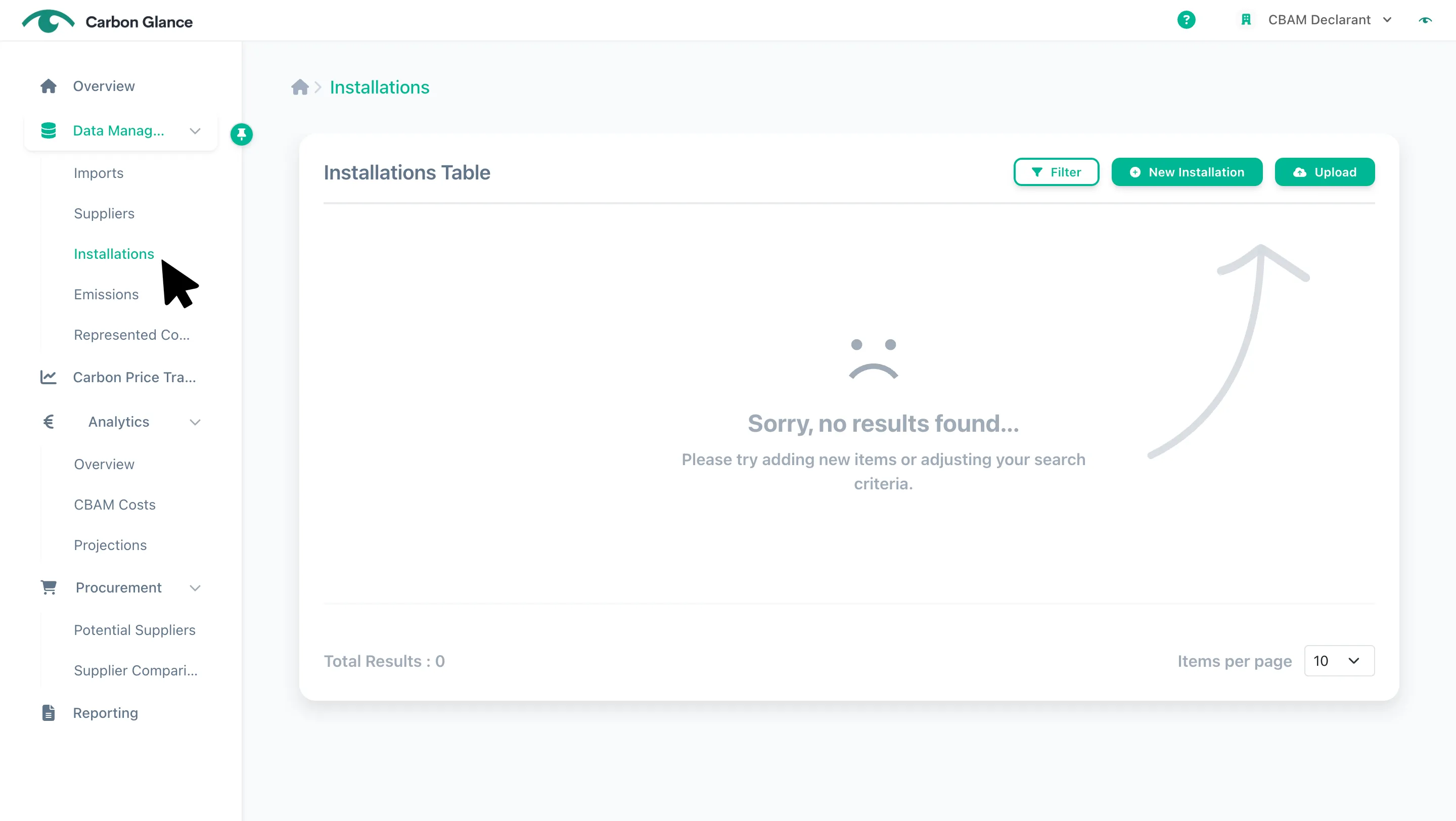
Click New Installation
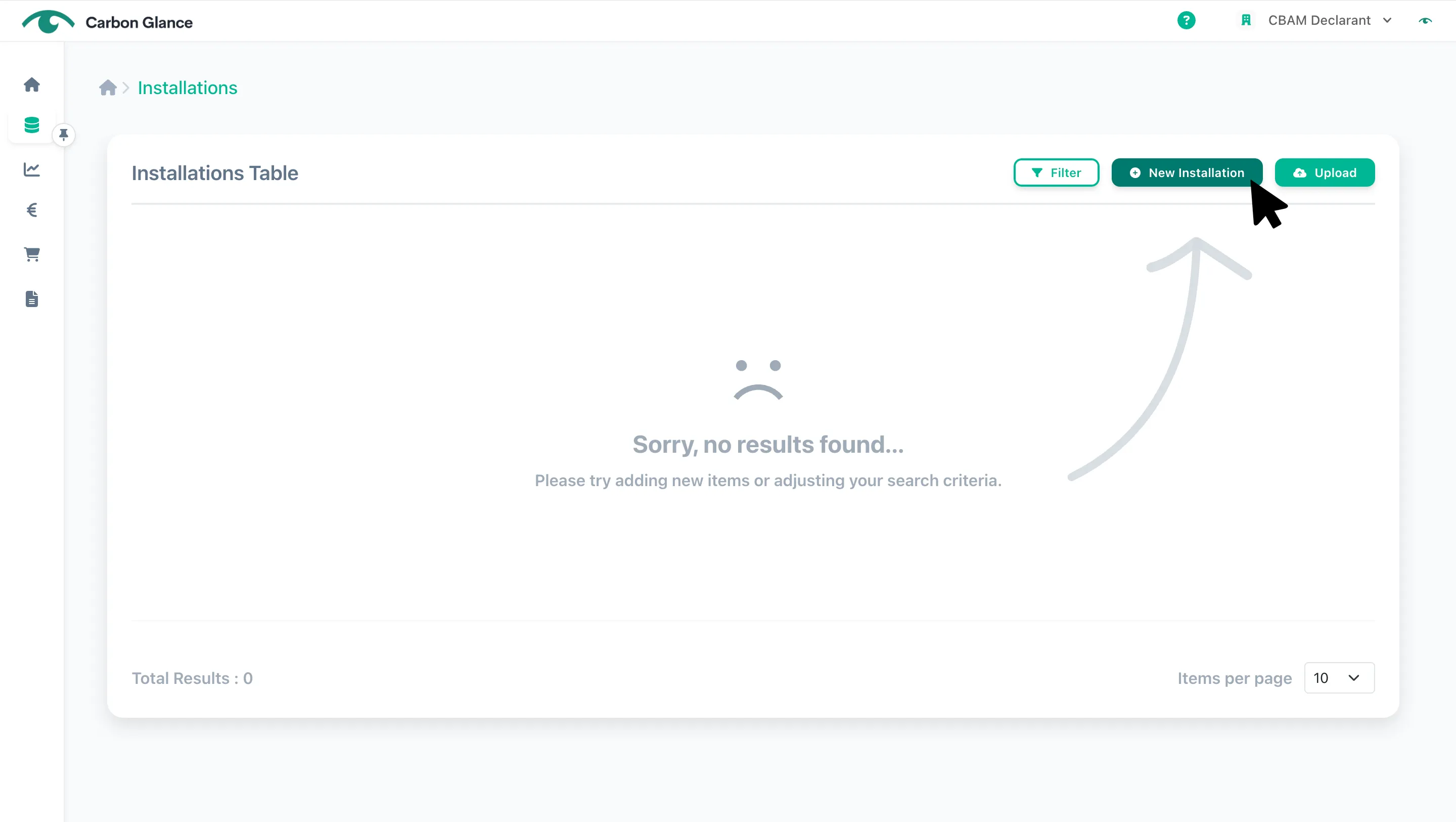
Select the Supplier you want to link to the installation
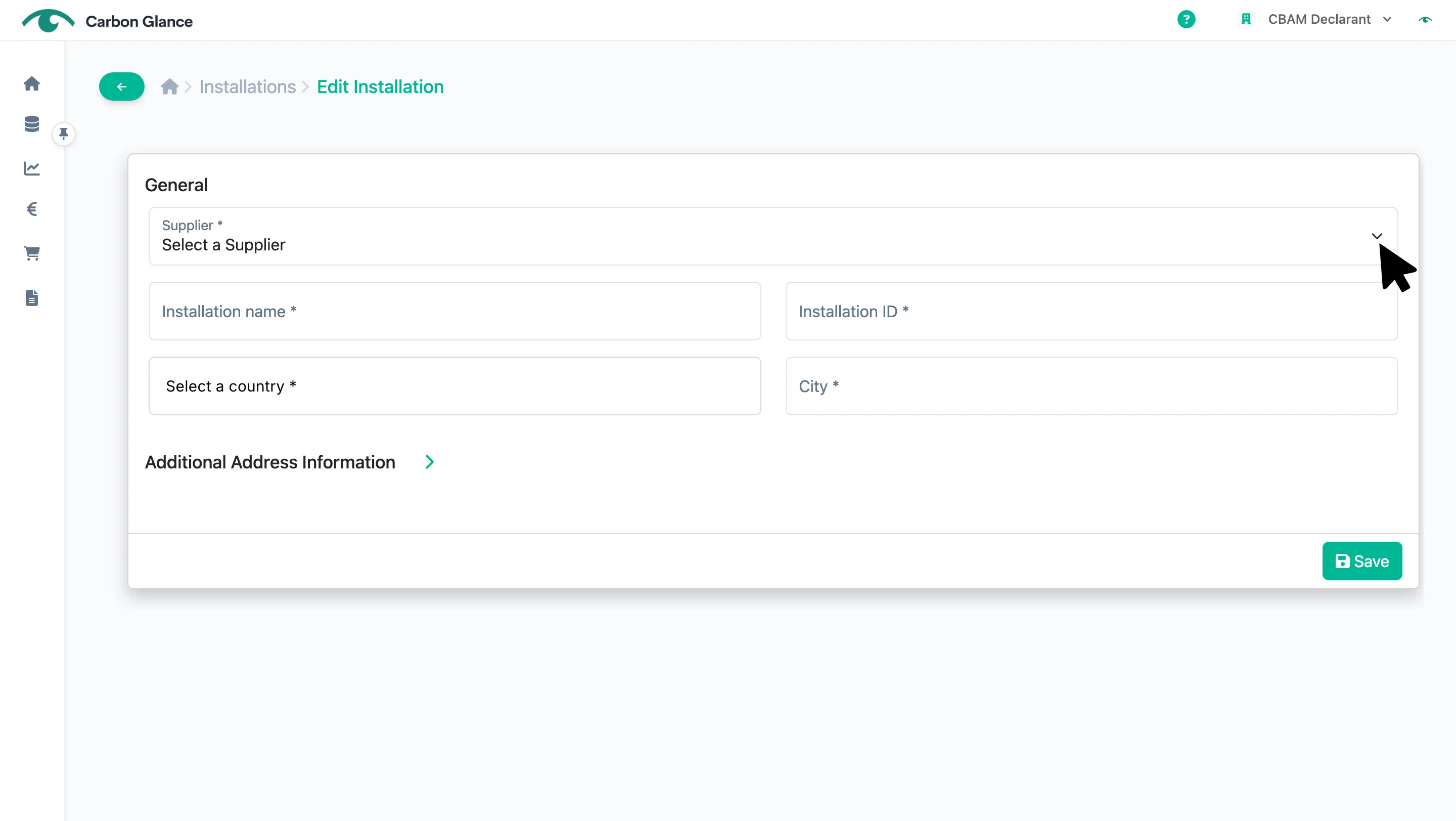
Enter the installation's information and click Save
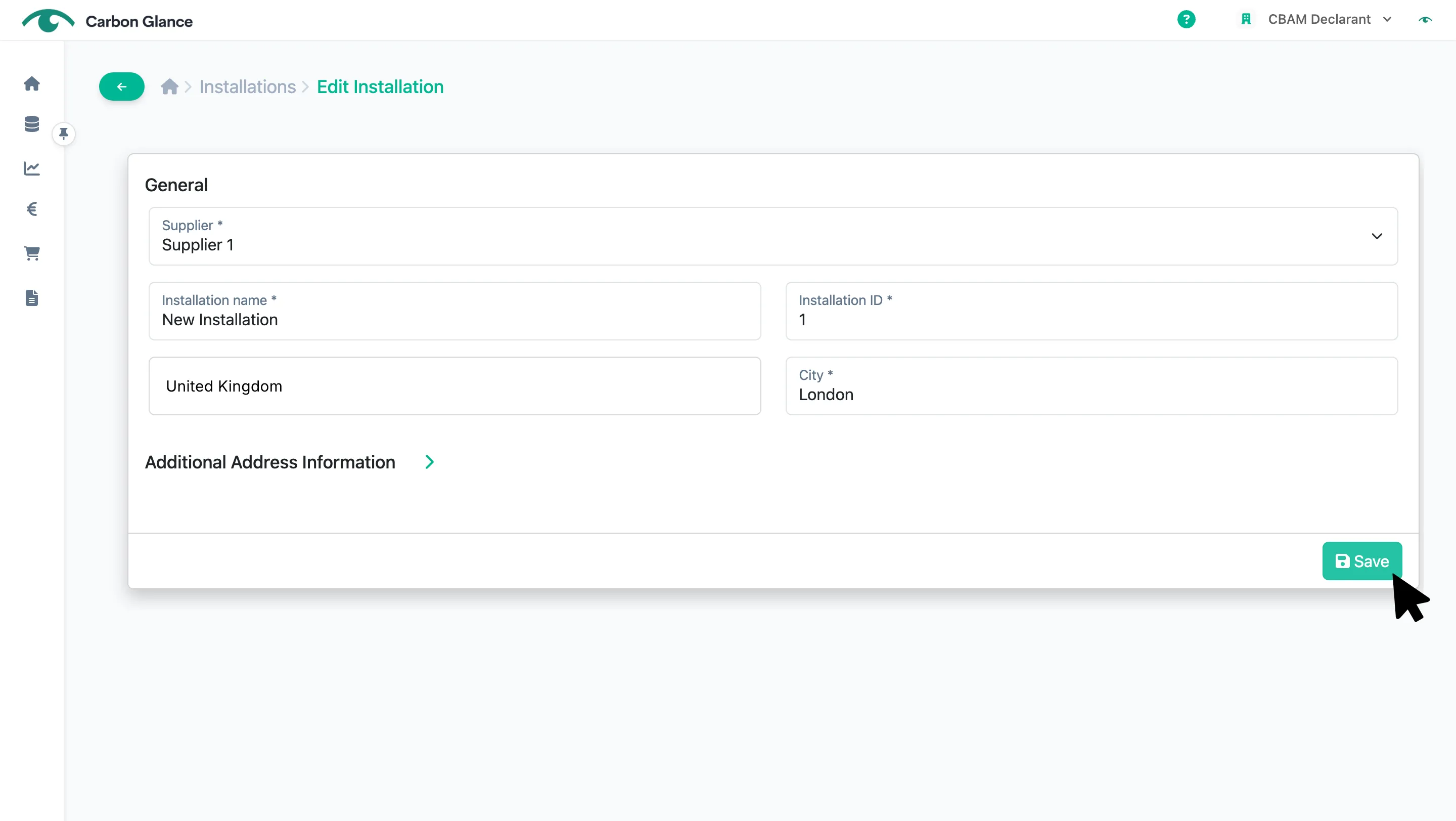
You can now manage the installations' data from the platform
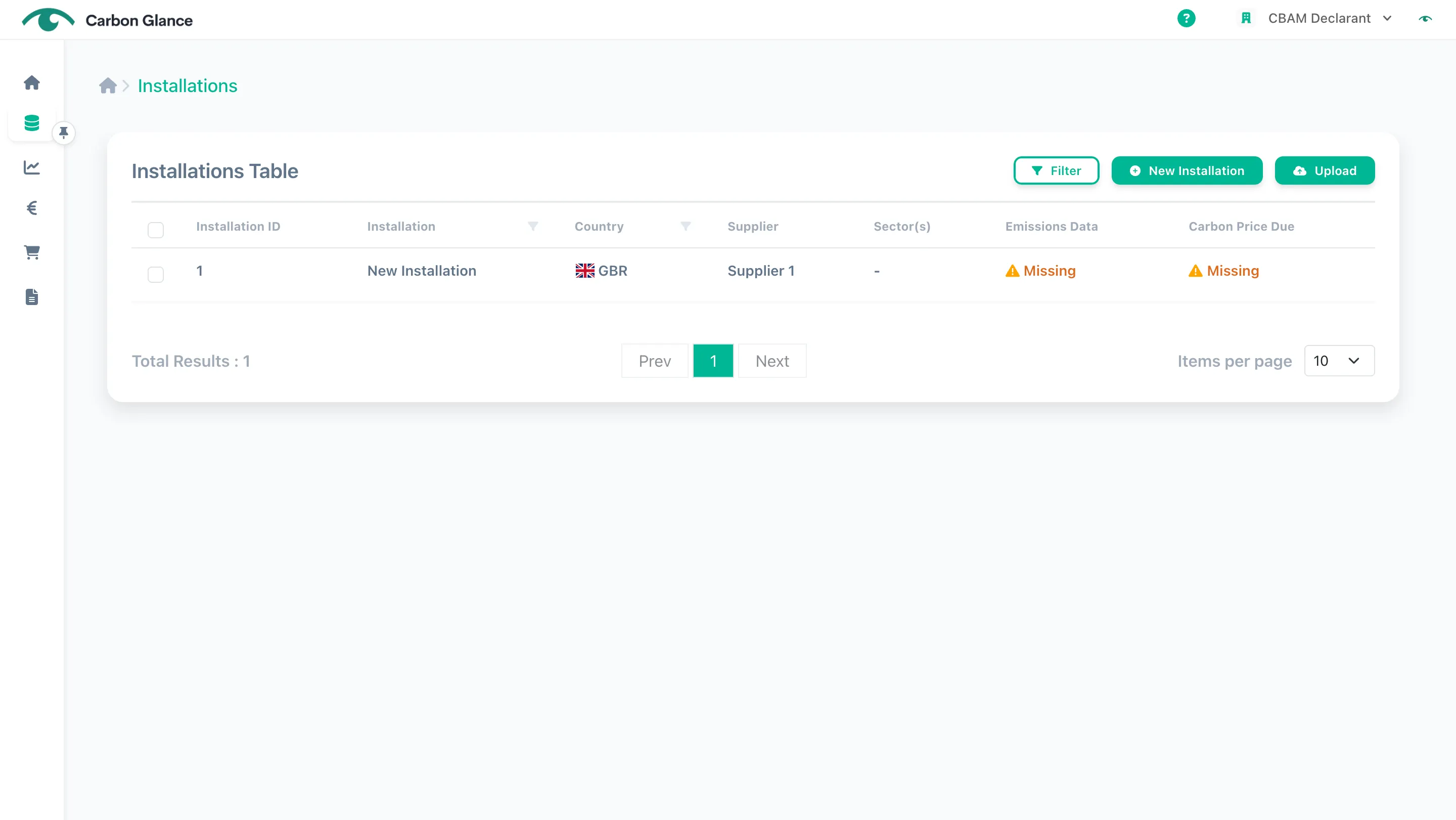
Upload
Click Upload
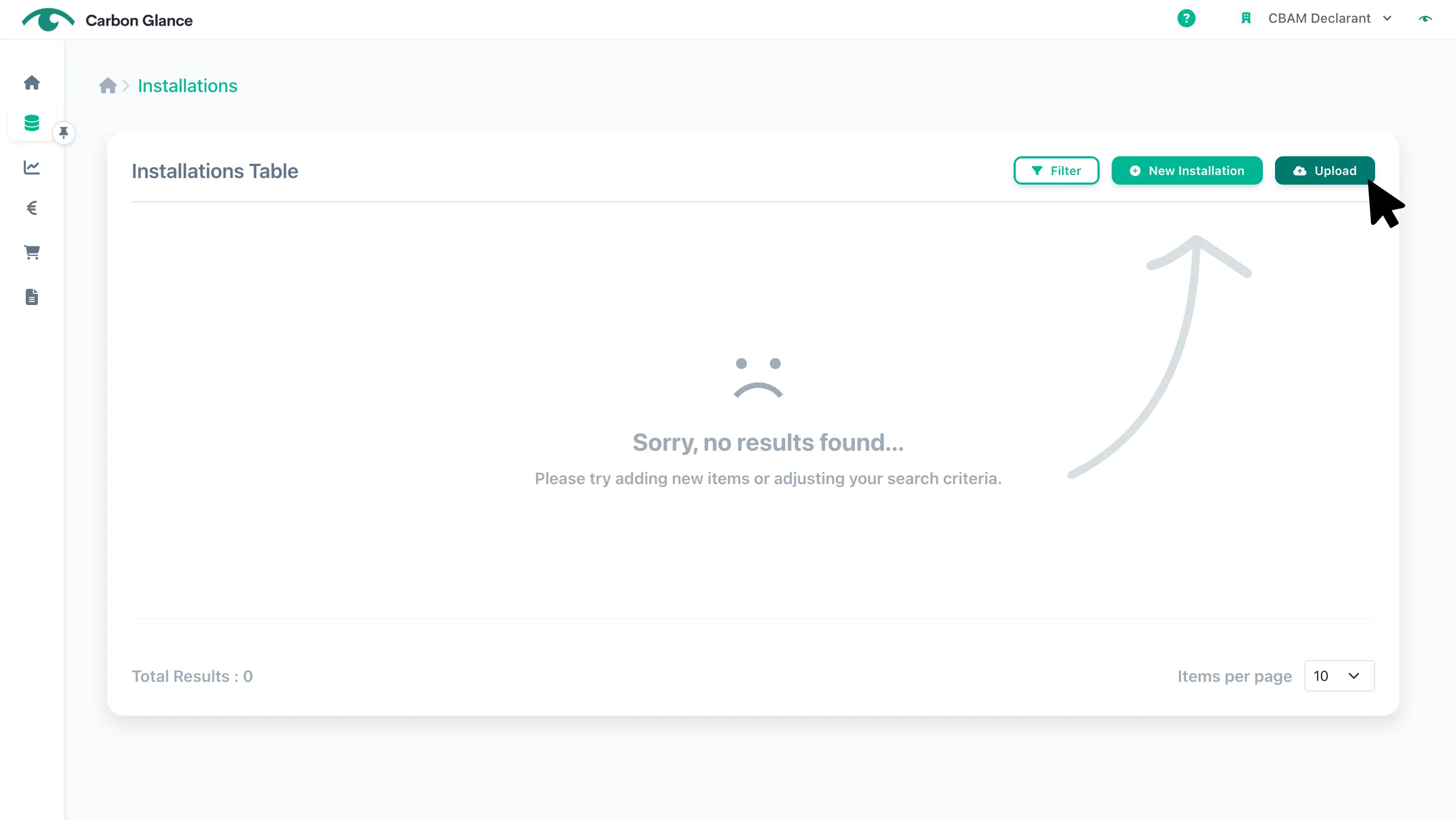
Click Upload Installations
Click Select file or drag your Excel file into the upload area
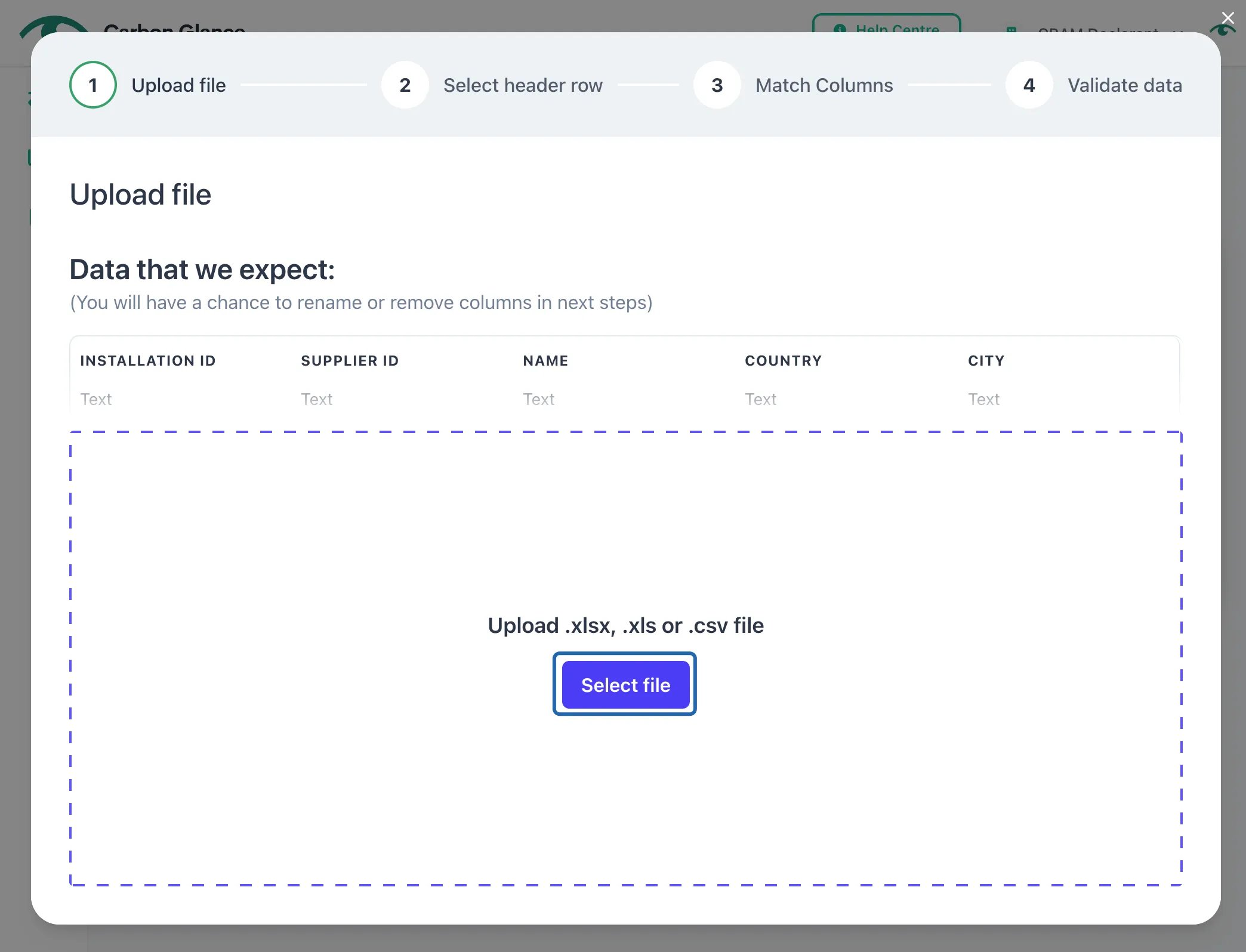
Select the sheet with the installations' information and click Next
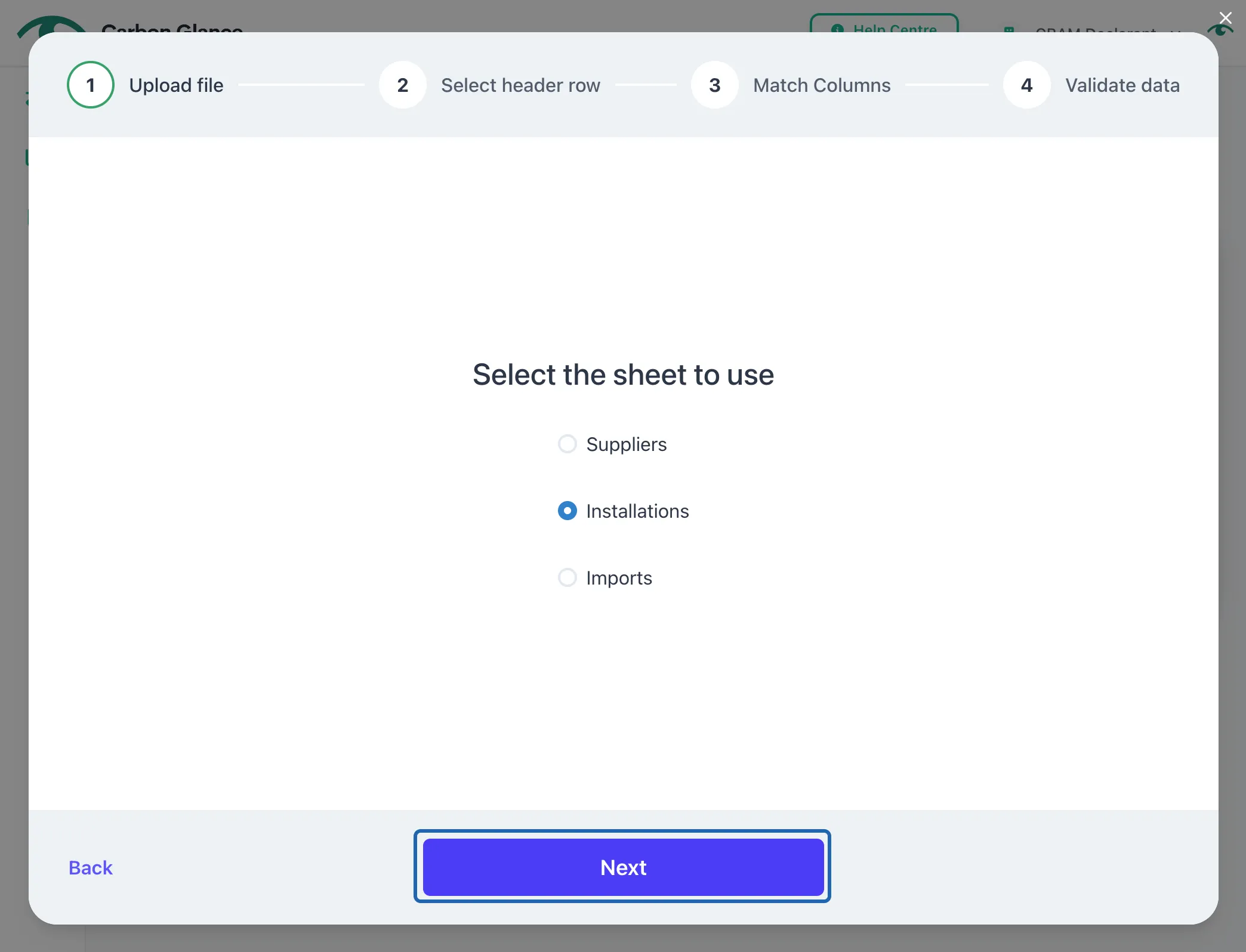
View the Excel Information and Select the Header Row
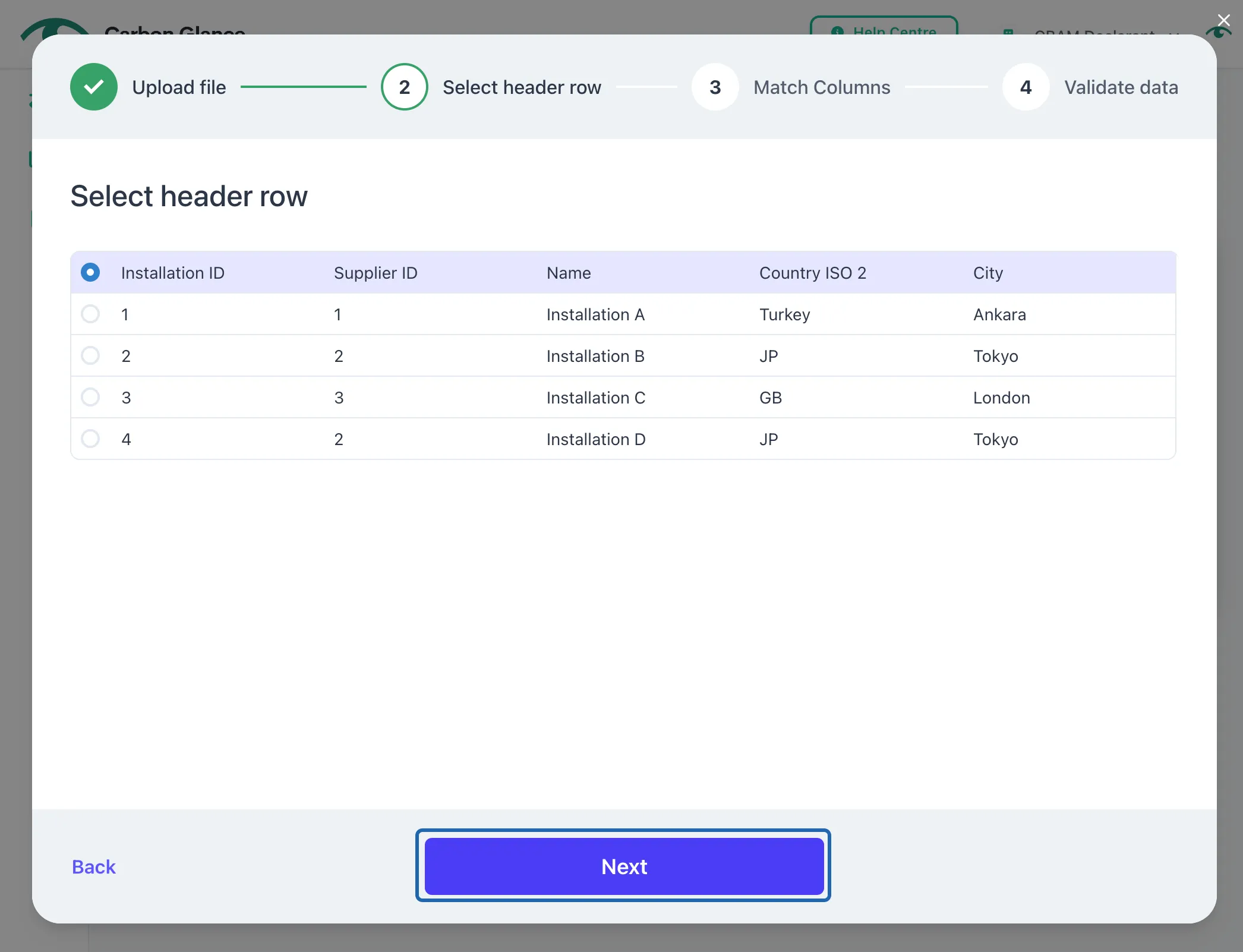
Match the columns from your Excel file to the platform fields and click Next
If a column doesn't match automatically, click on the dropdown and choose the correct field for that column.
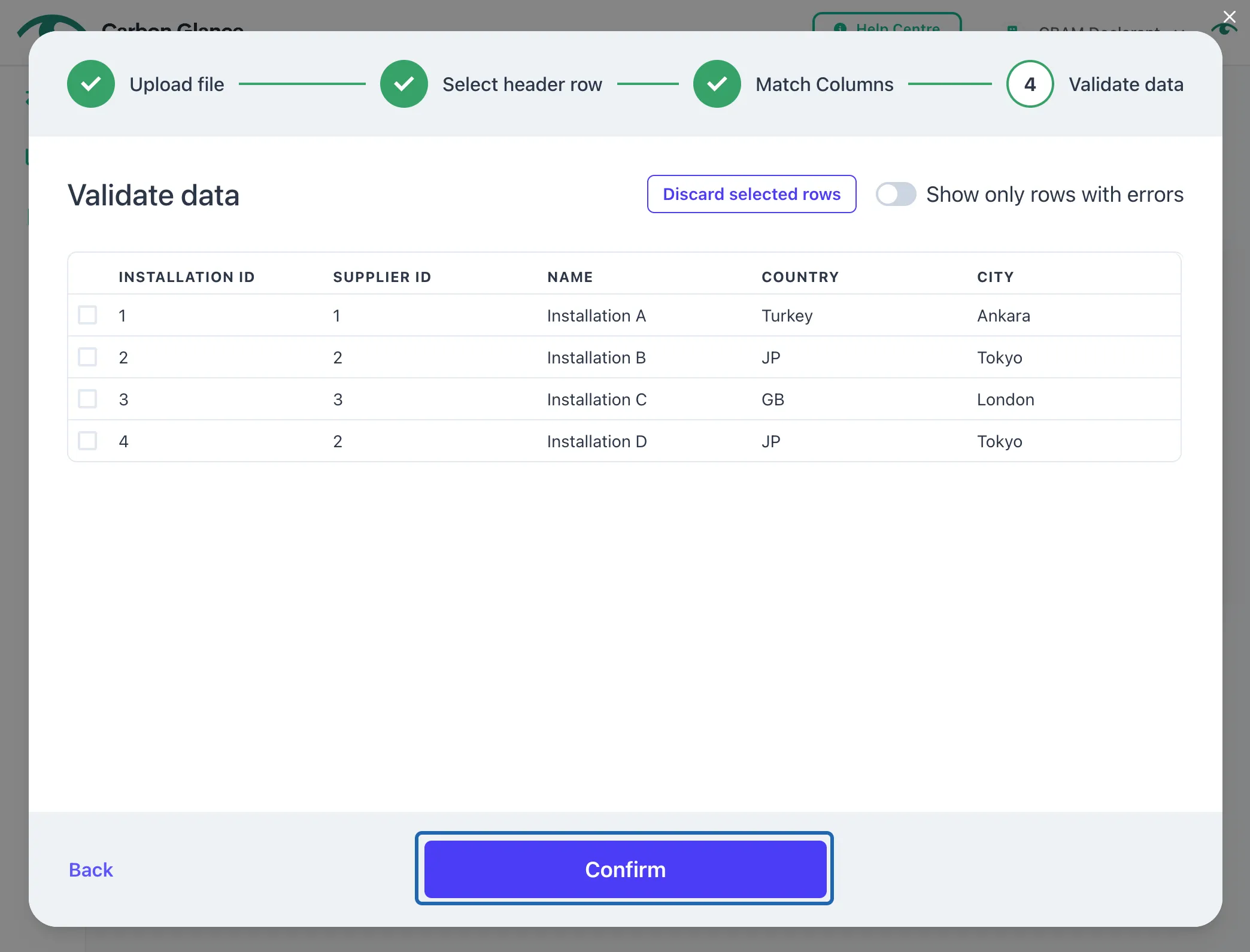
Validate your data and click Confirm
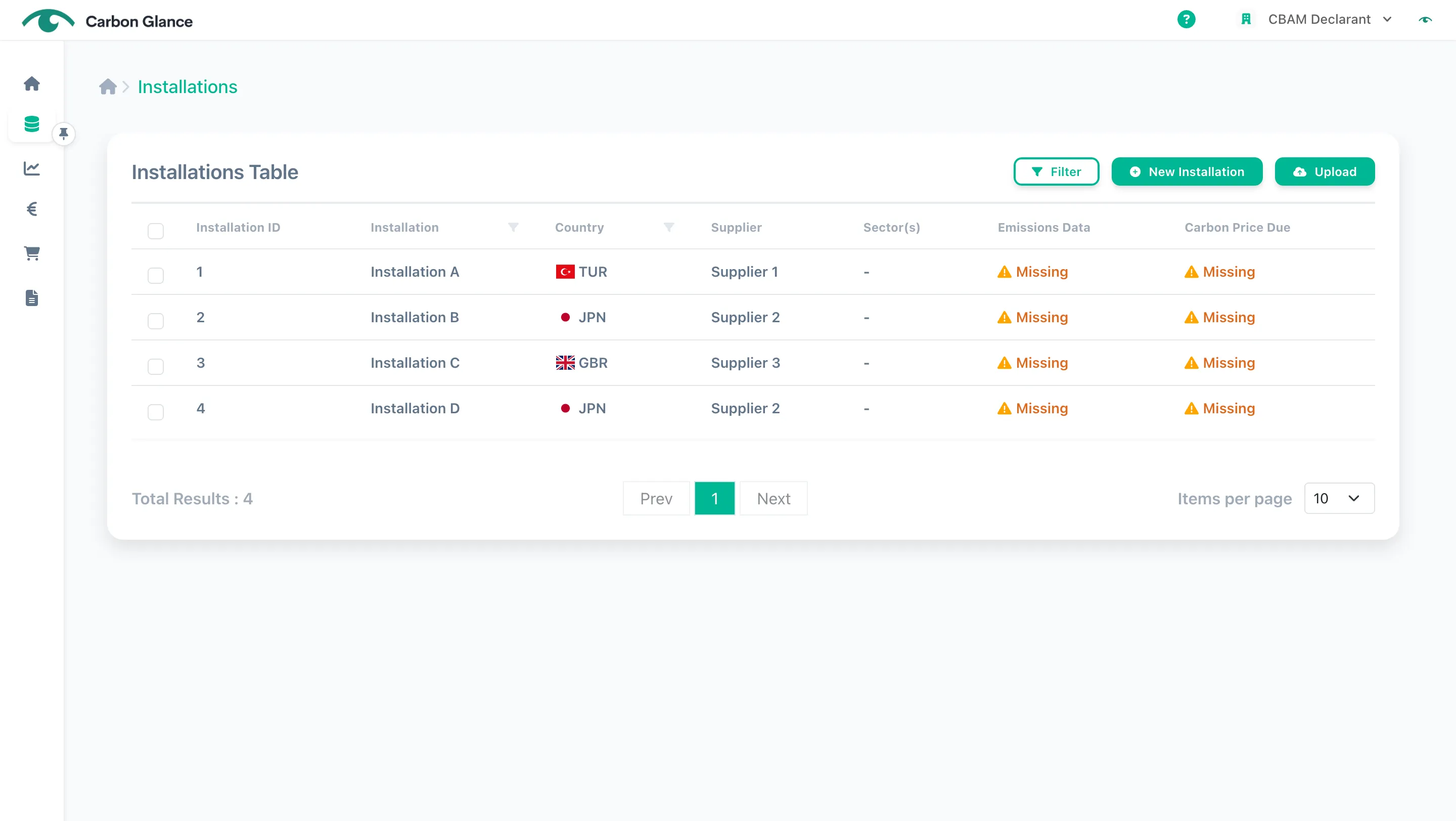
You can now manage the uploaded installations' data directly from the platform
Installations Emissions
Manual Input
Click on the installation
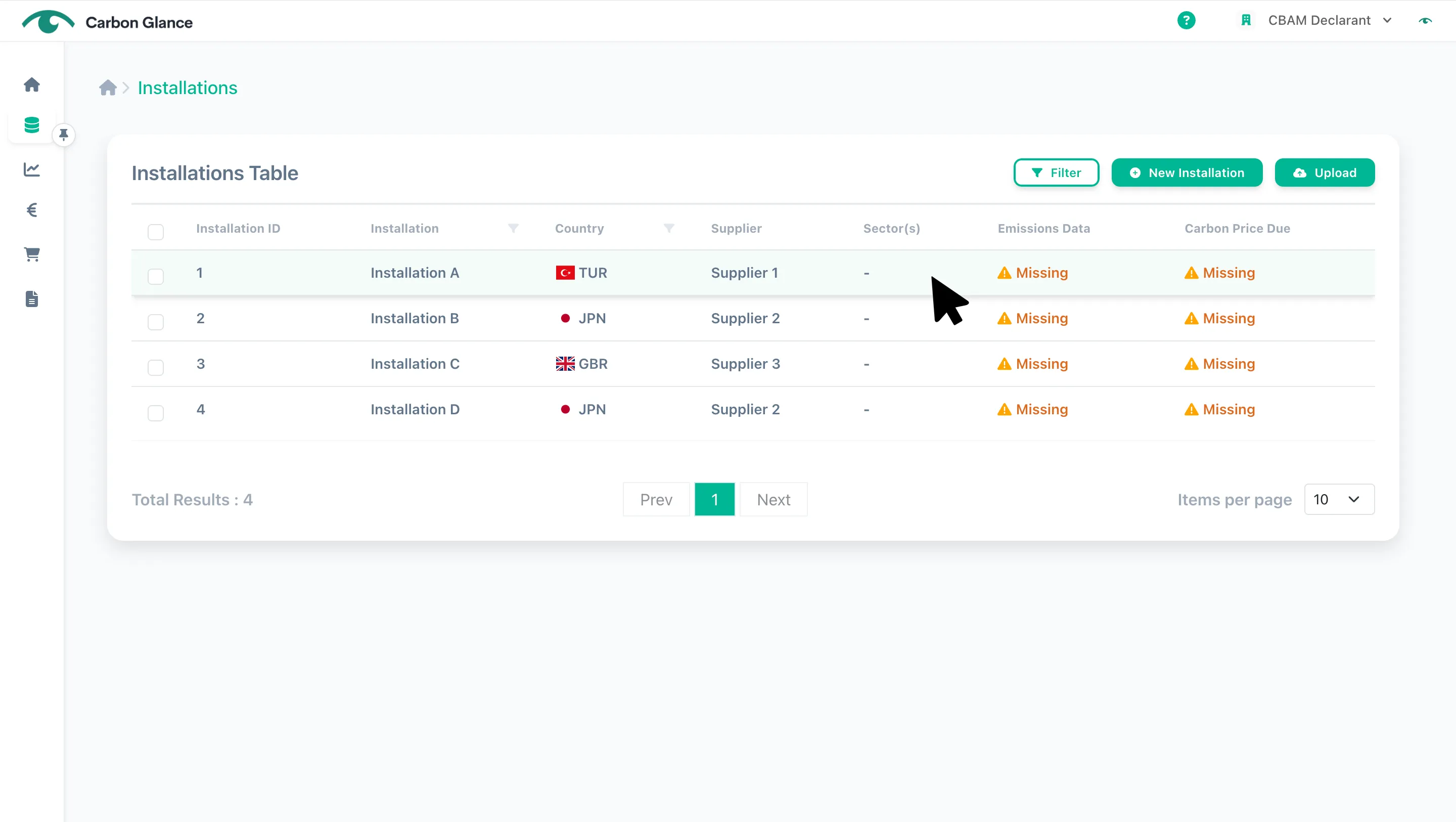
Click Emissions Data
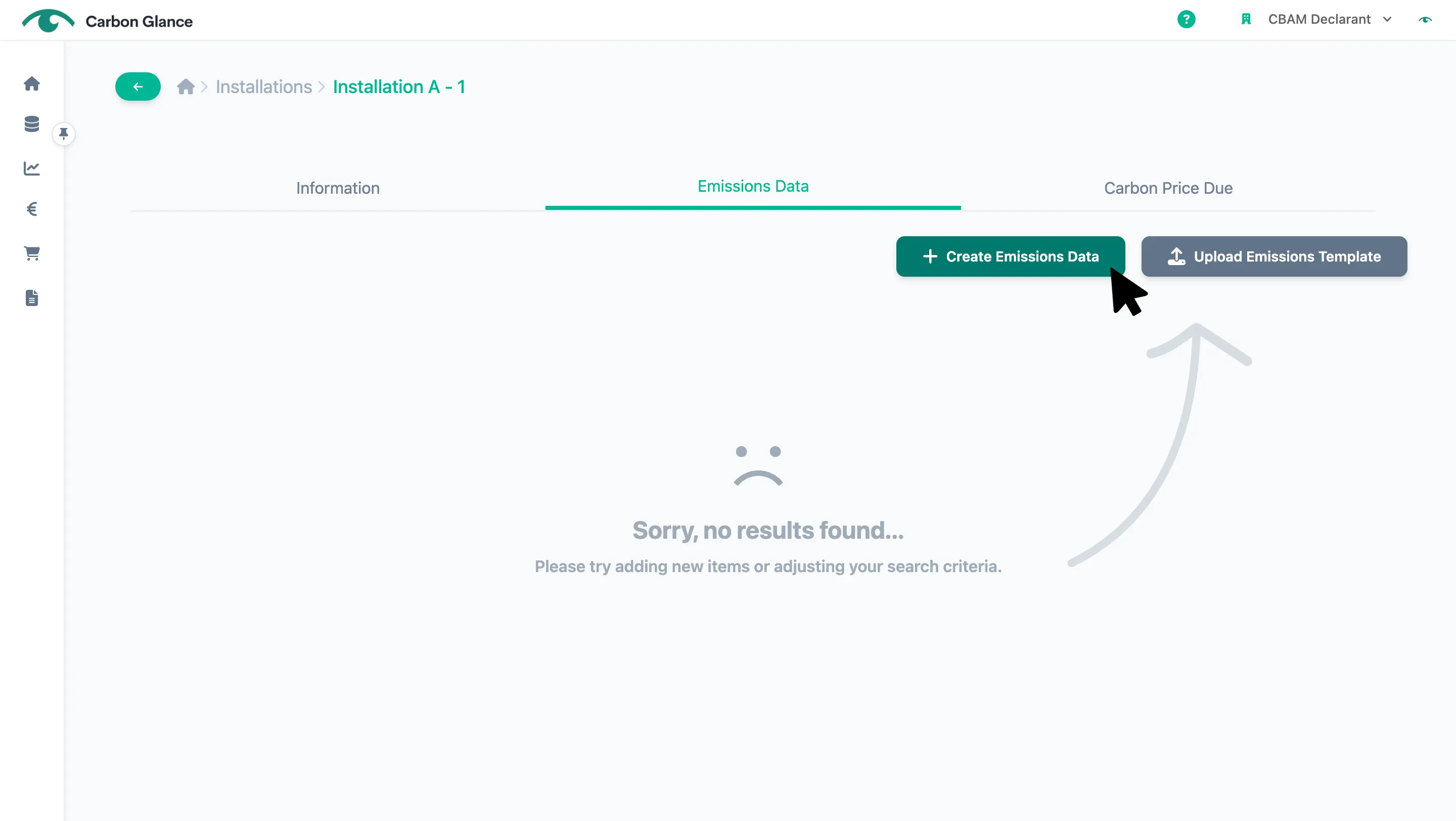
Click Create Emissions Data
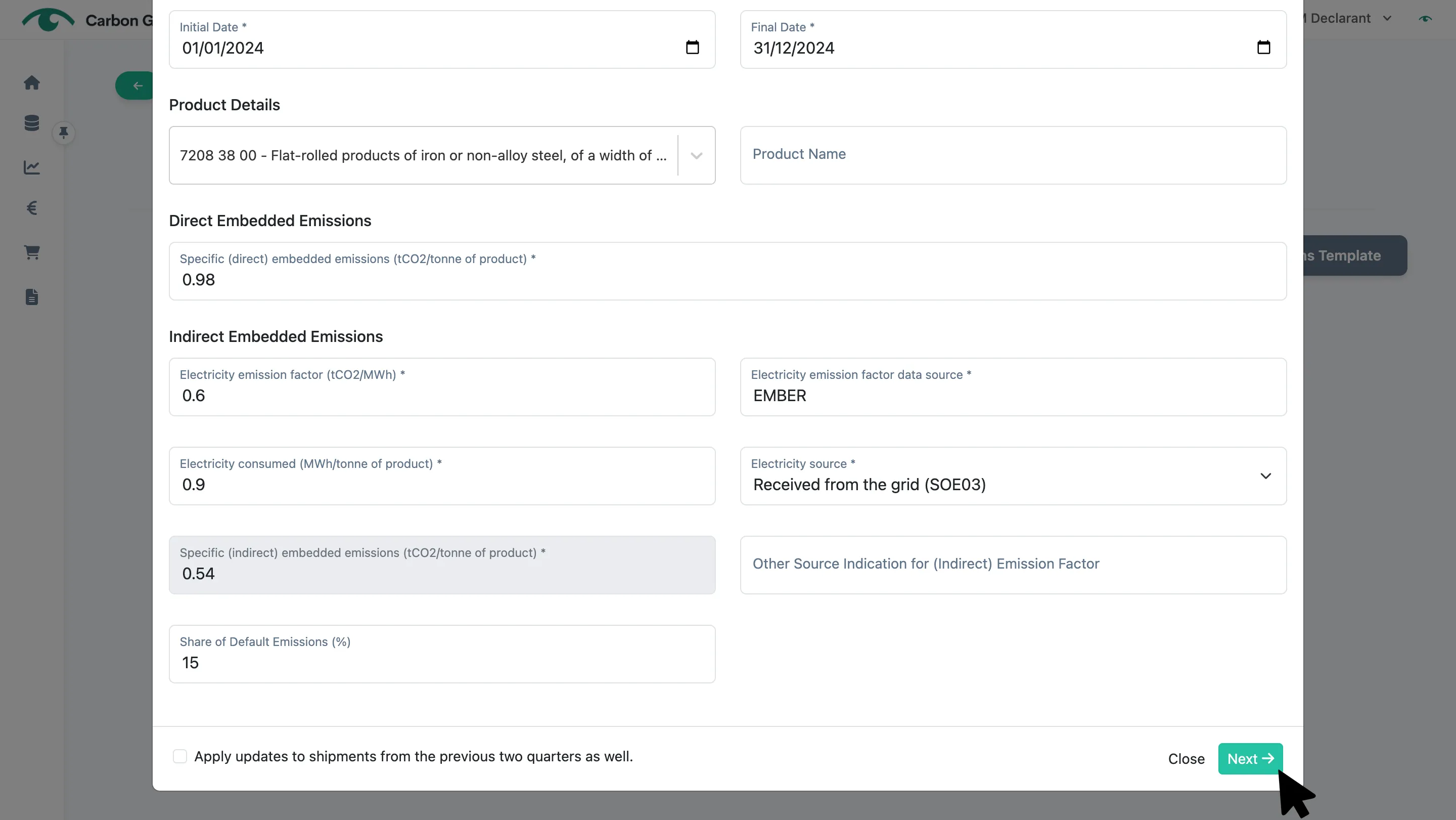
Input the information and click Next
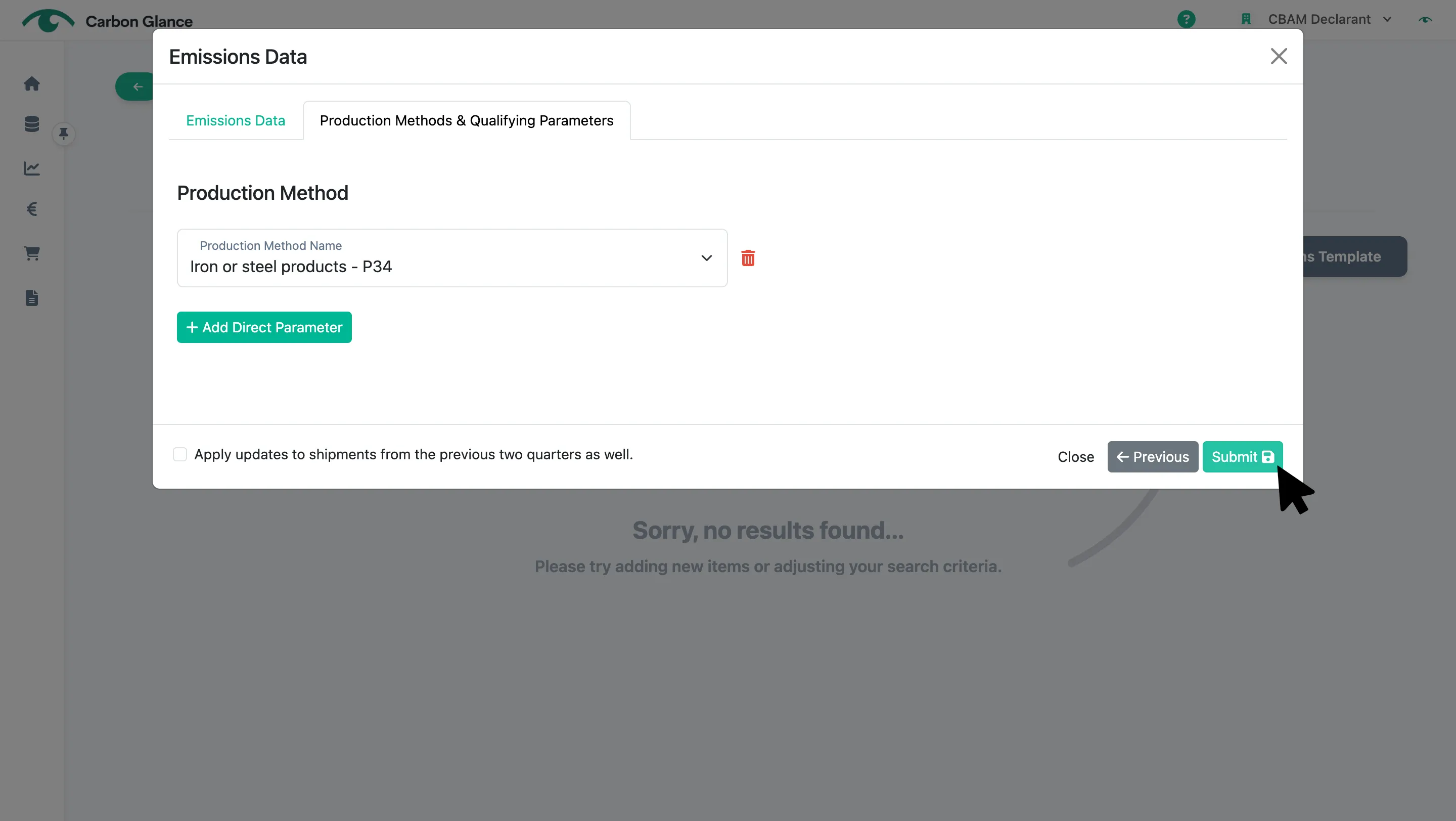
Click Submit
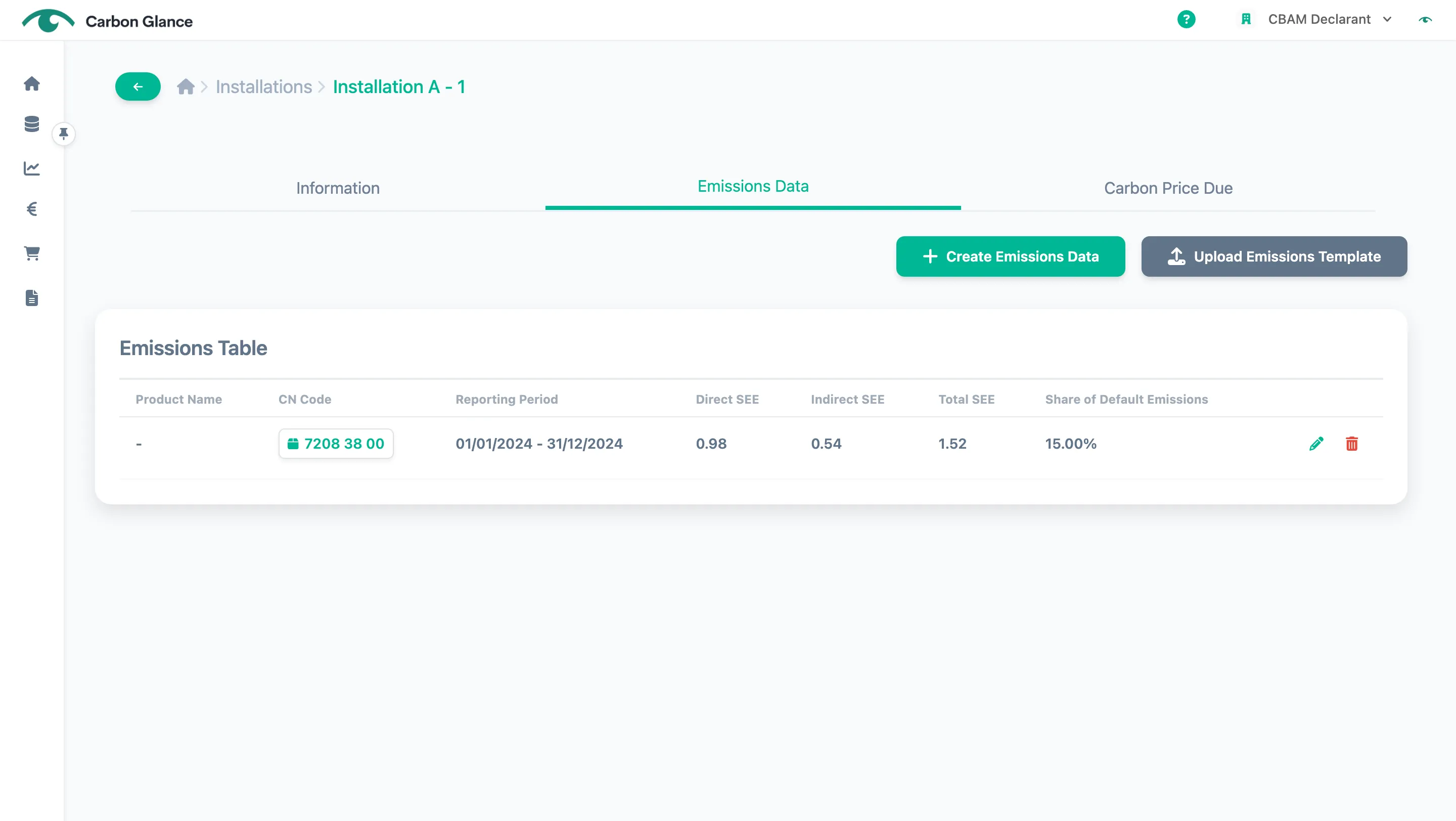
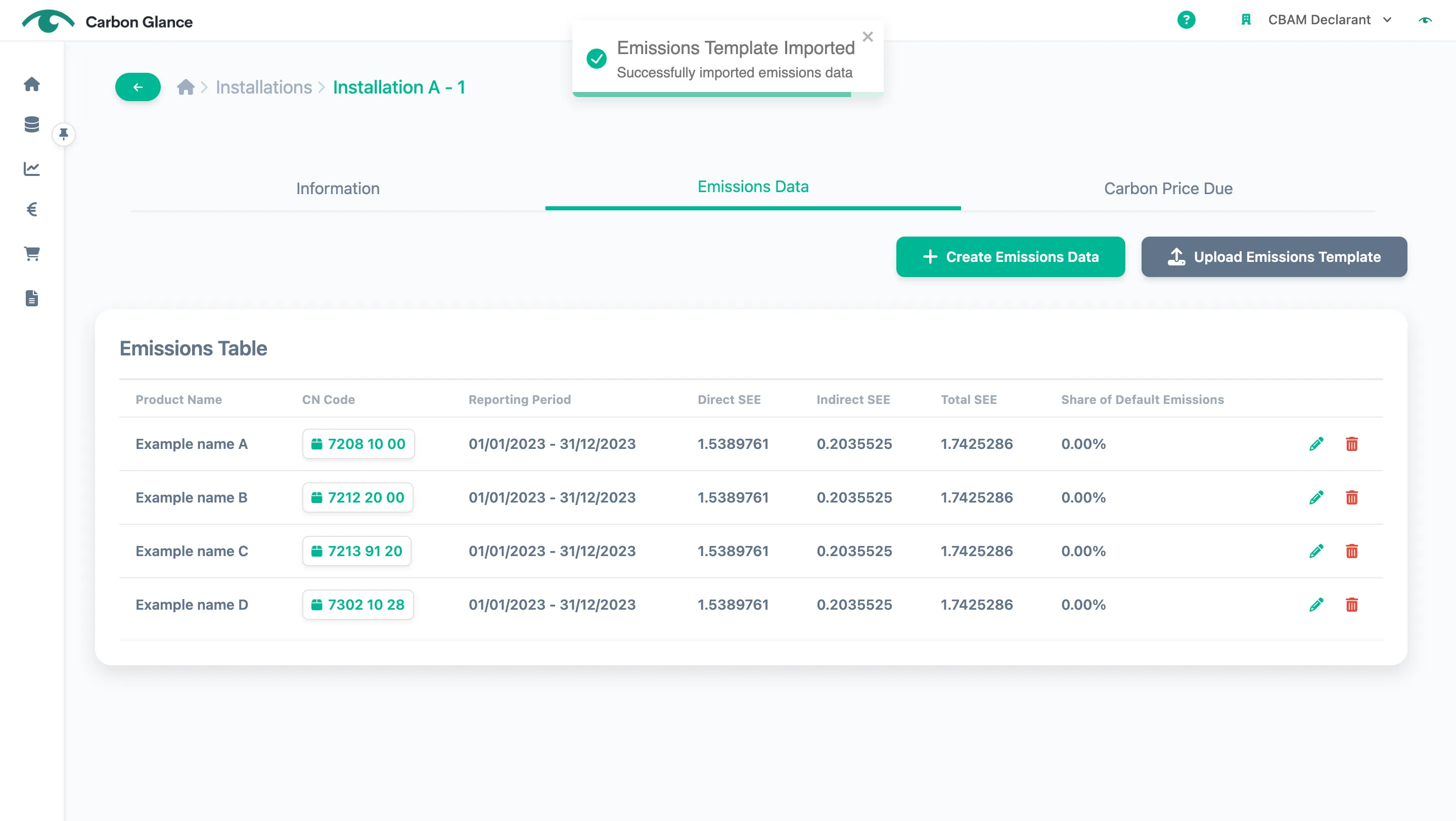
You can now view the emissions data for each CBAM product
Upload
You can upload installation emissions data in two ways:
- Upload the template provided by Carbon Glance, which allows you to upload the emissions data for all installations at once.
- Upload either the CBAM communication template or the EFDA template, which must be done separately for each installation.
Carbon Glance Template
If you use our template, please remember to add the qualifying parameters once you’ve uploaded the emissions (if applicable).
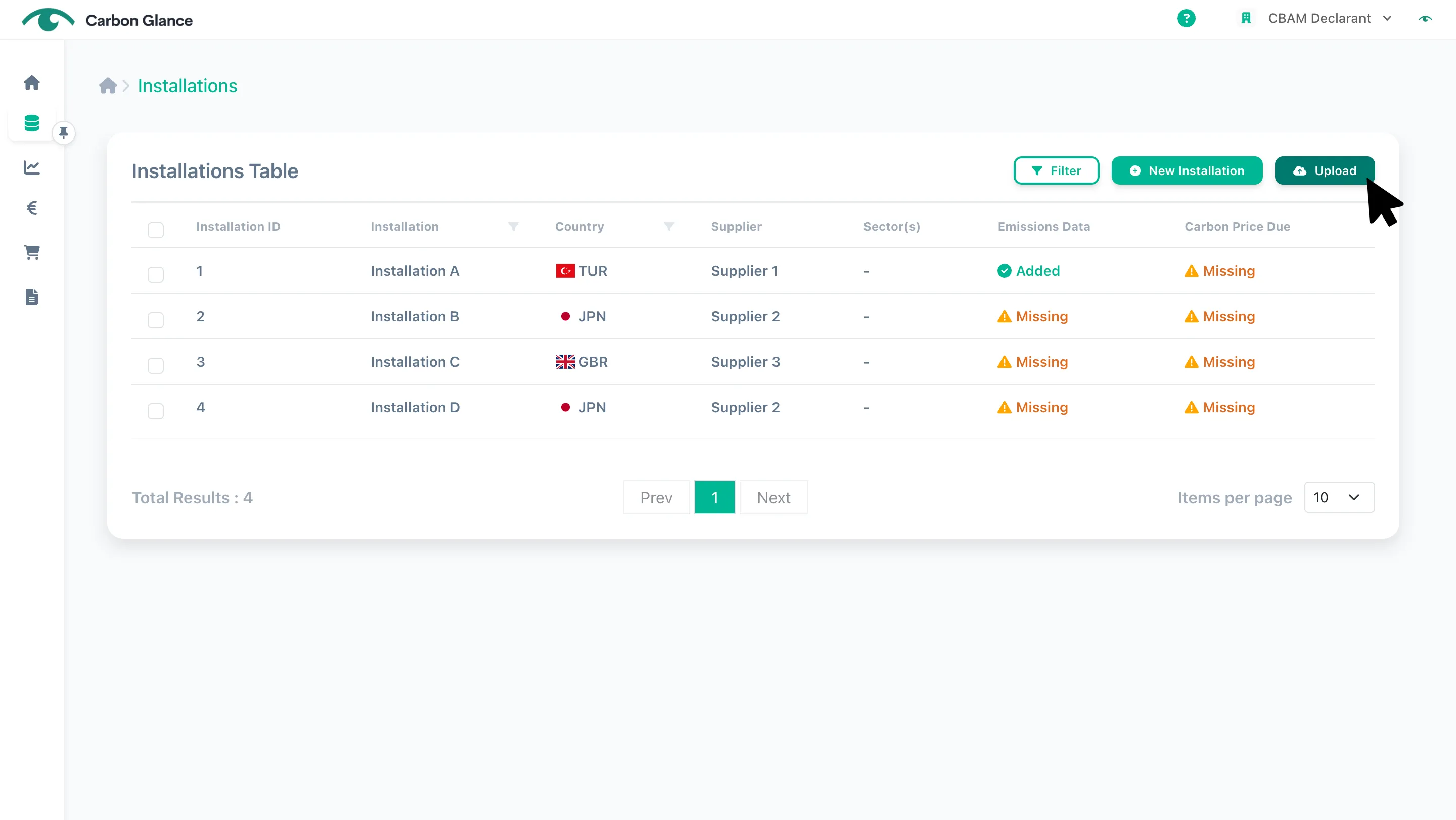
Click Upload
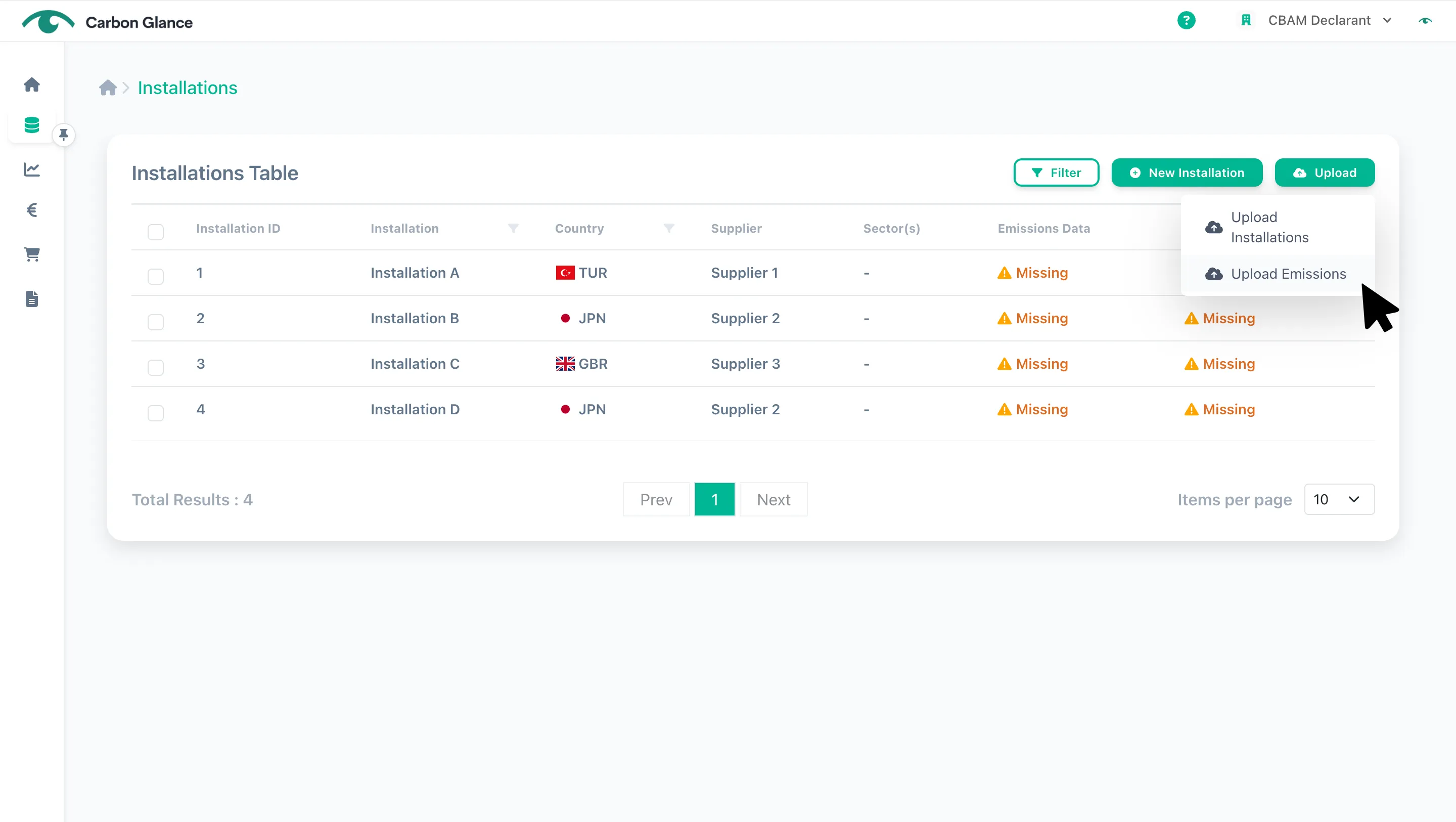
Click Upload Emissions
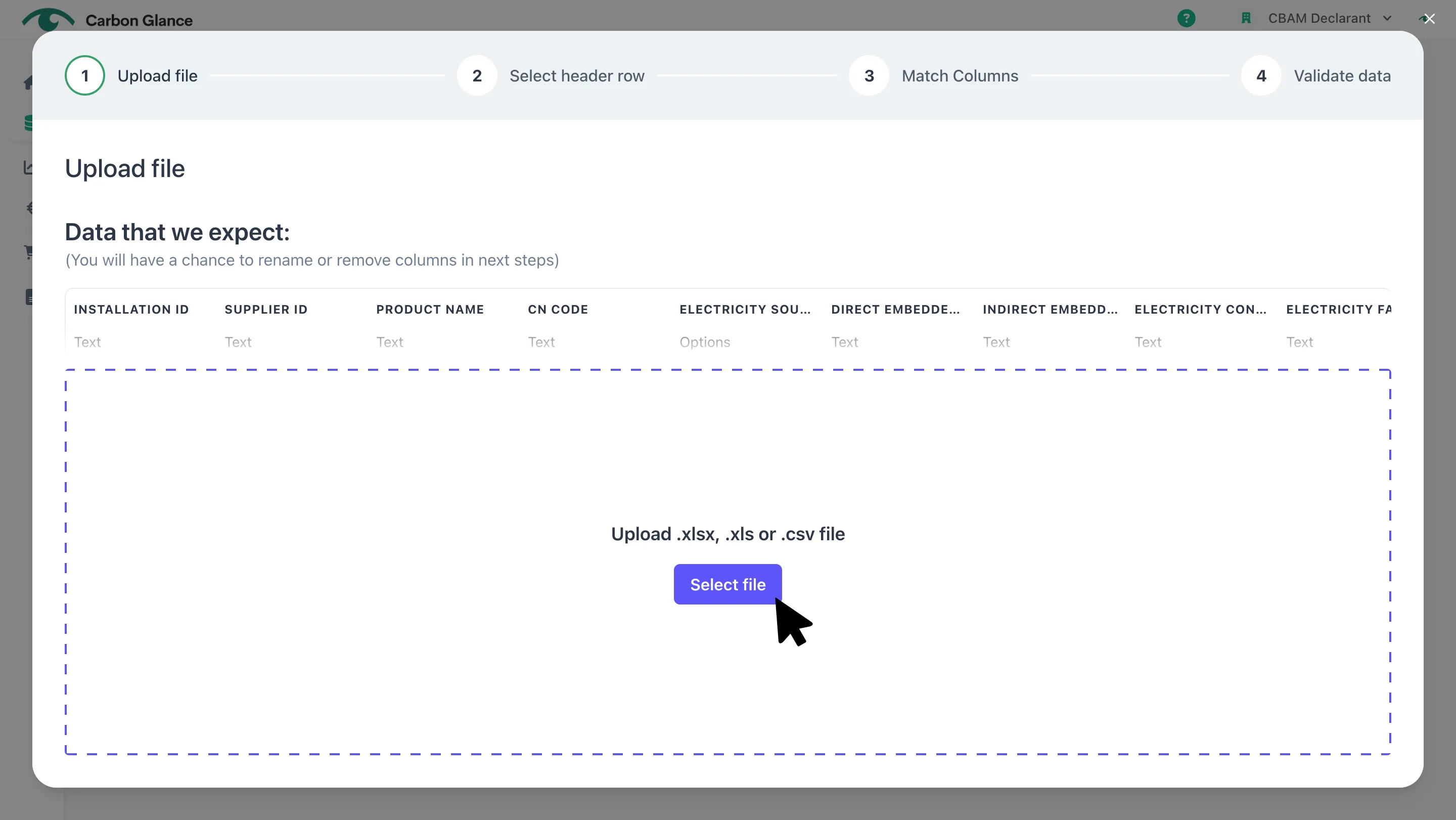
Click Select file or drag your Excel file into the upload area
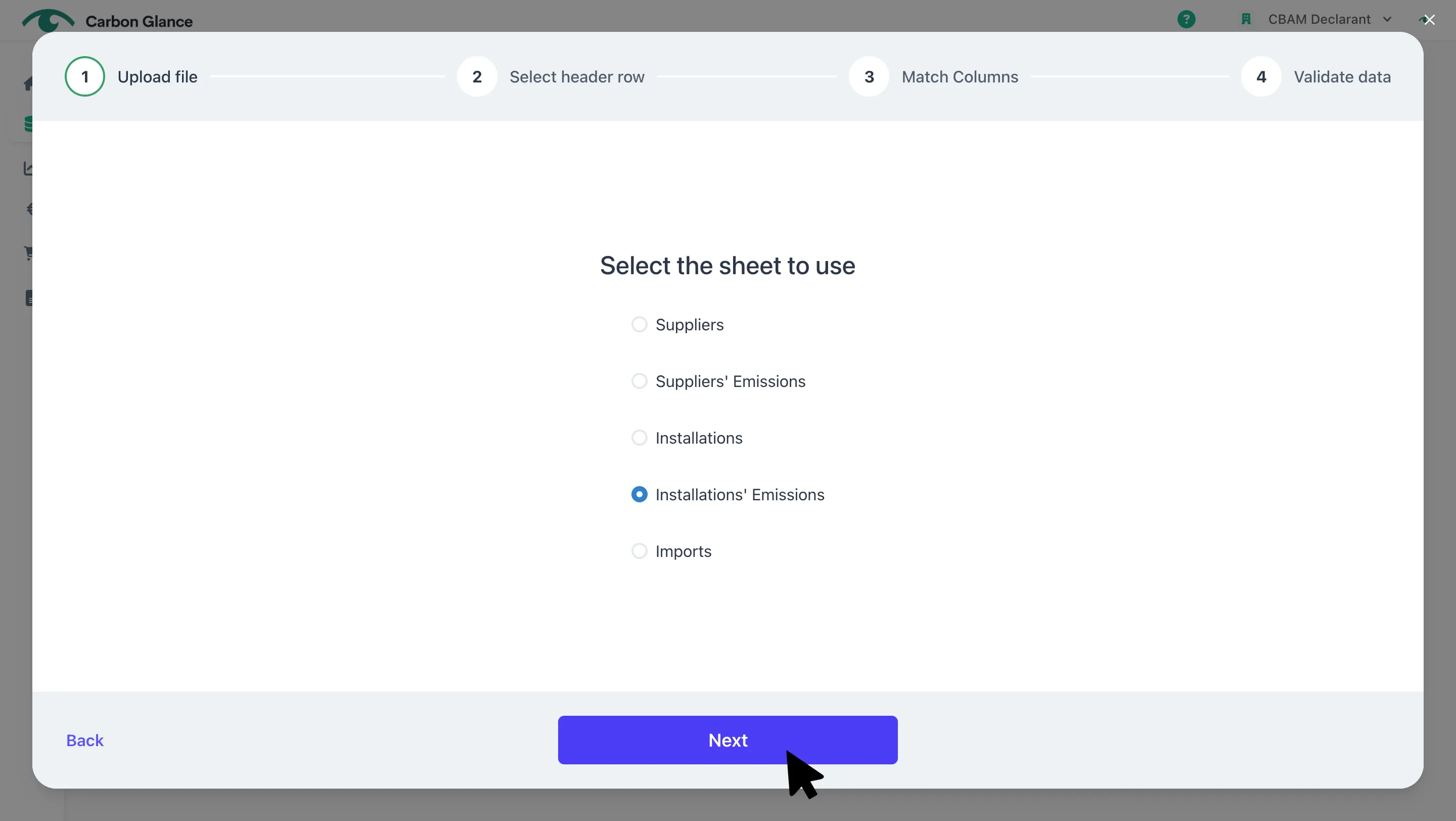
Select the sheet with the installations' emissions data and click Next
View the Excel Information and Select the Header Row
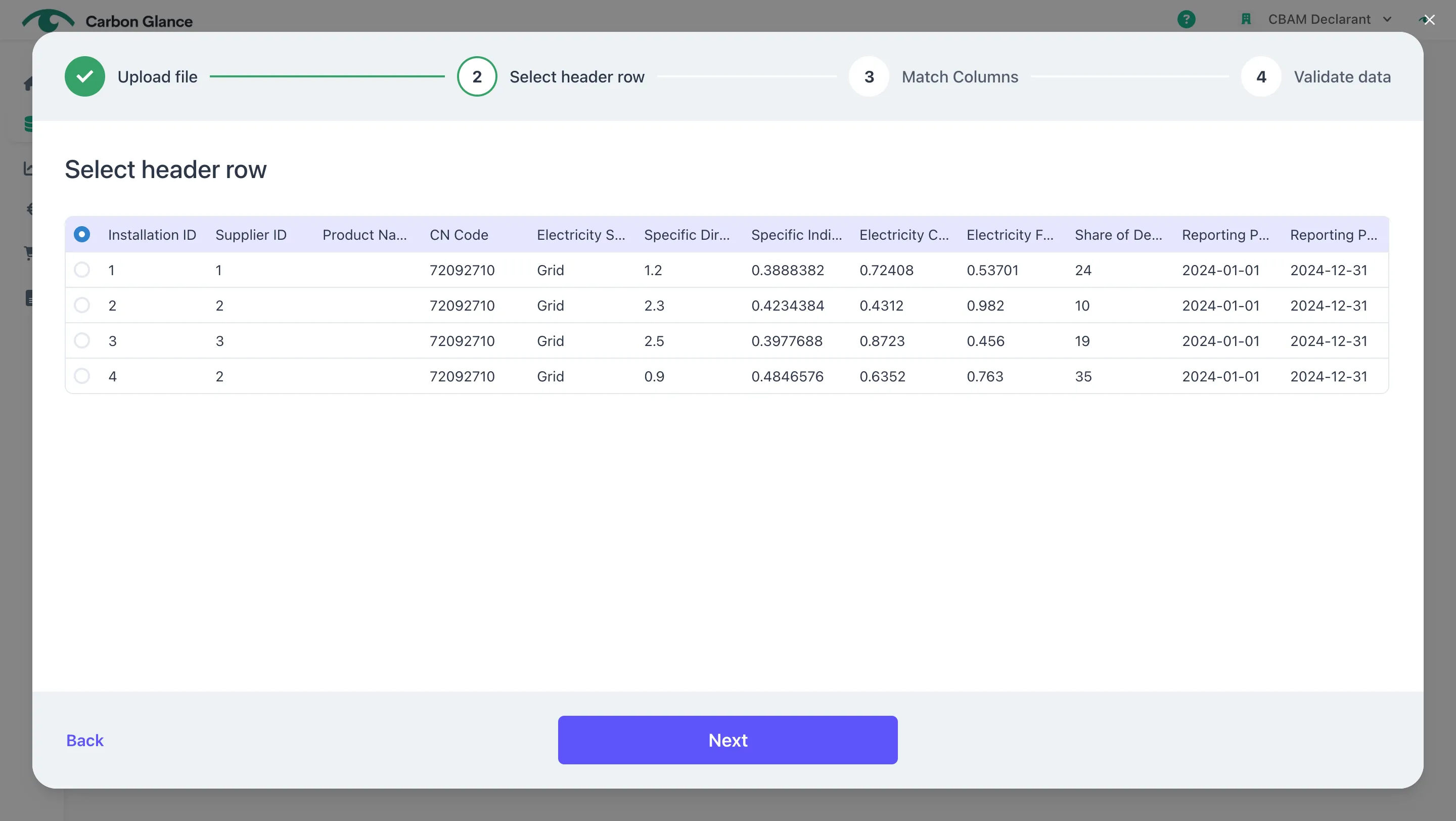
Match the columns from your Excel file to the platform fields and click Next
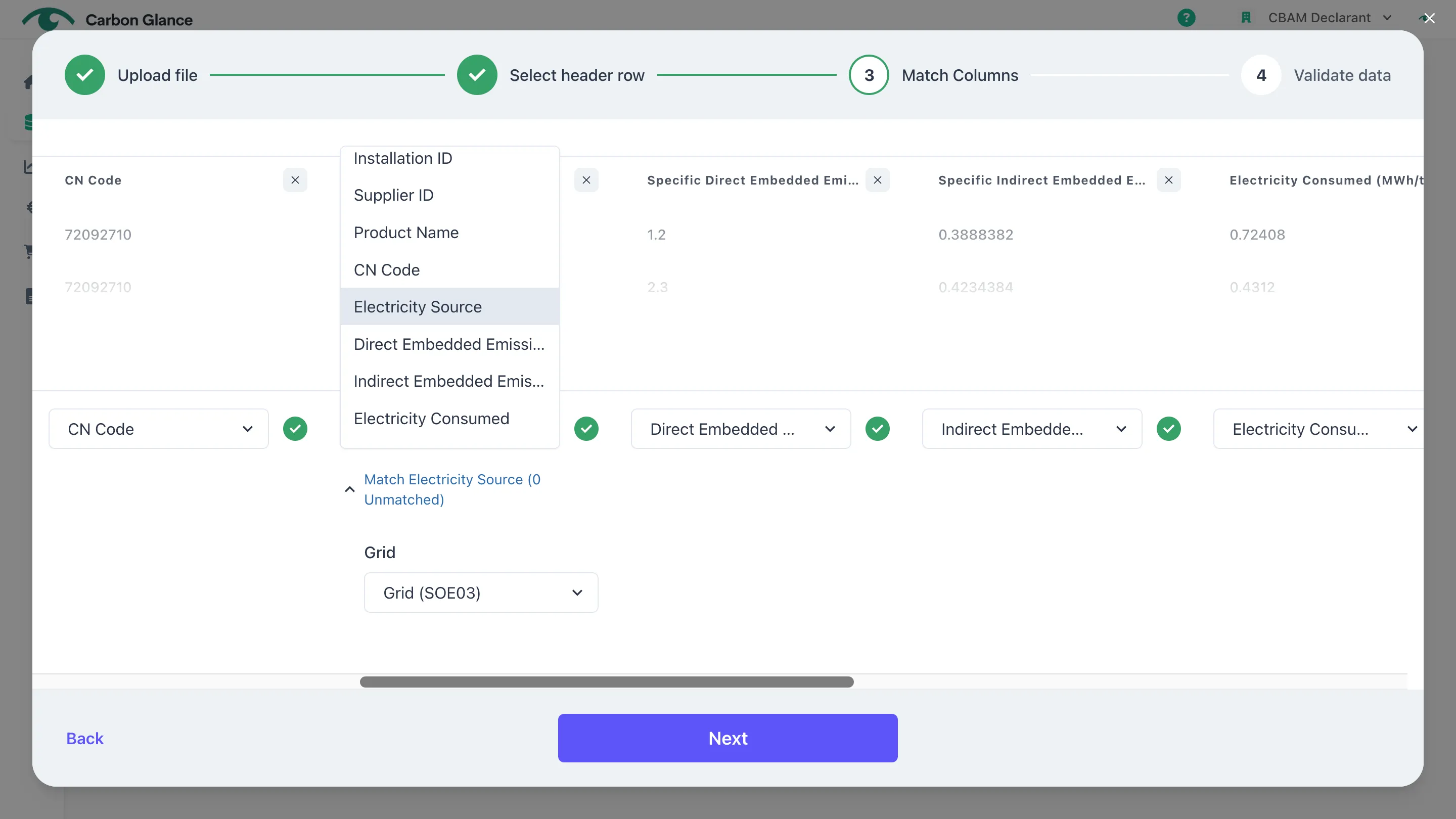
Validate your data and click Confirm
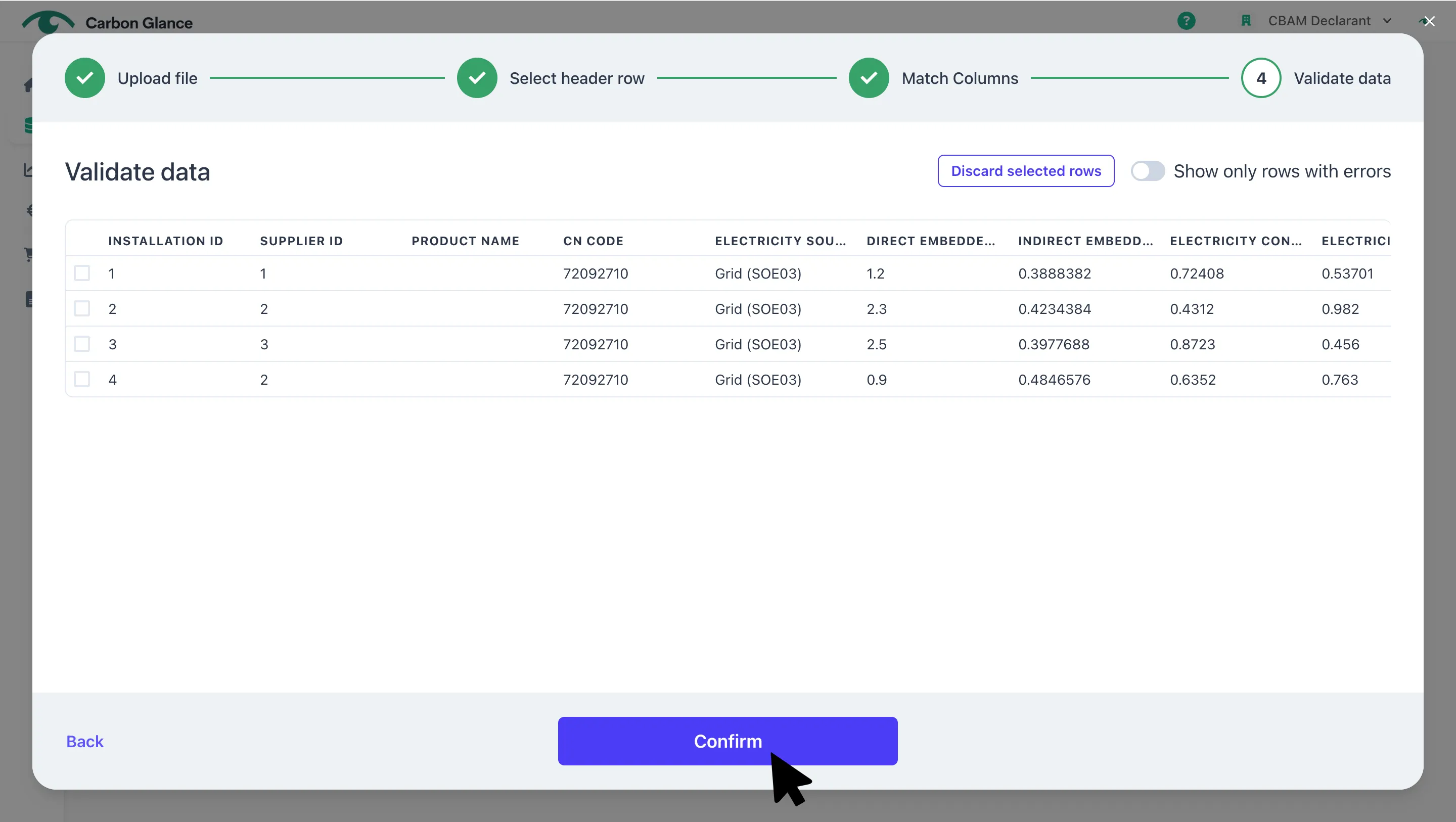
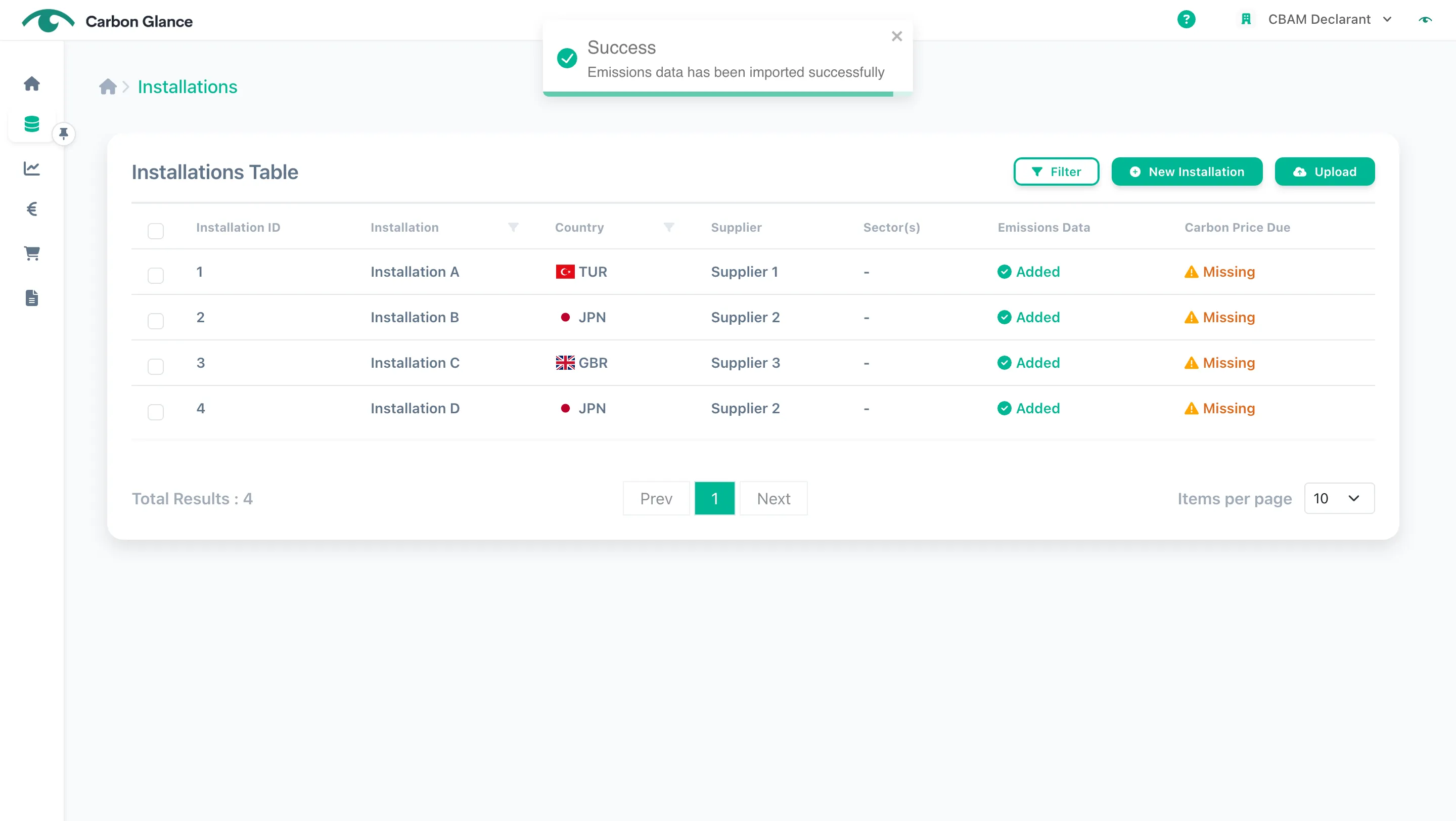
A validation message will appear to confirm that the data has been successfully uploaded
CBAM or EFDA Communication Templates
If you upload the CBAM communication template, please note that our system defaults to "received from grid" as the electricity source, since this field is not specified in the template. You can edit this field after the data has been uploaded.
Click on the installation
Click Emissions Data
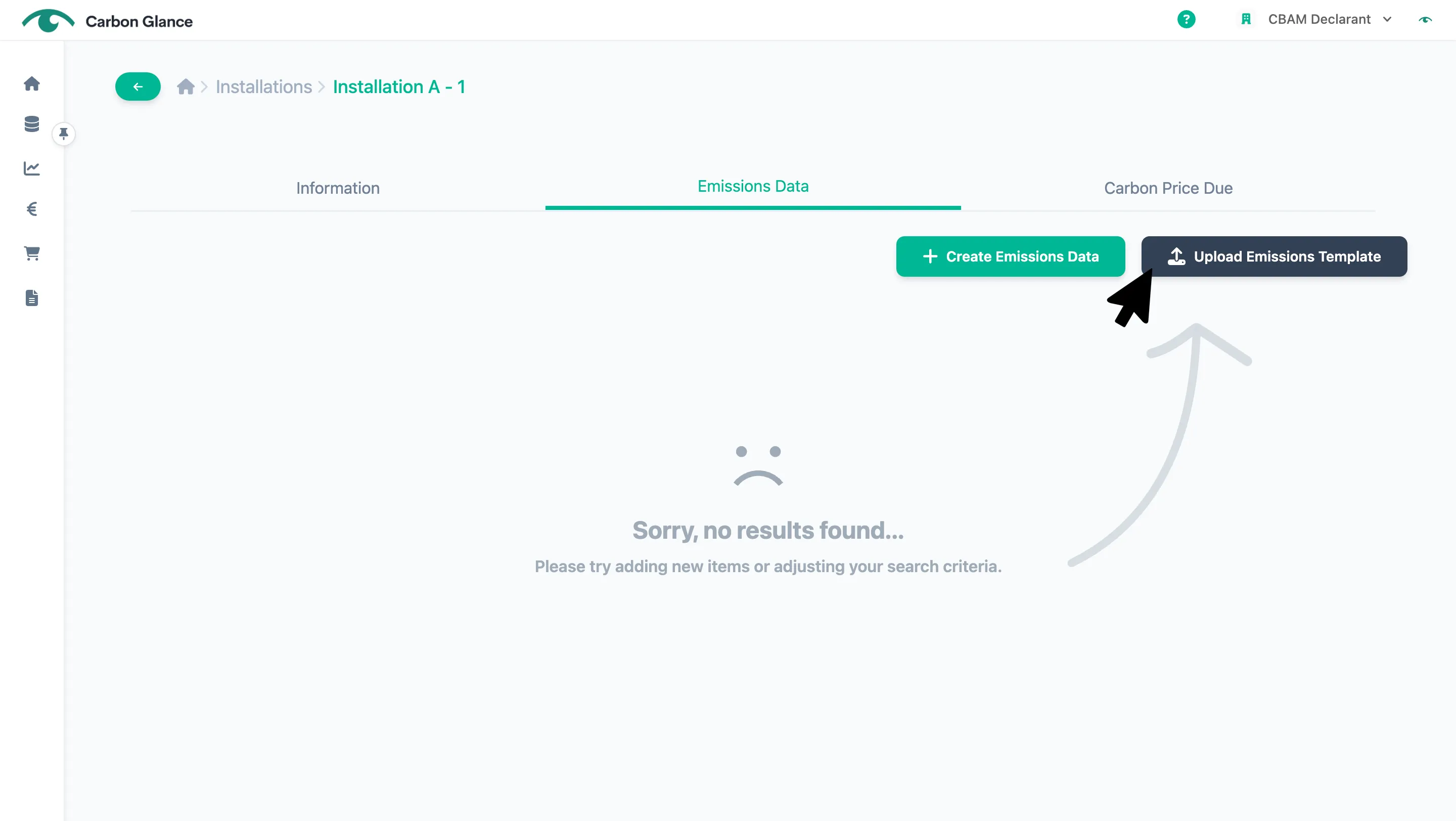
Click Upload Emissions Template
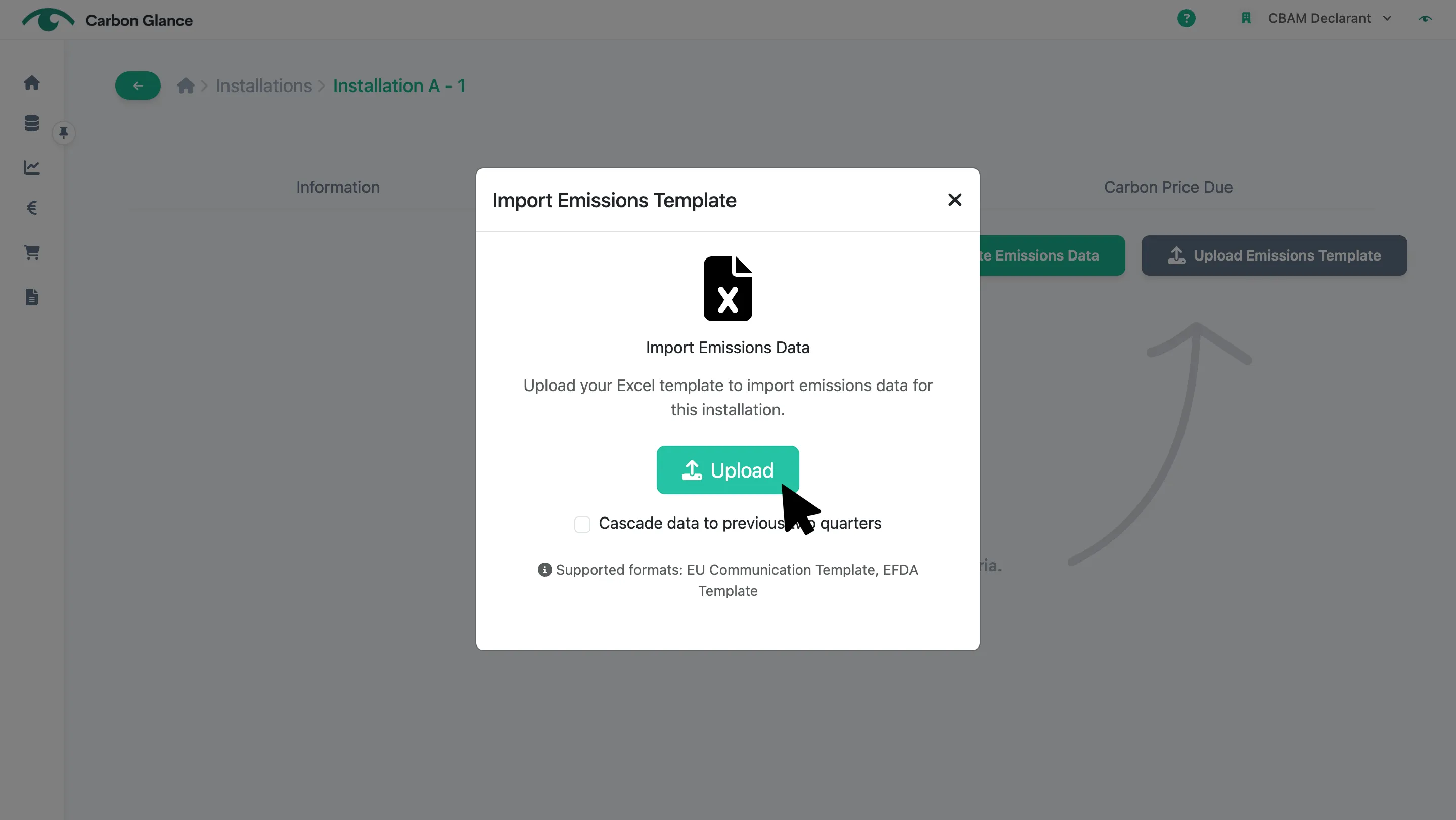
Click Upload and select the relevant file
A validation message will appear to confirm that the data has been successfully uploaded
Prepare your Excel File for Data Uploads
To simplify the data upload process, we have created an Excel template for you to complete and upload your data directly to the platform.
You can download this template directly from here.
If you encounter any issues downloading the template, contact us at [email protected] and we'll send it to you.
Installations Details
You need to provide the following information:
- Installation ID: This can be an existing Installation ID you already use internally for the installation. If you don’t have an existing ID, you can assign a new one (see the example below)
- Installation Name
- Country: You can enter either the 2-letter ISO country code or the full name of the country
When uploading your data, an error will occur if you use an invalid country name. For example, using "Great Britain" instead of "United Kingdom" will trigger the error: "Error at field Country - Invalid Country".
- City
Example:
Installation ID | Supplier ID | Name | Country / ISO 2 | City |
|---|---|---|---|---|
1 | 1 | Installation A | Turkey | Ankara |
2 | 2 | Installation B | JP | Tokyo |
3 | 3 | Installation C | GB | London |
4 | 2 | Installation D | JP | Tokyo |
Installations Emissions
If you use Carbon Glance template, you need to provide the following information:
- Product Name (Optional)
- CN Code
- Electricity Source
- Specific Direct Embedded Emissions (tCO2e/t): This refers to the direct emissions per tonne of product
- Specific Indirect Embedded Emissions (tCO2e/t): This refers to the indirect emissions per tonne of product
Specific Indirect Embedded Emissions are calculated as:
Electricity Consumed × Electricity Emission Factor
If the value you enter doesn't match this calculation, the platform will show an error message.
- Electricity Consumed (MWh/tonne of product): This refers to the electricity consumption during the production of CBAM goods, measured in MWh per tonne of product
- Electricity Emission Factor (tCO2e/MWh): This refers to the electricity emission factor used to calculate the electricity emissions
- Electricity Factor Data Source: This refers to the source of data used for the electricity emission factor
- Share of Default Values (%): This refers to the percentage of default emission values the supplier used to calculate the product's emissions
- Reporting Period Start Date
- Reporting Period End Date
Example:
Installation ID | Supplier ID | Product Name (Optional) | CN Code | Electricity Source | Specific Direct Embedded Emissions (tCO2e/t) | Specific Indirect Embedded Emissions (tCO2e/t) | Electricity Consumed (MWh/tonne of product) | Electricity Factor (tCO2e/MWh) | Electricity Factor Data Source | Share of Default Values (%) | Reporting Period Start Date | Reporting Period End Date |
|---|---|---|---|---|---|---|---|---|---|---|---|---|
1 | 1 | | 72092710 | Grid | 1,2 | 0,3888382 | 0,72408 | 0,53701 | EMBER | 24 | 1/1/24 | 31/12/24 |
2 | 2 | | 72092710 | Grid | 2,3 | 0,4234384 | 0,4312 | 0,982 | EMBER | 10 | 1/1/24 | 31/12/24 |
3 | 3 | | 72092710 | Grid | 2,5 | 0,3977688 | 0,8723 | 0,456 | EMBER | 19 | 1/1/24 | 31/12/24 |
4 | 2 | | 72092710 | Grid | 0,9 | 0,4846576 | 0,6352 | 0,763 | EMBER | 35 | 1/1/24 | 31/12/24 |
Edit
If you connect with a supplier and they accept your connection request, their associated installations will be displayed on the Installations tab.
Important: For connected installations, you can only view the information; editing is not enabled.
Installations Details
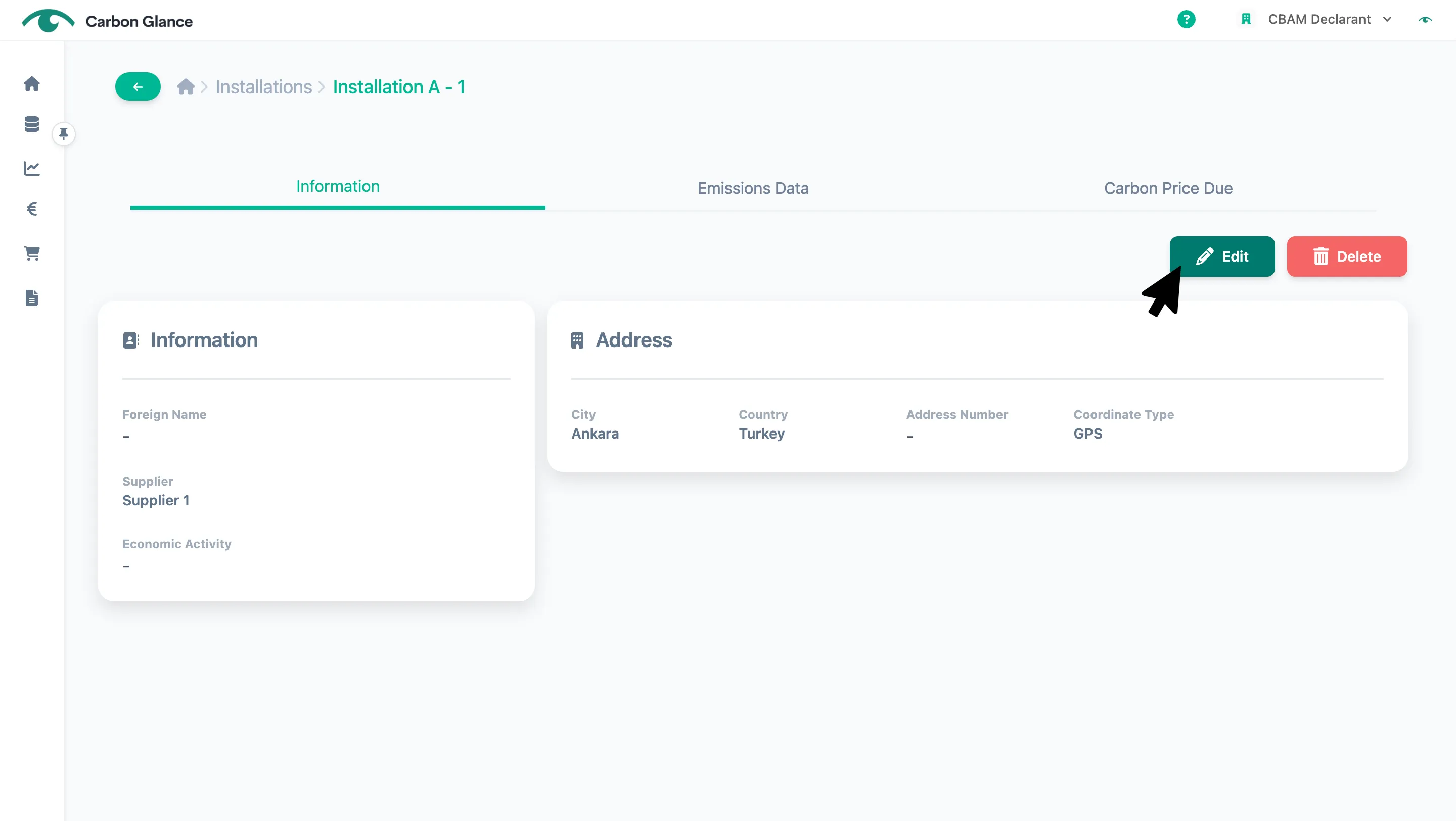
Click on the installation
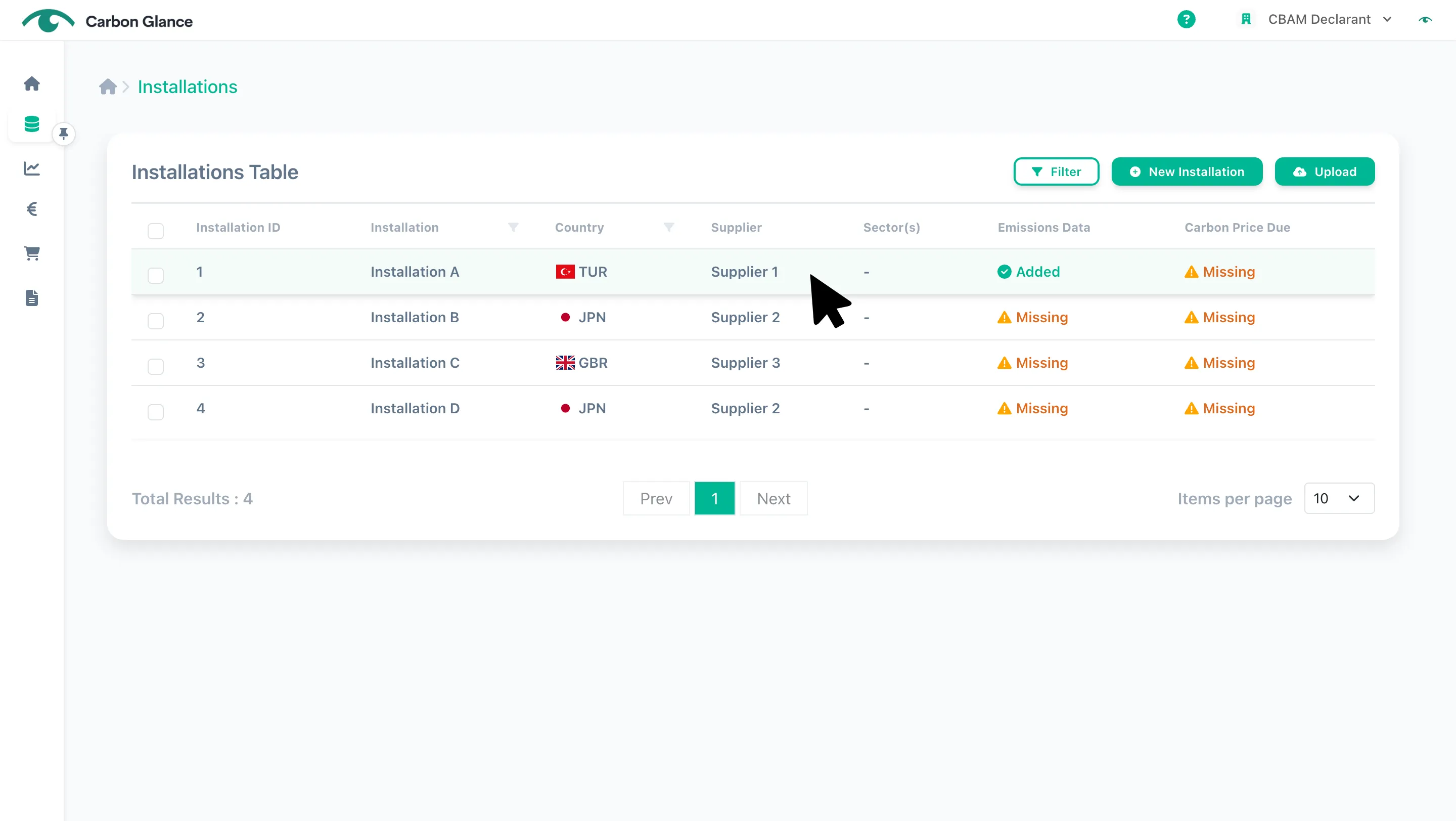
Click Edit
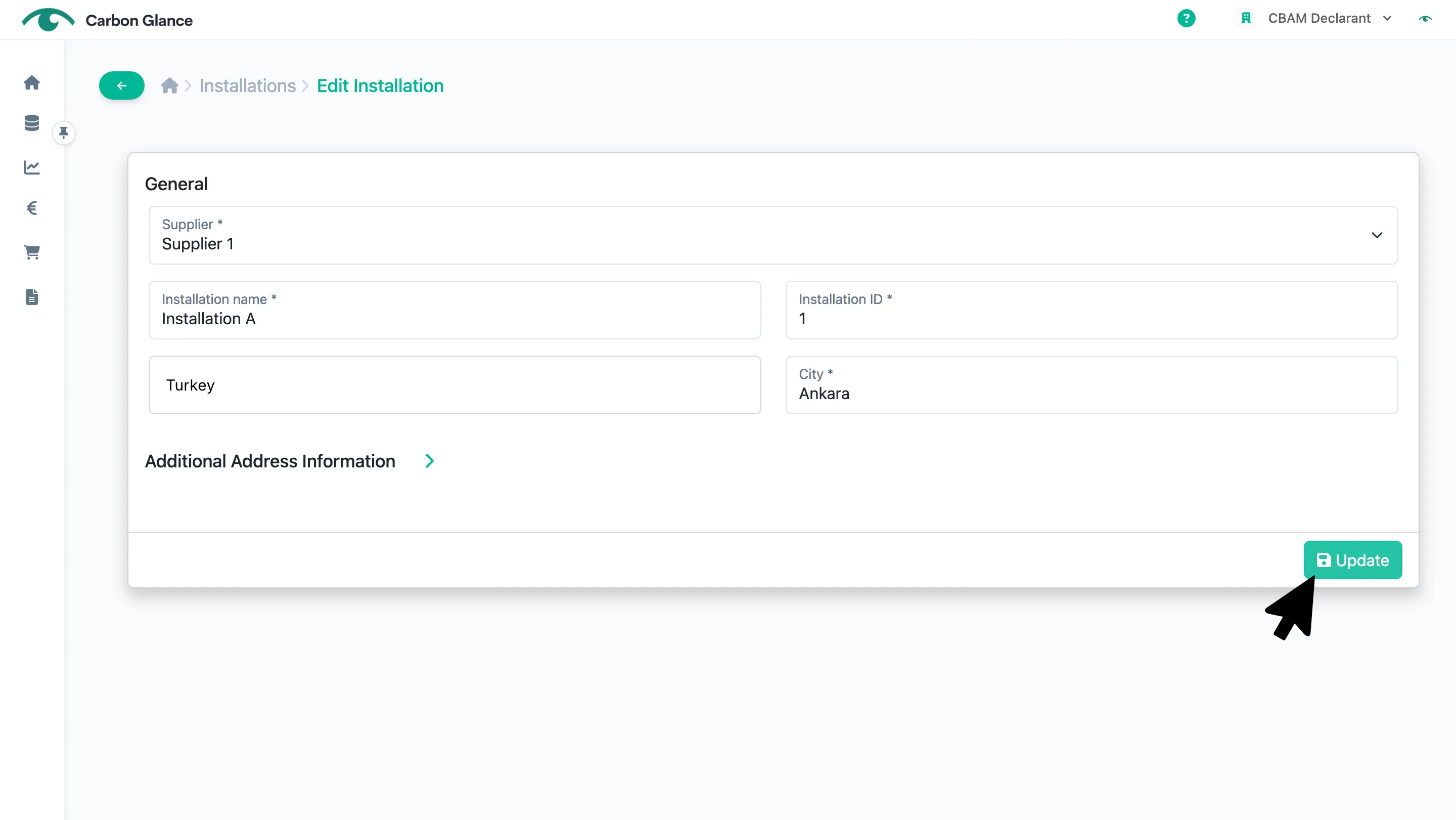
Click Update to edit the information
If you uploaded your installation data using the data upload template, please note that it contains only the minimum required installation information. You can provide additional details about the installation in this form.
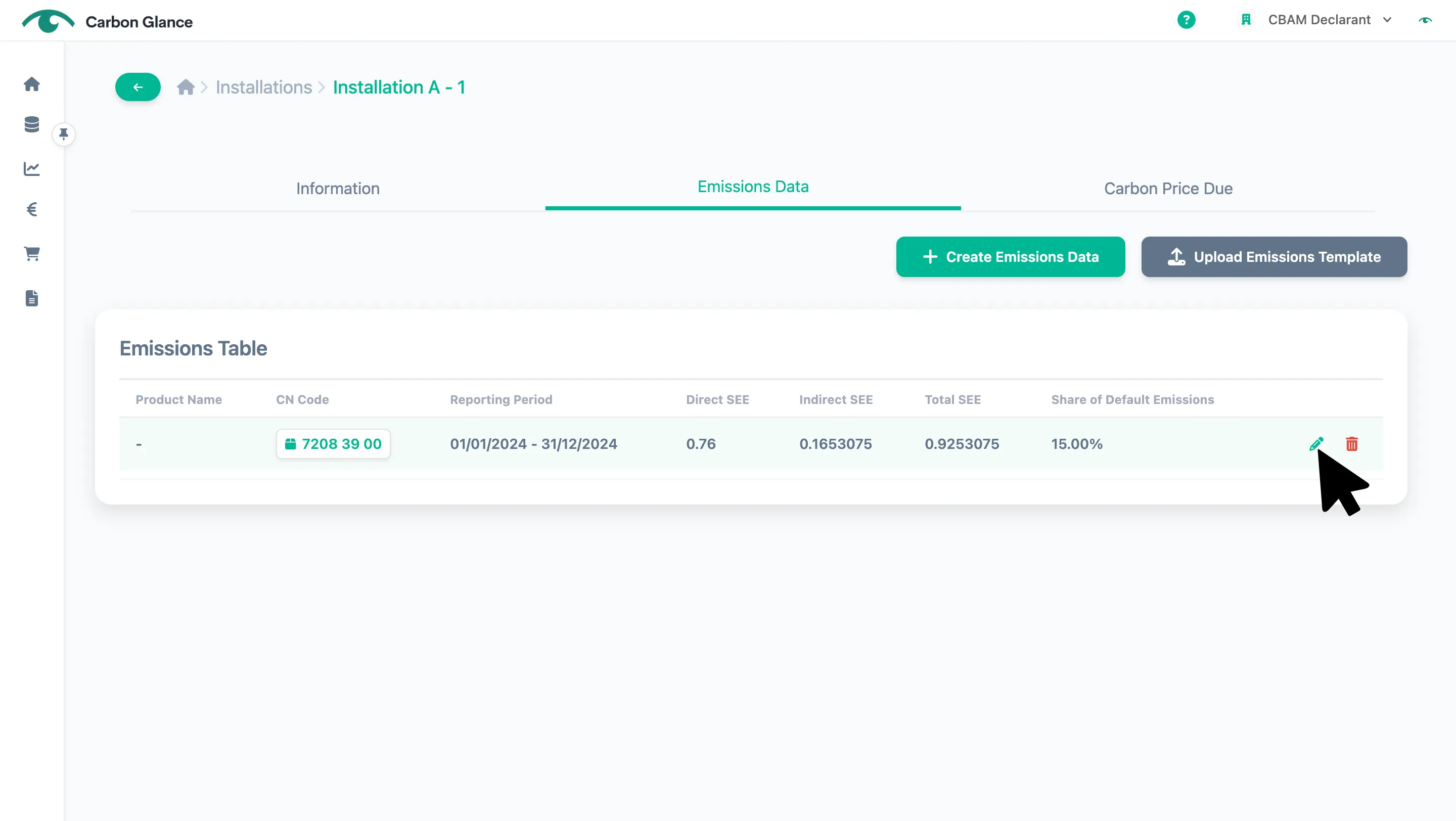
Emissions Details
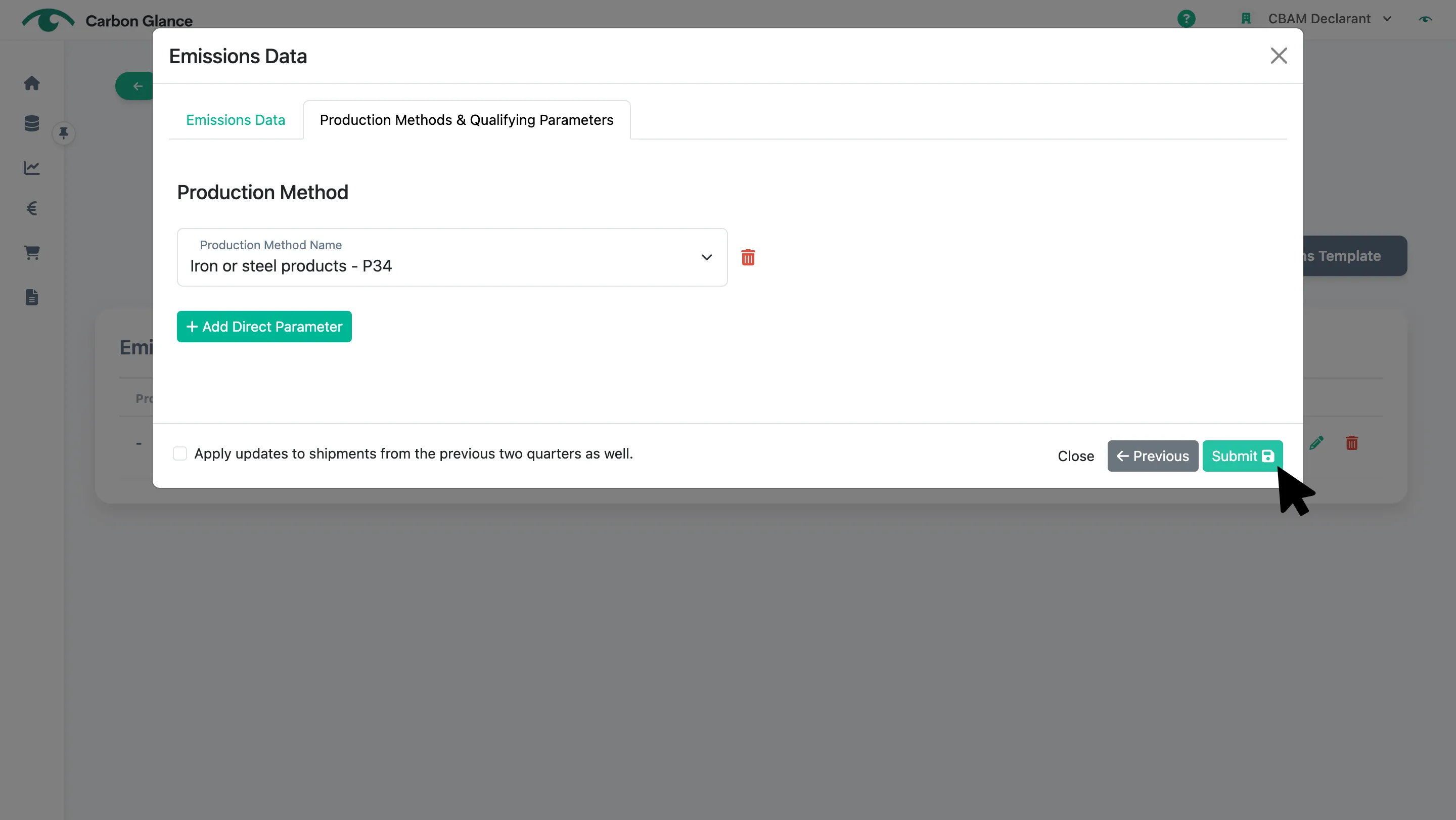
Click the Pencil icon
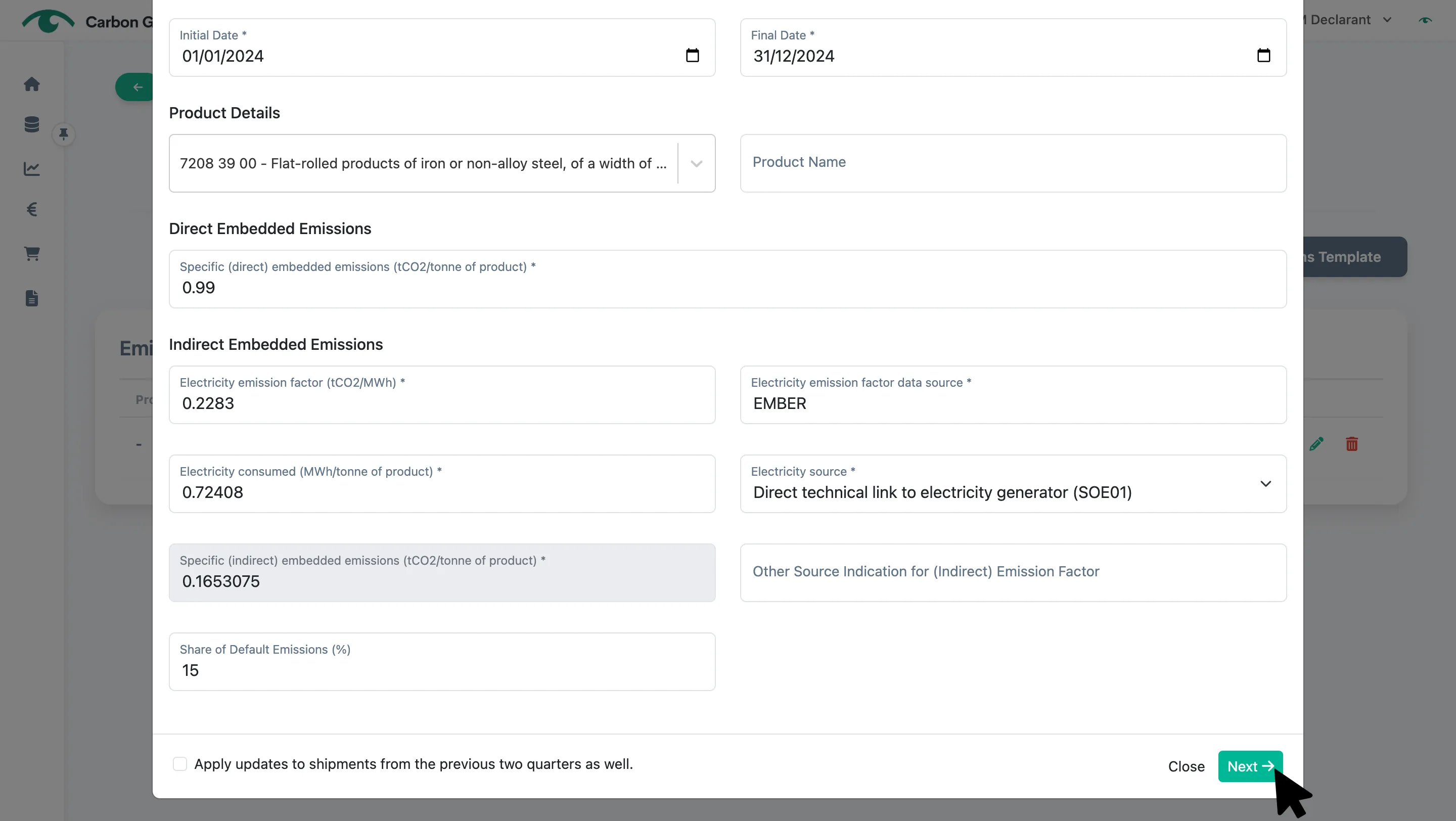
Click Next
Click Submit to save the edited information
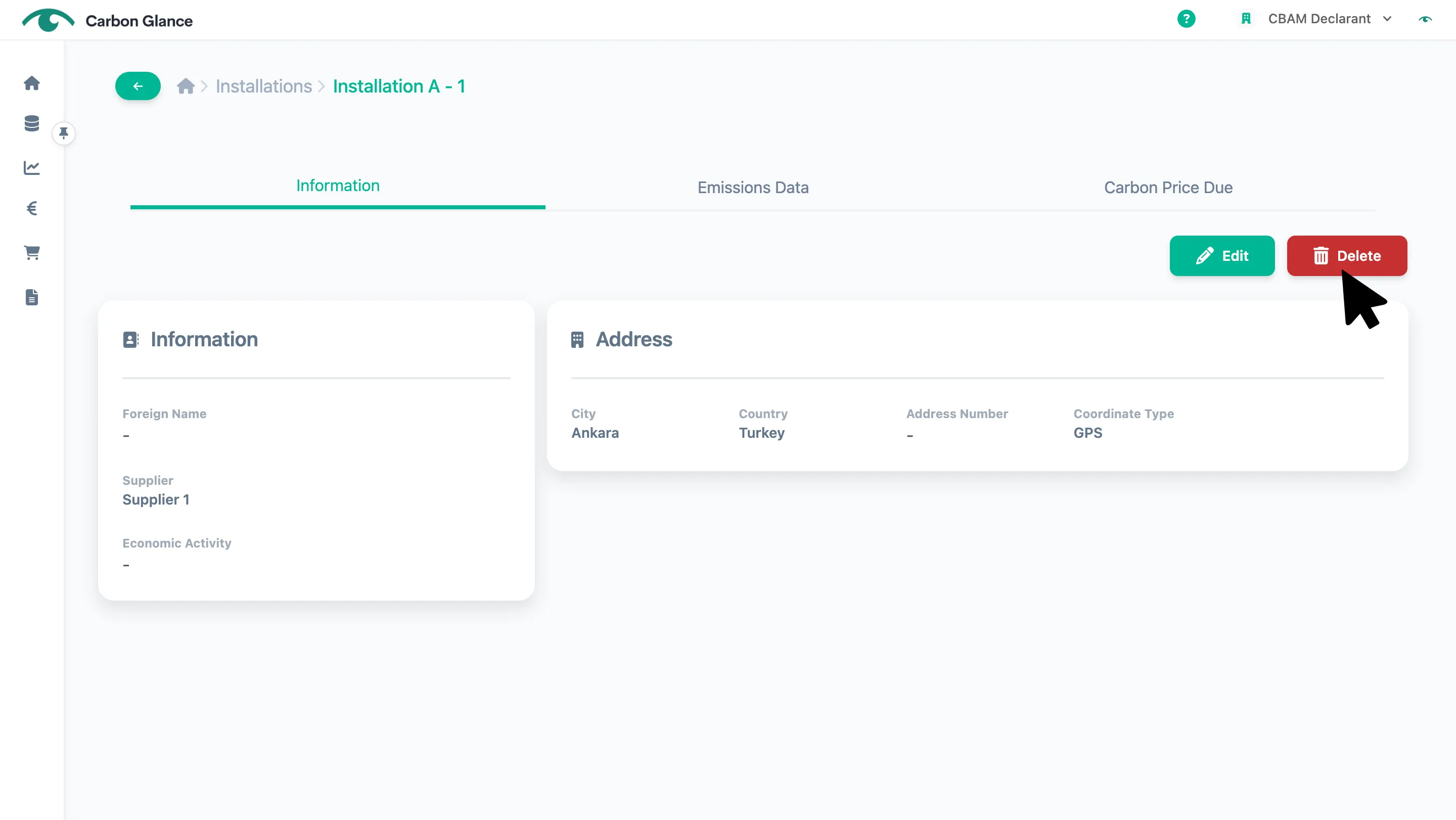
Delete
Installations Details
Click Delete
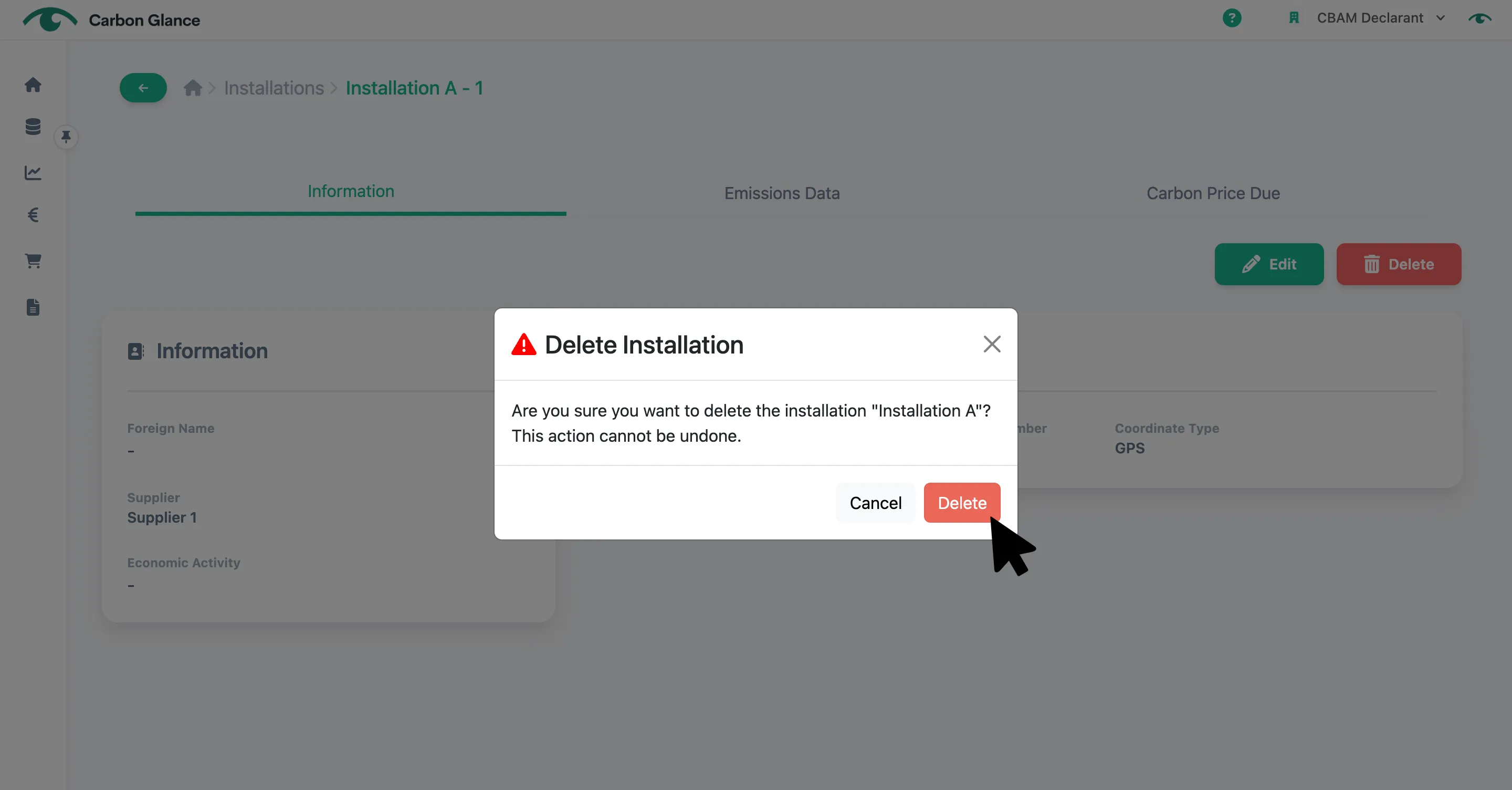
Click Yes to confirm
Emissions Details
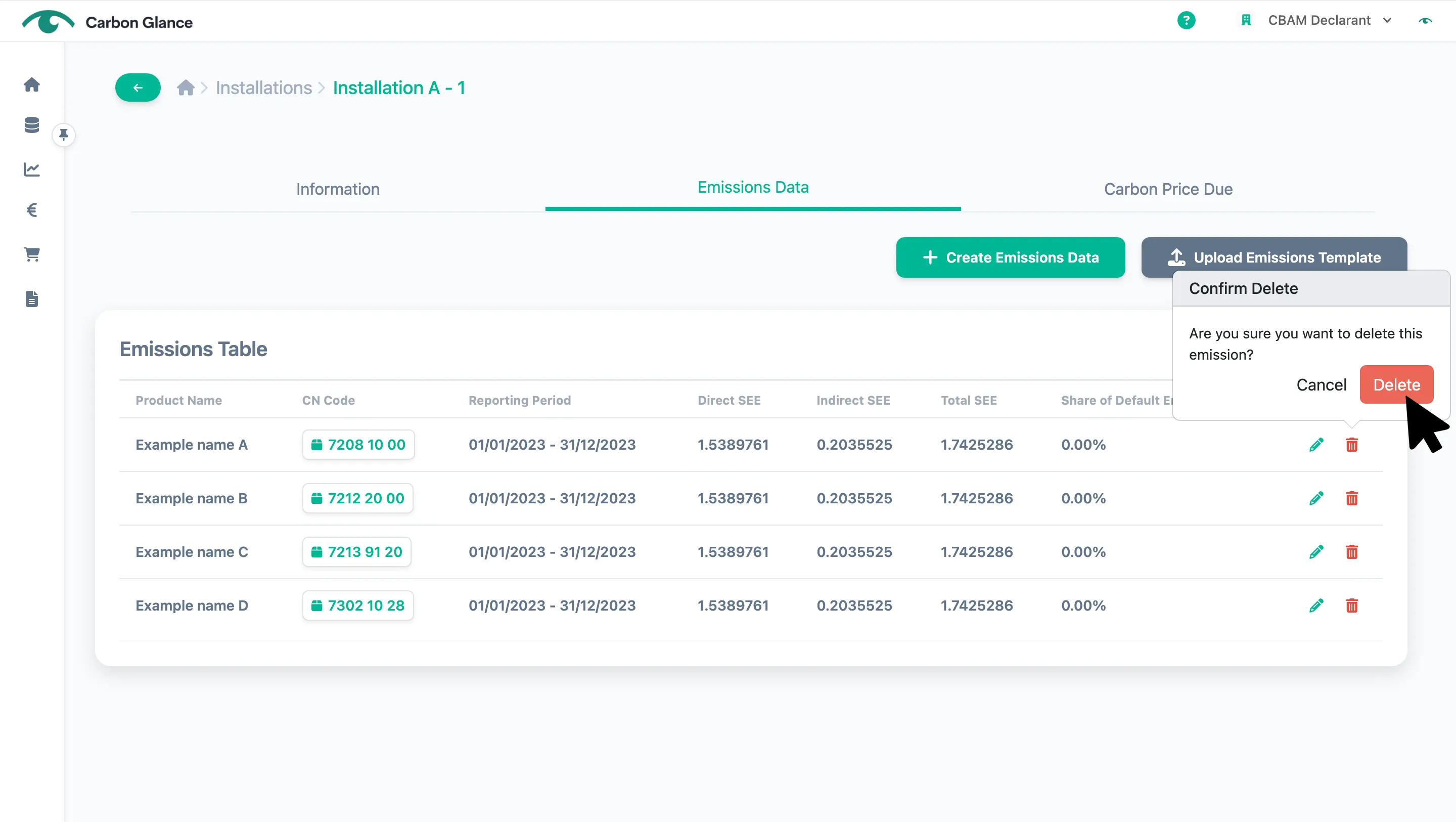
Click the Bin icon
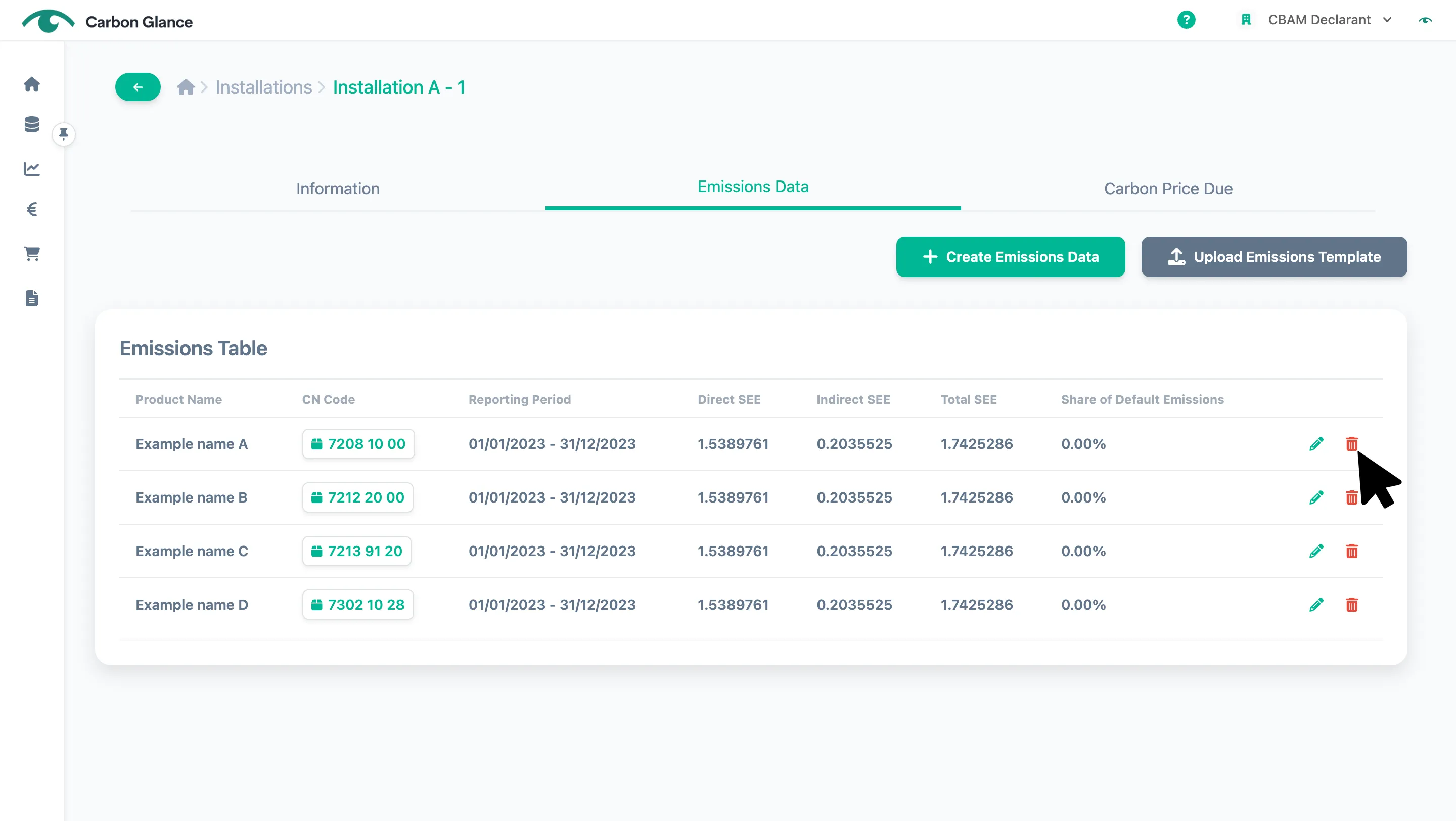
Click Delete to confirm
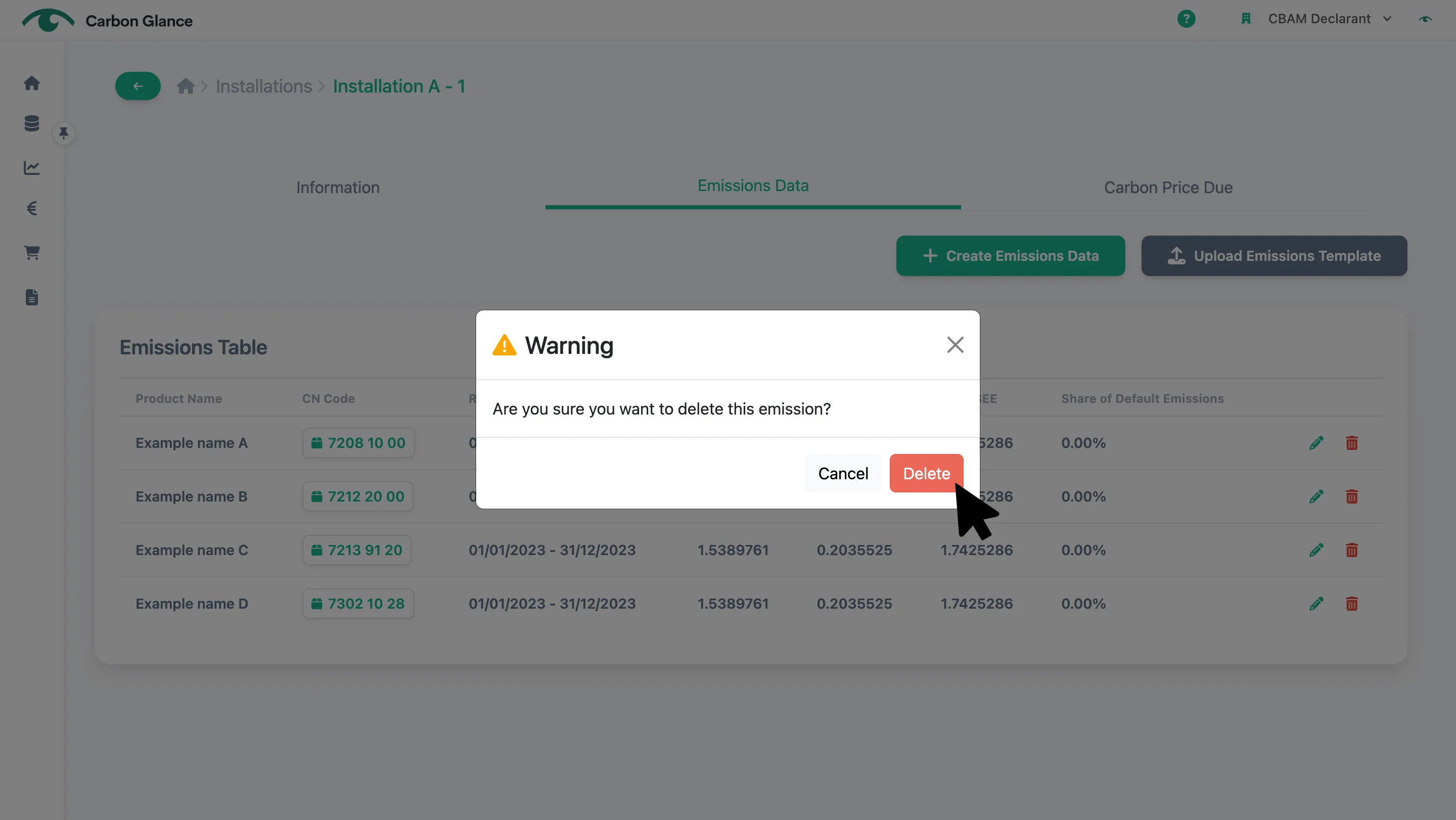
Click again Delete to confirm
If you delete the actual emissions data, the emission values used for all imports of that CN code - including those from previous quarters -associated with that supplier and installation will revert to the default values.
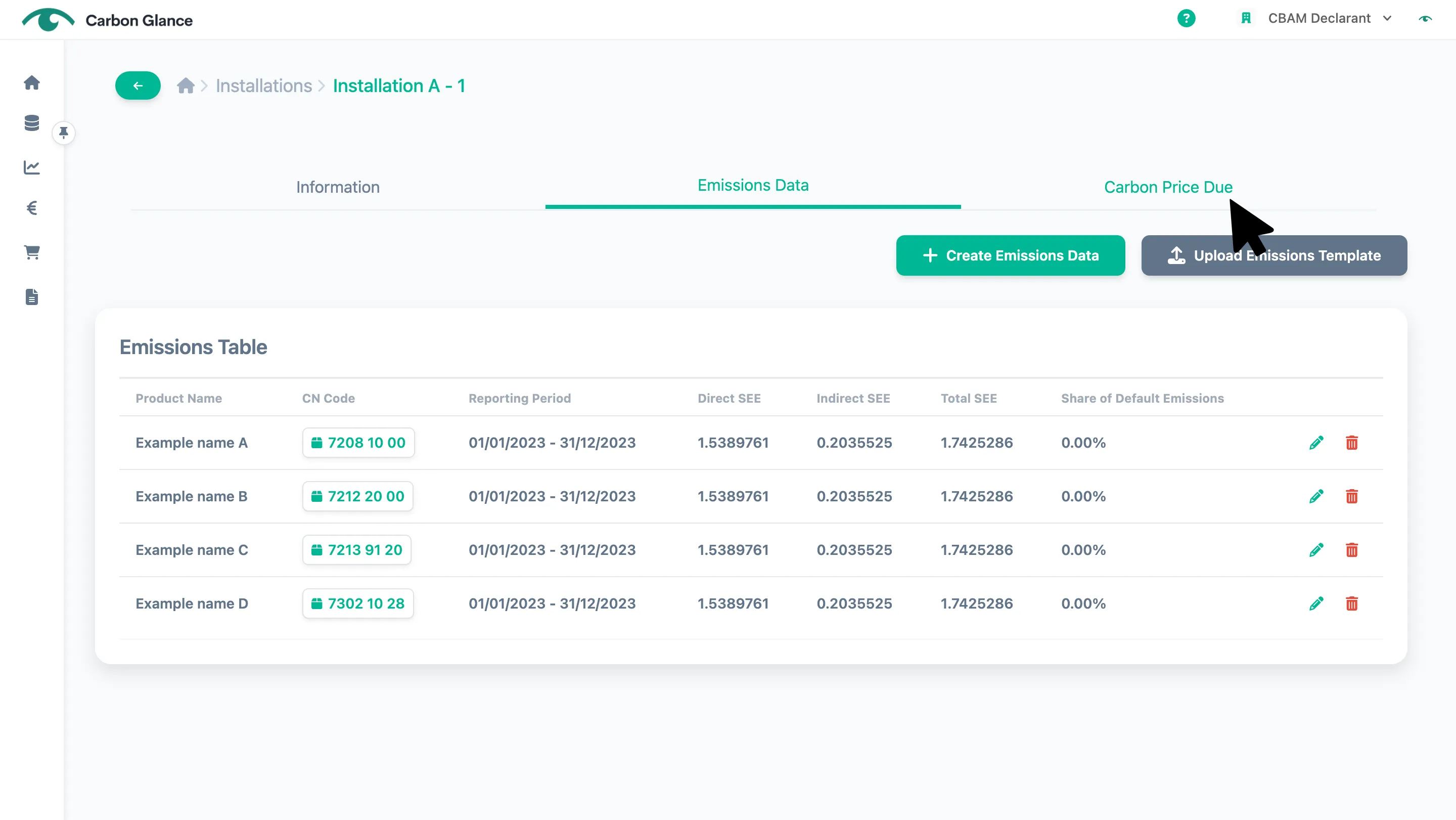
Enter Carbon Price Due
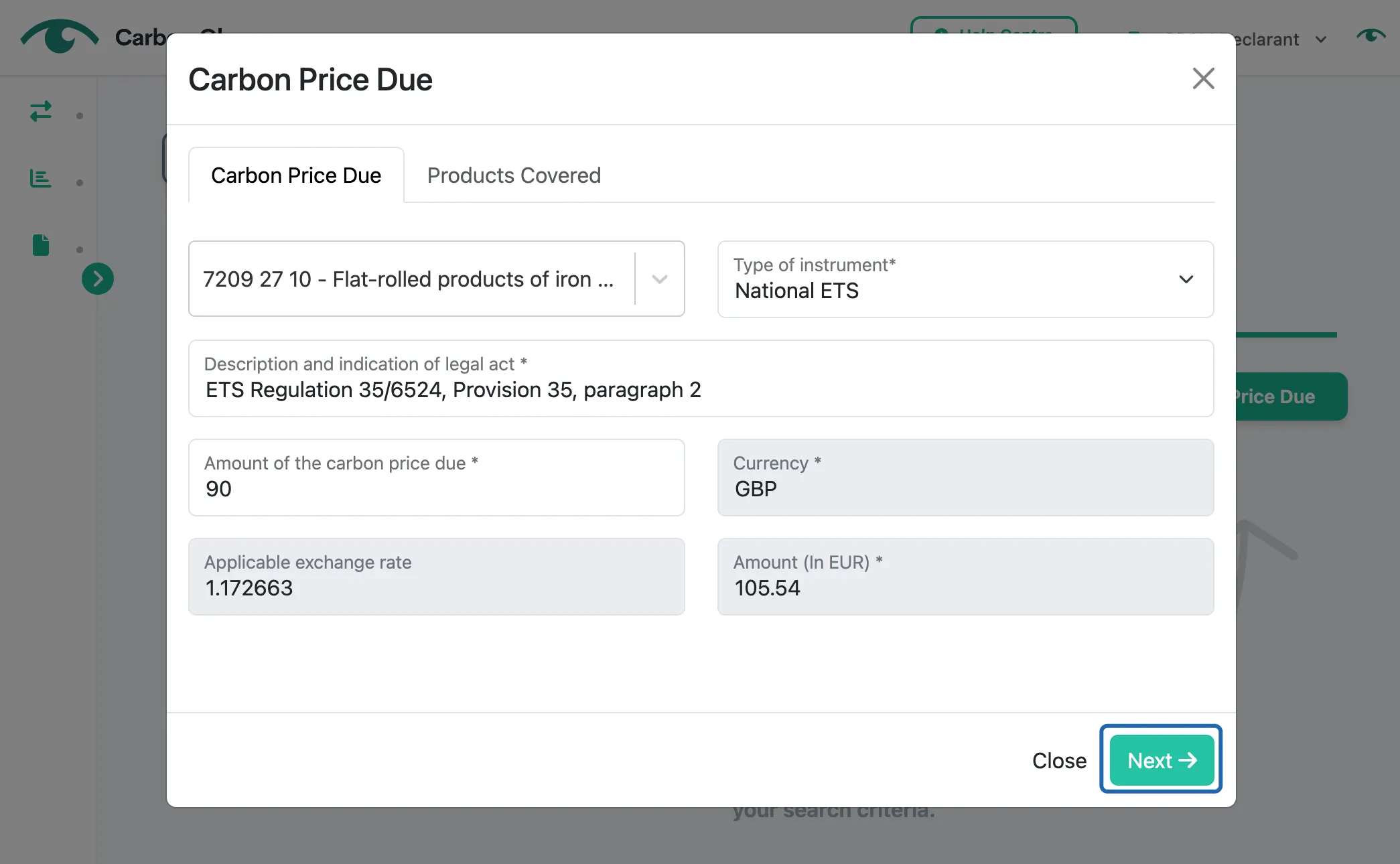
Click Carbon Price Due
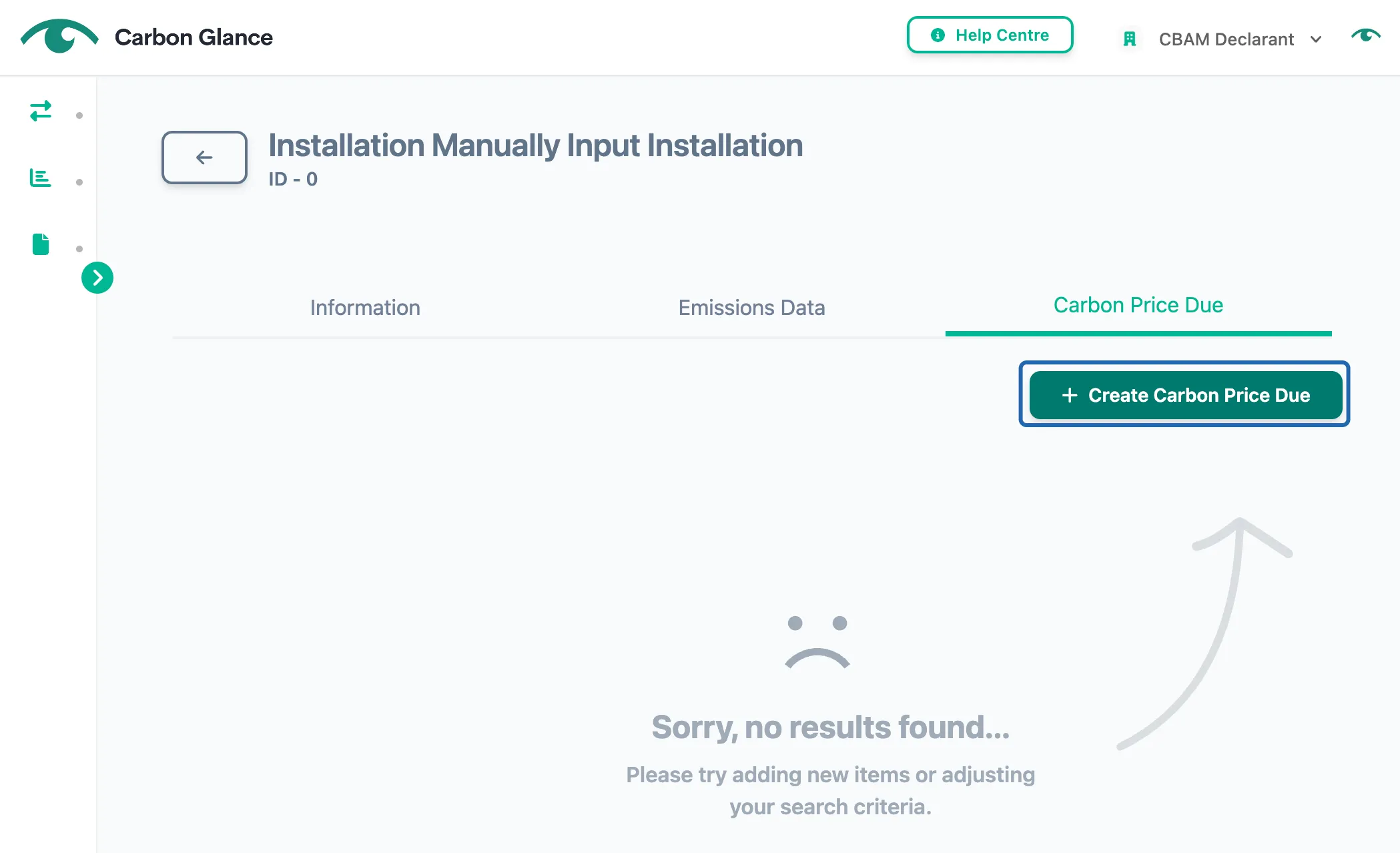
Click Create Carbon Price Due
Search and select the CBAM good for which you want to add carbon pricing information
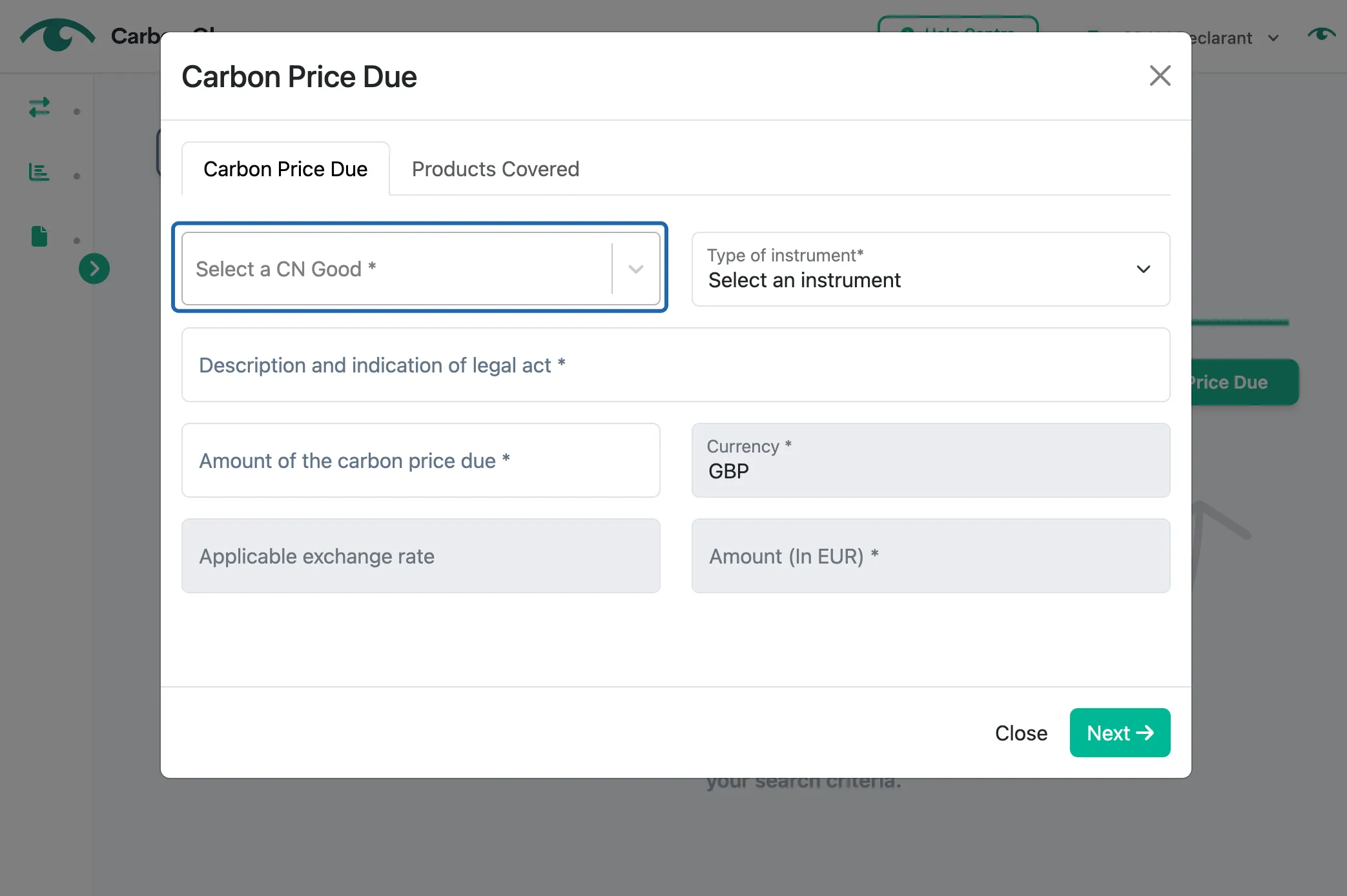
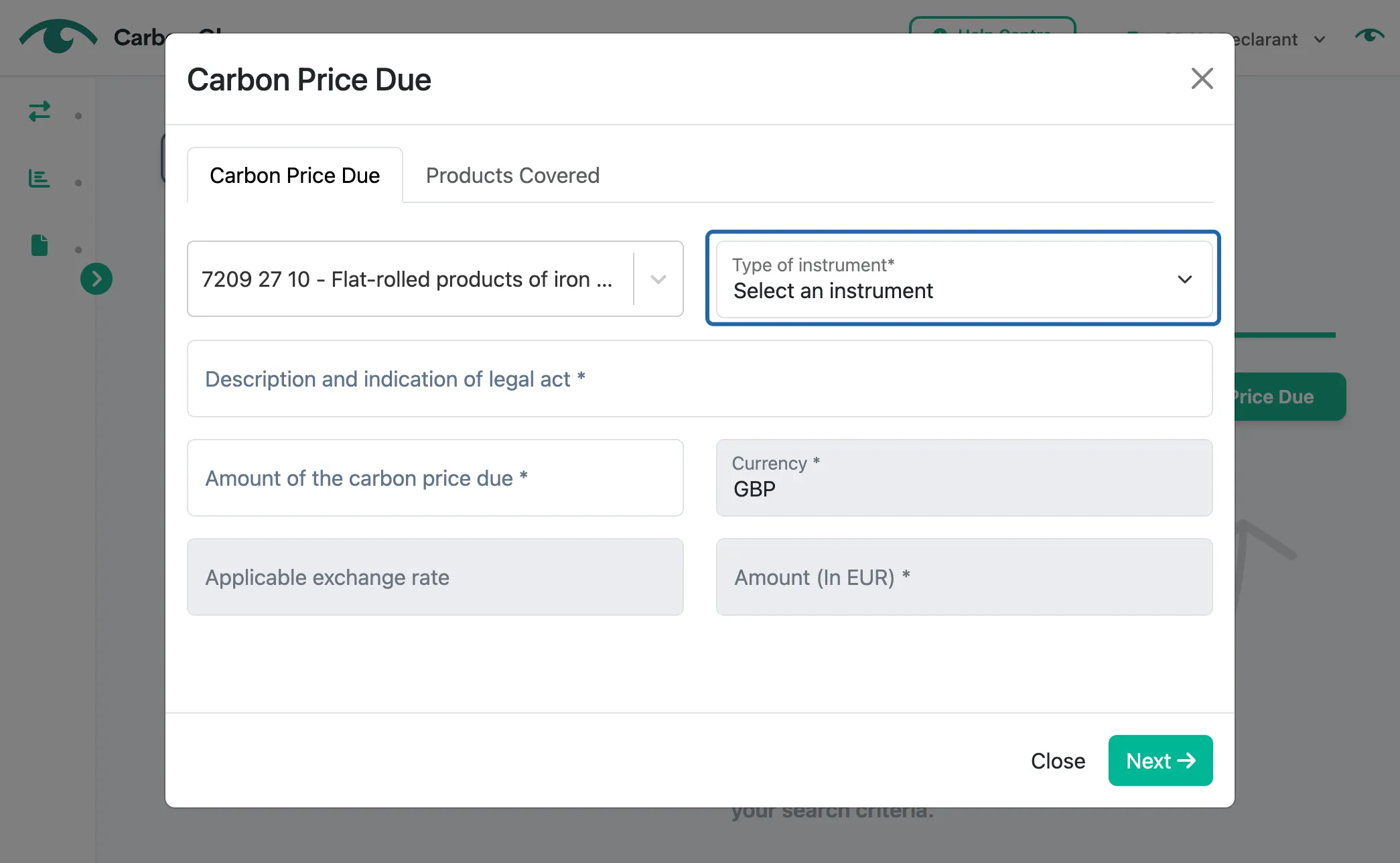
Select the type of carbon pricing instrument
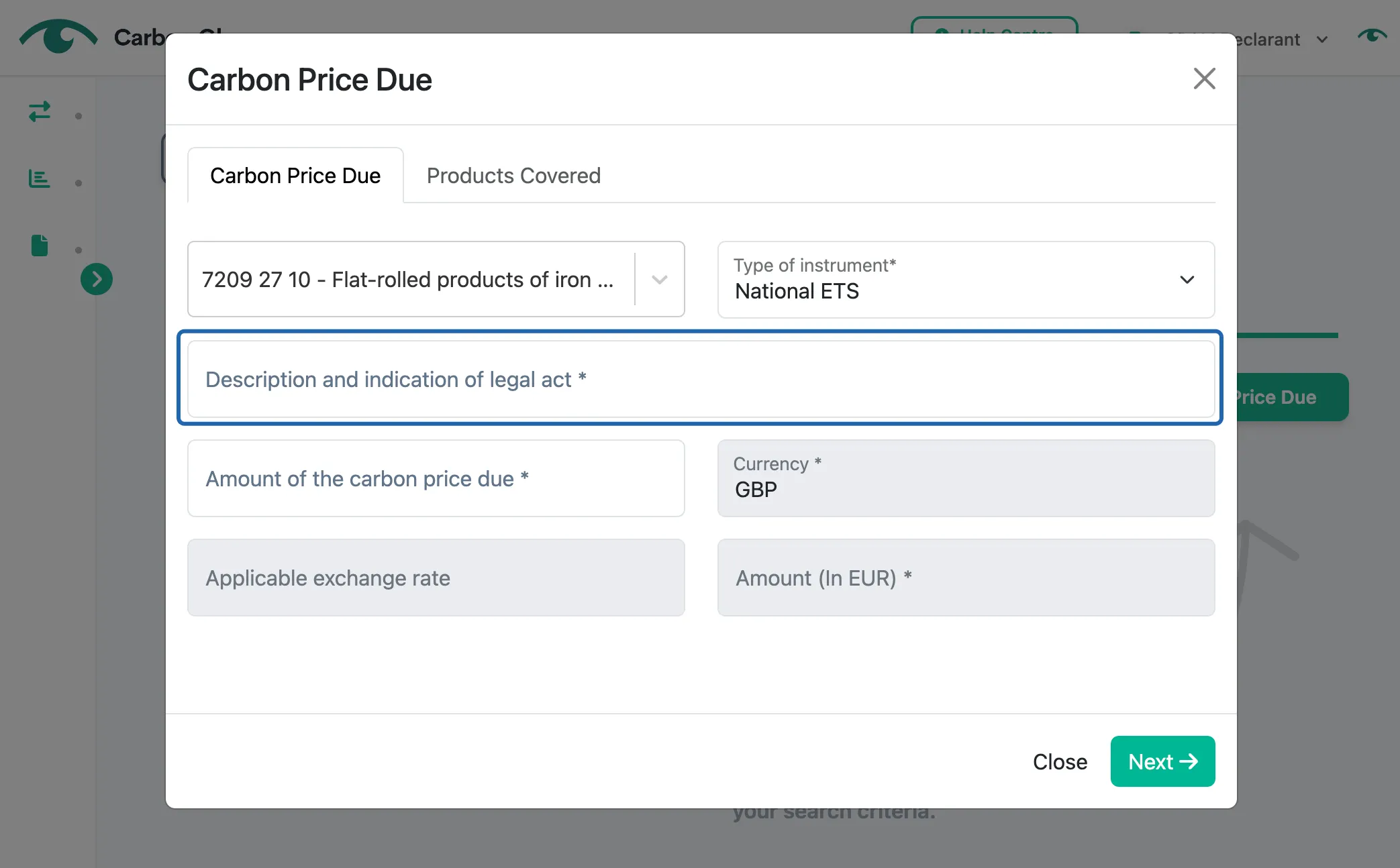
Provide a description and indication of the carbon pricing legal act
This refers to the regulation reference, ideally as internet link.
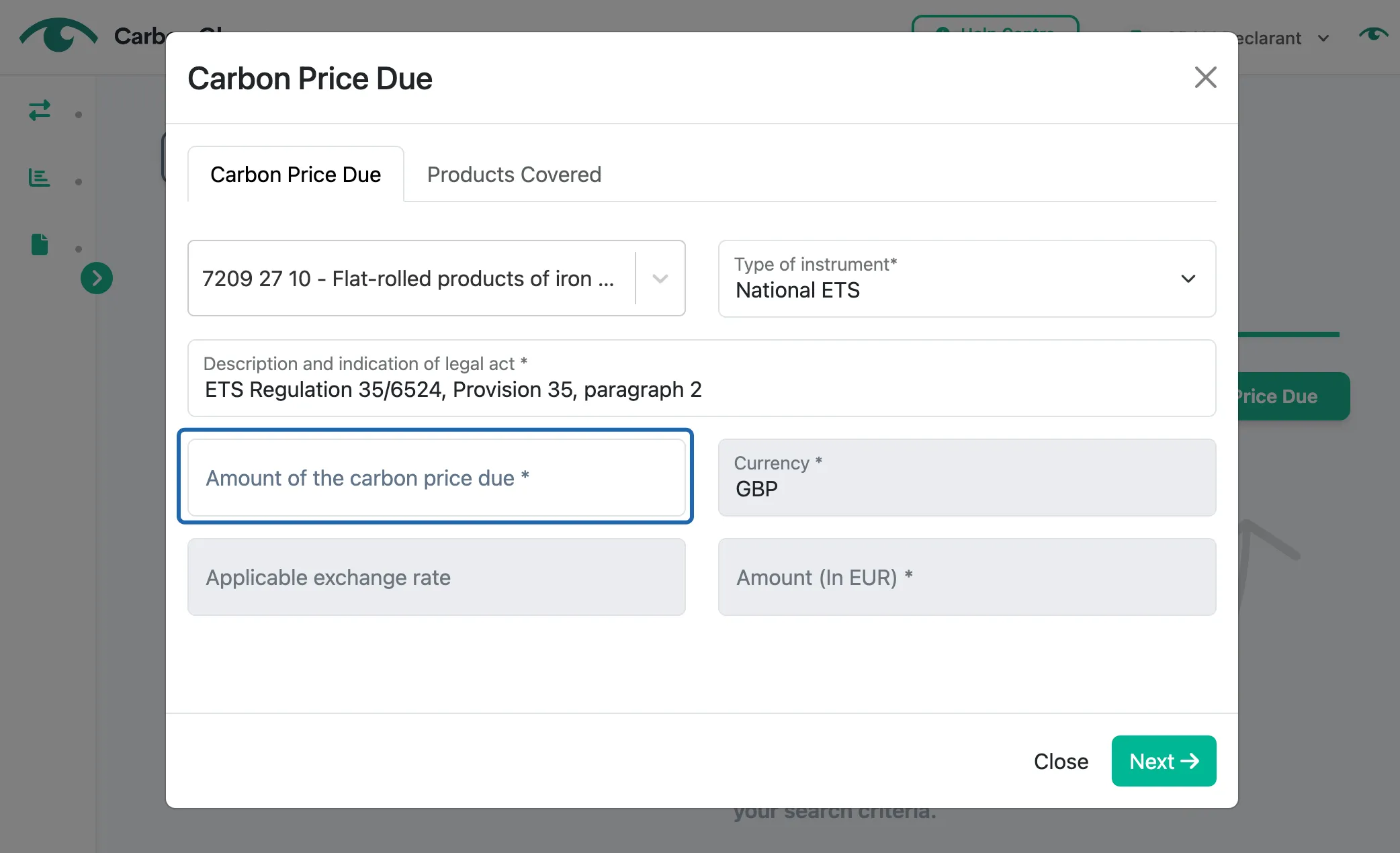
Input the amount of carbon price paid for the emissions of the selected CBAM good
The EU CBAM Regulation defines "carbon price" as the monetary amount paid in a third country, under a carbon emissions reduction scheme, in the form of a tax, levy or fee or in the form of emission allowances under a greenhouse gas emissions trading system, calculated on greenhouse gases covered by such a measure, and released during the production of goods.
The currency will be automatically determined based on the country where the installation is located. The applicable exchange rate will be displayed automatically, along with the converted amount in EURO, using rates published by the EU Commission.
Click Next
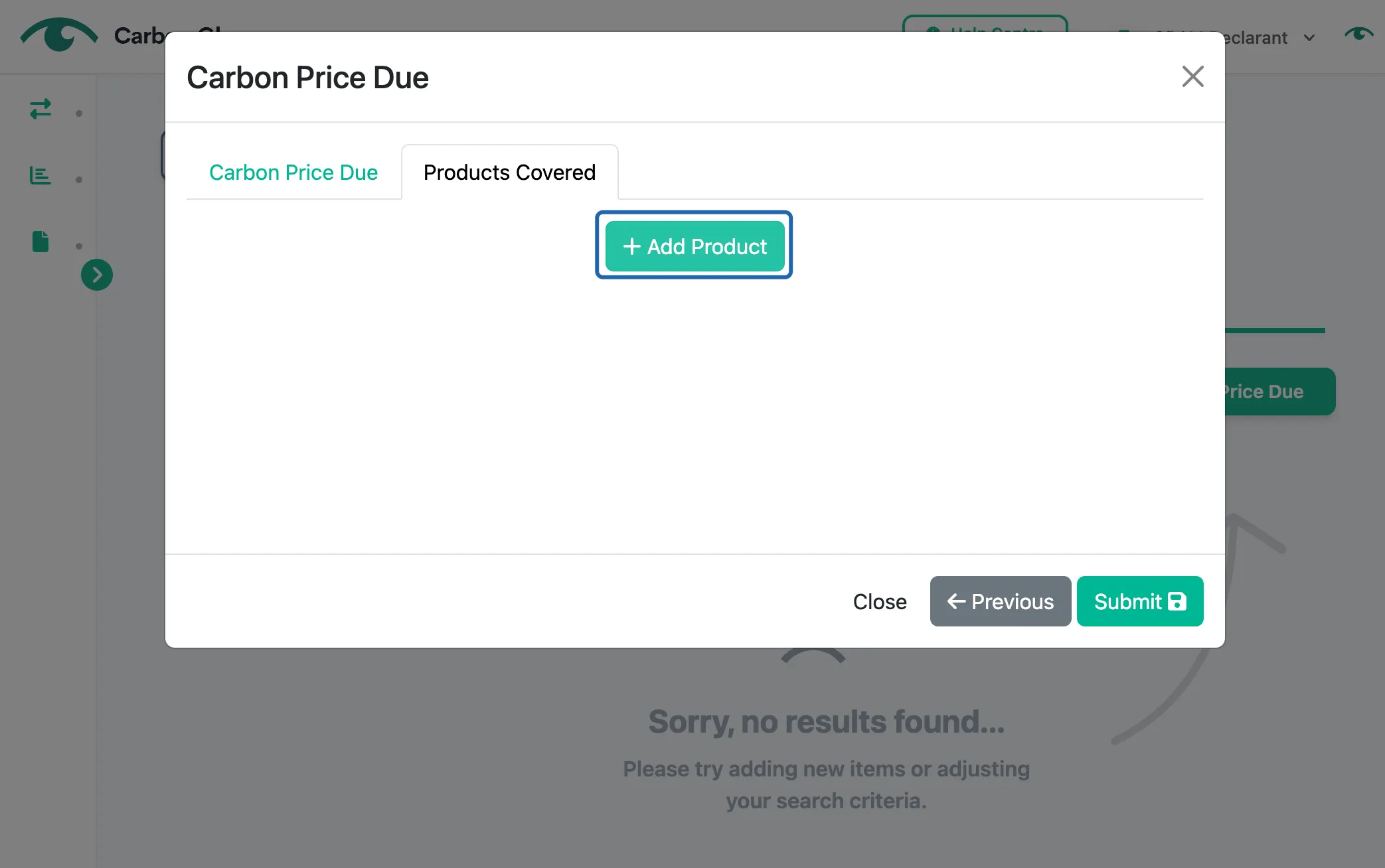
Click Add Product
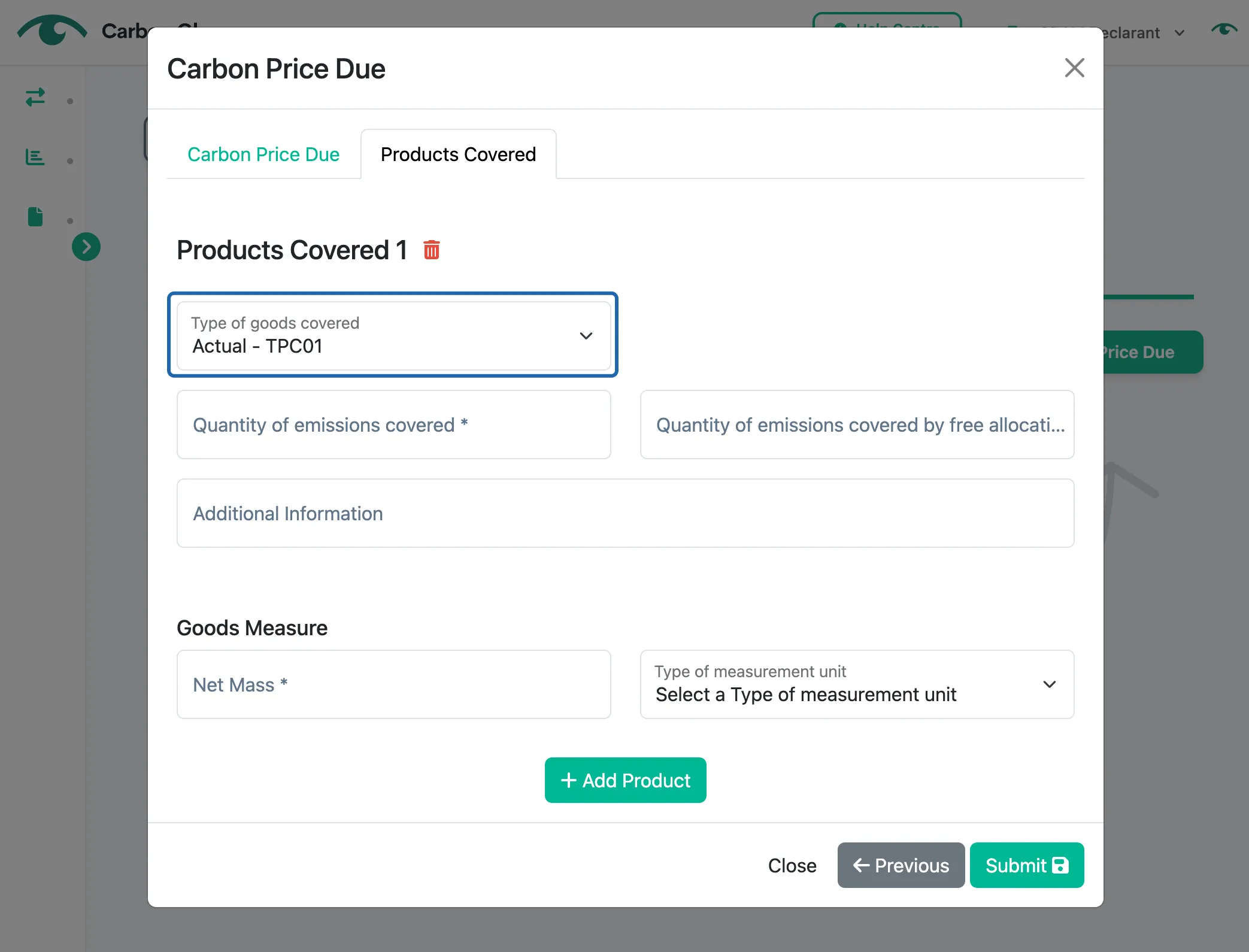
Select the type of goods covered by the carbon pricing instrument
The available options are:
- Actual
- Other
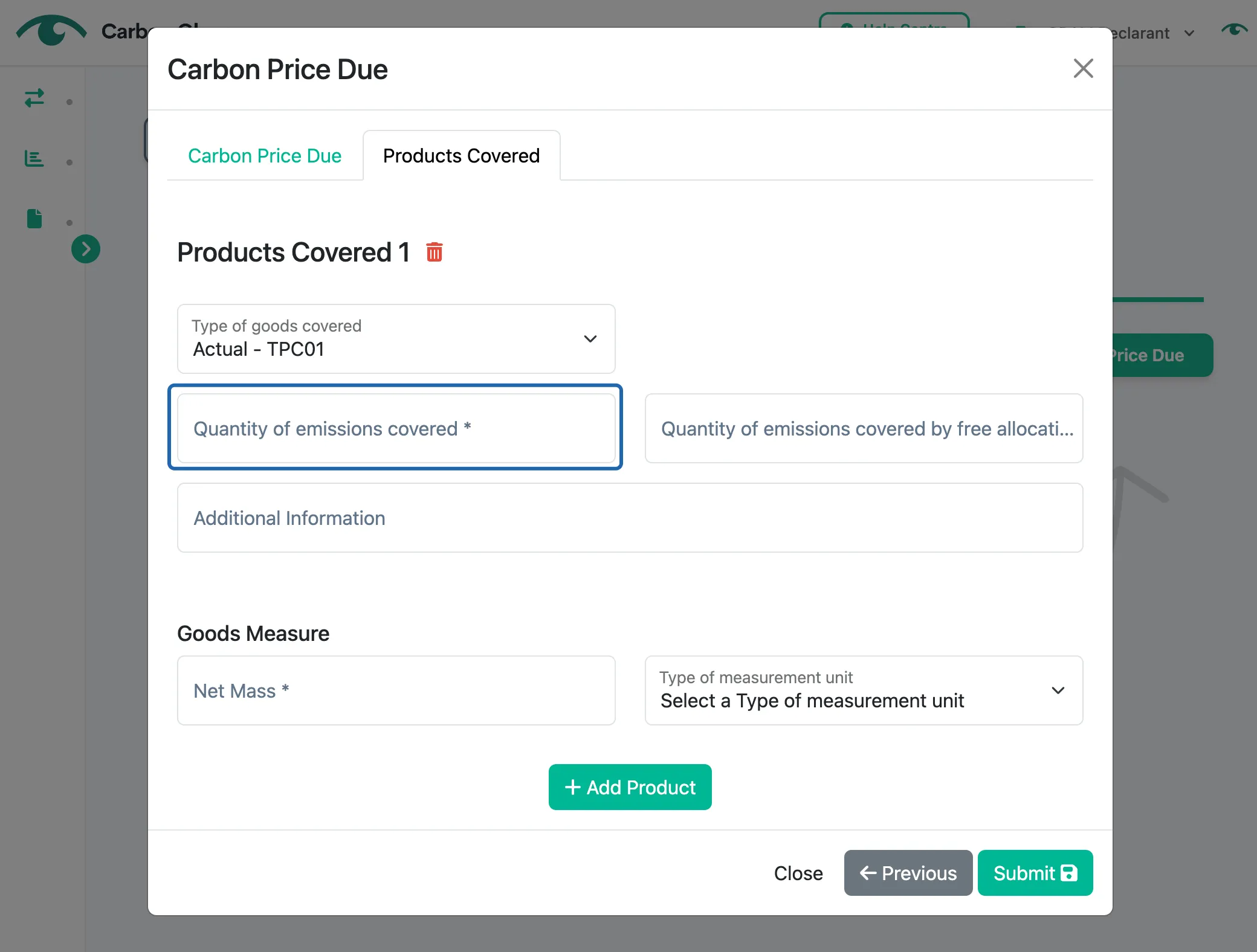
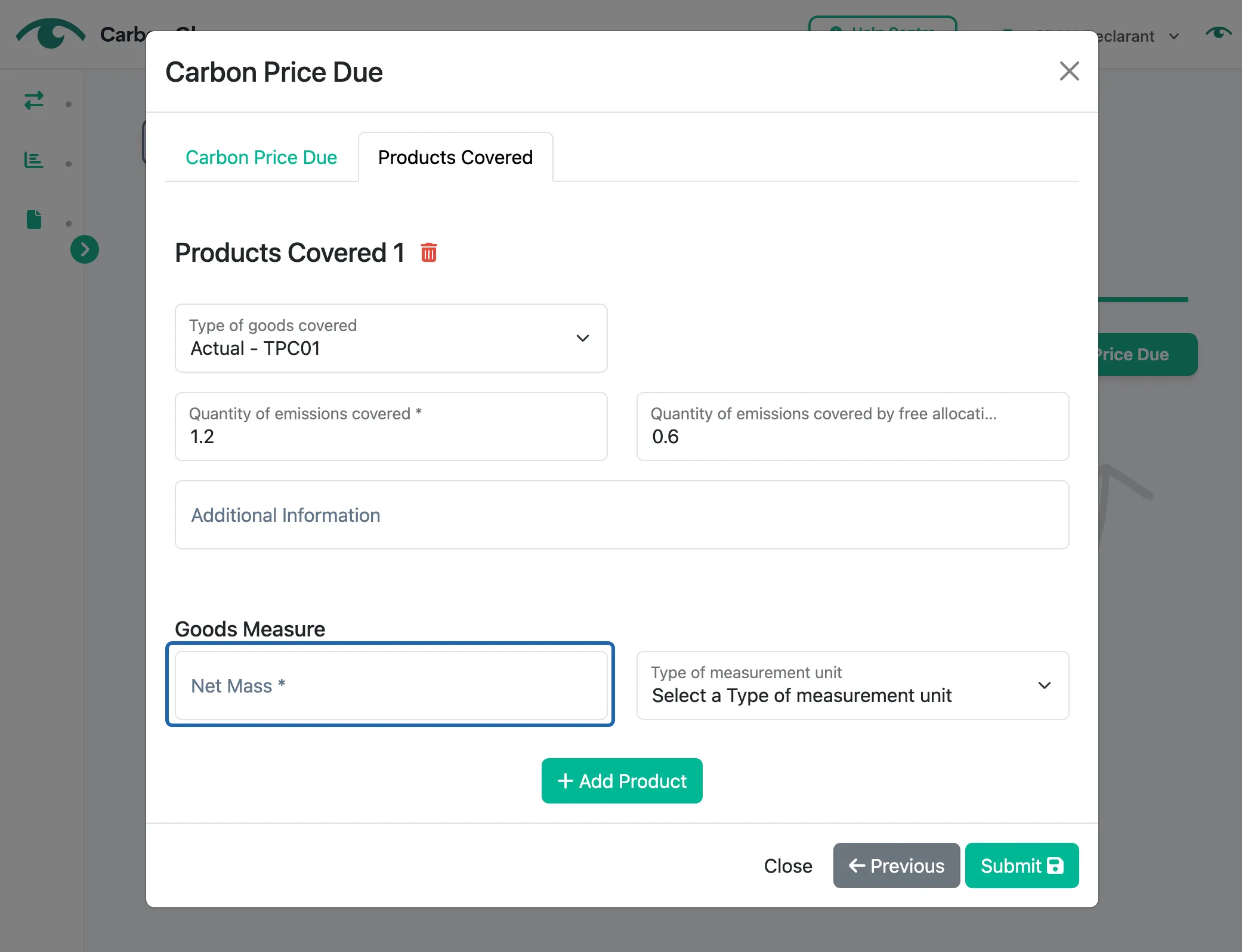
Enter the quantity of emissions from the selected CBAM good covered by the carbon pricing instrument (now called embedded emissions covered by the carbon price)
This refers to the total emissions, measured in tCO2e, for which the operator was required to pay the carbon price.
Enter the quantity of emissions covered by free allocation, rebate, or compensation (now called embedded emissions covered by rebate or any other form of compensation)
This refers to the total emissions, measured in tCO2e, for which the operator received rebates, free allowances, or free certificates and, therefore, did not pay the carbon price.
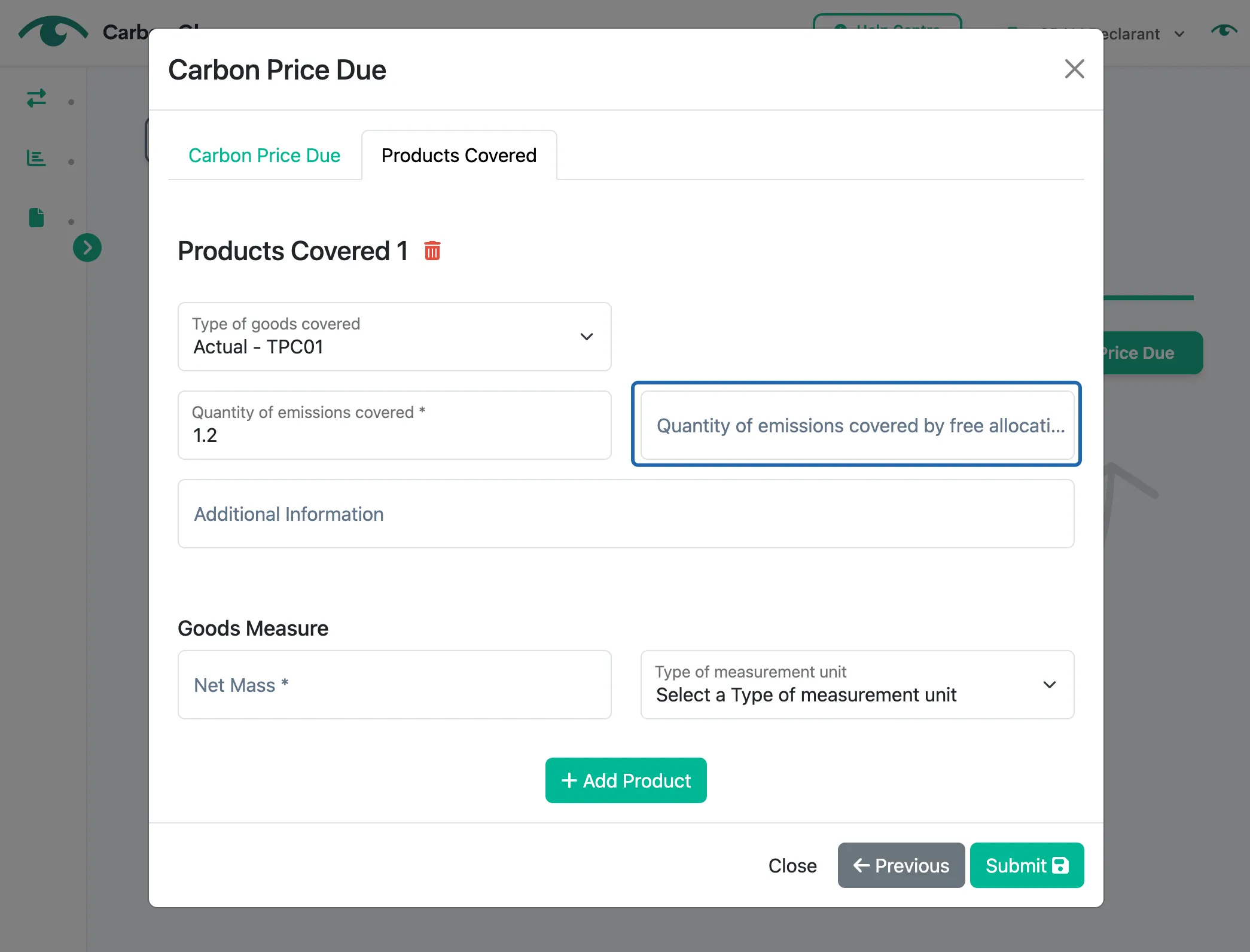
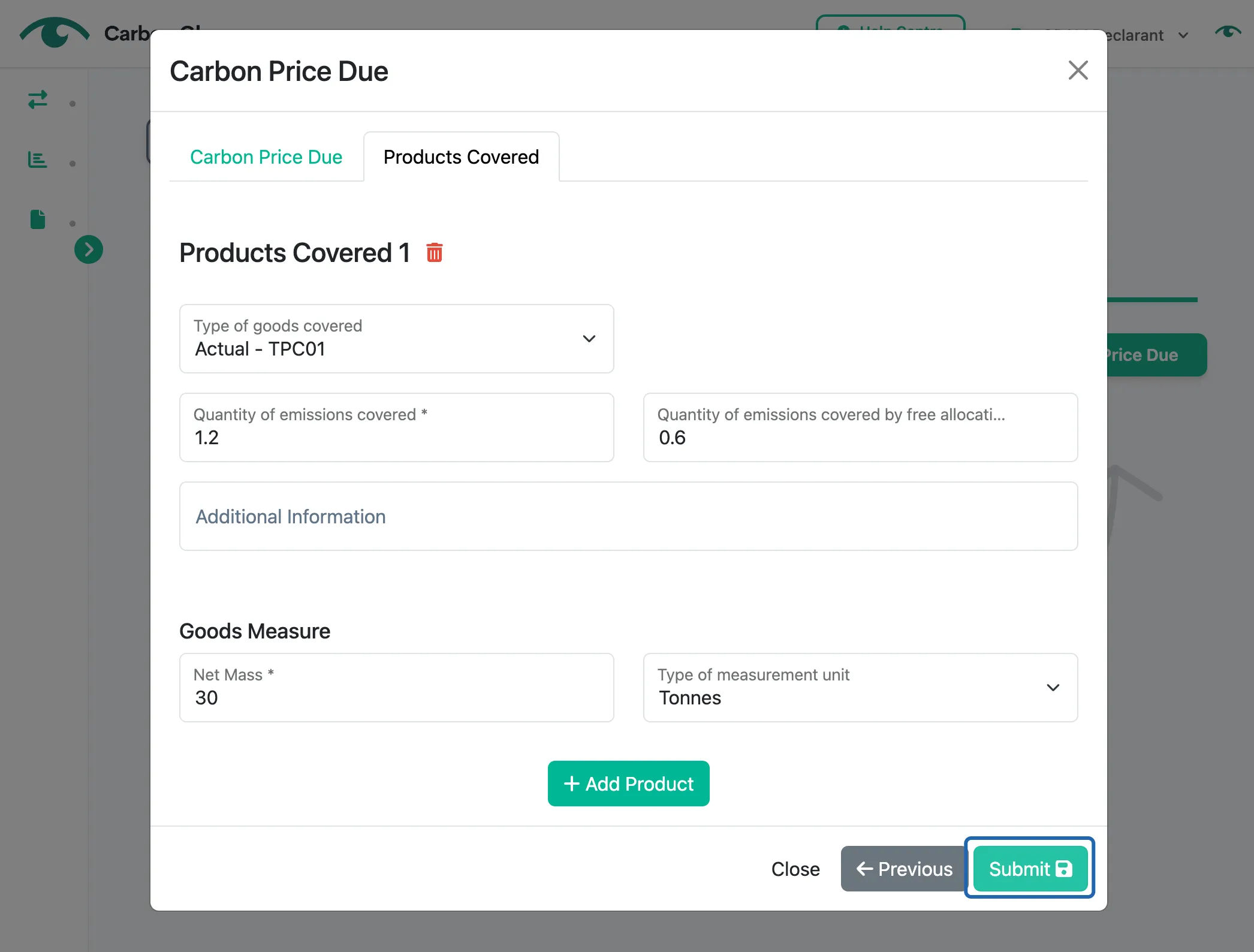
Enter the net mass of that CBAM good in either tonnes or kg
Click Submit to save
Filter Installations' Data
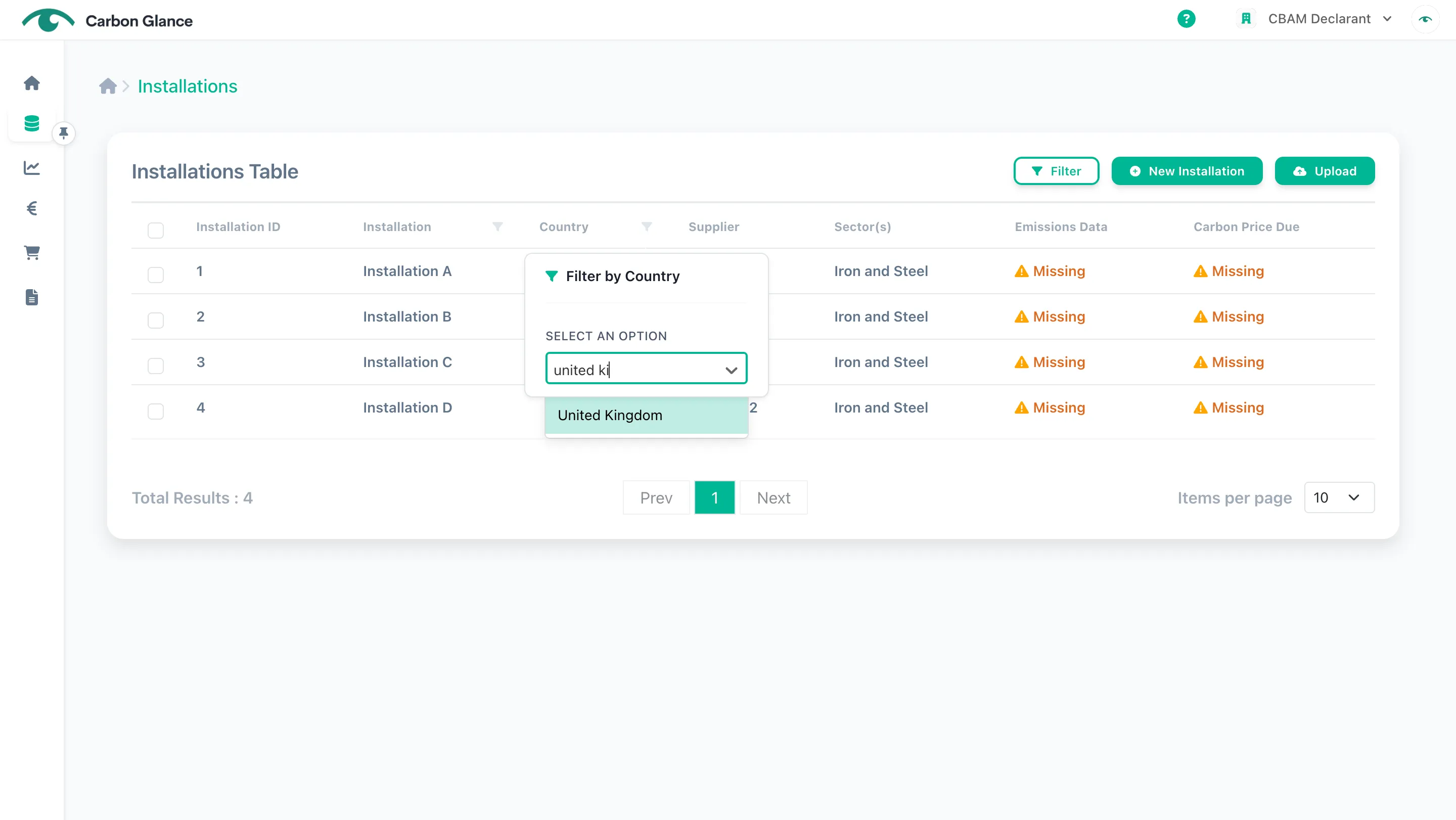
You can filter the data using the column filter or the filter button.
Add Filters
Click the filter icon in the relevant column
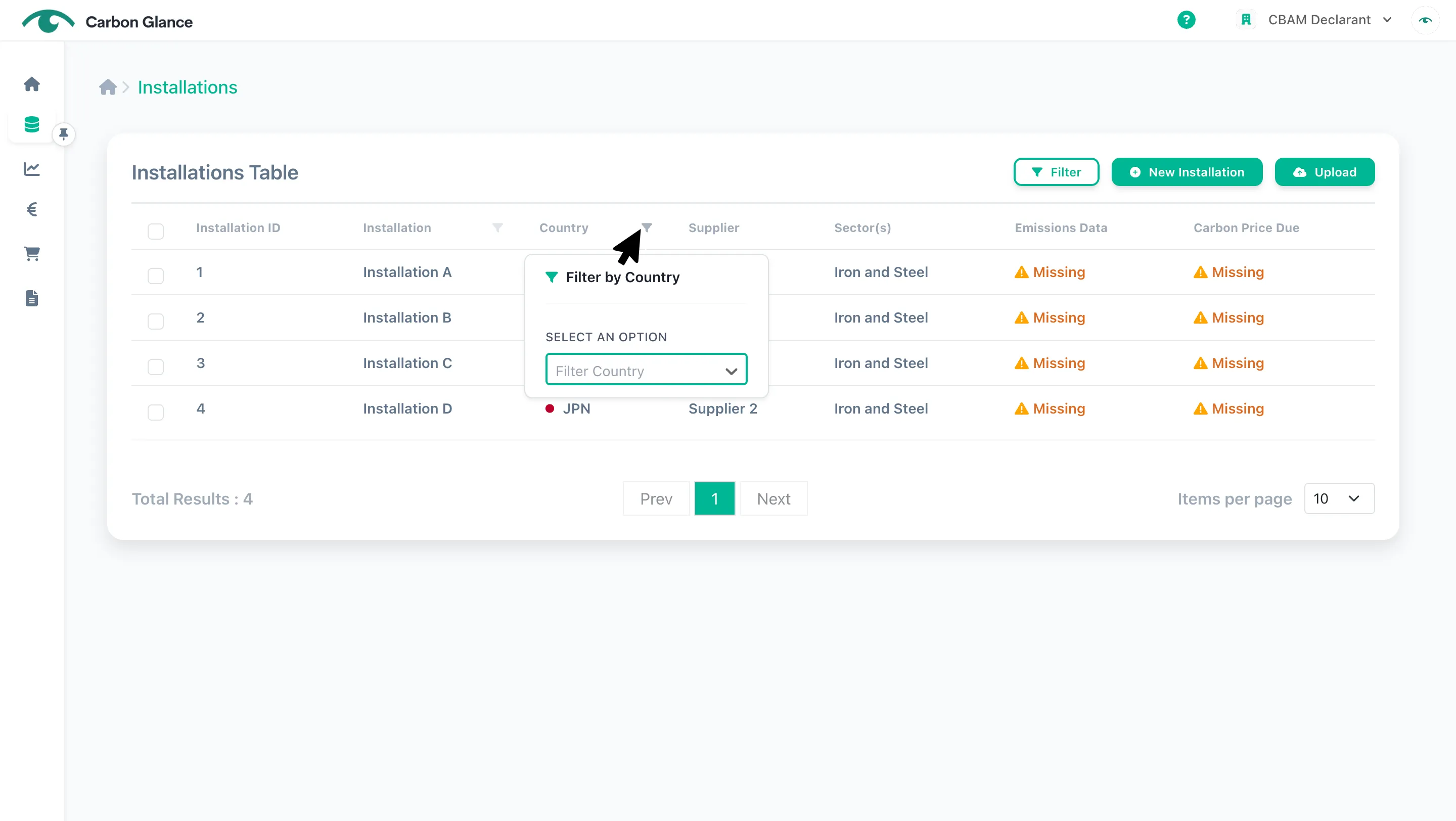
Add the filter
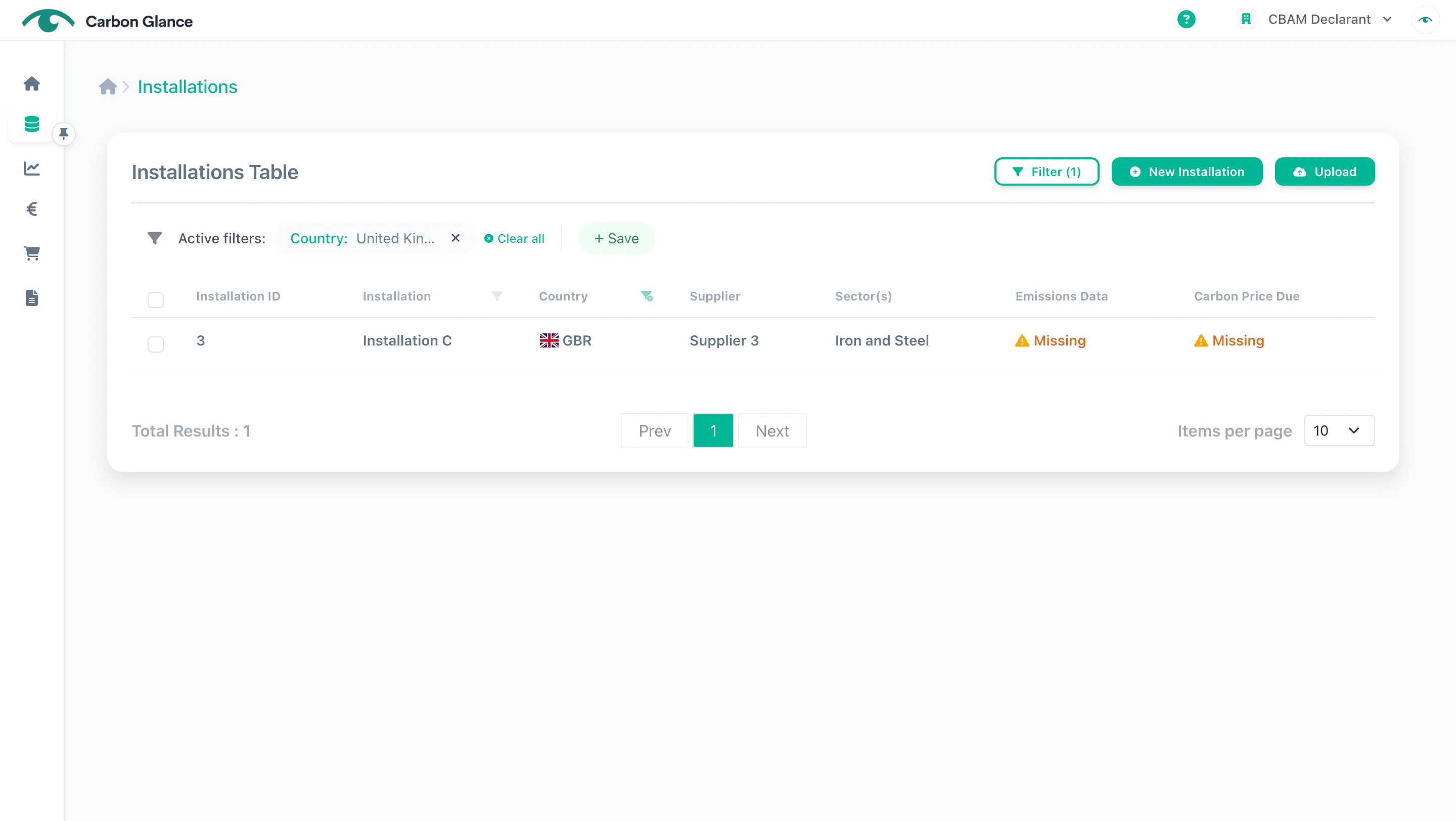
View the filtered data
Save Filters
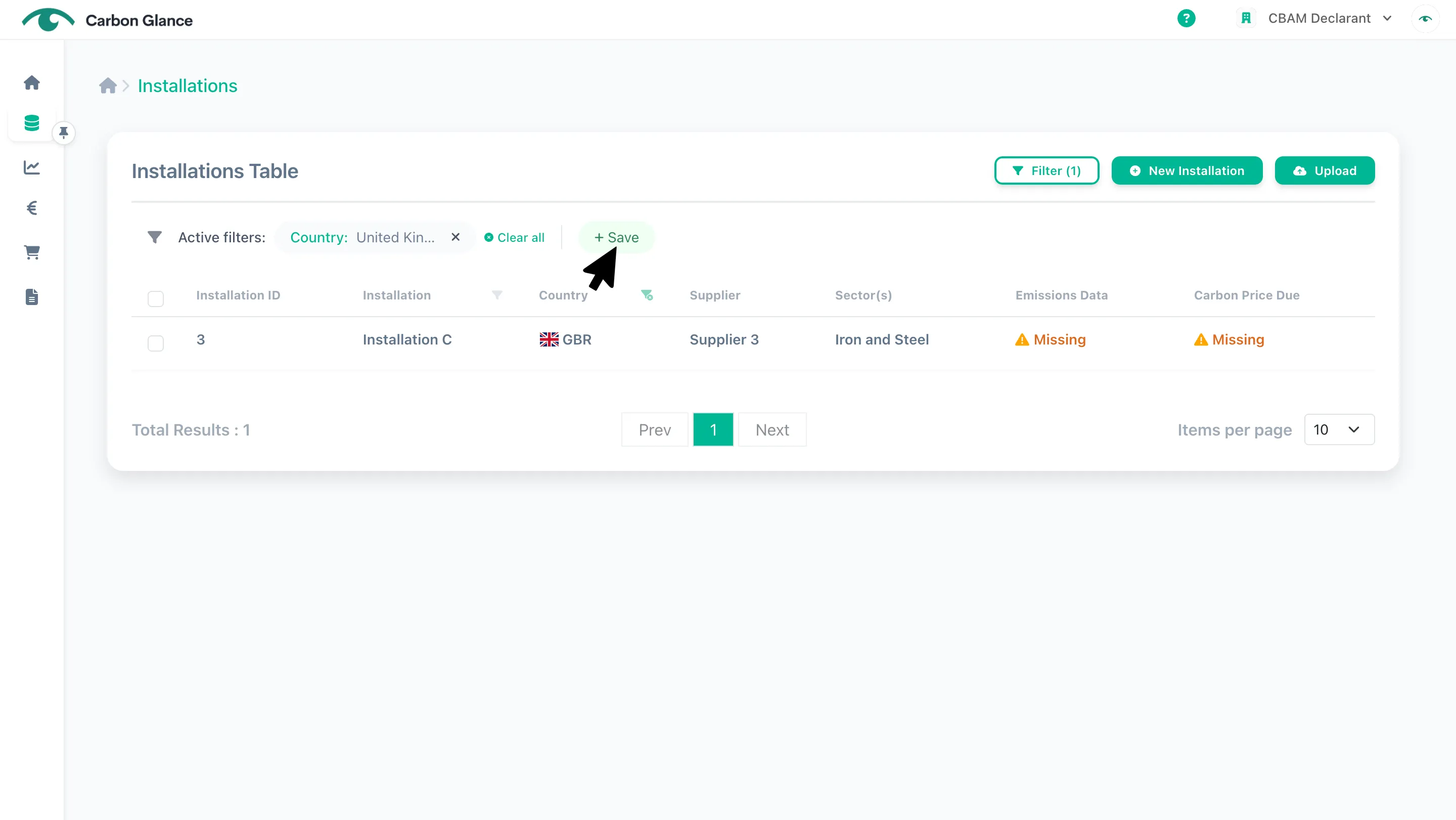
You can save your filters to use at a later stage without reapplying them.
Click Save
Name the filter
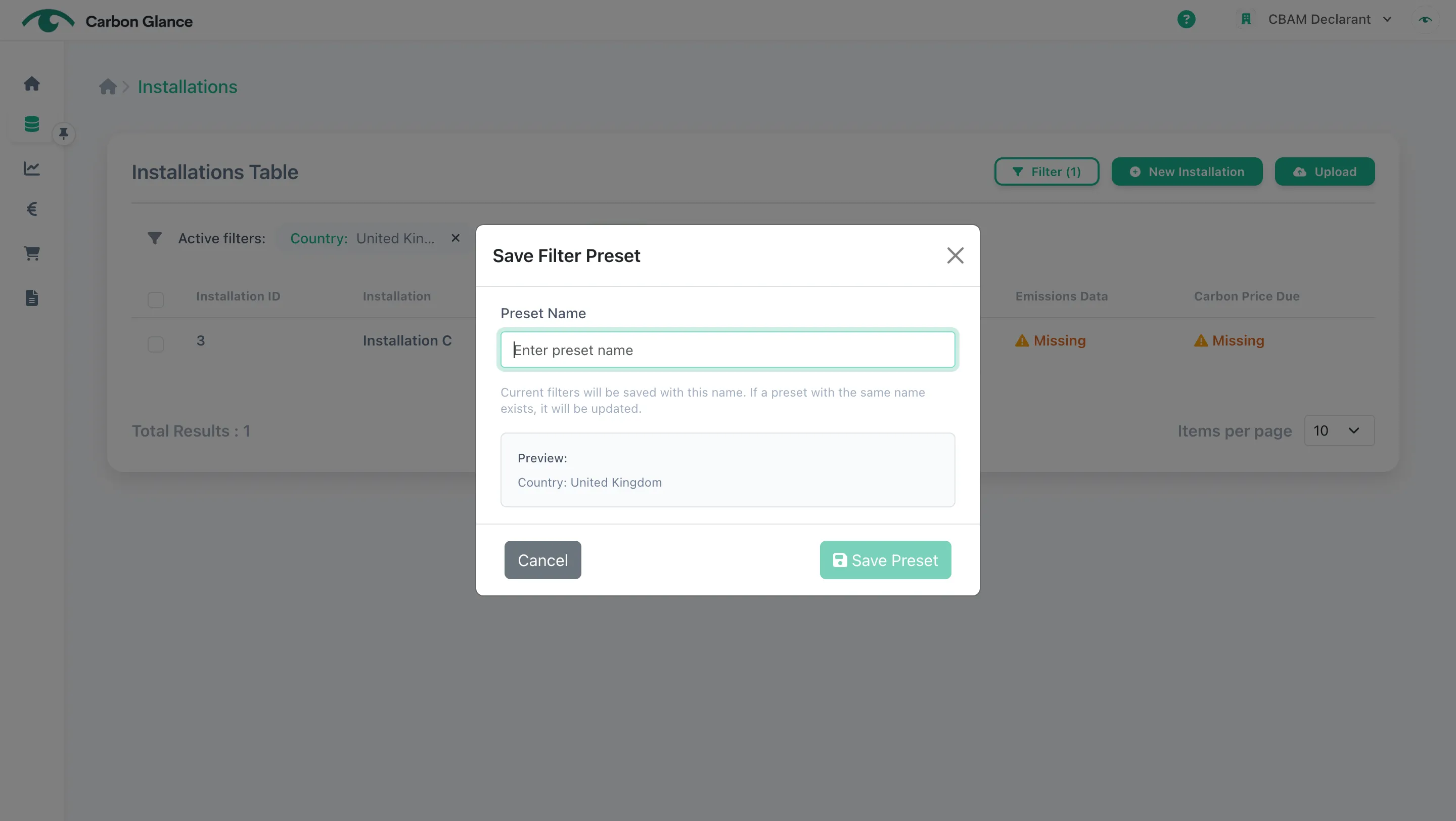
Click Save Preset
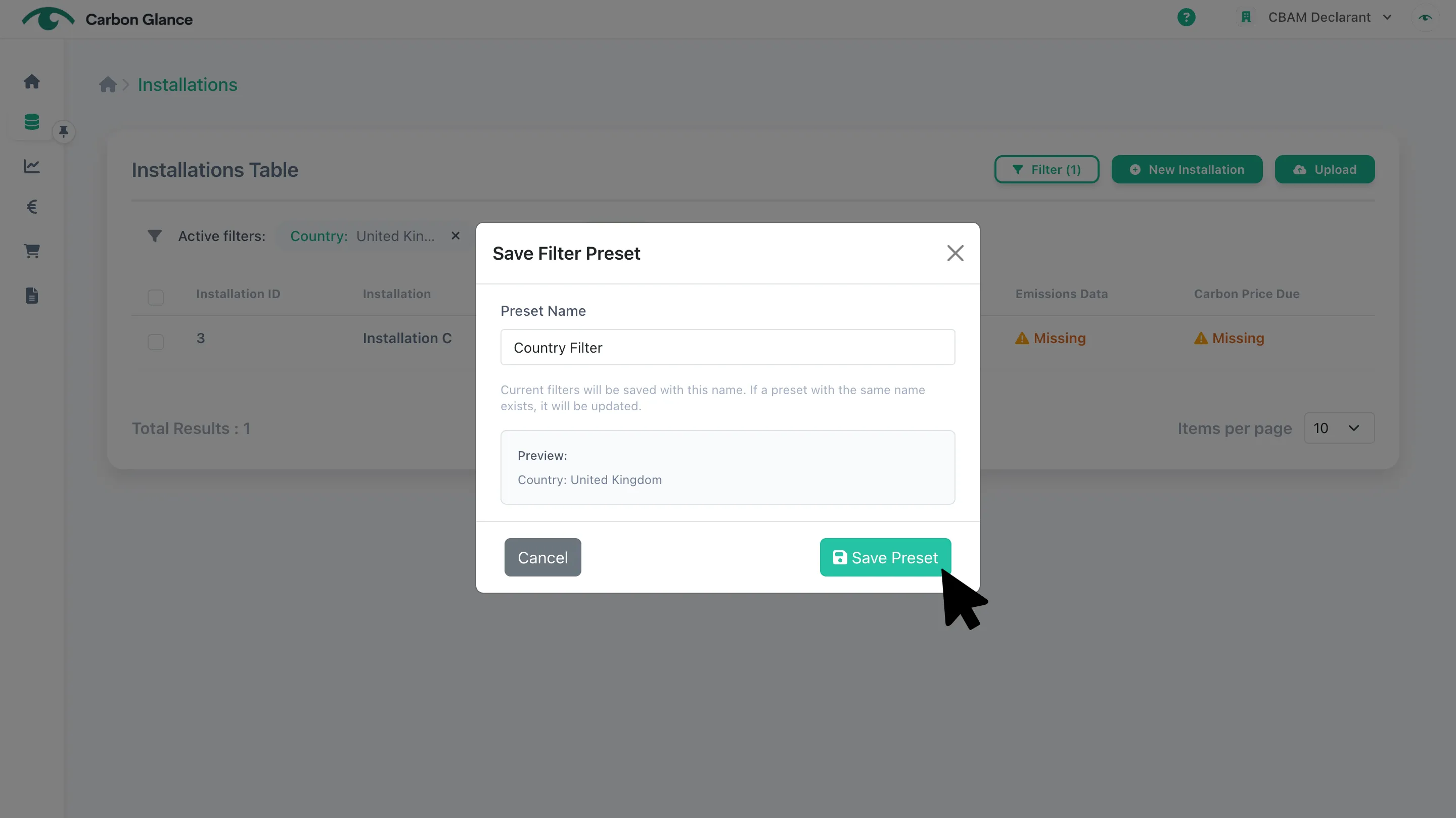
View the saved filter
Once the filter is saved, it will appear at the top-left of the table, and you can select it anytime to reapply it.