Manage your Account
6 min
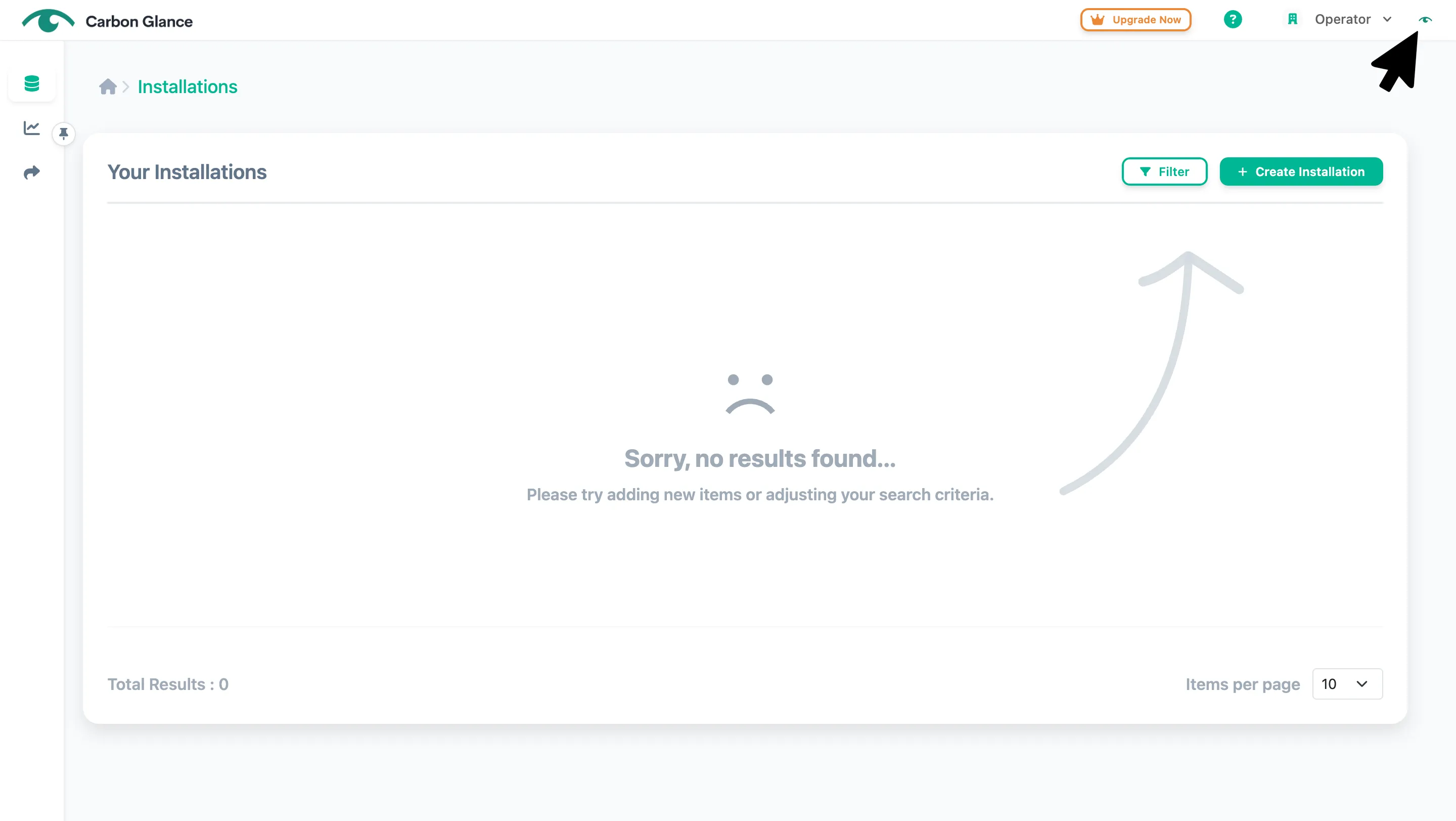
Click the user icon in the upper-right corner
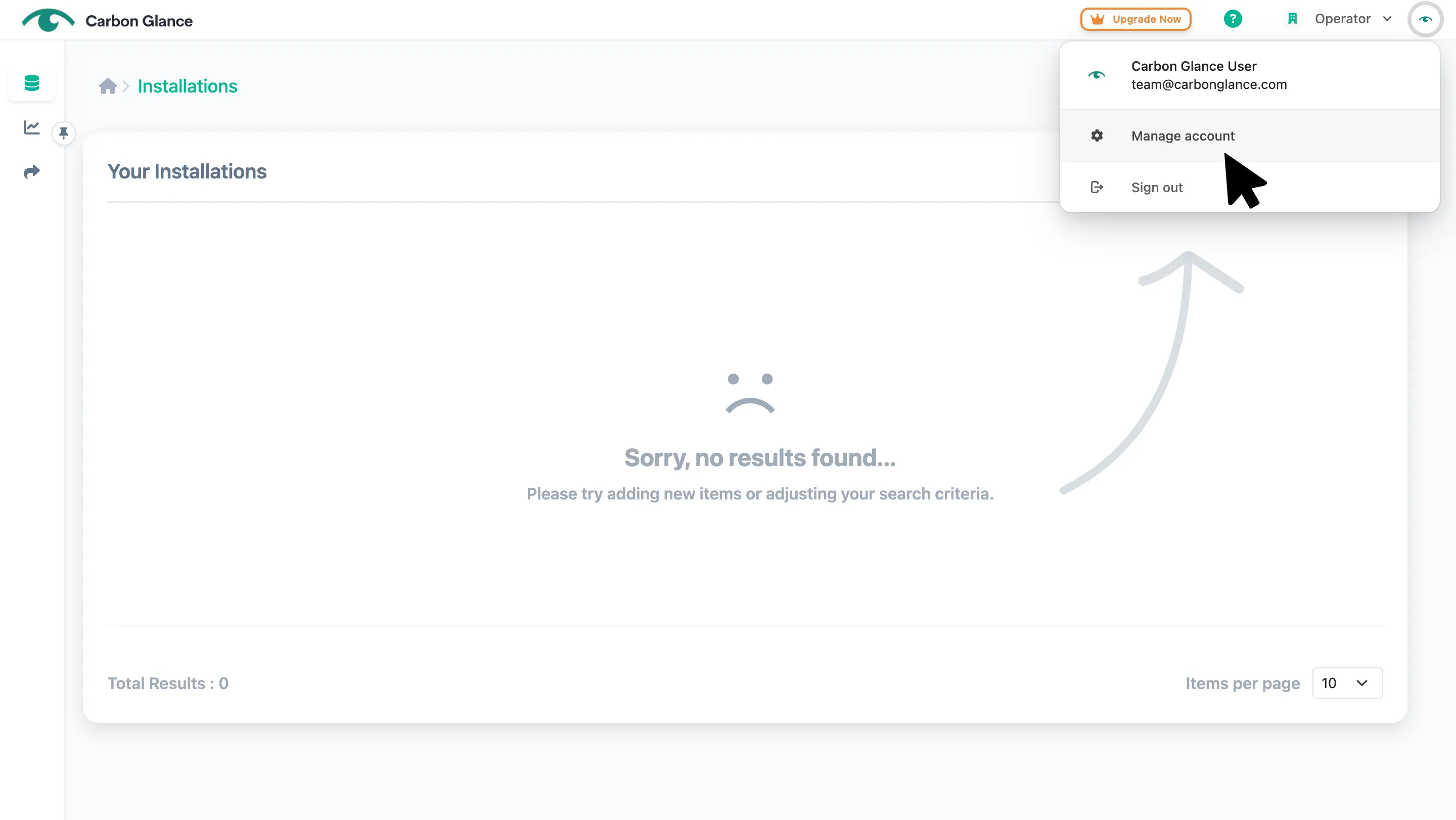
Select Manage account
Manage user profile
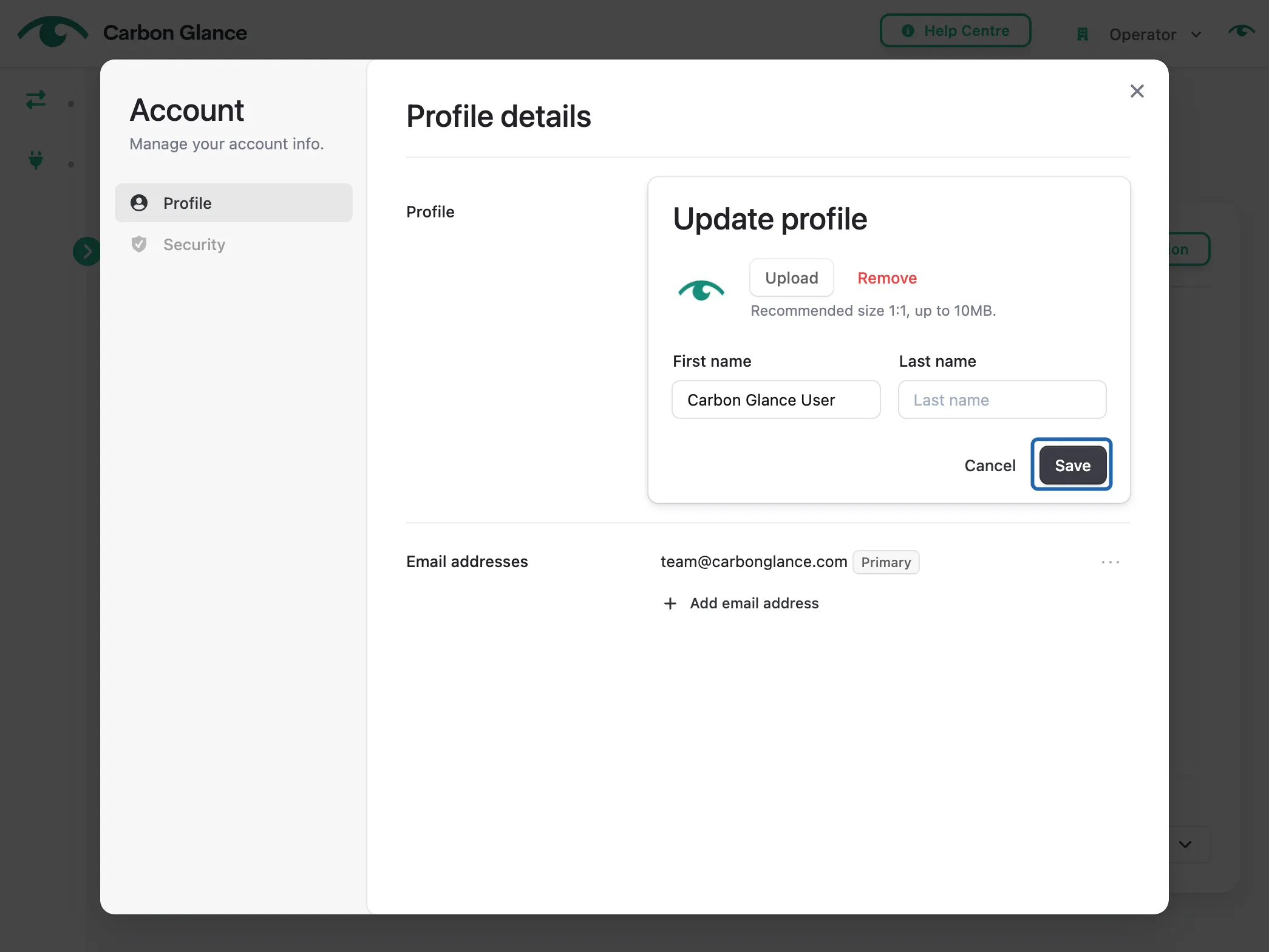
Click Update profile
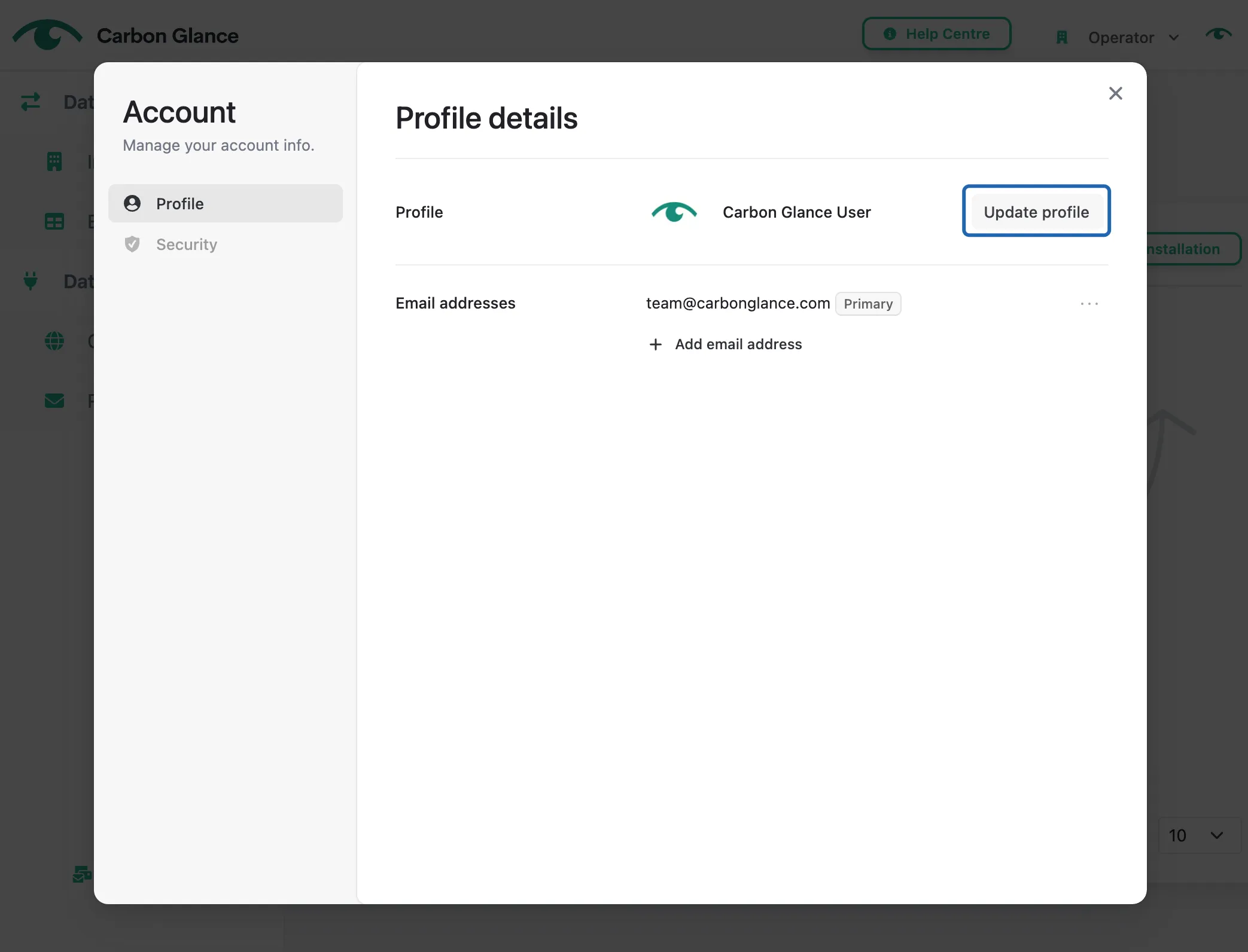
Edit your profile name and image, then click Save
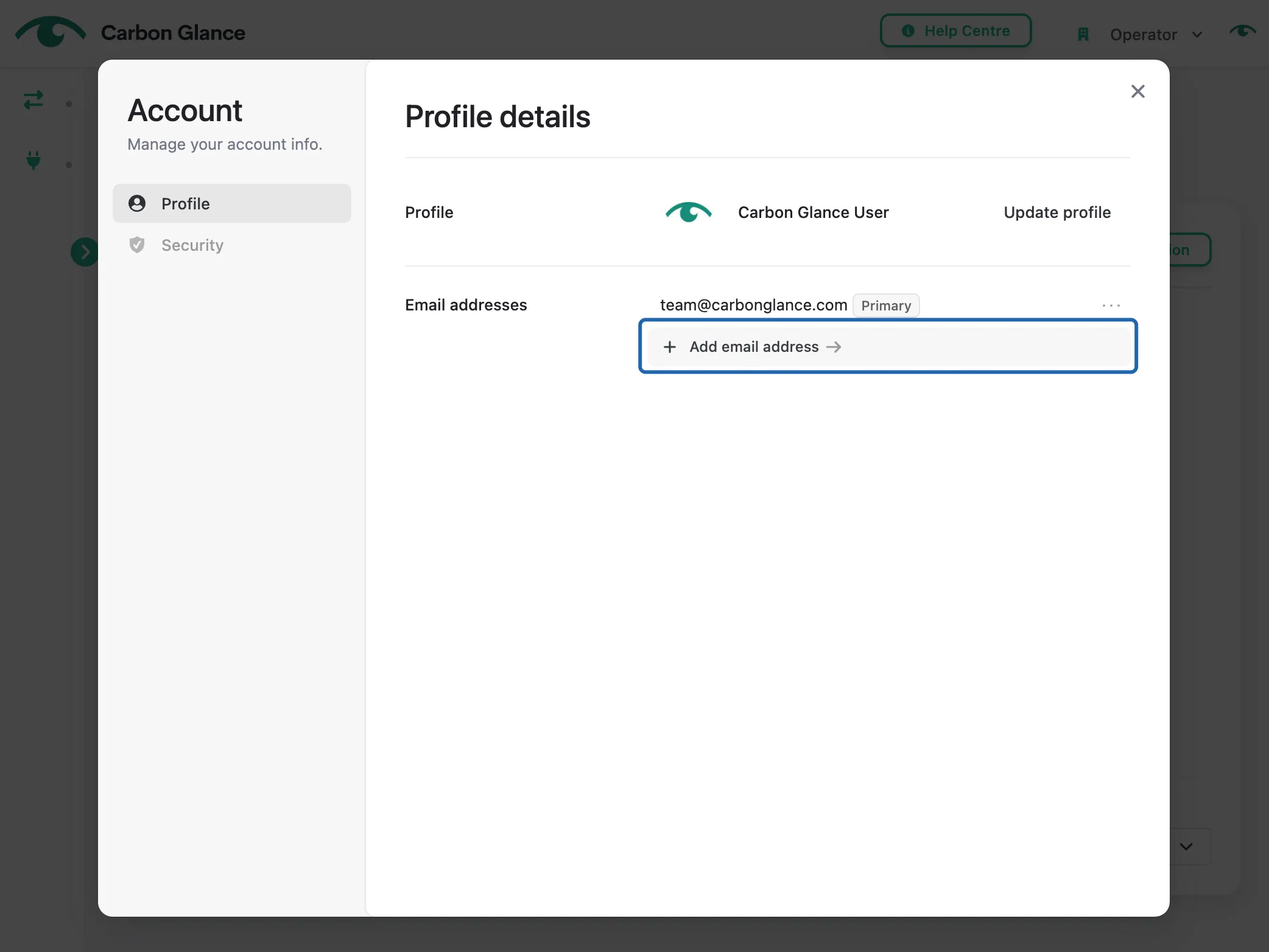
Manage email address
Add a secondary email address
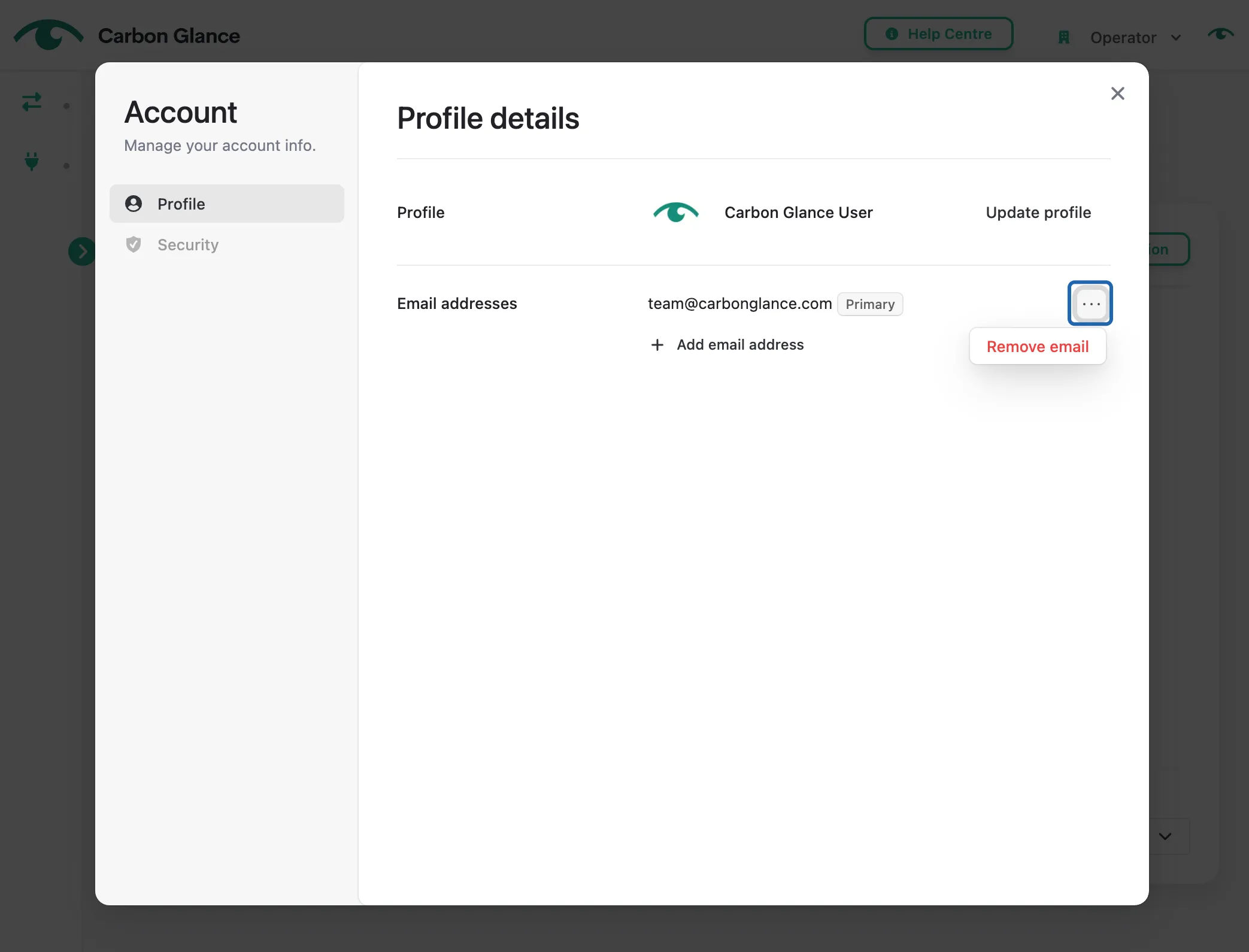
Click the three dots to remove an email
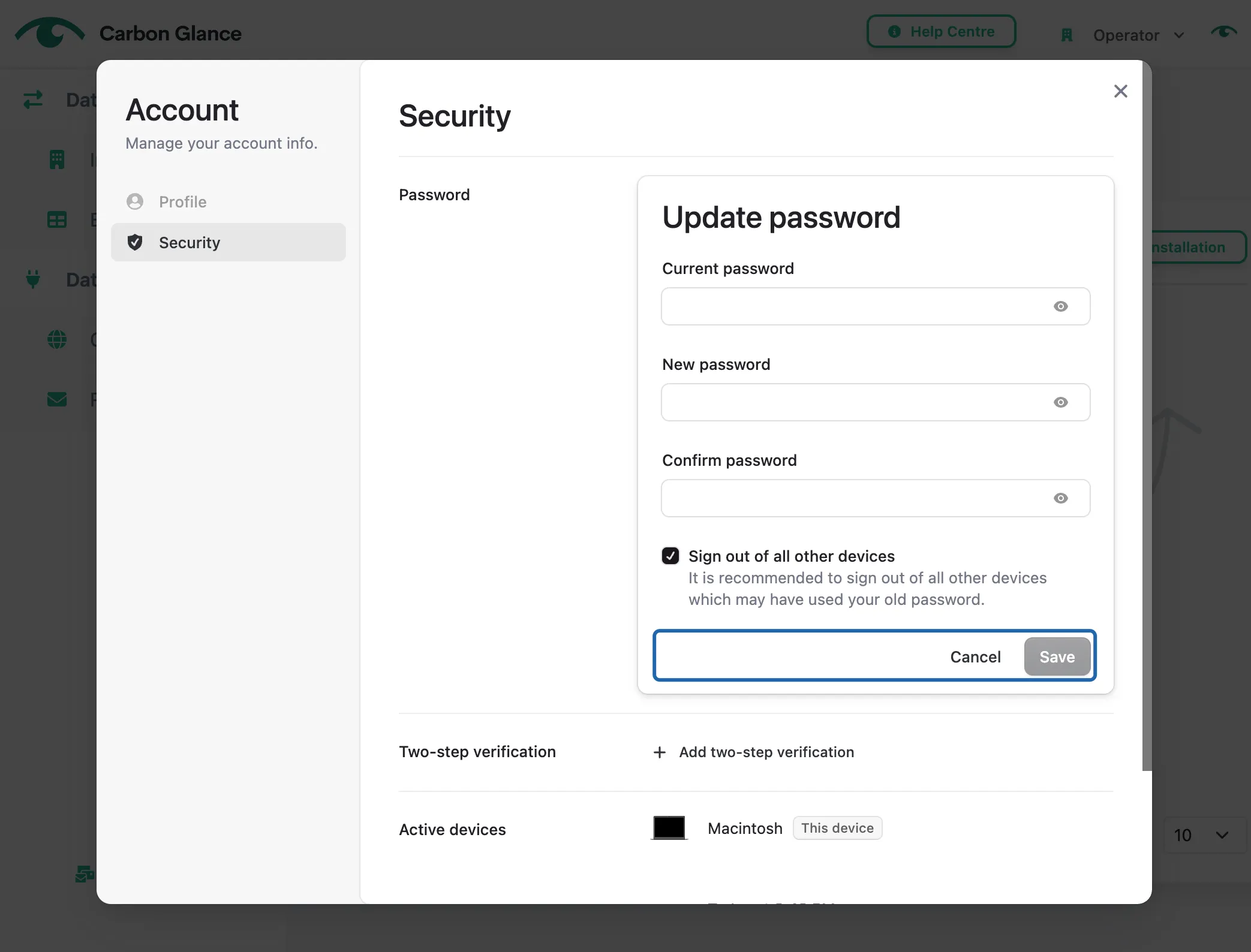
Manage Password
Click Update password
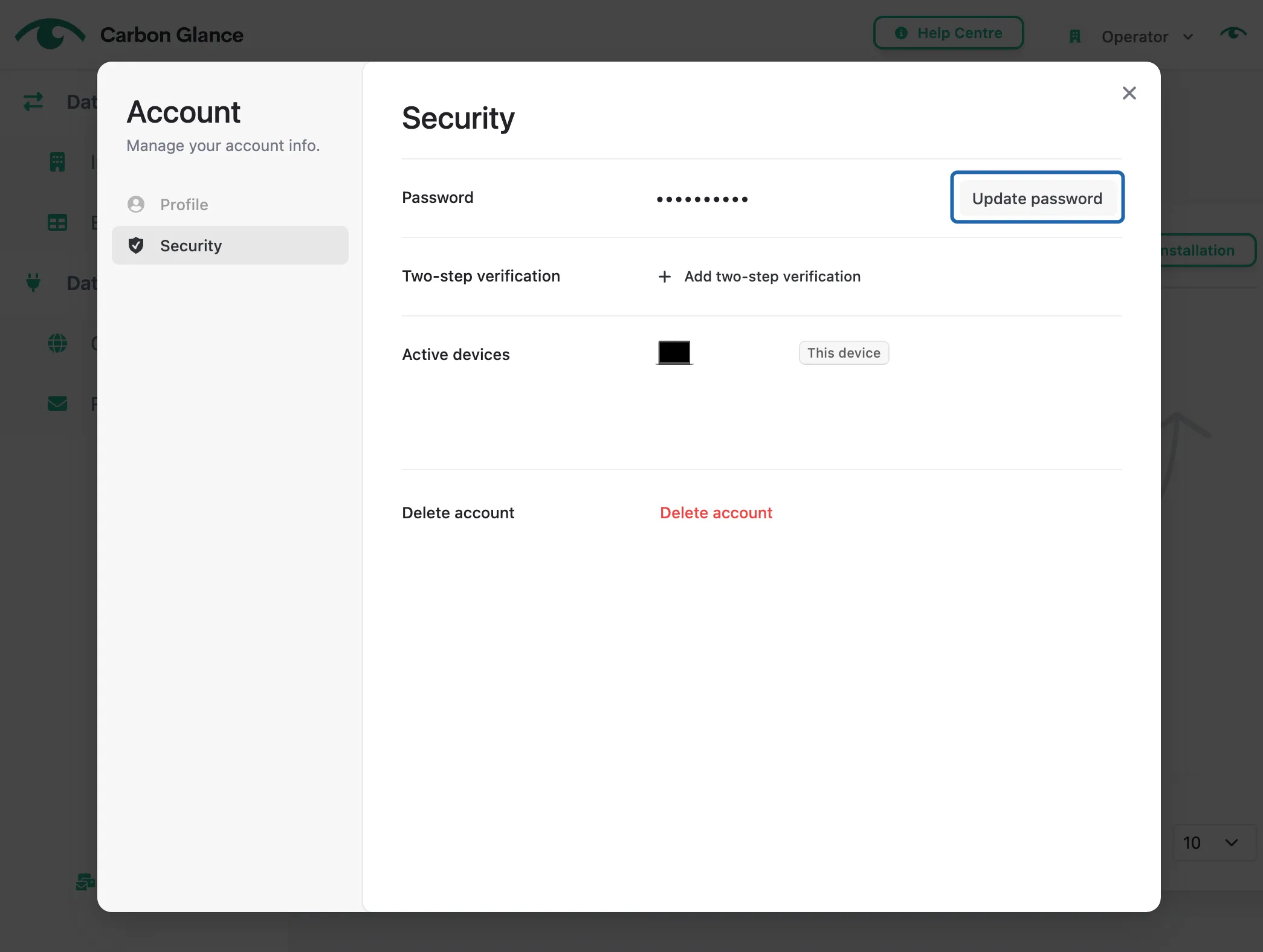
Enter your new password and click Save
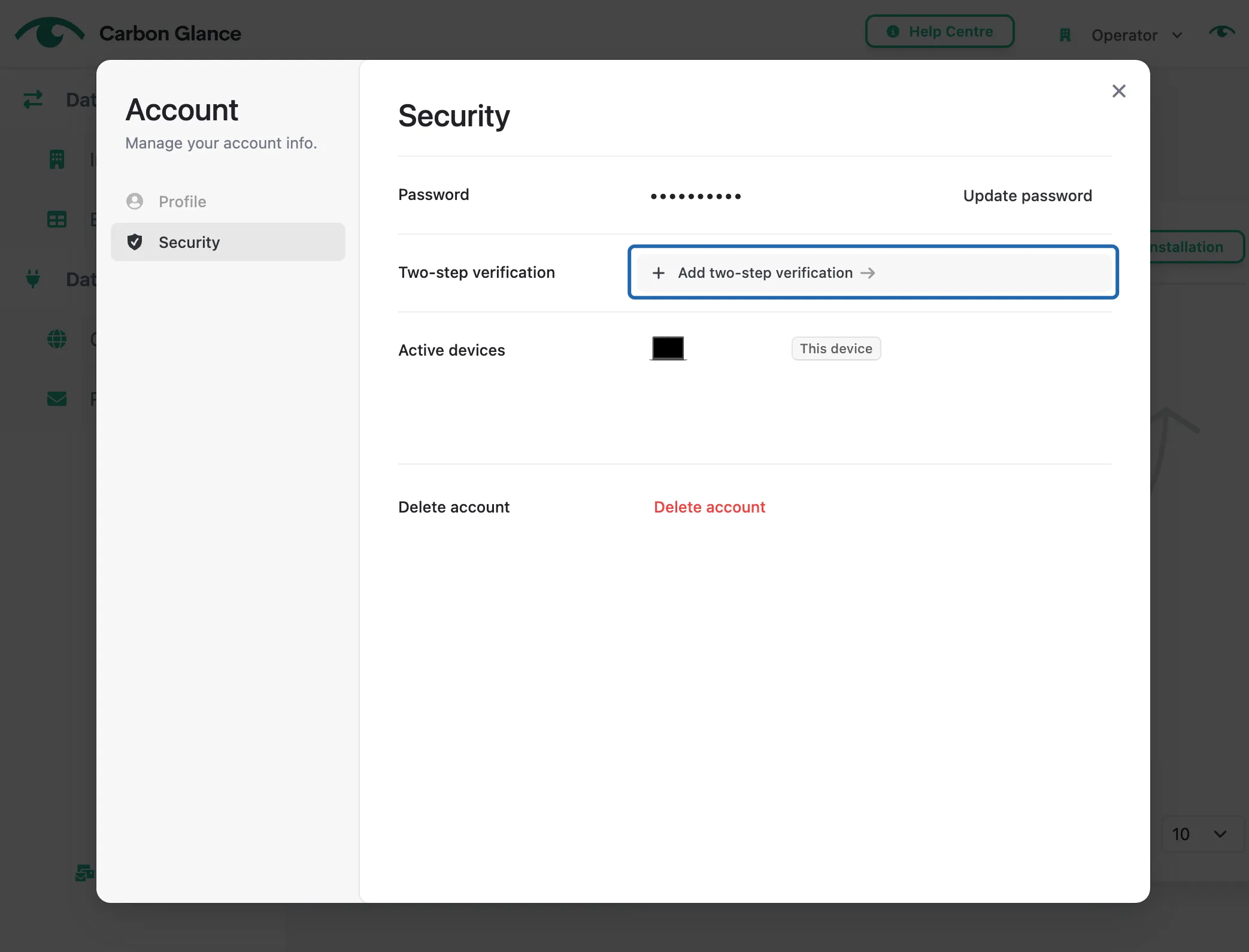
Enable Multi-factor Authentication (MFA)
Two-step verification (also known as multi-factor authentication) adds an extra layer of protection to your account. Follow the instructions displayed on the platform to set it up.
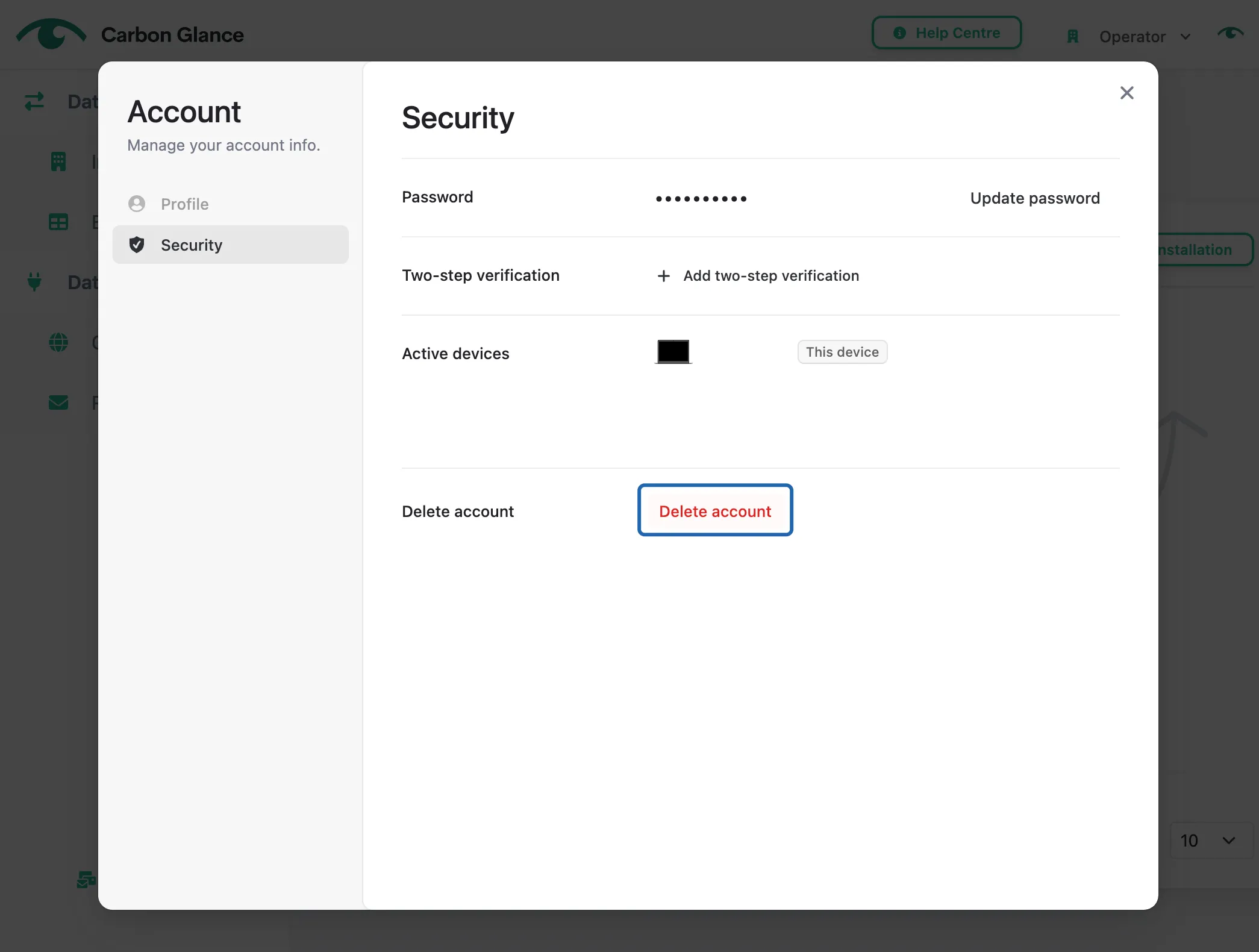
Delete Account
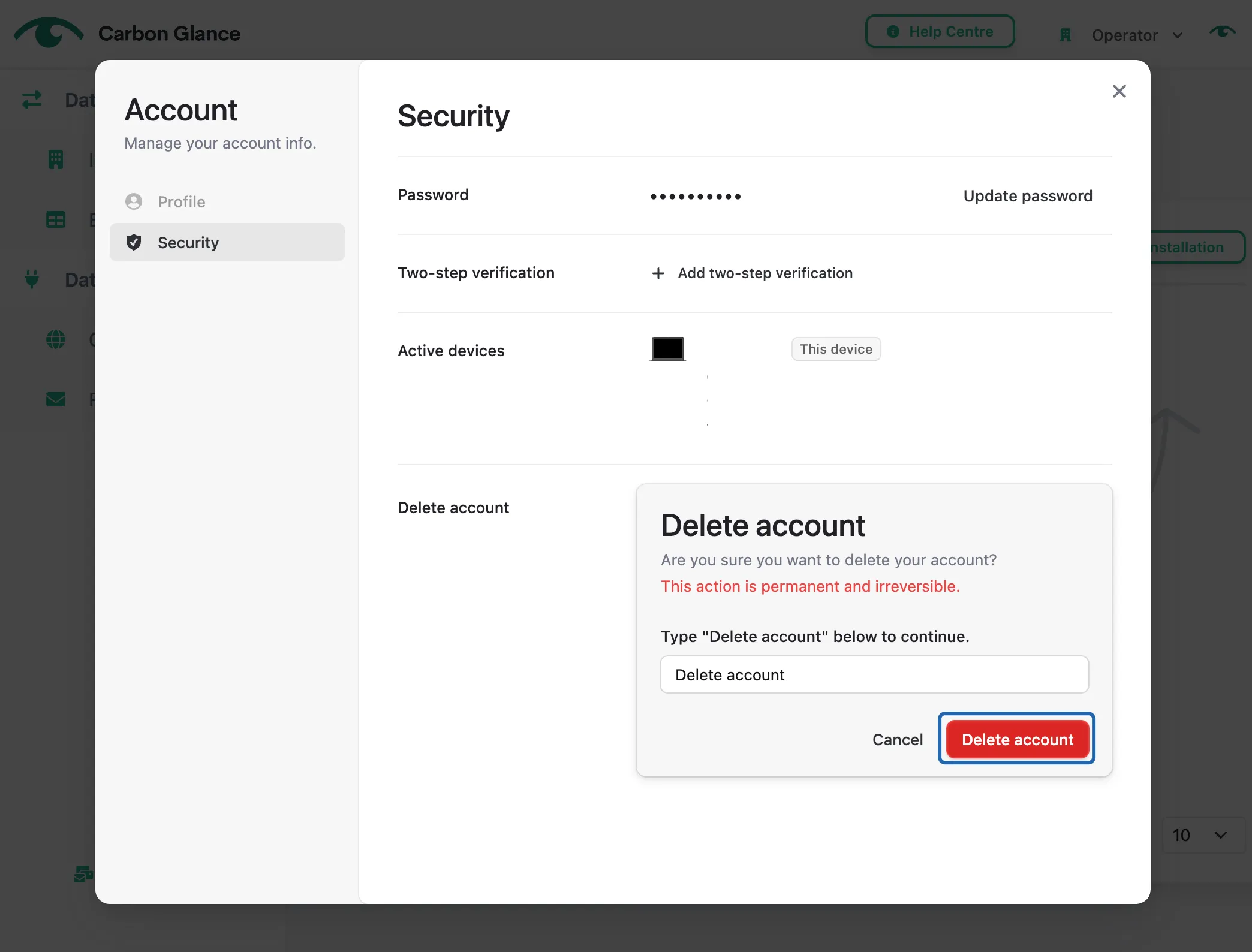
Click Delete Account
Confirm the deletion by typing in the required text