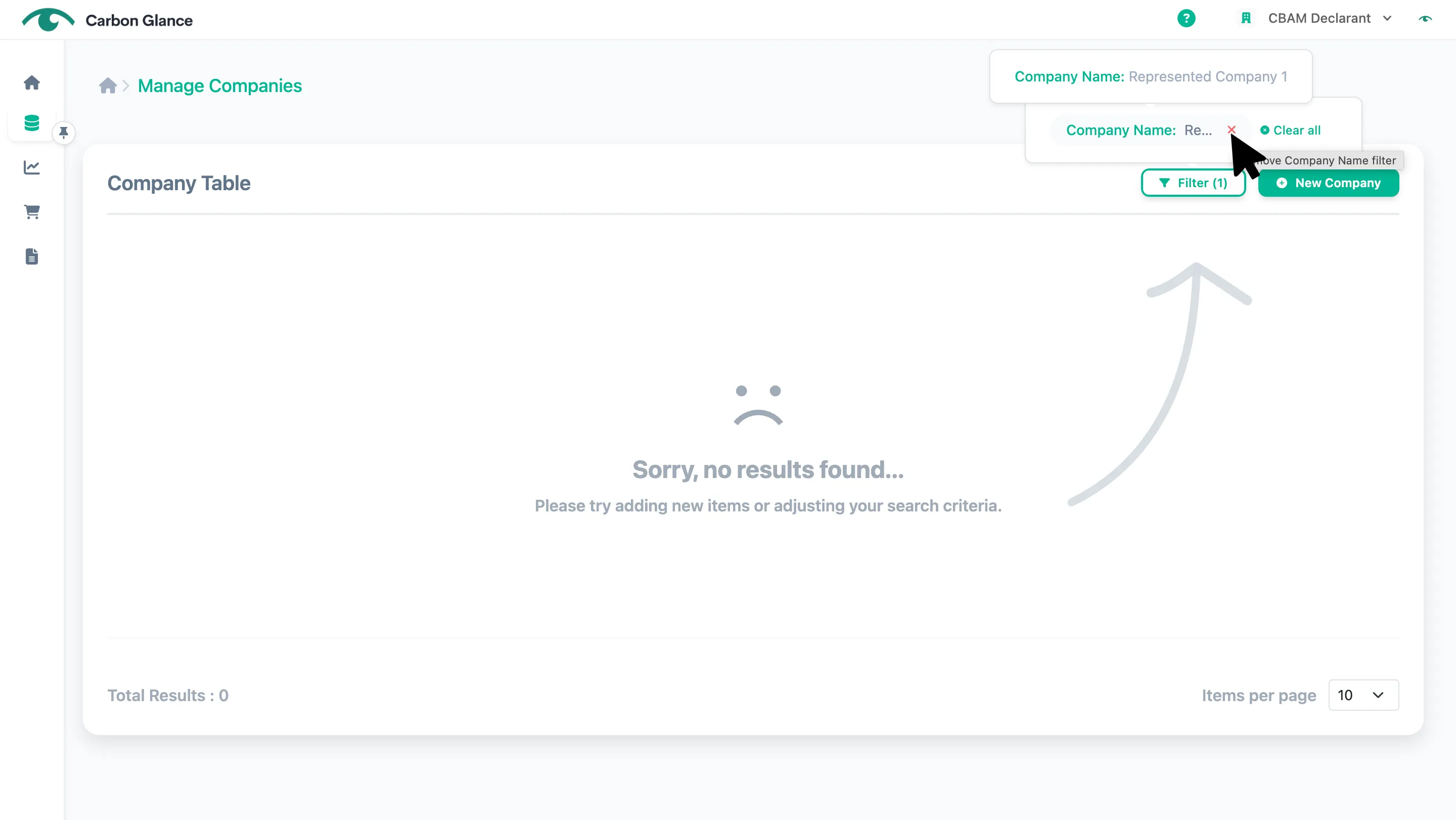
Manage Represented Companies
If you are not submitting CBAM reports as an Indirect Customs Representative, you can skip this section and proceed to the next one > Manage Suppliers/Operators
Add Represented Companies
Go to Represented Companies
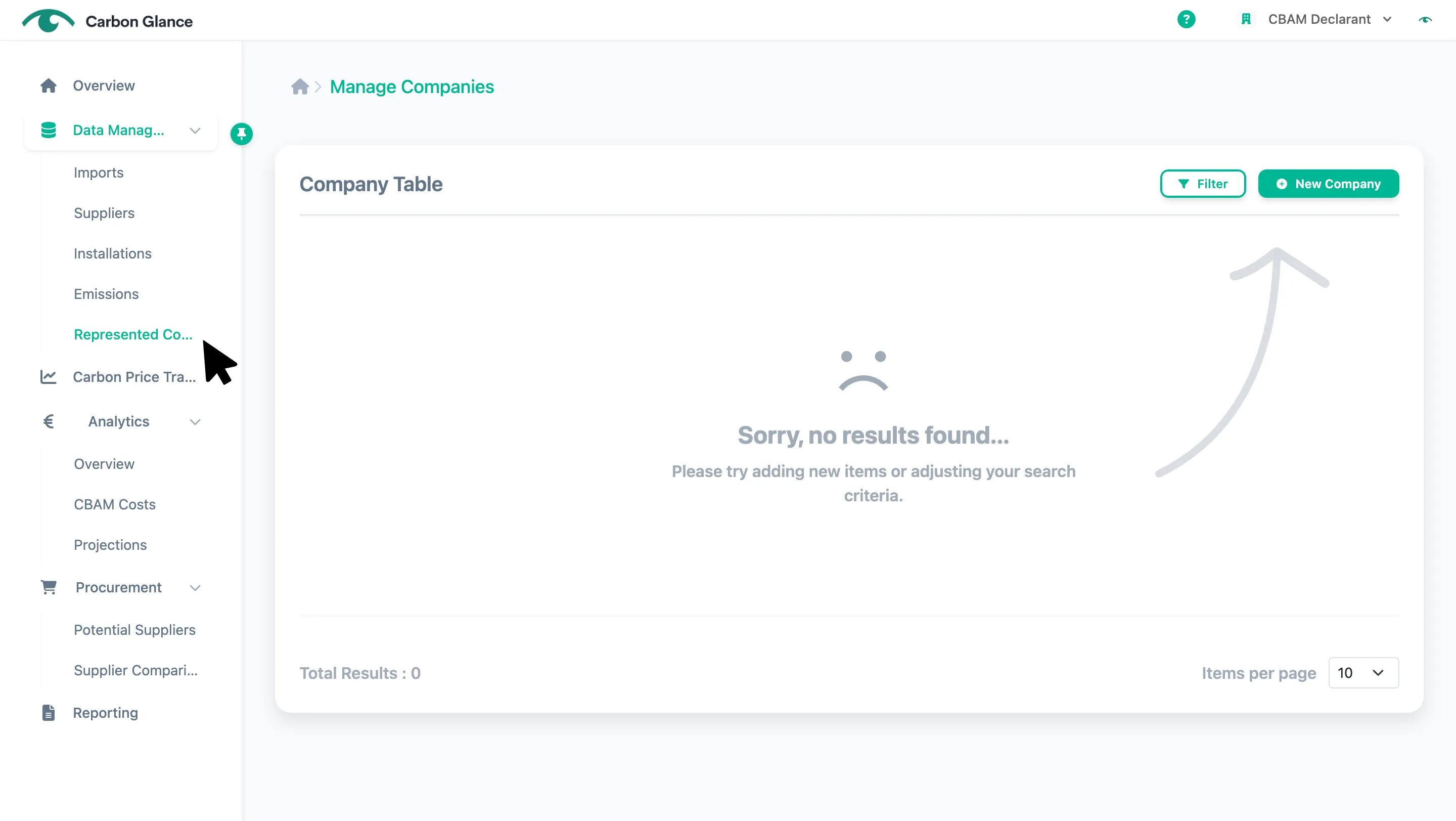
Click New Company
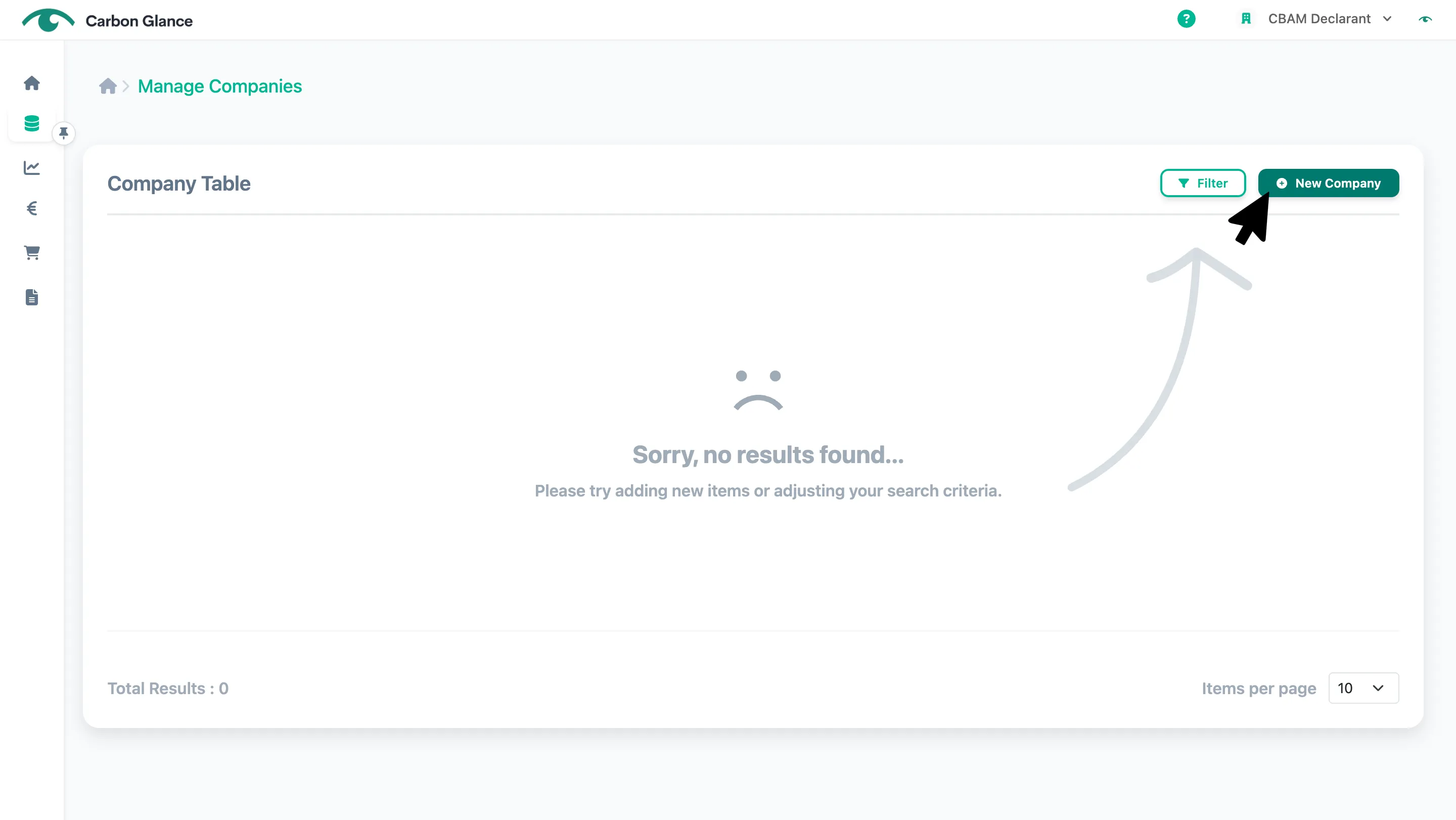
Enter the represented company's name, EORI/ID number, and the remaining address details
You will use this EORI/ID number to reference the represented companies when uploading the Imports' data.
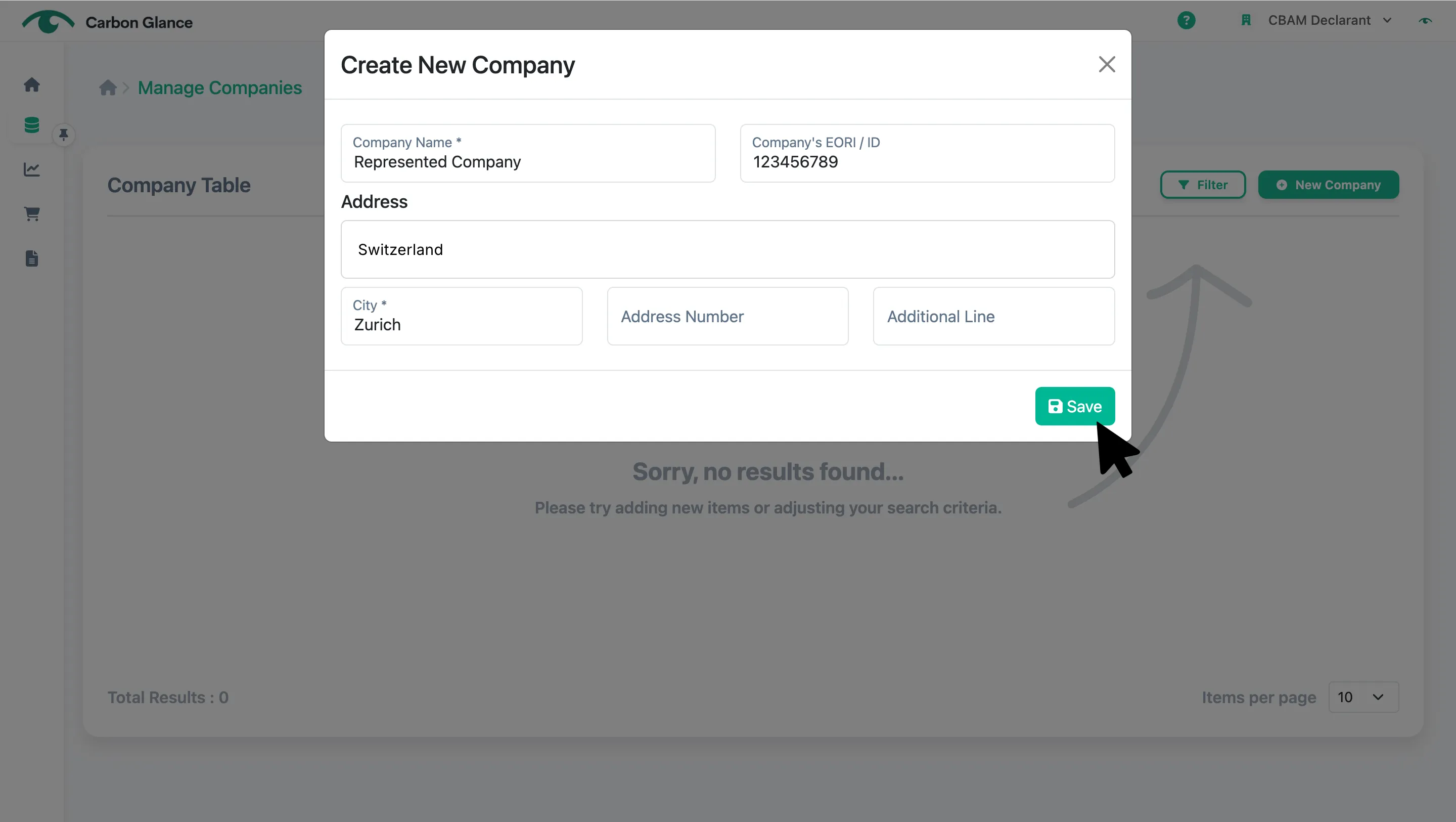
You can now manage your Represented Companies directly from the platform
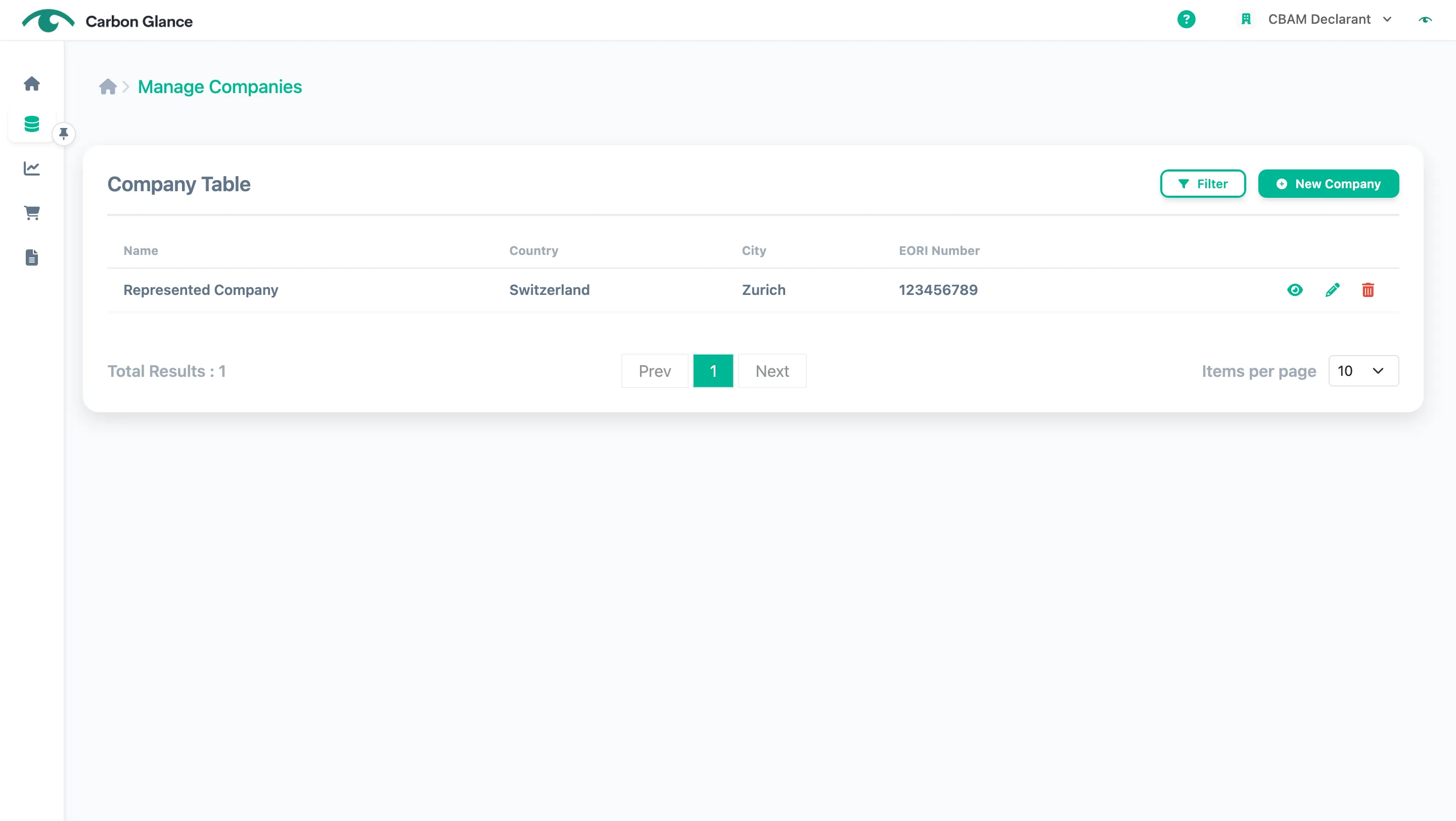
View Represented Companies
Click the Eye icon
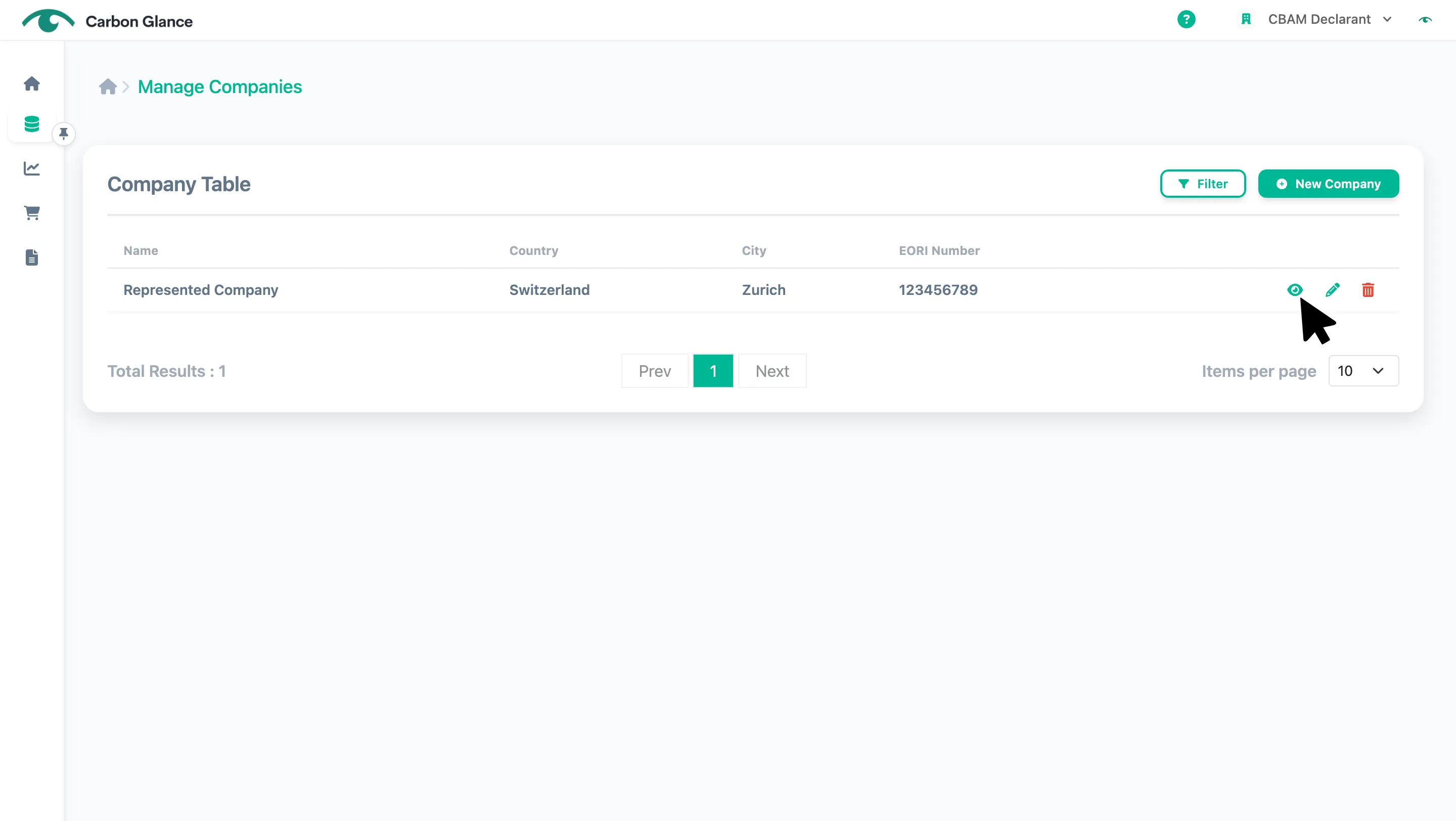
Click the X icon to exit view mode
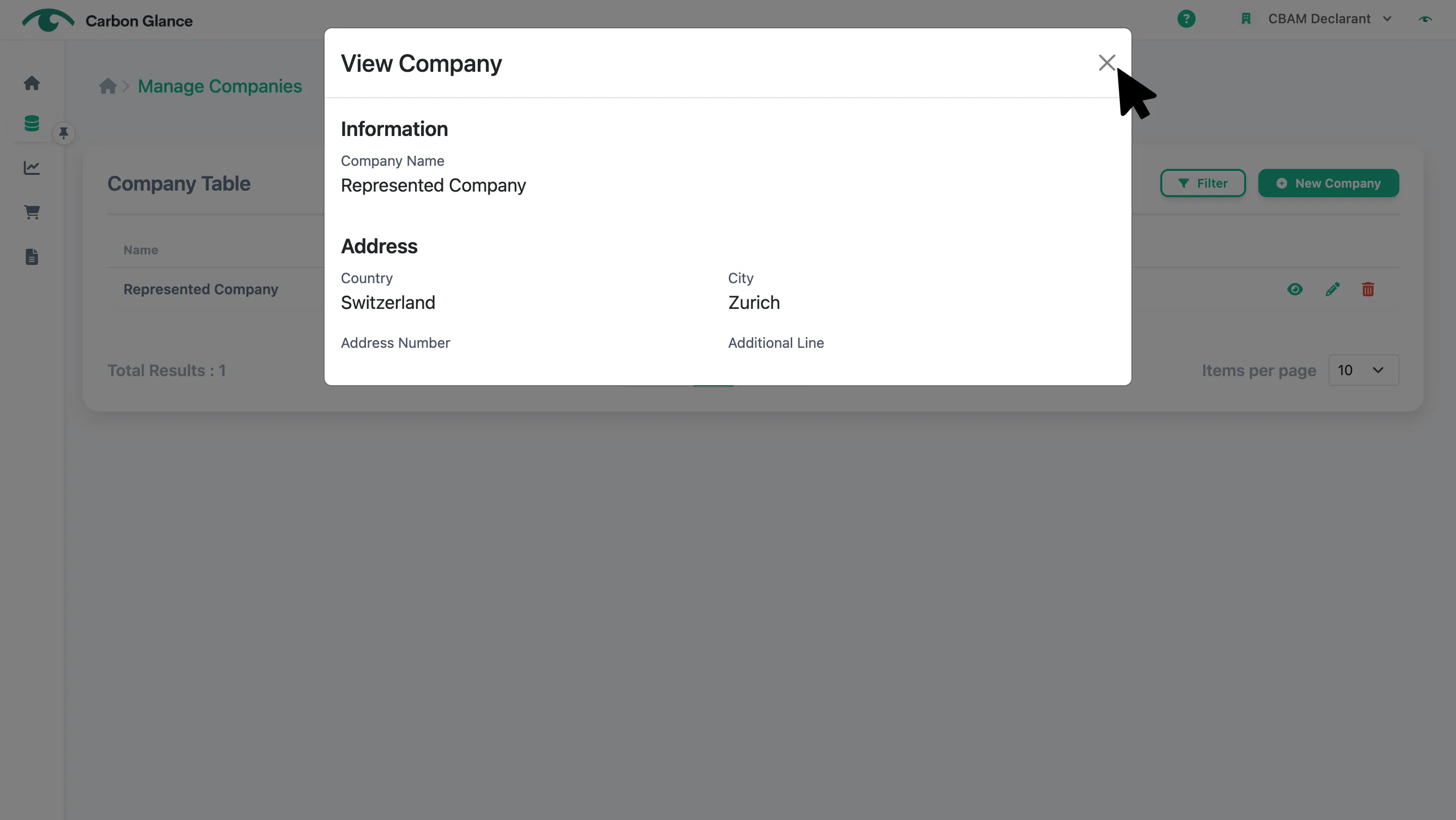
Edit Represented Companies
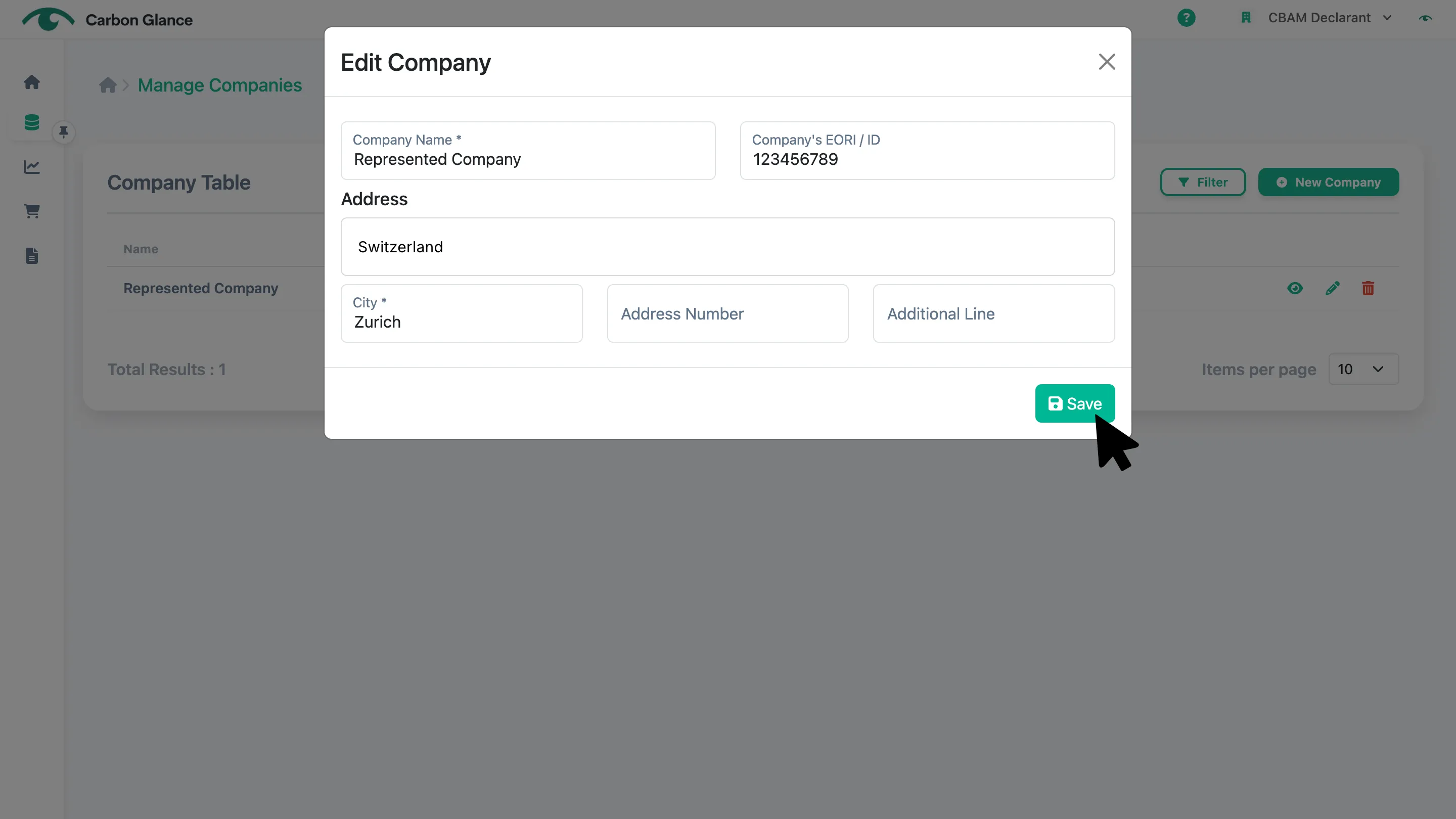
Click the Pencil icon
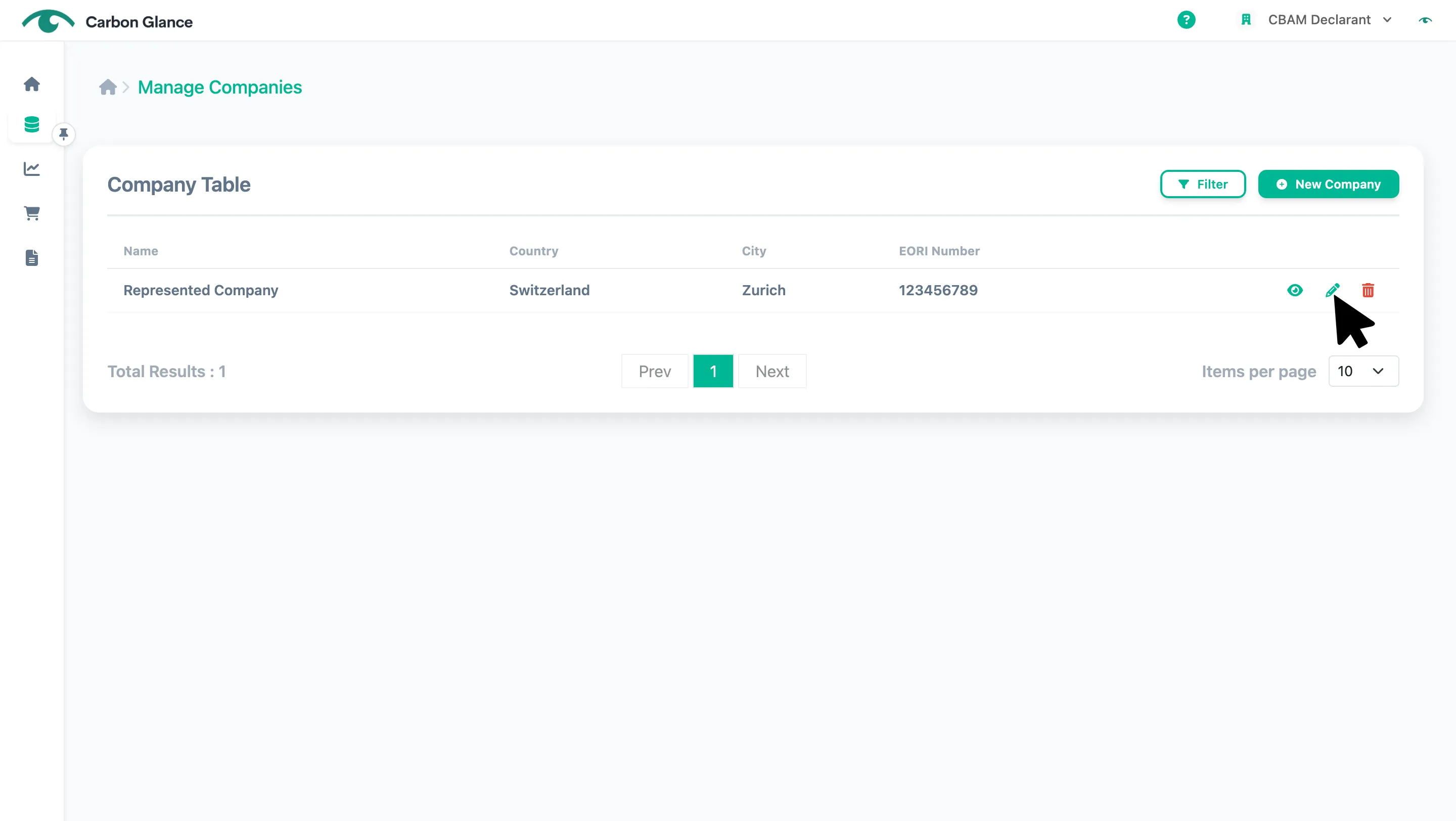
Click Save to edit the information
Delete Represented Companies
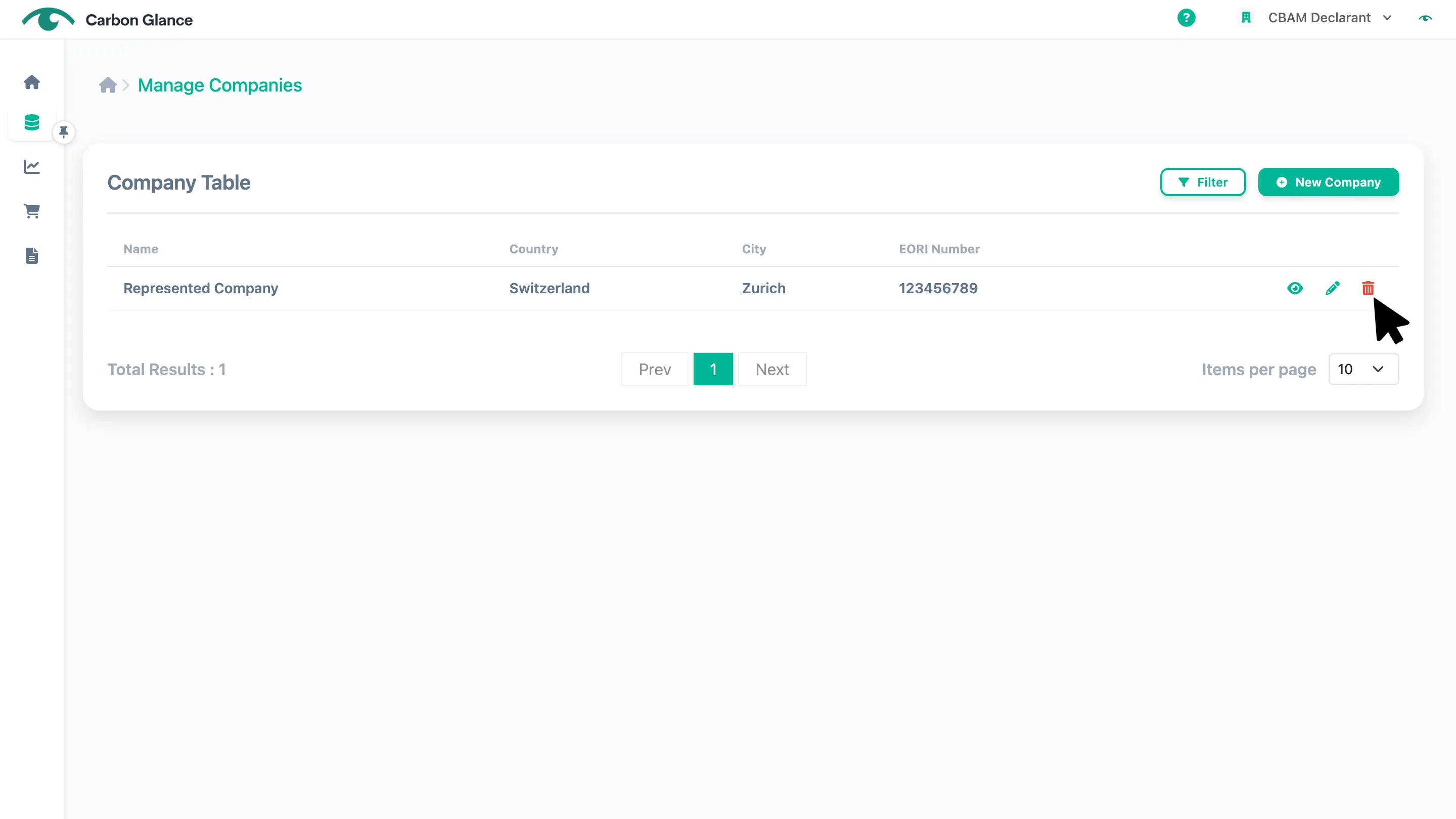
Click the Bin icon
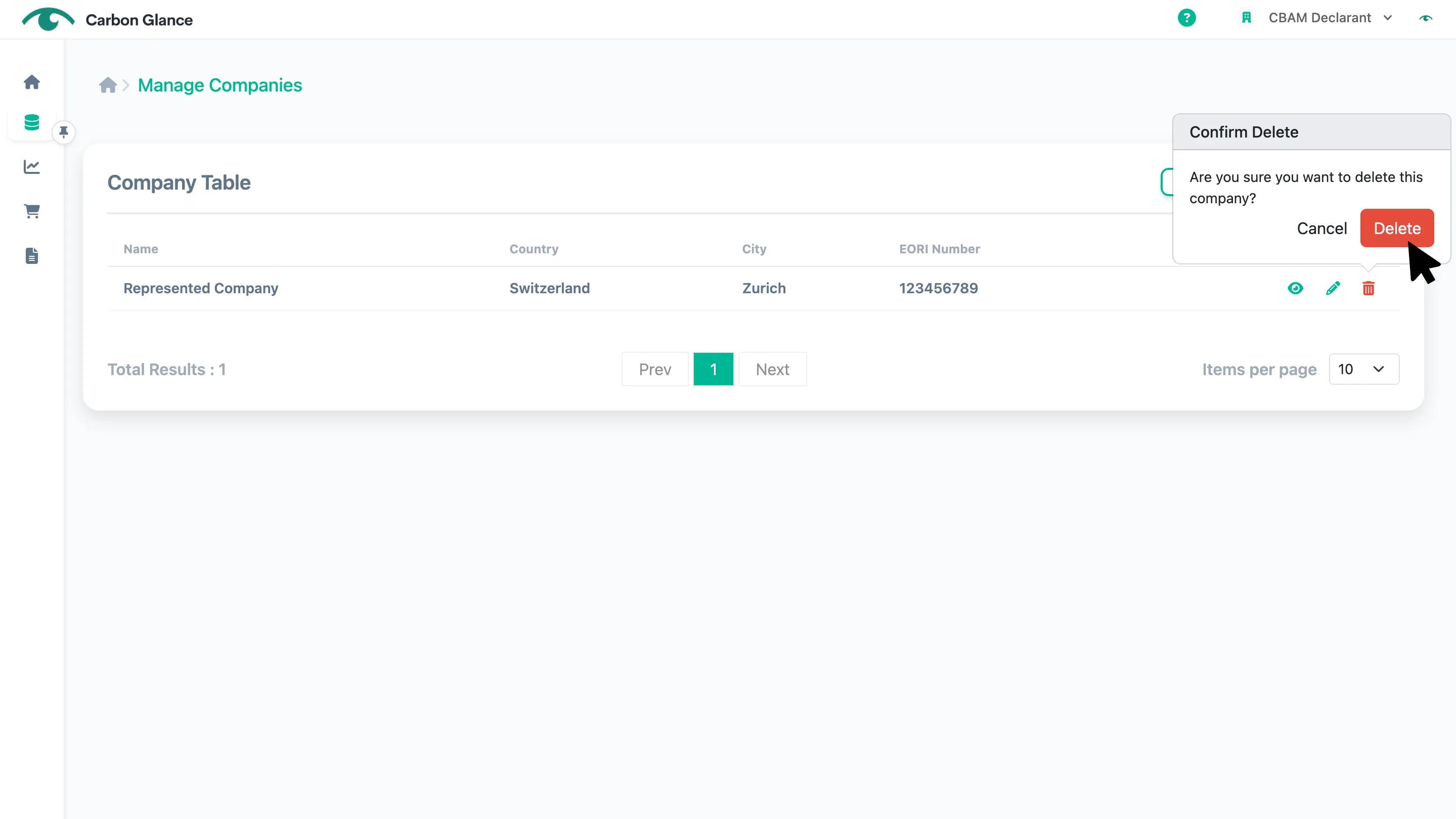
Click Delete to confirm
Filter Represented Companies
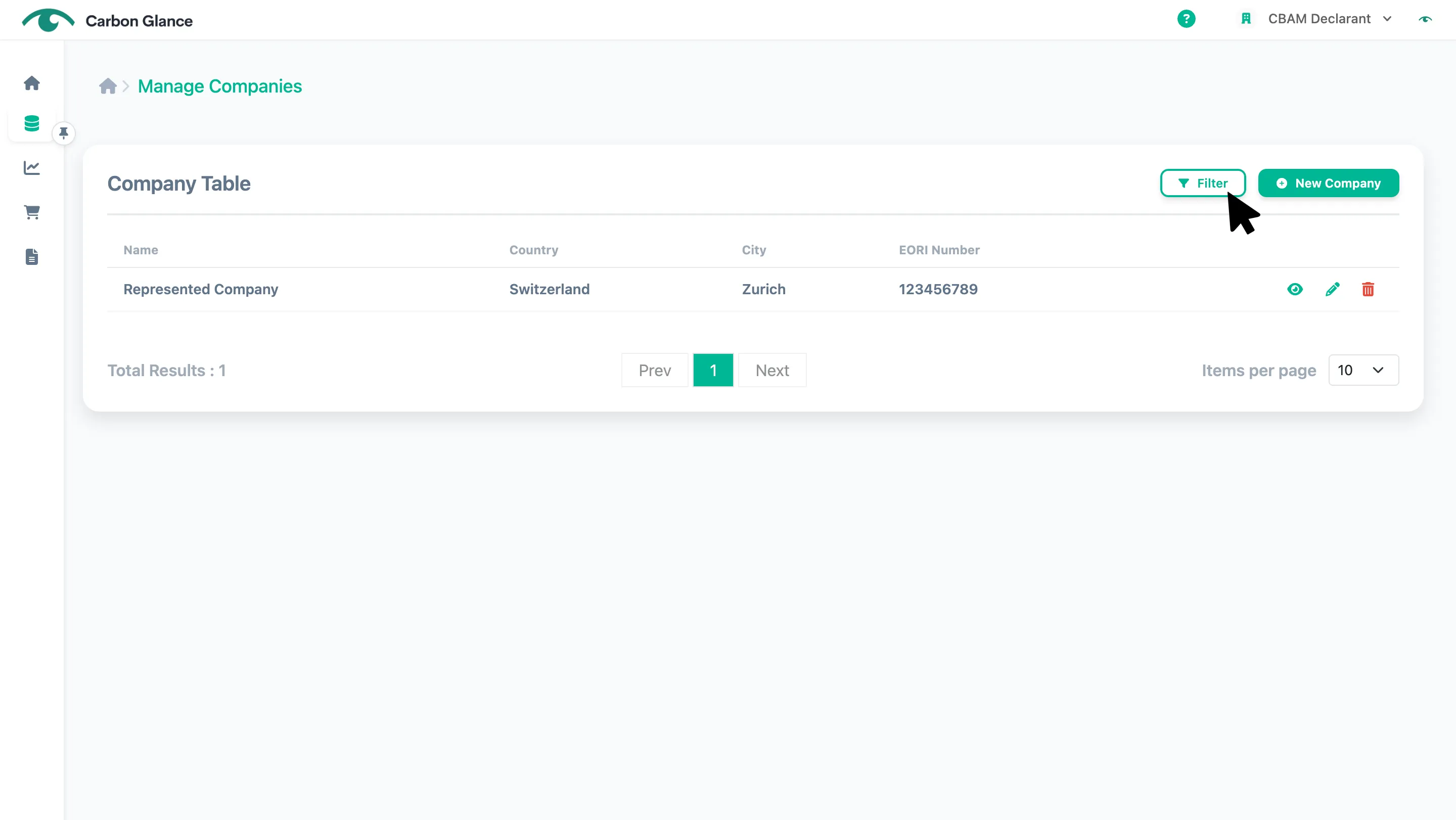
Click Filter
Add a filter
You can filter by Company Name and/or EORI/ID Number.
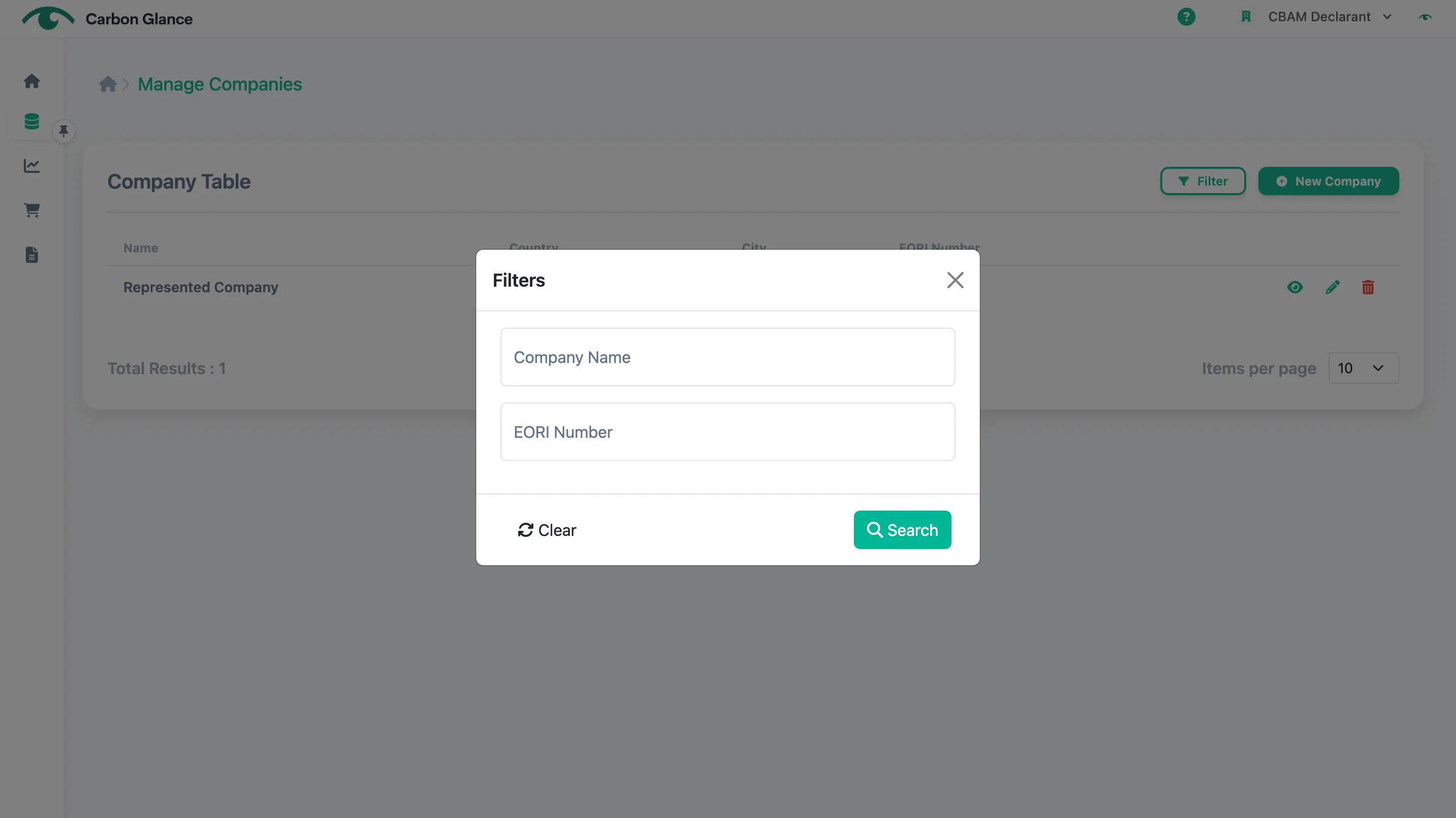
Click Search to apply the filter
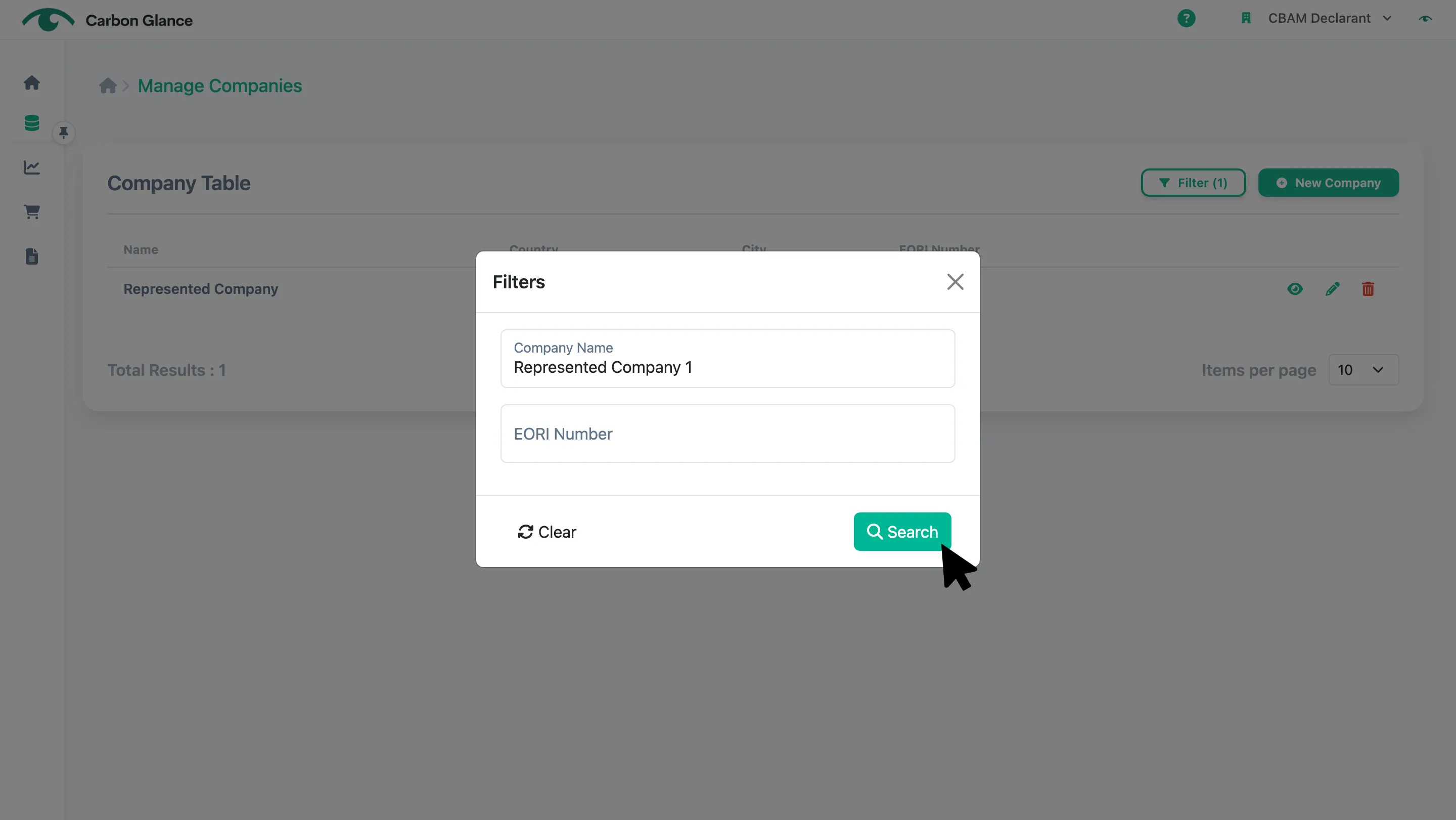
To reset and display the full list, click the x icon